
ElytraX PackMaker
作者:_5ff
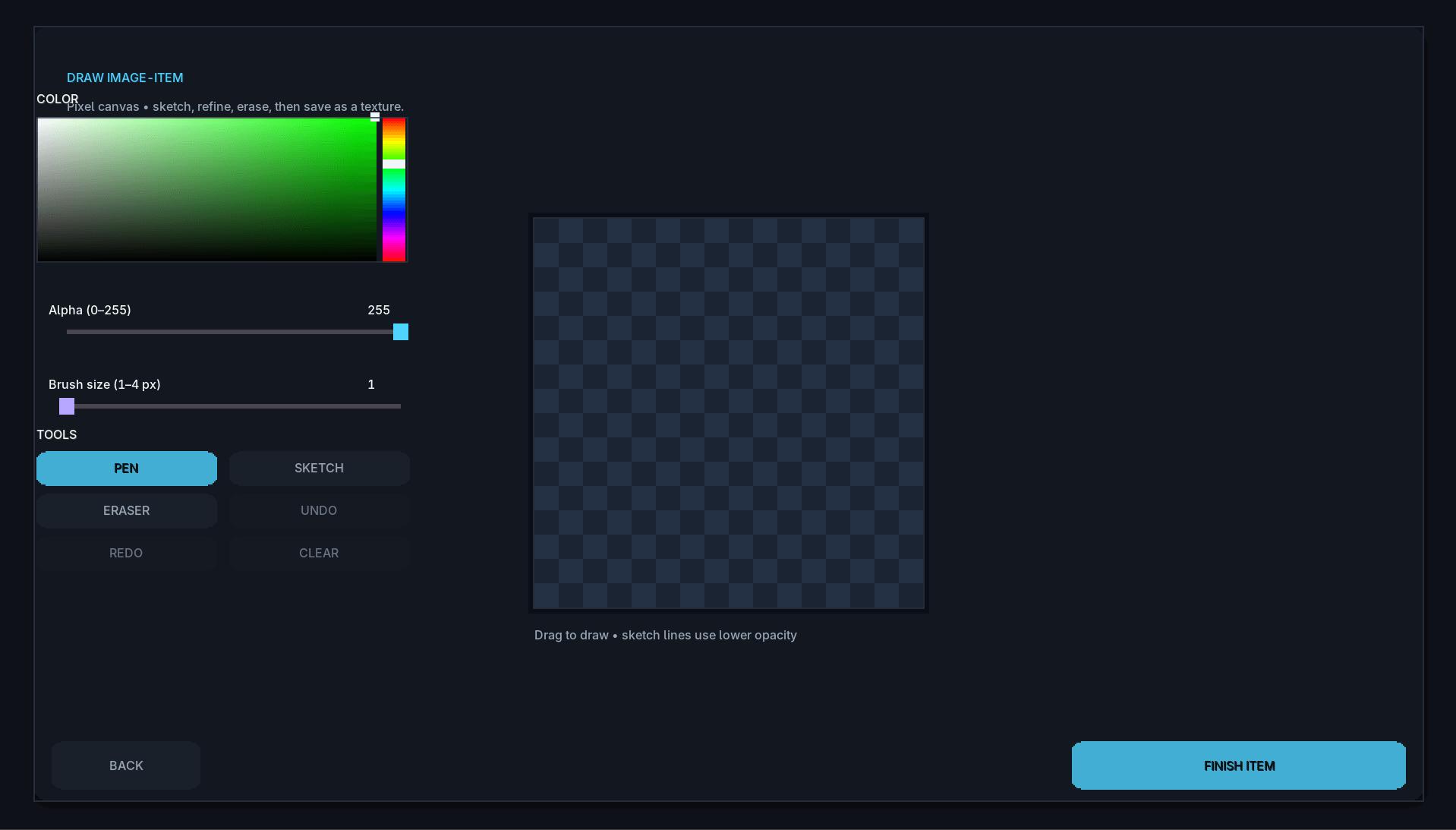
ElytraX PackMaker is a client-side Fabric mod for Minecraft that lets you create custom resource packs in-game. Browse bundled item artwork, select textures, name them with helpful Minecraft item-ID guidance
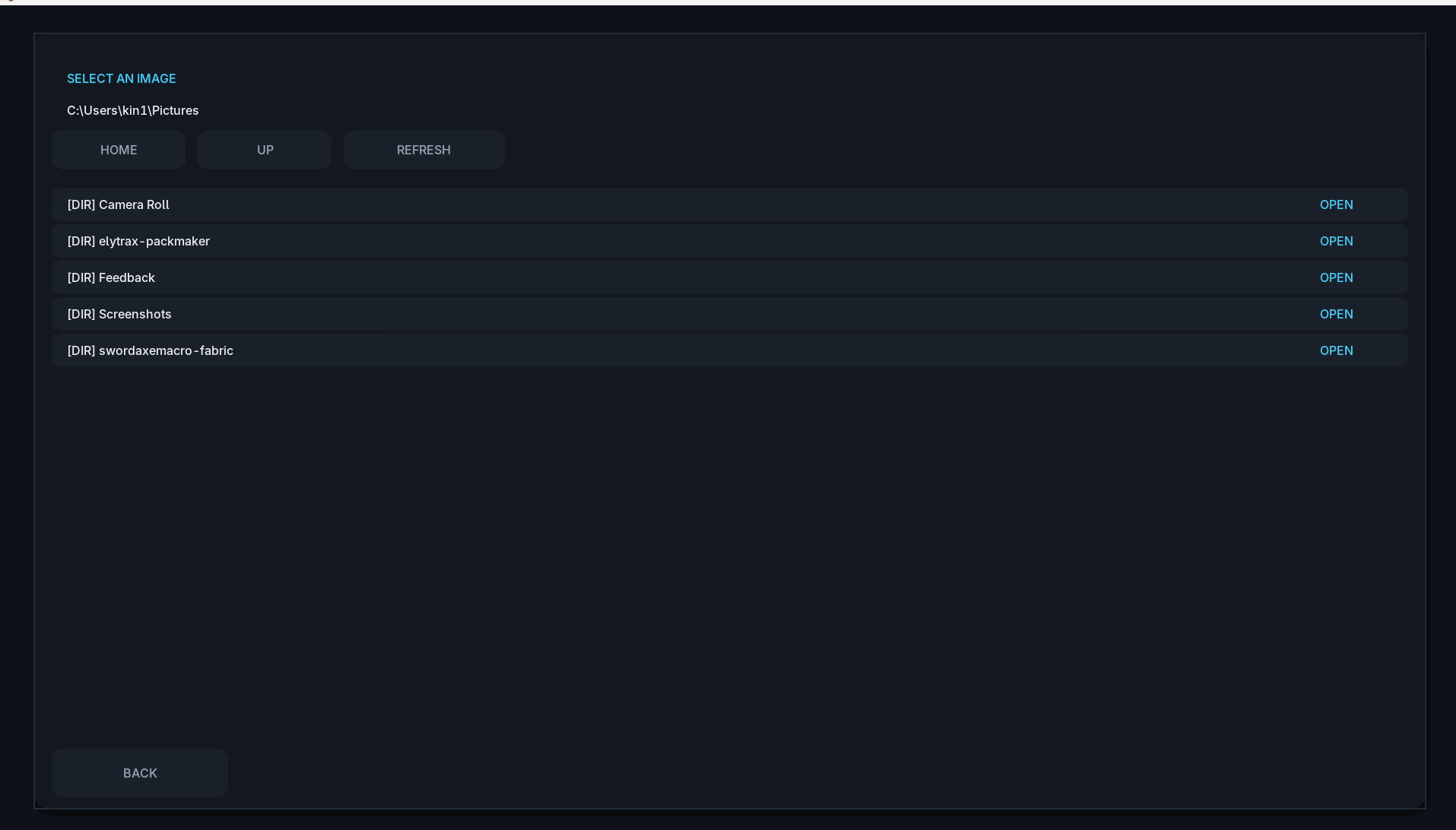
截图
介绍
中文介绍正在准备中,下面暂时显示原文。
Discord Link: https://discord.gg/EsM6ArB4RC
ElytraX PackMaker
Create custom Minecraft resource packs directly from inside the game — without an image editor, manual file placement, file compression, or restarting Minecraft.
ElytraX PackMaker is a lightweight, client-side Fabric mod that makes resource-pack creation simple and accessible. Browse a large collection of custom artwork, assign textures to vanilla Minecraft items, customize your pack, and export a ready-to-use resource pack in just a few clicks.
✨ Features
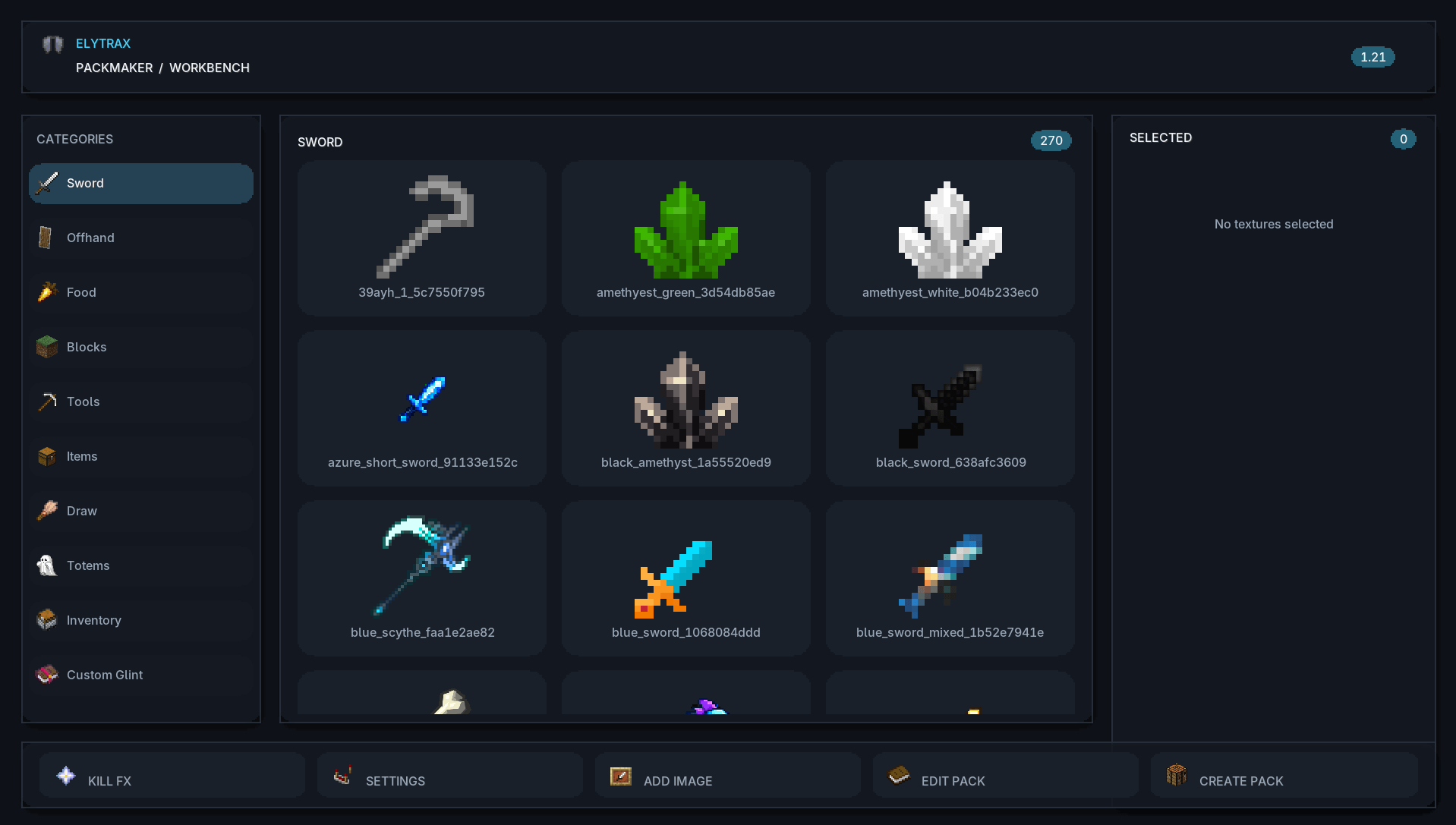
In-Game Texture Library
Browse custom artwork organized into convenient categories, including:
- Swords
- Tools
- Food
- Blocks
- Totems
- Fireworks
- Inventory backgrounds
- And more
Select individual textures, preview your choices, or use the ALL and NONE buttons to manage multiple textures quickly.
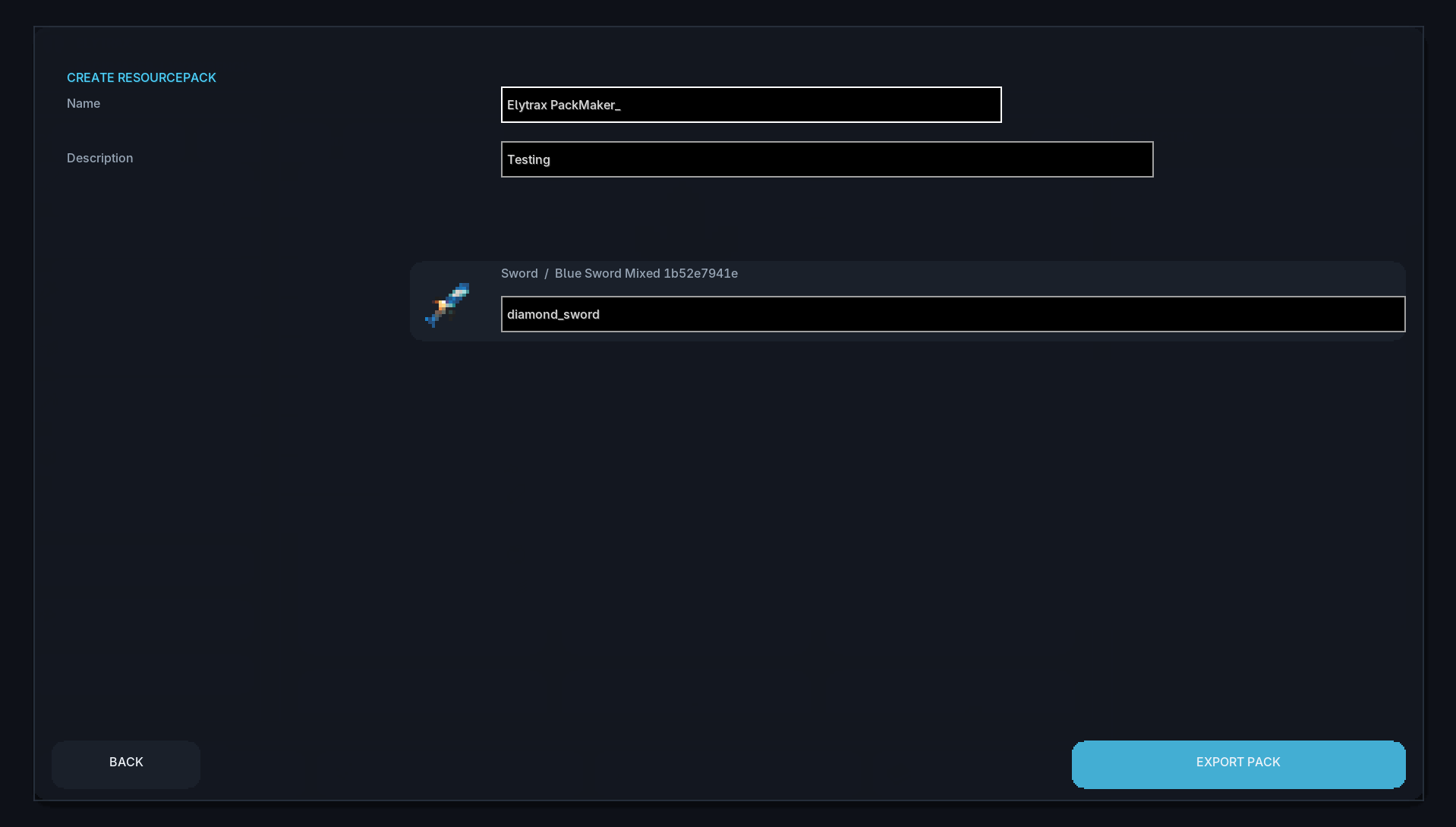
Smart Item Naming
Assign textures to Minecraft items without memorizing complicated item IDs. Enter an item name and receive live suggestions with matching item icons directly from Minecraft’s item registry.
Custom Inventory Screens
Change your inventory GUI background with a single click. No manual file placement or external editing is required.
One-Click Resource-Pack Export
When your pack is ready, ElytraX PackMaker automatically creates a complete resource pack containing:
pack.mcmeta- Your selected textures
- License information
- Pack name and description
The resource pack is saved directly to your Minecraft
resourcepacks folder and activated automatically.Kill Effects
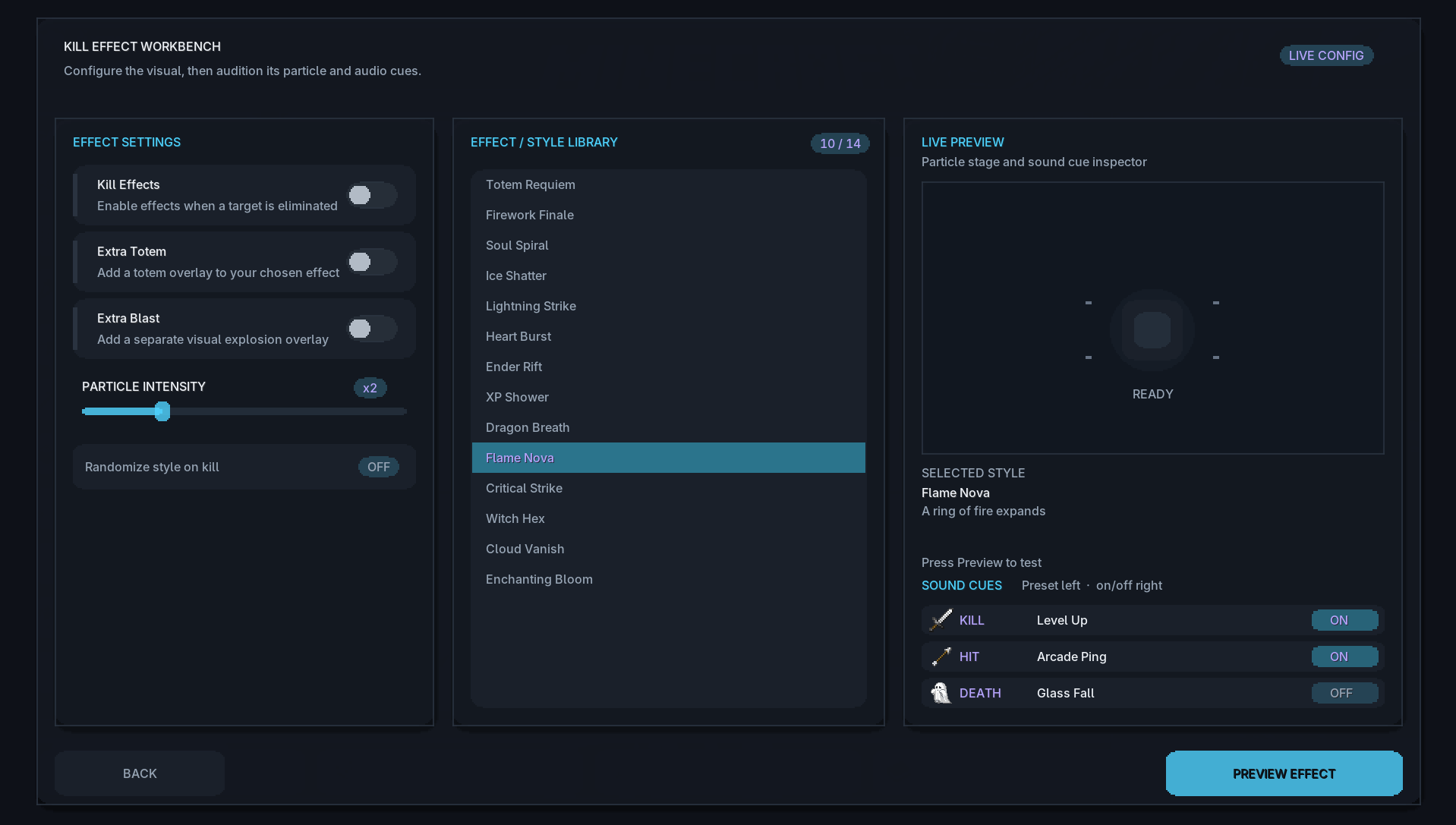
Add stylish visual effects whenever you defeat an enemy. Choose from a variety of particle styles and customize the effect to match your preference.
Available options include:
- Multiple particle styles
- Adjustable effect duration
- Customizable particle density
- Totem effects
- TNT effects
- Sound effects
- Instant effect previews
Customizable Interface
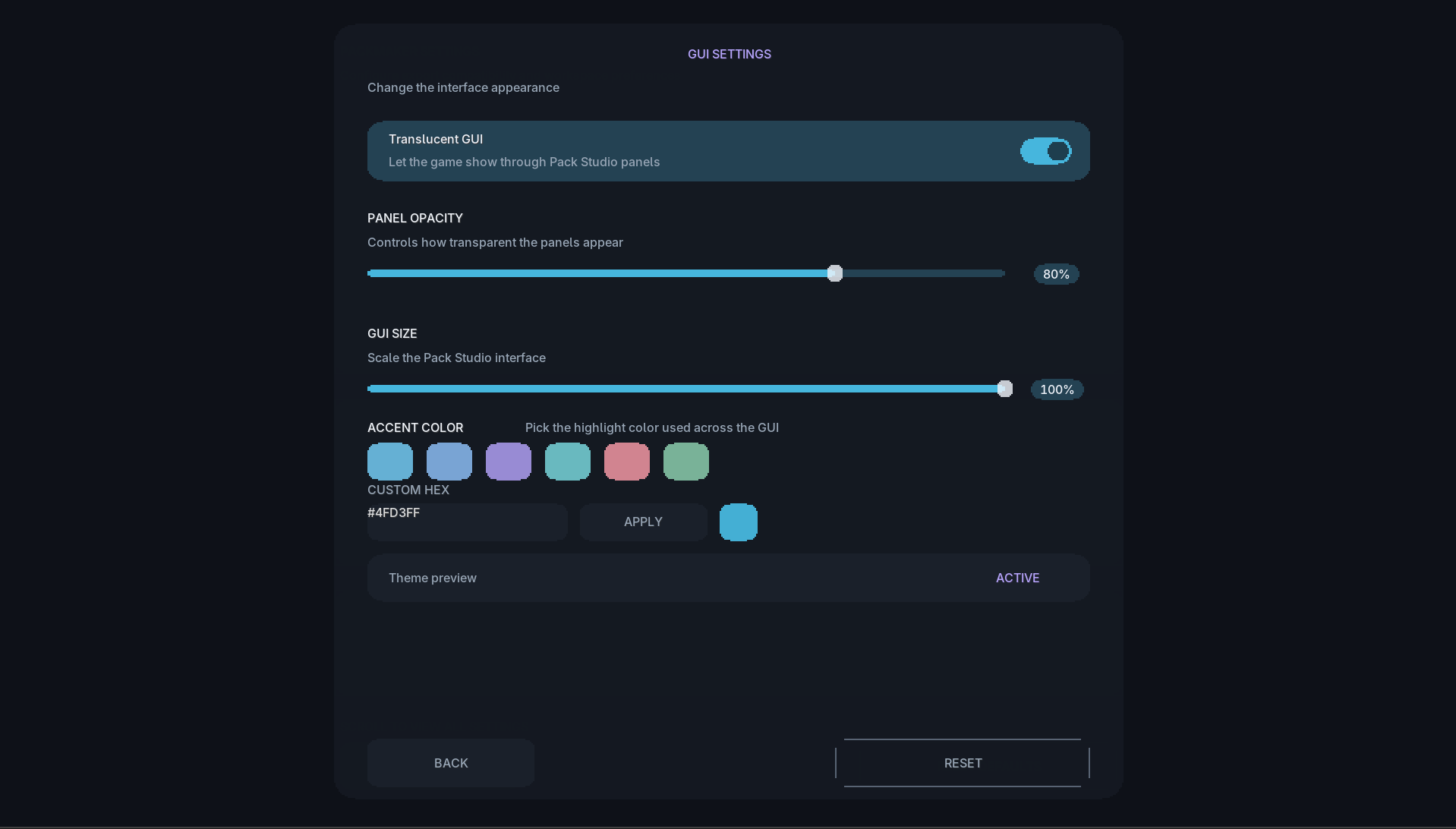
The menus have been refined for a smoother and more reliable experience across different screen sizes. Choose the interface scale that works best for your setup:
- Full
- Compact
- Small
The improved layout helps the main menu, Settings, Kill FX, Draw, and Create Pack screens remain clear and usable, even on smaller displays.
Saved Item Names
Your assigned item names remain saved when navigating between menus. You can leave the Create Pack screen and return later without losing your progress.
Performance-Friendly
Textures are automatically limited to a sensible resolution during export, helping your resource packs load faster, remain lightweight, and use less VRAM.
License Selection
Choose a license for your exported resource pack:
- All Rights Reserved
- CC0
- CC BY 4.0
- MIT
🎮 How to Use
- Press Right Ctrl in-game to open PackMaker.
- Browse the available texture categories.
- Select the artwork you want to use.
- Use ALL or NONE to manage your selections quickly.
- Open Create Pack.
- Assign each texture to a Minecraft item using the name field or smart suggestions.
- Enter your pack name, description, version, and license.
- Click Create Resourcepack.
- Your resource pack will be generated, saved, and enabled automatically.
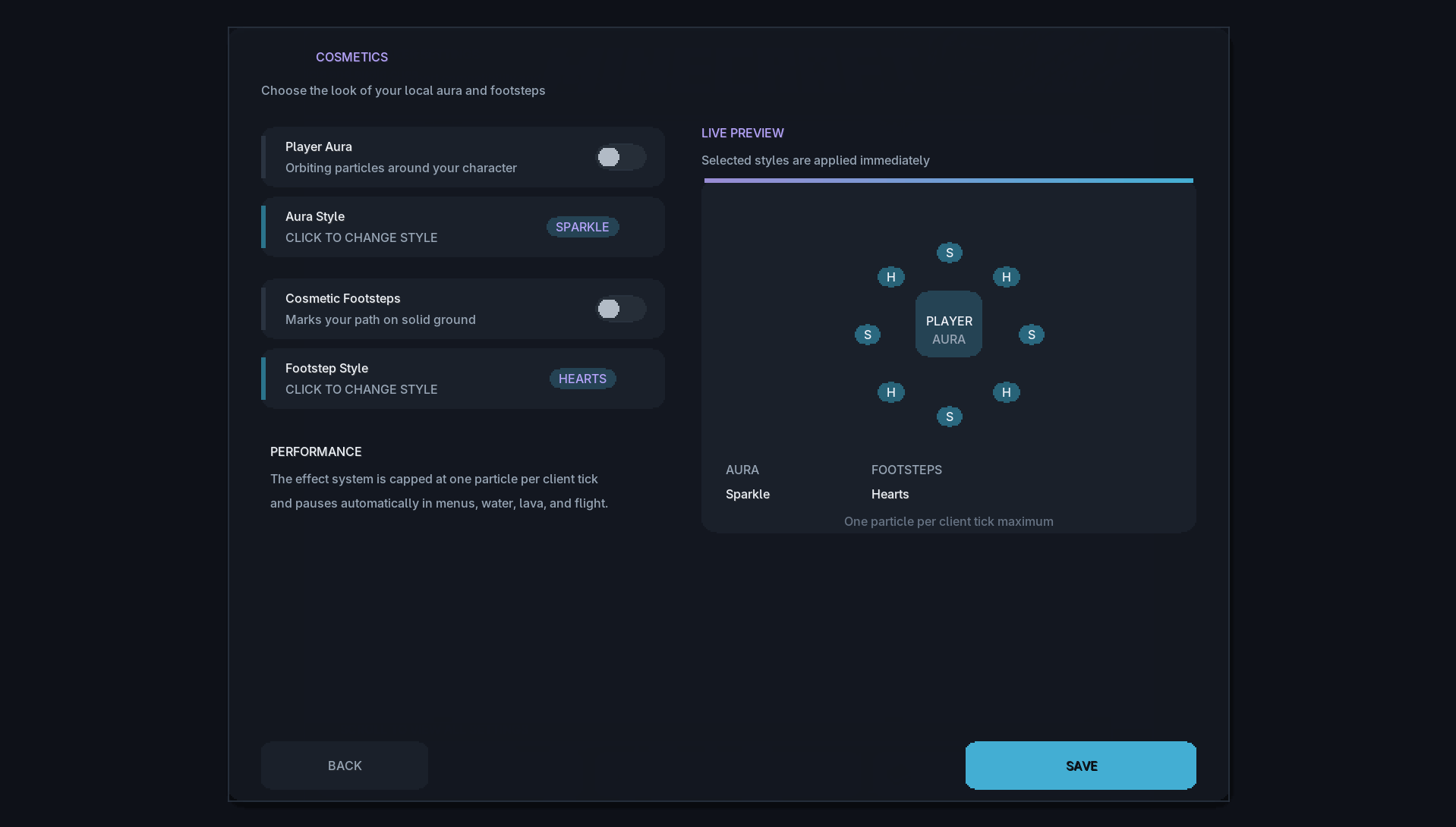
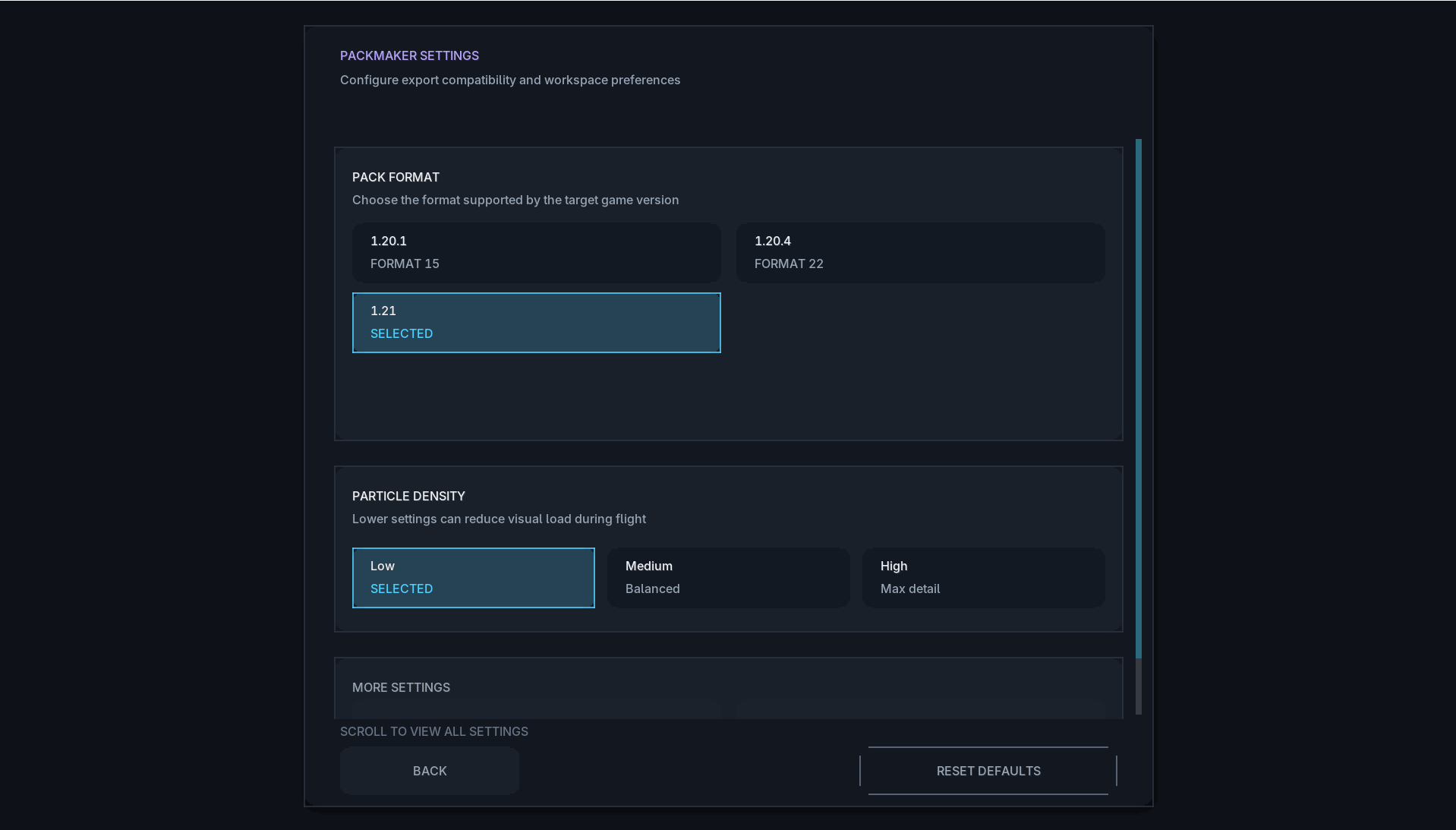
From the main menu, you can also open Settings or Kill Effect to customize your interface and visual effects.
🧩 Supported Versions
|
Minecraft Version
|
Loader
|
|---|---|
|
1.20.1
|
Fabric
|
|
1.20.4
|
Fabric
|
|
1.21
|
Fabric
|
|
1.21.1
|
Fabric
|
|
1.21.3
|
Fabric
|
|
1.21.4
|
Fabric
|
|
1.21.8
|
Fabric
|
|
1.21.11
|
Fabric
|
Requirements
- Fabric Loader
- Fabric API
ElytraX PackMaker is client-side only. It can be used on multiplayer servers and does not need to be installed on the server.
❓ Notes
ElytraX PackMaker does not modify Minecraft’s original game files. Every pack it creates is a standard resource pack that you can inspect, share, edit, disable, or delete at any time.
Kill Effects are entirely client-side and provide only visual and audio feedback. They do not change combat, hitboxes, gameplay mechanics, or other players’ experiences.
常见问题
ElytraX PackMaker 支持哪些 Minecraft 版本?
ElytraX PackMaker 支持 Minecraft Java 版 1.20.1–1.21.11,共 8 个版本,可用的加载器:Fabric。下载时注意选择和你游戏版本一致的文件。
ElytraX PackMaker 怎么安装?
先用 PCL2 或 HMCL 启动器安装对应版本的 Fabric,再把下载的 .jar 文件放进游戏目录的 mods 文件夹,重新启动游戏即可。开启了版本隔离的,mods 文件夹在 versions/版本名 下面。
评论
登录后评论和评分