
Elytra Totem Swapper
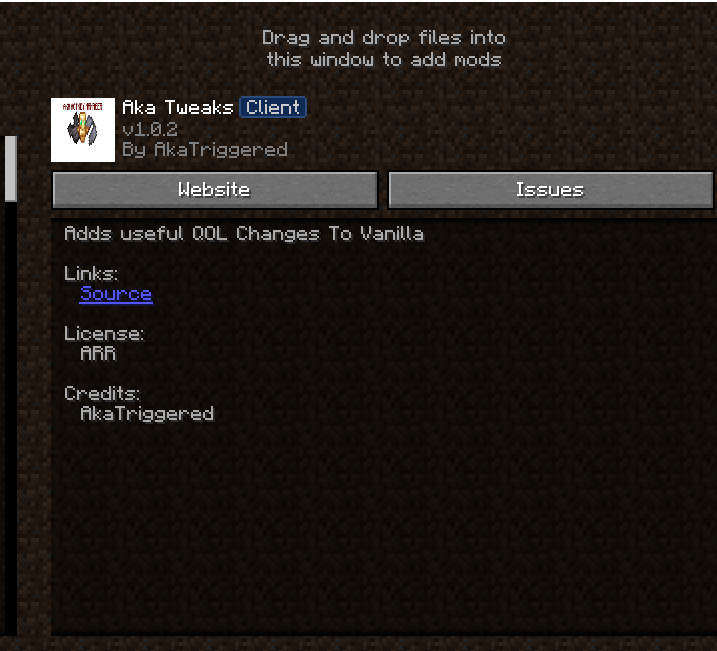
Client-side Fabric mod for Crystal PvP adding fast manual keybinds to equip Totems, swap Elytras, and switch Chestplates.
截图



介绍
AkaTweaks




Fast manual hotkeys for Totem equipping, Elytra swapping, and Chestplate toggling in Crystal PvP.
What It Does
AkaTweaks adds dedicated keybindings for competitive Crystal PvP players to quickly equip Totems of Undying, swap between Chestplates and Elytras, and manage offhand items seamlessly without navigating inventory menus mid-fight.
- Totem Equip Hotkey — Press a custom key (default
X) to equip a Totem into your offhand instantly. - Elytra Swap Hotkey — Press a custom key (default
G) to equip or remove your Elytra. - Chestplate Swap — Quickly switch between Chestplate protection and Elytra mobility.
- Manual Input Only — 100% manual keybind execution. Contains no automation, macro scripts, or auto-totem cheating.
Previews & Keybinding Setup
How to Configure Keys:
- Open Minecraft in-game options menu (
Esc). - Go to Controls → Key Binds.
- Scroll to the Aka Hotkeys section.
- Click on Equip Totem or Equip Elytra and assign your preferred keys.
Note for Server Admins & Moderation Teams
AkaTweaks is NOT an Auto-Totem or Macro mod.
All item swaps require an explicit, physical keypress by the player. The mod does not automatically detect low health, pop totems autonomously, or automate inventory interactions. It simply maps inventory hotbar/storage item equips to dedicated keybindings.
Installation
- Install Fabric Loader for Minecraft 1.21+.
- Install Fabric API.
- Place
akatweaks-1.0.0.jarinto your.minecraft/modsdirectory. - Set your keybindings under Options → Controls → Aka Hotkeys.
Technical Details
- Minecraft: 1.21+
- Mod Loader: Fabric
- Side: Client-only
- License: MIT
Links
- Modrinth: modrinth.com/mod/akatweaks
- GitHub: github.com/AkaTriggered
常见问题
Elytra Totem Swapper 支持哪些 Minecraft 版本?
Elytra Totem Swapper 支持 Minecraft Java 版 1.19–1.20.4,共 10 个版本,可用的加载器:Fabric。下载时注意选择和你游戏版本一致的文件。
Elytra Totem Swapper 怎么安装?
先用 PCL2 或 HMCL 启动器安装对应版本的 Fabric,再把下载的 .jar 文件放进游戏目录的 mods 文件夹,重新启动游戏即可。开启了版本隔离的,mods 文件夹在 versions/版本名 下面。运行环境:仅客户端。
tech.anupam 的其他作品
查看全部 →
G1ax Crystal Optimizer
G1axCrystalOptimizer optimizes end crystal placement and breaking with efficient client-side processing, reducing perceived delay and delivering a faster, smoother Crystal PvP experience.
G1ax Crystal Optimizer
G1axCrystalOptimizer optimizes end crystal placement and breaking with efficient client-side processing, reducing perceived delay and delivering a faster, smoother Crystal PvP experience.

G1axSpearOptimizer
A performance-optimized Minecraft mod that makes spear combat smoother, more responsive, and more enjoyable. Experience true combat prediction and optimization with zero lag.

G1axBowOptimizer
G1axBowOptimizer eliminates the client-side delay caused by server round-trip times when using bows and crossbows
评论
登录后评论和评分