
Elytra Autopilot
This mod allows you to fly as far as you want to set locations without using rockets!
截图


介绍
This is a fork of TheMegax’s implementation of the mod. However, TheMegax quit the project. HumanoidSandvichDispenser and R4z0rX contributed to the 1.20 implementation. Many people were involved, so check the mod author list for a full list of contributors.
Here is the link to TheMegax’s mod page: https://www.curseforge.com/minecraft/mc-mods/elytra-autopilot.
How to Use
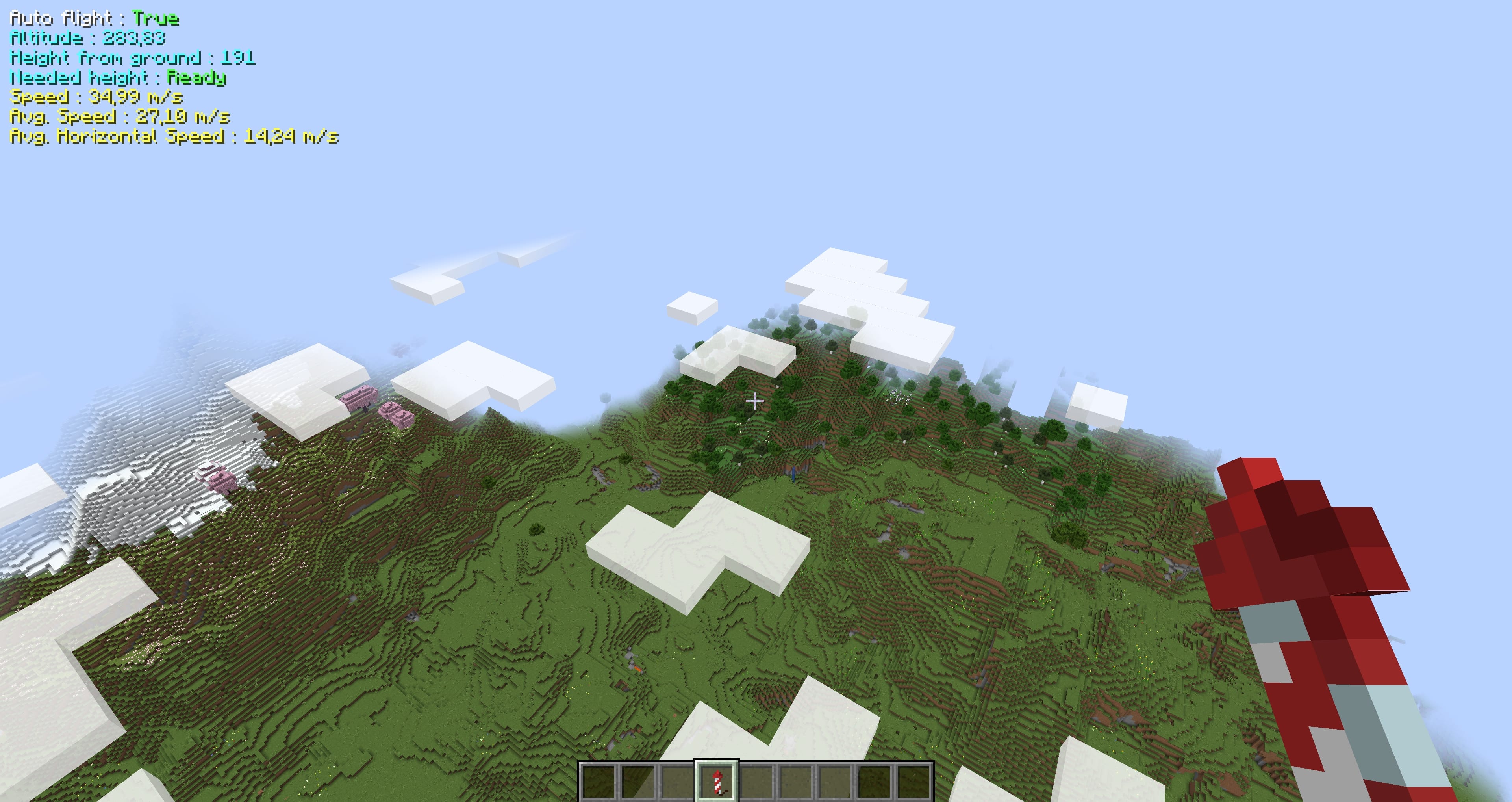
Press the assigned key (default “R”) while flying at a sufficient altitude to enable ‘Auto Flight’. In Auto Flight mode, the mod will adjust your pitch between ascending and descending, resulting in a net altitude gain.
To open the config screen and enable Mod Menu, go into the mod menu and open the configuration screen there.
/flyto Command
Syntax: /flyto X Z or /flyto <name>
While flying, use this command to automatically fly to the specified coordinates. When near the destination, the mod will attempt to slow you down by circling around the target to avoid fall damage. You can disable this at any time by turning off Auto Flight or toggling the setting in the config.
/takeoff Command
Syntax: /takeoff or /takeoff X Z or /takeoff <name>
If you have an Elytra equipped and fireworks in either your main or off-hand, this command will launch you upwards to a configurable height (default: 180 blocks) before activating Auto Flight. If coordinates are provided, it will then use /flyto to navigate to the specified location automatically.
/flylocation Command
Syntax: /flylocation set <name> X Z or /flylocation remove <name>
Use this command to add or remove quick fly locations.
/land Command
Syntax: /land
While flying, use this command to force a landing at any time. Useful for quickly returning to the ground!
Risky Landing
Disabled by default but can be enabled in the config. When active, this setting modifies the landing behavior to a riskier approach, nosediving until the last moment before pulling up. Not recommended for laggy servers or clients!
Xaero Minimap Support
If you prefer not to use the built-in /flylocation command or are already managing waypoints with Xaero Minimap, good news! You can now use /flyto and /takeoff directly with your Xaero Minimap waypoints.
Auto equip elytra
There is an optional setting which you can enable that automatically switches your chestplate to your elytra when pressing spacebar in midair.
常见问题
Elytra Autopilot 支持哪些 Minecraft 版本?
Elytra Autopilot 支持 Minecraft Java 版 1.21–26.3,共 15 个版本,可用的加载器:Fabric。下载时注意选择和你游戏版本一致的文件。
Elytra Autopilot 怎么安装?
先用 PCL2 或 HMCL 启动器安装对应版本的 Fabric,再把下载的 .jar 文件放进游戏目录的 mods 文件夹,重新启动游戏即可。开启了版本隔离的,mods 文件夹在 versions/版本名 下面。运行环境:仅客户端。
评论
登录后评论和评分