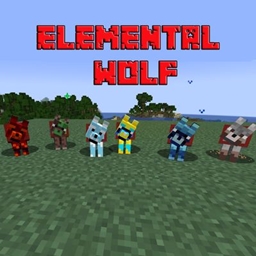
Elemental Wolf
Fight powerful elemental wolves (fire, water, air, earth, plant, lightning), survive their abilities, and earn their loyalty. Build your own team of mystical companions and master the forces of nature! 🐺⚡🔥
截图
介绍
🐺 Elemental Wolves Mod
Harness the power of nature and command a pack of elemental wolves!
🌍 Overview
The Elemental Wolves Mod transforms ordinary wolves into powerful elemental creatures. Each wolf is infused with a natural force, creating unique combat styles, abilities, and behaviors that make every encounter exciting and unpredictable.
⚔️ Elemental Wolves
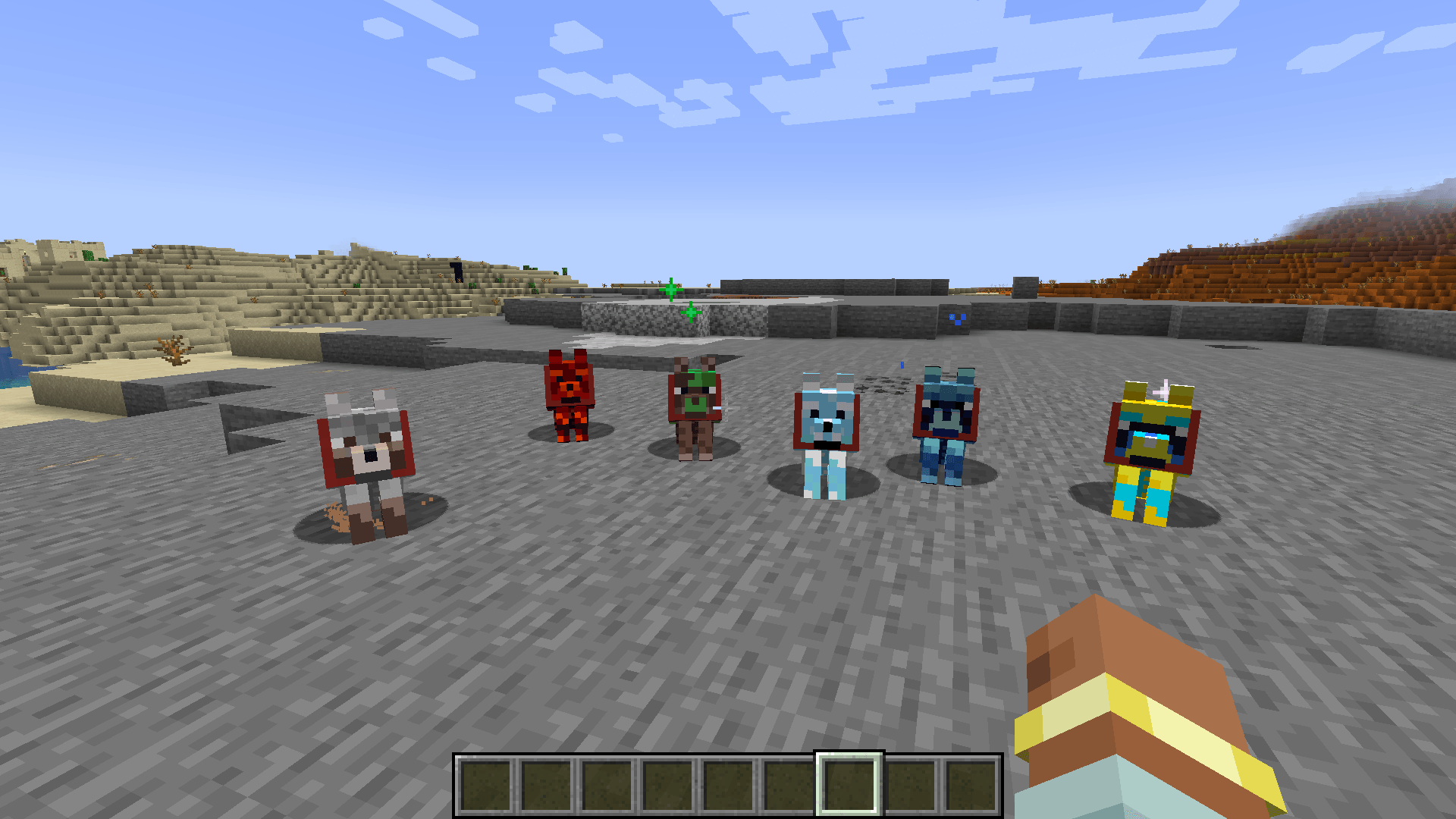
Discover and face six different elemental wolves:
🔥 Fire Wolf – Aggressive and destructive, burns enemies over time
🌊 Water Wolf – Fluid and adaptive, controls movement and slows foes
💨 Air Wolf – Fast and unpredictable, launches enemies through the air
🪨 Earth Wolf – Strong and resilient, excels in defense
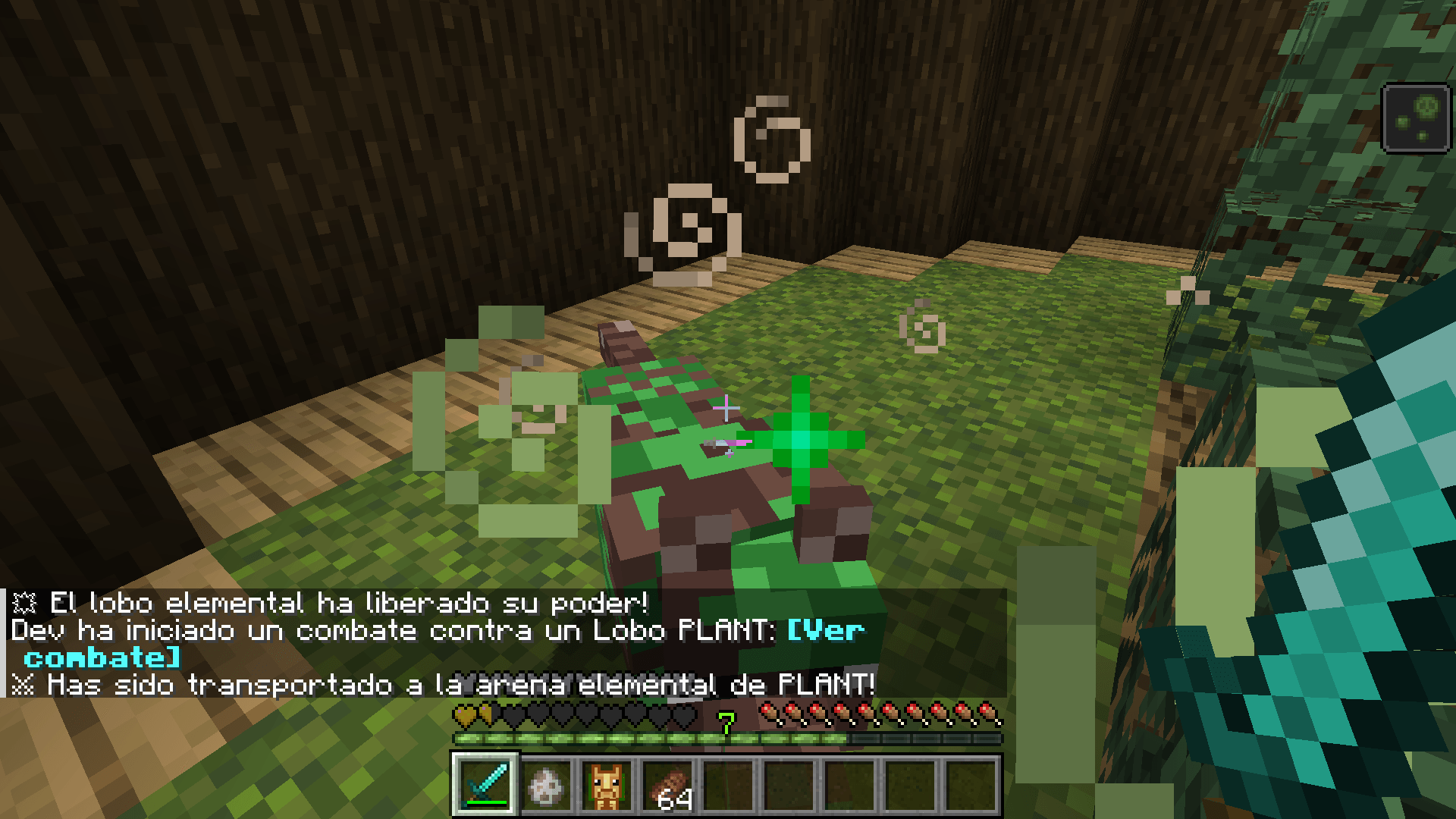
🌱 Plant Wolf – Strategic and toxic, applies status effects
⚡ Lightning Wolf – سريع y lethal, strikes with high-speed attacks
Each wolf requires a different strategy to defeat—and tame.
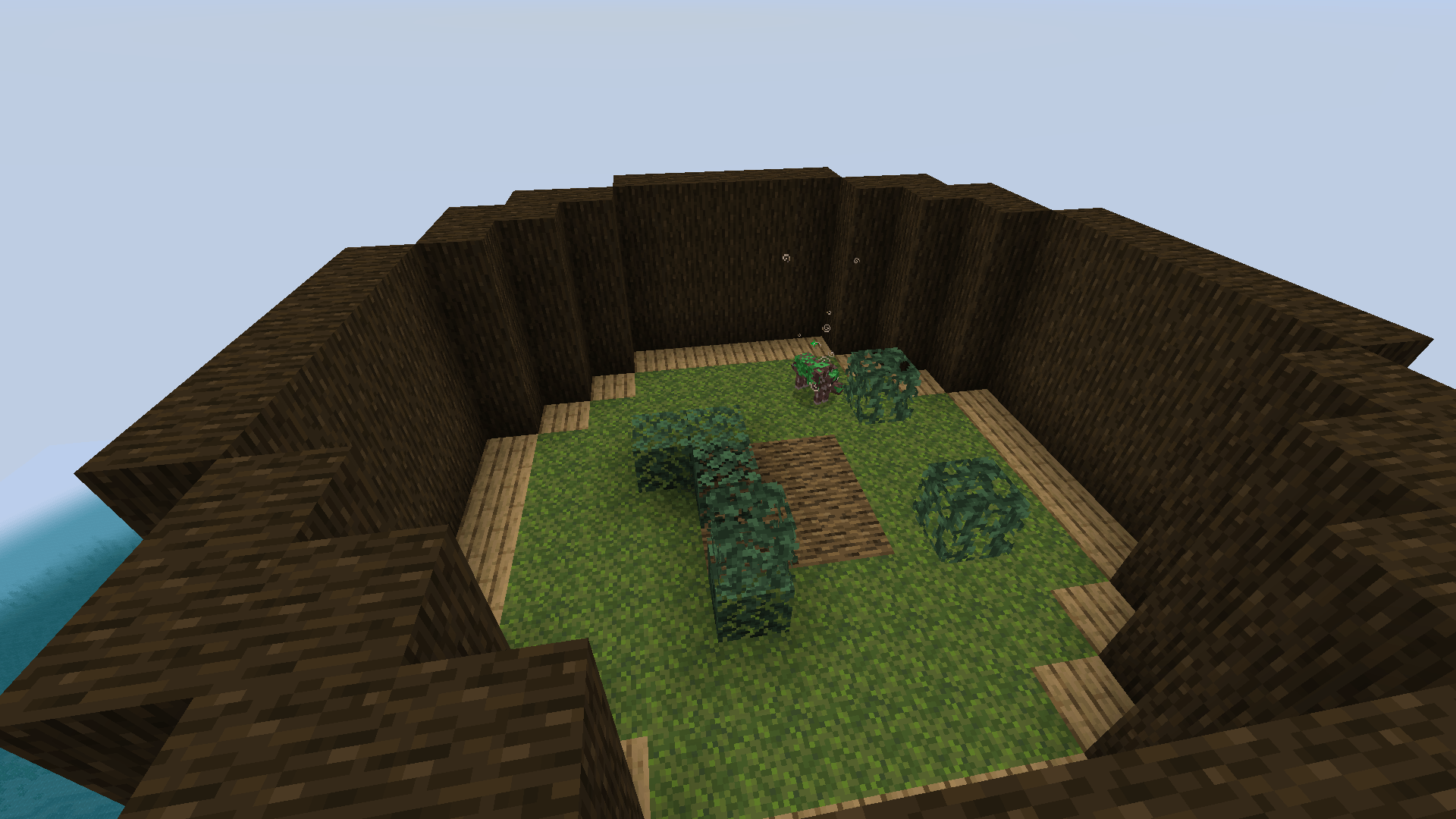
🏟️ Elemental Arenas
Battle wolves in custom arenas designed to match their element.
From glowing skies to natural environments, each arena enhances immersion and challenge.
🧩 Items & Progression
The mod introduces:
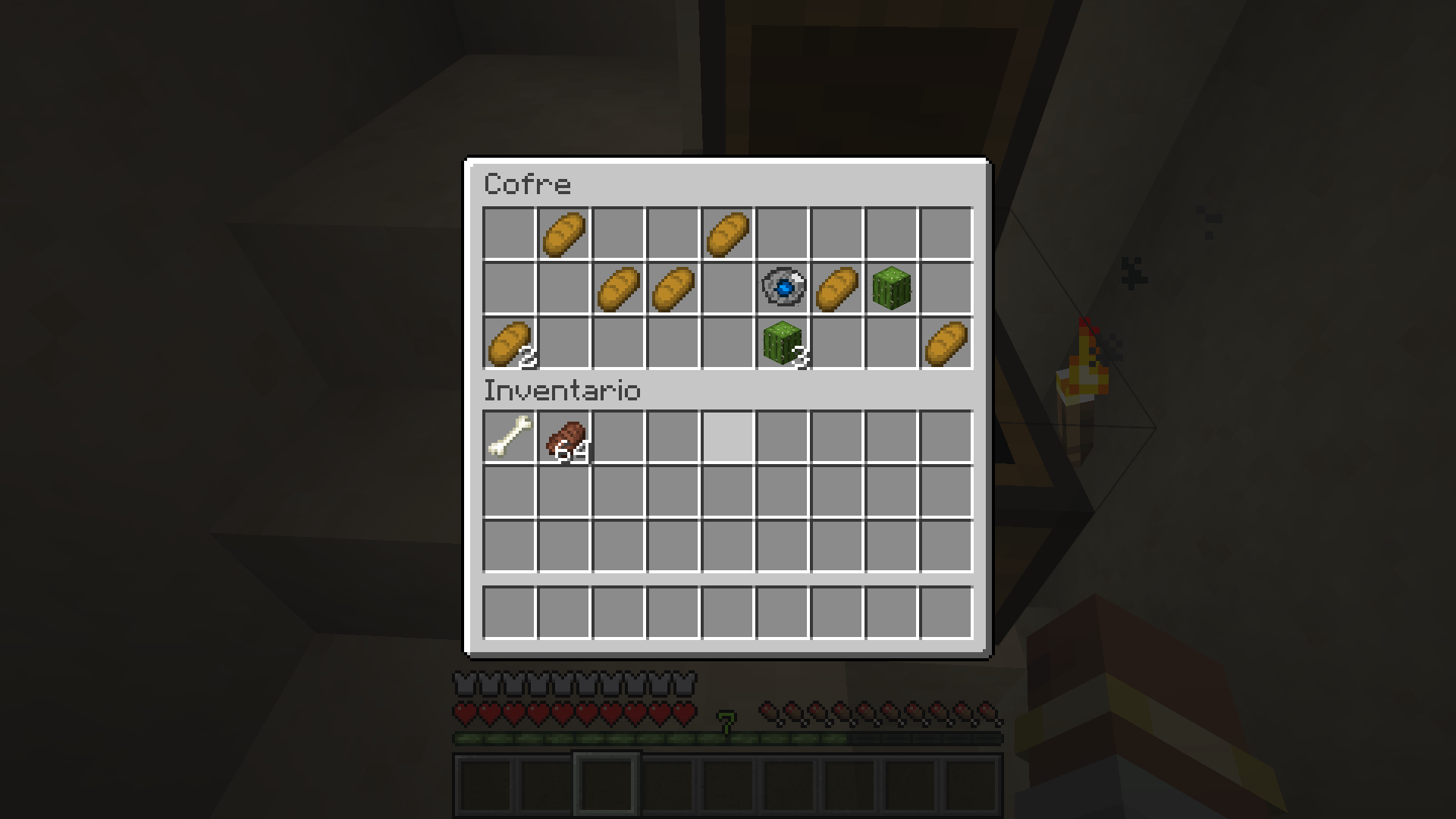
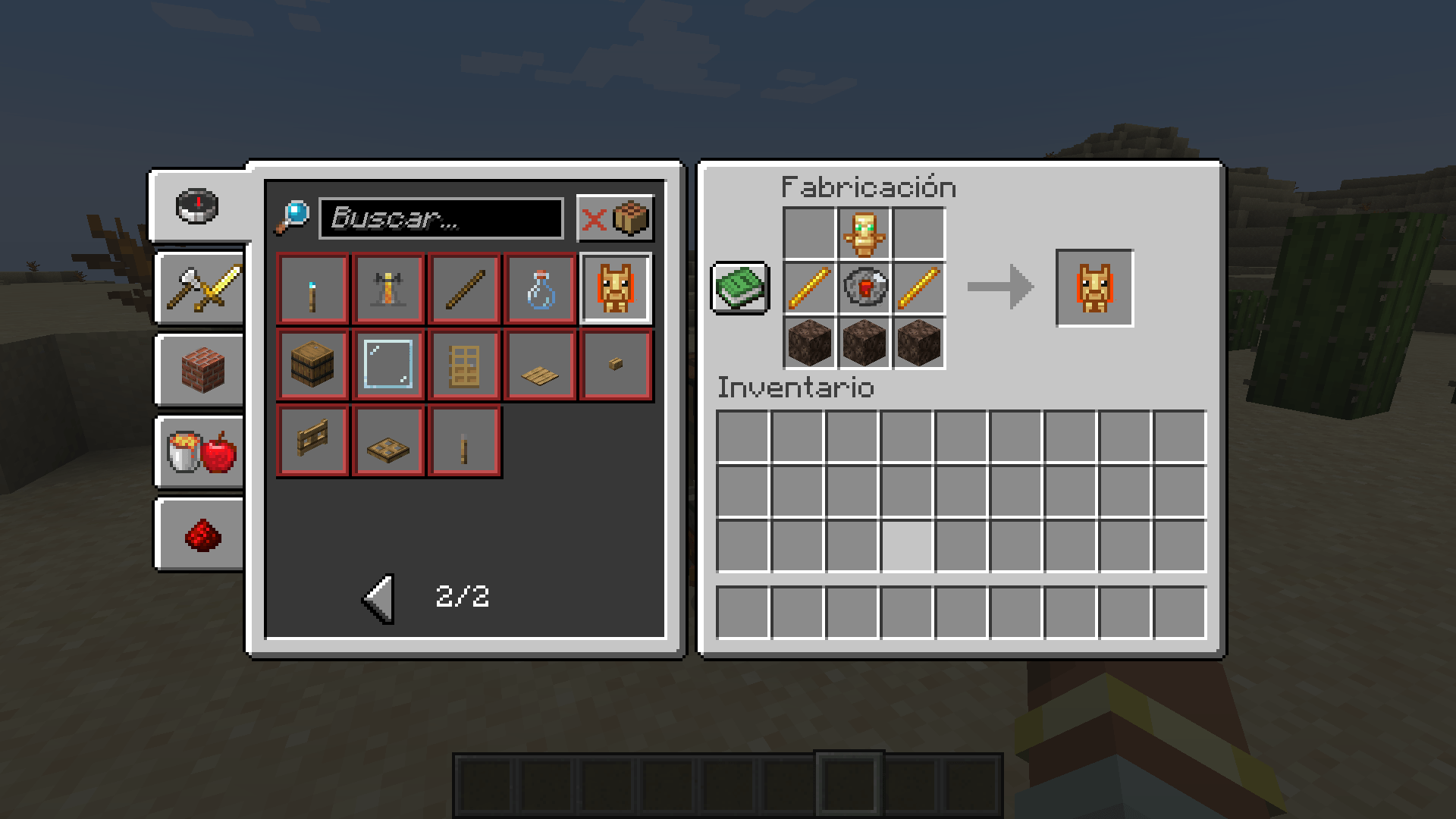
🪨 Elemental Stones
🔮 Elemental Totems
✨ Elemental Fragments
These items connect directly with the wolves and expand gameplay possibilities.
🐾 Tame & Build Your Team
Prove your strength in battle to earn the loyalty of elemental wolves.
Create your own team, combine their abilities, and dominate your world with elemental power.
⚡ Features
✔ 6 unique elemental wolves
✔ Custom abilities and combat mechanics
✔ Element-themed arenas
✔ New items and progression system
✔ Engaging and strategic gameplay
💡 More features and elemental content coming in future updates…
常见问题
Elemental Wolf 支持哪些 Minecraft 版本?
Elemental Wolf 支持 Minecraft Java 版 1.20.1–1.21,共 3 个版本,可用的加载器:Forge。下载时注意选择和你游戏版本一致的文件。
Elemental Wolf 怎么安装?
先用 PCL2 或 HMCL 启动器安装对应版本的 Forge,再把下载的 .jar 文件放进游戏目录的 mods 文件夹,重新启动游戏即可。开启了版本隔离的,mods 文件夹在 versions/版本名 下面。
评论
登录后评论和评分