
截图
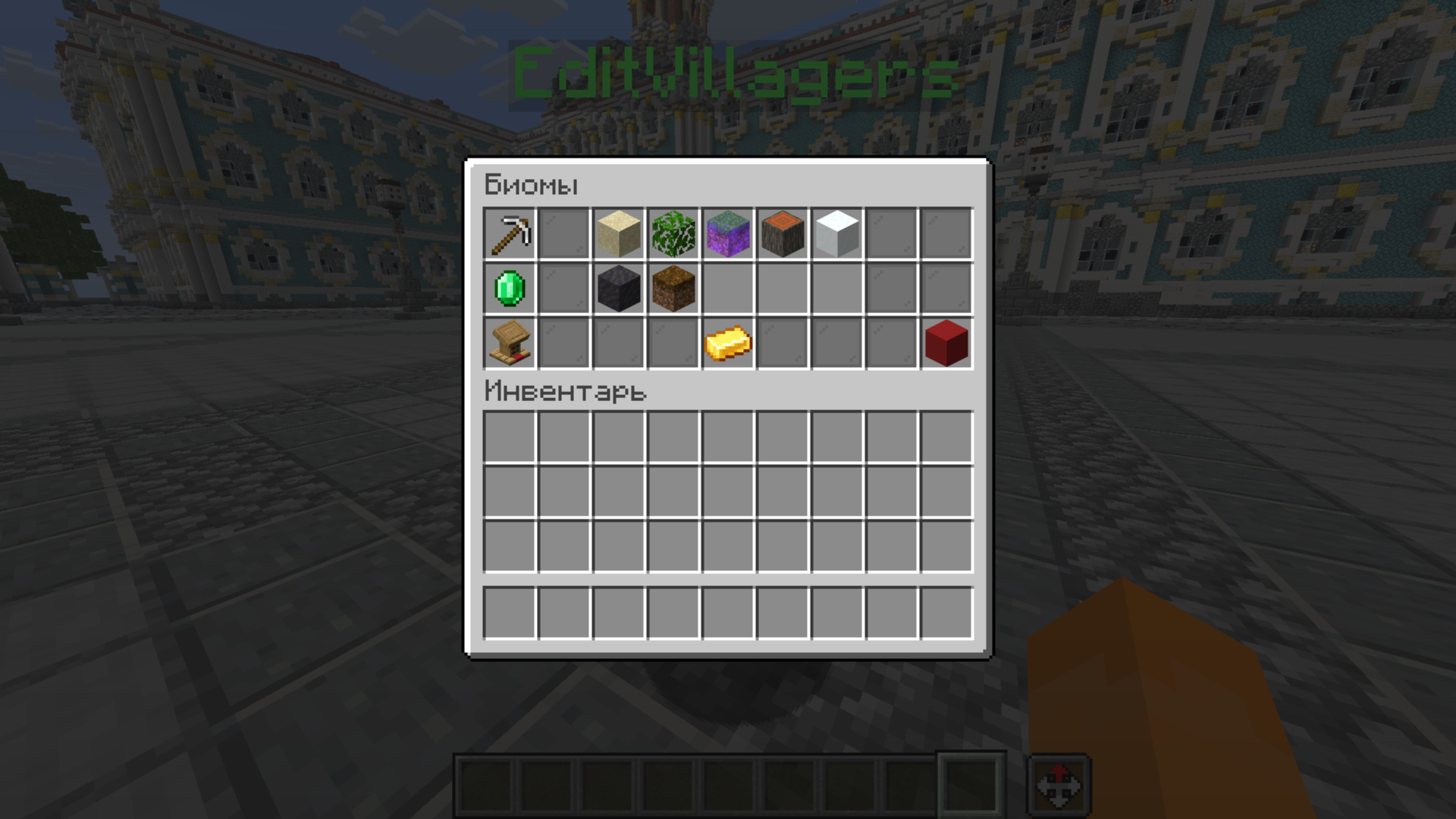
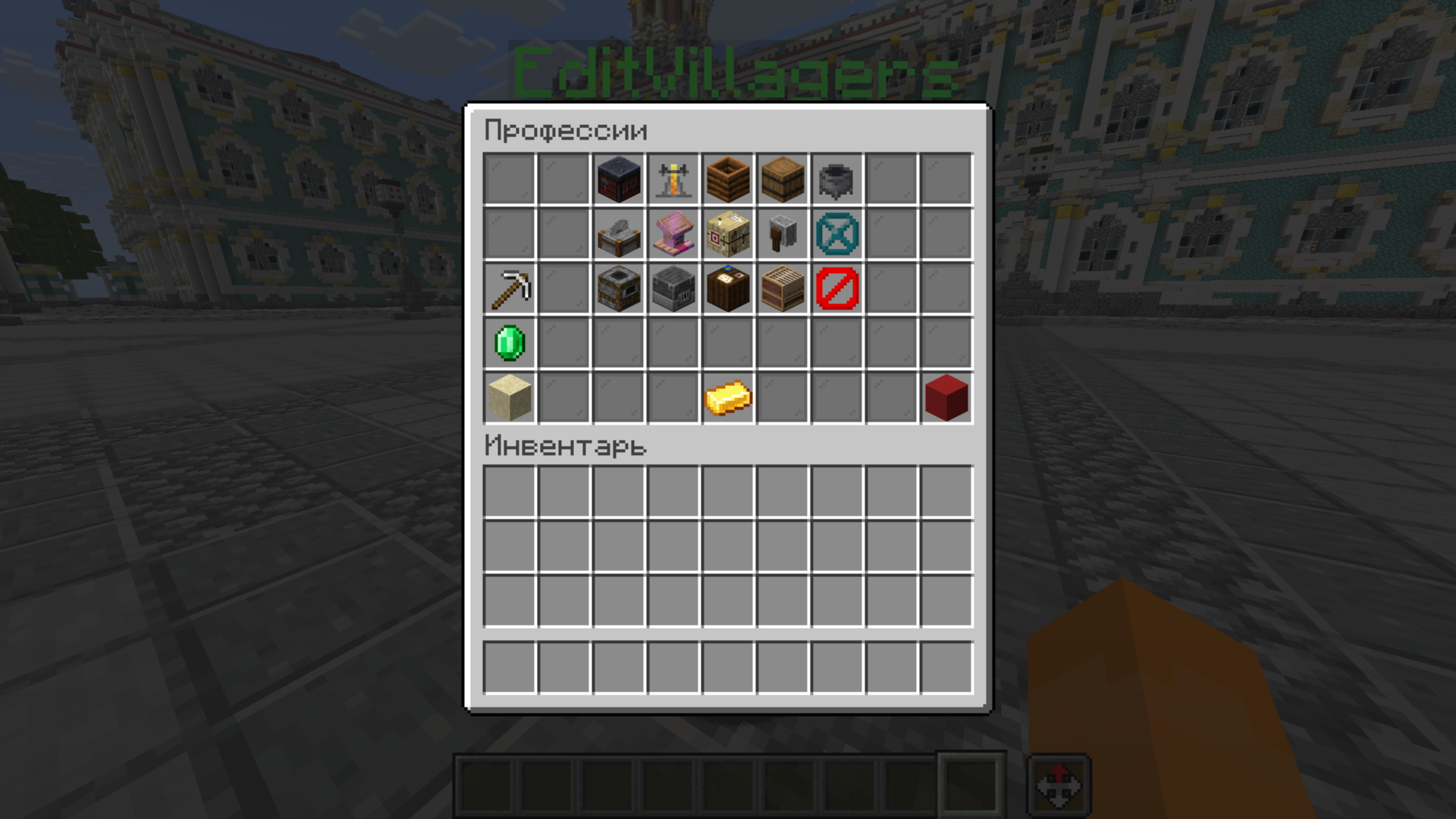
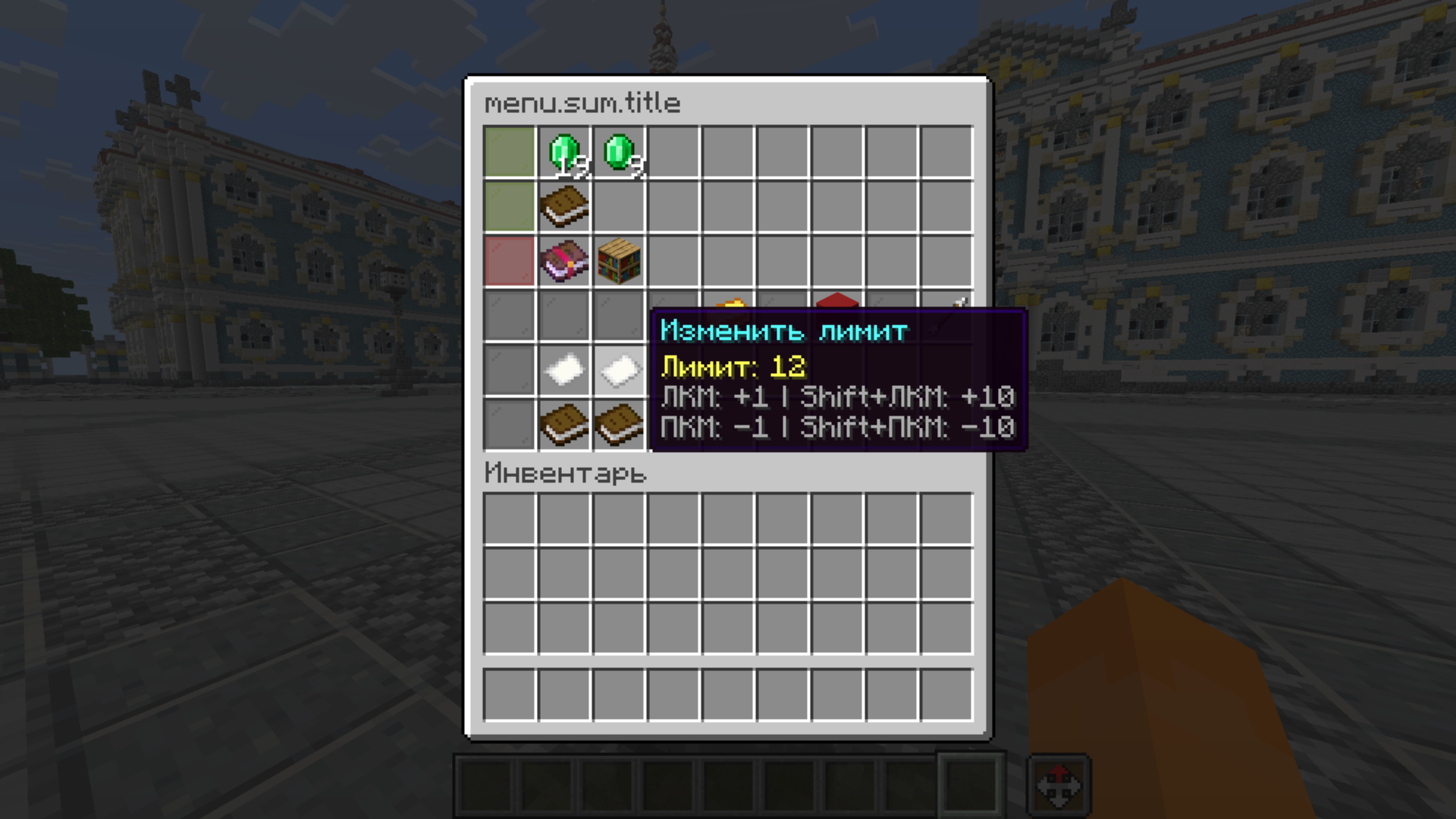
介绍
中文介绍正在准备中,下面暂时显示原文。
EditVillagers
This is an advanced mod for creating a merchant directly through the GUI menu. It allows you to edit your villager, applying any settings you want, making creating a merchant incredibly convenient and easy!

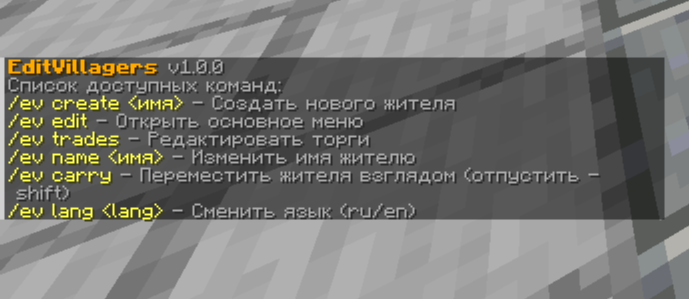
Commands
- /ev create __ – Create a new villager
- /ev edit – Opens GUI to edit the villager you’re looking at
- /ev trades – Opens GUI for editing your trades
- /ev name __ – Set a custom name for villager _(there is support for color codes & and spaces)_
- /ev carry – Move the villager with your gaze _(shift key releases the villager)_
- /ev lang – Allows you to change the language of the mod _en/ru_
Review:
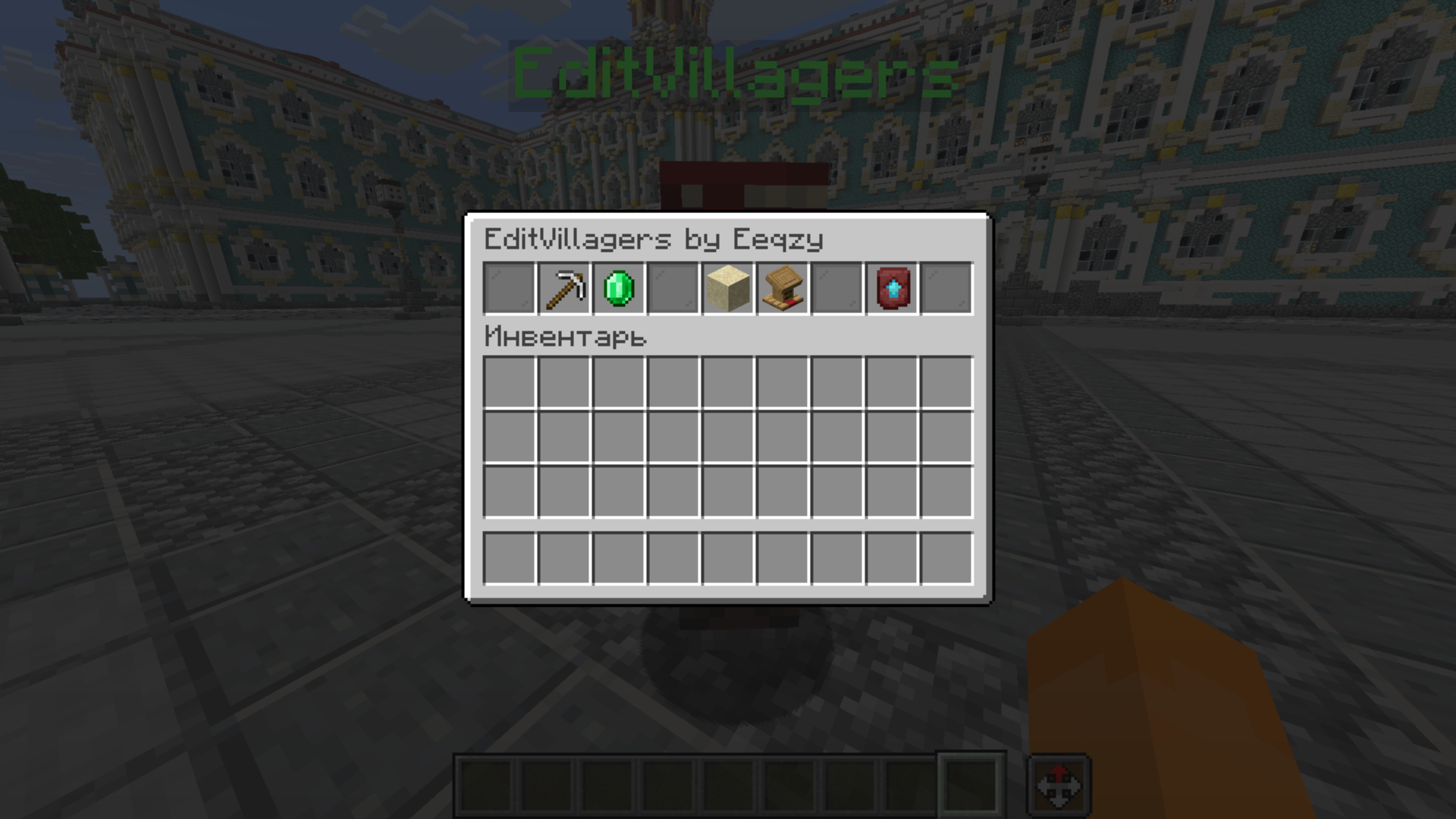
Main menu

- This is the main menu of the mod! to start editing a villager, just click on “RMB and shift” and then this menu will open (alternative /ev edit).
- Each button takes you to a specific menu.
- Using the “Copying” button, you can copy a villager with the same functionality!
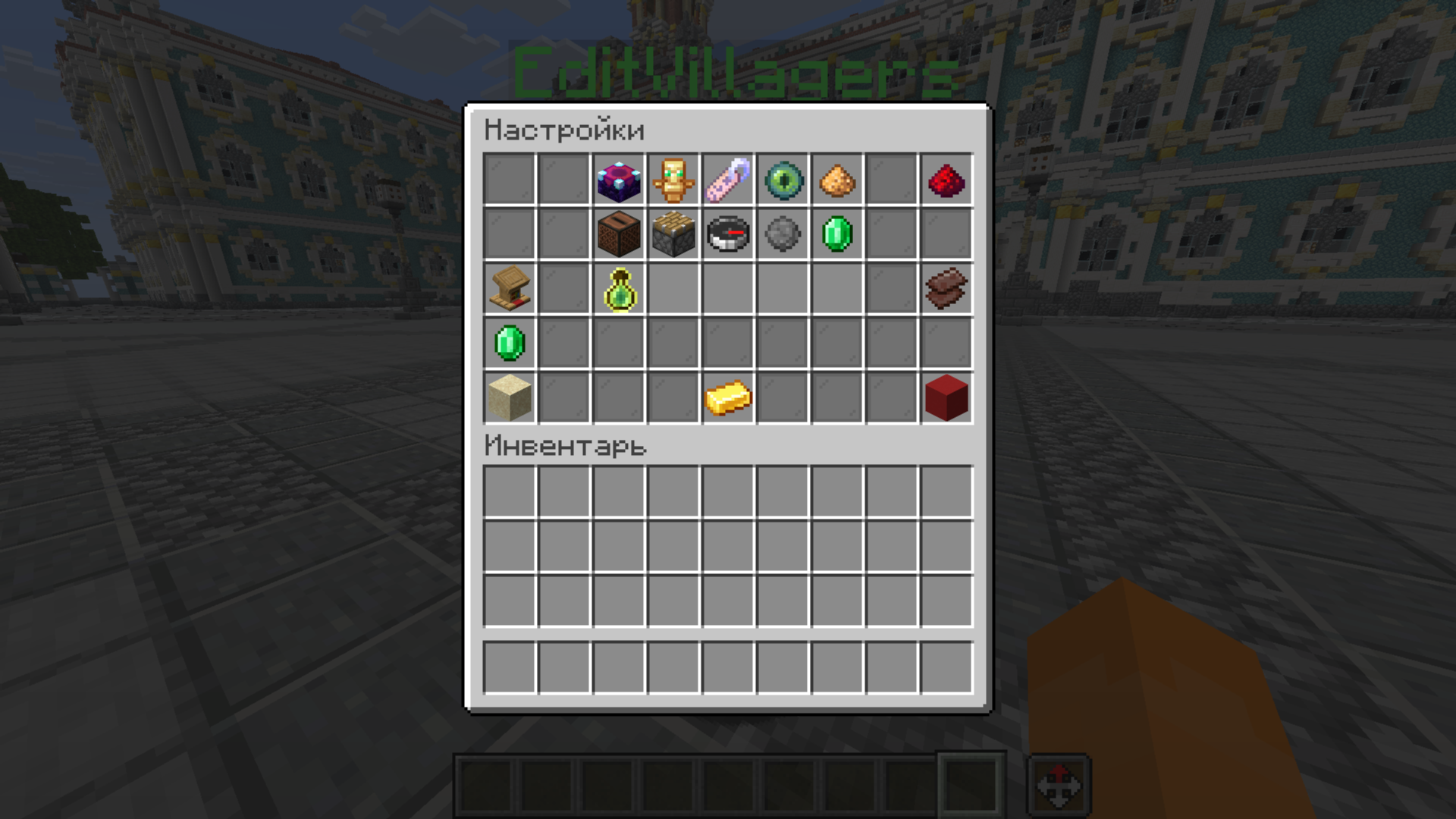
Settings

- Very large functionality of the villagers, many settings are available at once, such as:
– Villager Level
– Reset xp
– Dynamic Prices
– NoAI
– Trade Amout Settings
– and others!
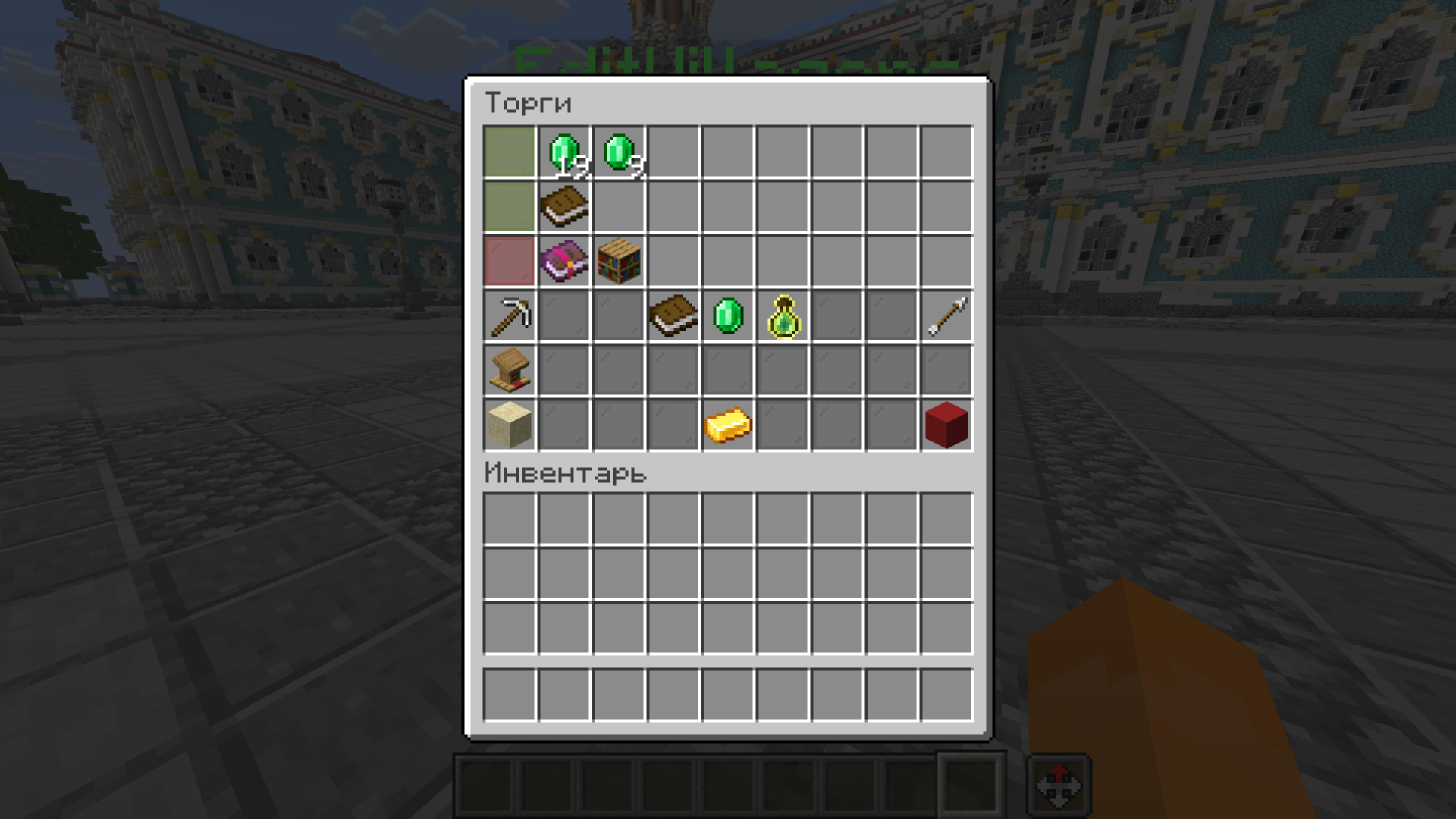
Trades

- Ability to create 80 trades at once using pages in the menu.
- You can customize your trades for each level of your villager using the options in the menu.
- Аnd much more!
Advanced customization

- The possibility of complete customization of the villager, you can assign a profession and change the appearance!
EditVillagers is the best and only mod for creating and customizing residents in minecraft!
常见问题
EditVillagers Mod 支持哪些 Minecraft 版本?
EditVillagers Mod 支持 Minecraft Java 版 1.21–26.2,共 8 个版本,可用的加载器:Fabric / NeoForge。下载时注意选择和你游戏版本一致的文件。
EditVillagers Mod 怎么安装?
先用 PCL2 或 HMCL 启动器安装对应版本的 Fabric / NeoForge,再把下载的 .jar 文件放进游戏目录的 mods 文件夹,重新启动游戏即可。开启了版本隔离的,mods 文件夹在 versions/版本名 下面。运行环境:仅客户端。
评论
登录后评论和评分