
介绍
This mod provides easy access to each of your mods configuration menus and additional links through commands.
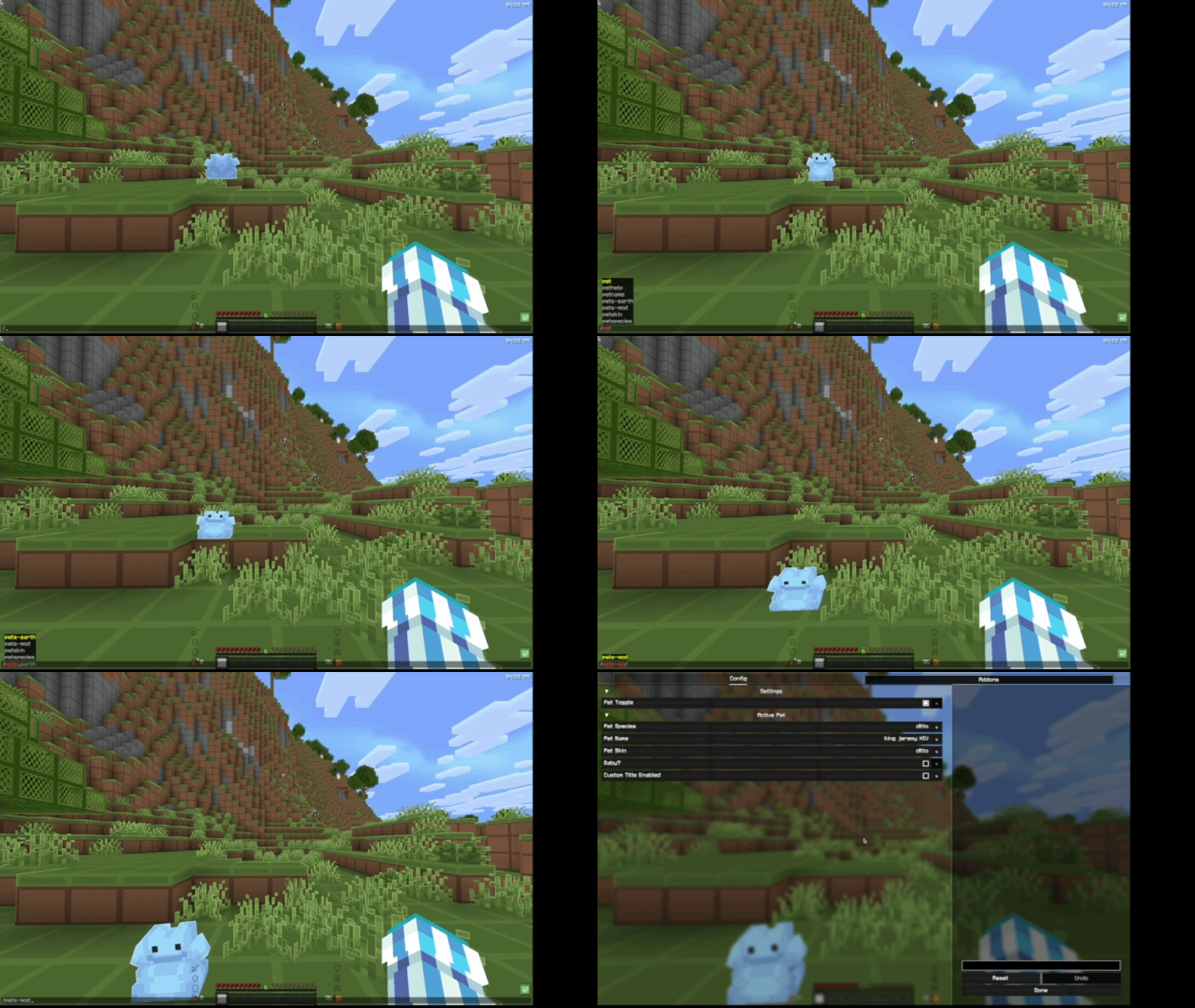
_I use /pets-mod to open the Pets Mod config screen (ft. random Ditto)_
Usage
In this context, mod-id is the unique ID of the mod. It may not contain spaces or uppercase letters, similar to a Minecraft username. The mod ID will in most cases match the name – so the mod ID for Pets Mod would be pets-mod.
- Run
/emc:(mod-id)to open the configuration screen. - Run
/emc:(mod-id) issuesto receive a link in chat with the issue tracker. - Run
/emc:(mod-id) sourceto receive a link to the source code. FABRIC ONLY - Run
/emc:(mod-id) homepageto receive a link to the mod’s homepage.
_Some mods may not have some of these options, in that case you will be notified._
Requirements
On Fabric, you will need both the Fabric API and Mod Menu. On Neoforge, no requirements 🙂
FAQ
Do my mods need to support/require this mod to work?
The mod commands will automatically be generated upon startup from your mods list. There is no need for your mods to directly support or require this mod, it will handle pretty much everything automatically!
Where do I go if a config screen or link isn’t working?
Test it with Mod Menu. Go into your mod menu and try and click on the config button for the mod. If it works there, report it to me on the EMC GitHub. Else, it’s an issue with the mod, and report it to them on their GitHub.
How do I make my mod’s config screen appear?
Make sure it is defined in your Mod Menu entrypoint. This mod uses Mod Menu’s API to pull a config screen directly from Mod Menu, so any config that is registered within Mod Menu will work with this mod.
常见问题
Easy Mod Commands (EMC) 支持哪些 Minecraft 版本?
Easy Mod Commands (EMC) 支持 Minecraft Java 版 26.1–26.3,共 5 个版本,可用的加载器:Fabric / NeoForge / Quilt。下载时注意选择和你游戏版本一致的文件。
Easy Mod Commands (EMC) 怎么安装?
先用 PCL2 或 HMCL 启动器安装对应版本的 Fabric / NeoForge / Quilt,再把下载的 .jar 文件放进游戏目录的 mods 文件夹,重新启动游戏即可。开启了版本隔离的,mods 文件夹在 versions/版本名 下面。运行环境:仅客户端。
downloadableduck 的其他作品
查看全部 →
Horizon
Up-to-date port of FabricSkyboxes, which adds custom skybox support into your game

Pets Mod
Adds completely client-sided pets to your game. Supports every vanilla mob, some custom ones, and will work on any server, including in singleplayer!
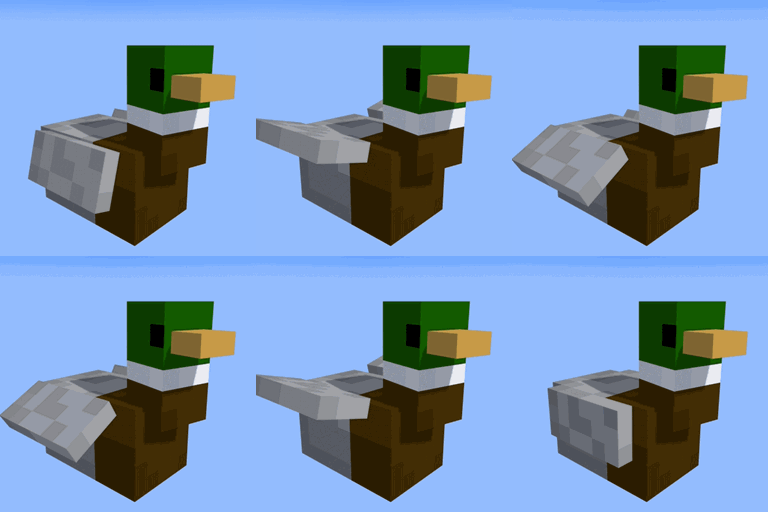
Jeff’s Pets
Adds completely client-sided pets to your game. Supports every vanilla mob, some custom ones, and will work on any server, including in singleplayer!

Remove Reloading Bar
Add-on for Remove Reloading Screen that removes the bar as well
评论
登录后评论和评分