
Easy Install
Browse, install, and update mods, resource packs, data packs, and shaders from Modrinth directly in-game!
截图


介绍
Easy Install
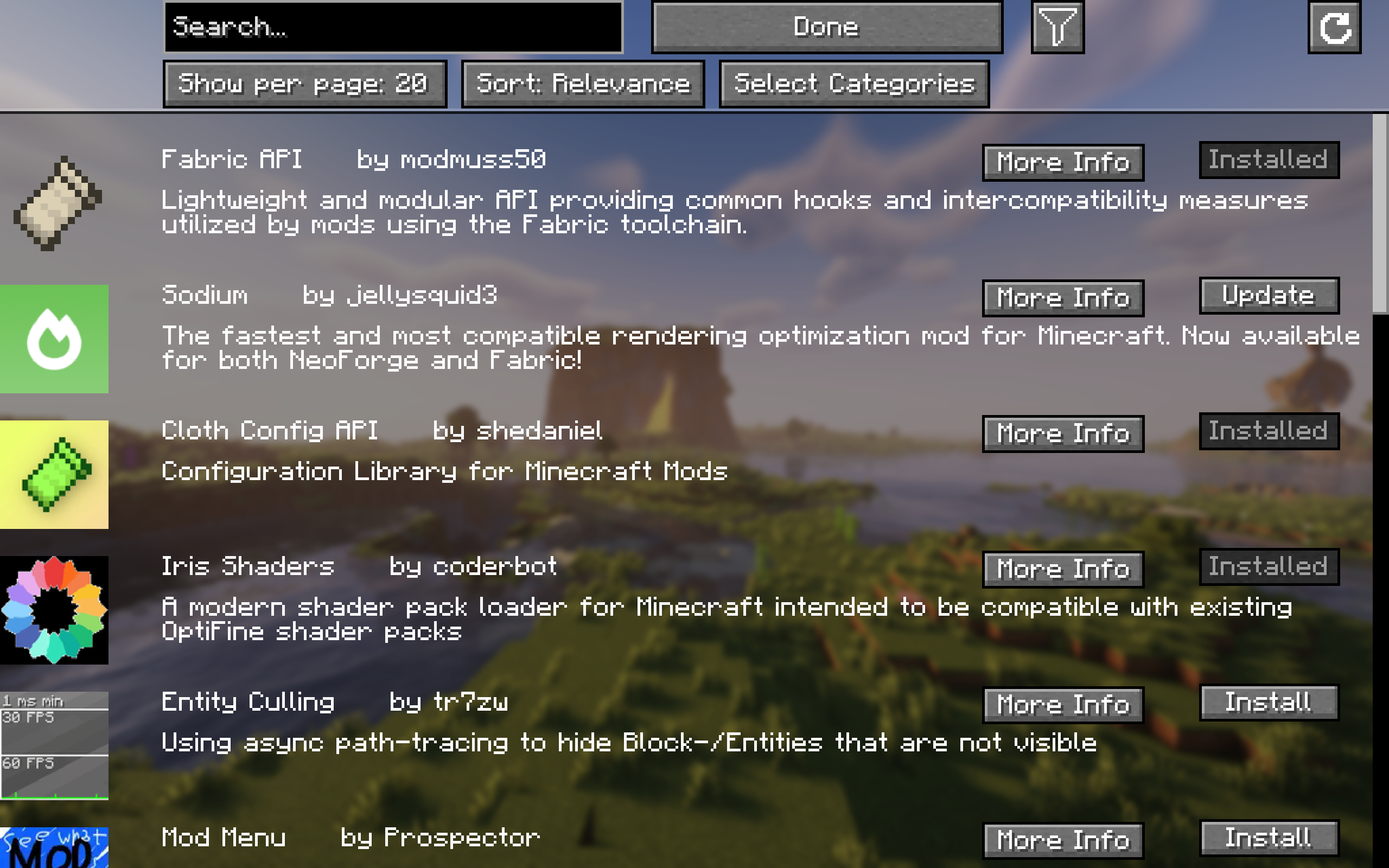
Easily browse, install, and update content like mods, resource packs, datapacks, and shaders from Modrinth and all required dependencies with a single click of a button!
For mods, changes will only apply after a restart of the game. For everything else, no restart is required!
For more detailed information about a project, simply click “More Info” and it will take you to the project screen.
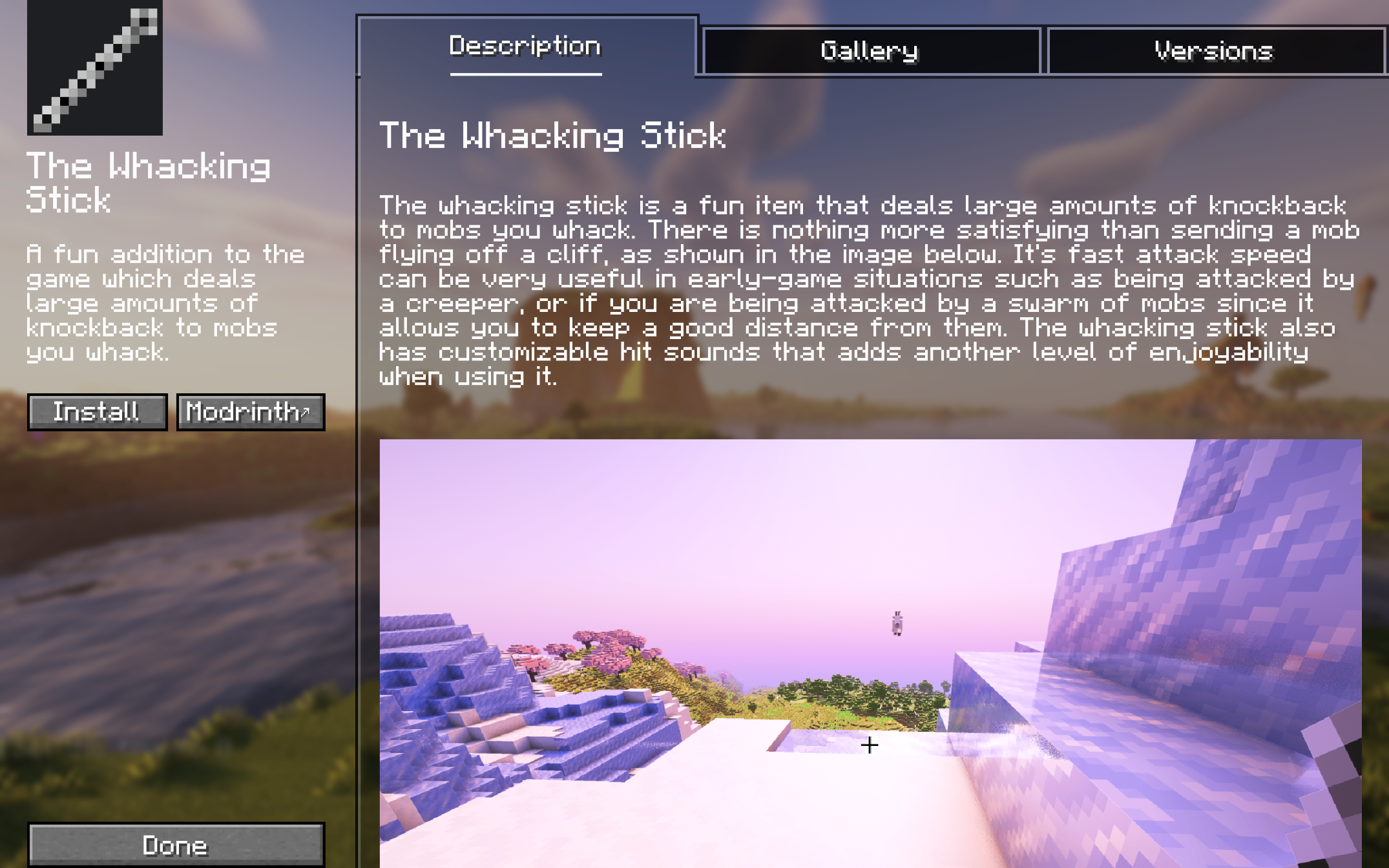
Project Screen
Here, you can view the description, gallery, and you can choose between versions of the project that are available for your game version.
Other Features
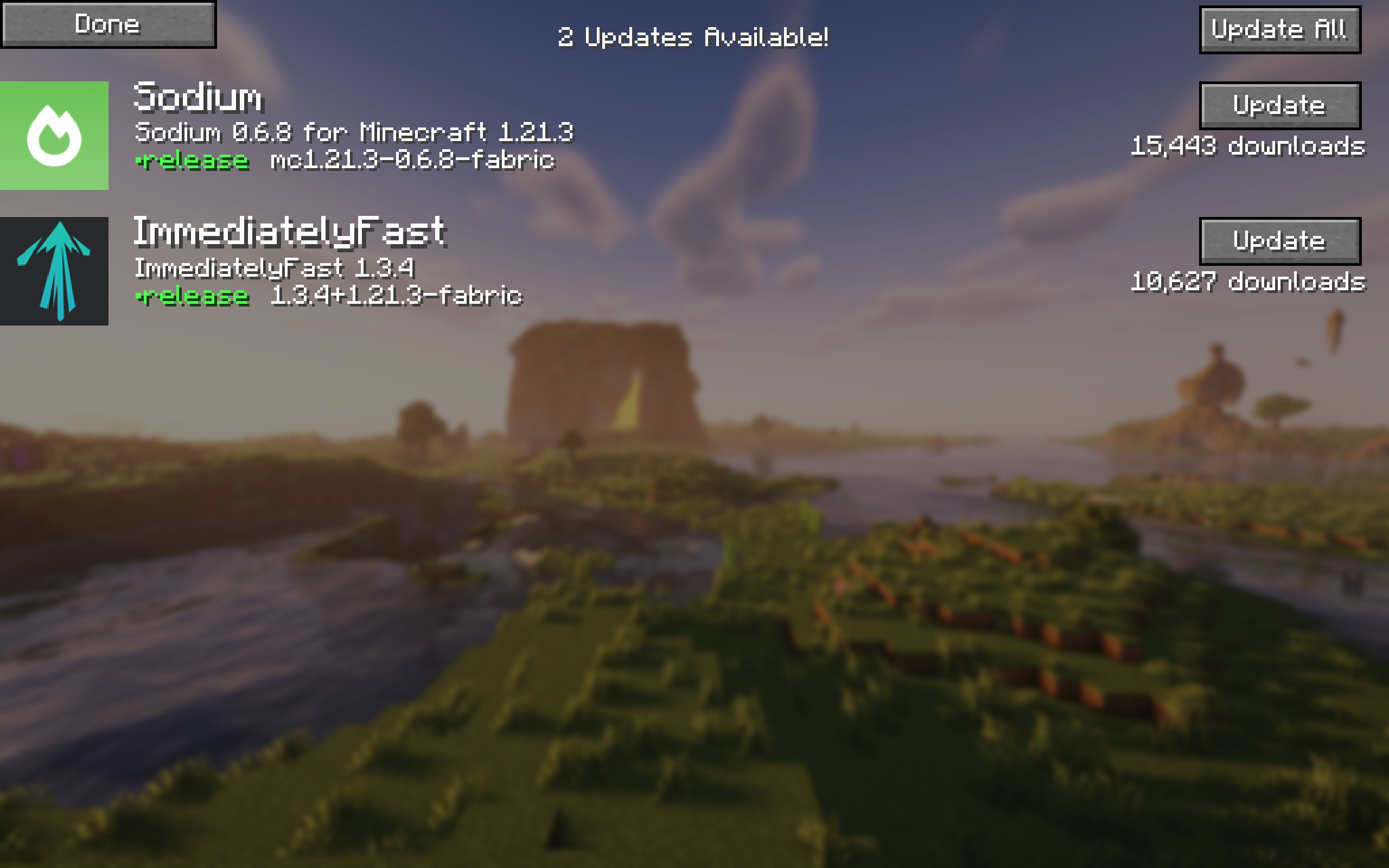
- To view all your updates in one place, click ↻ at the top right of the browsing screen. If you don’t see it, you are all up to date.
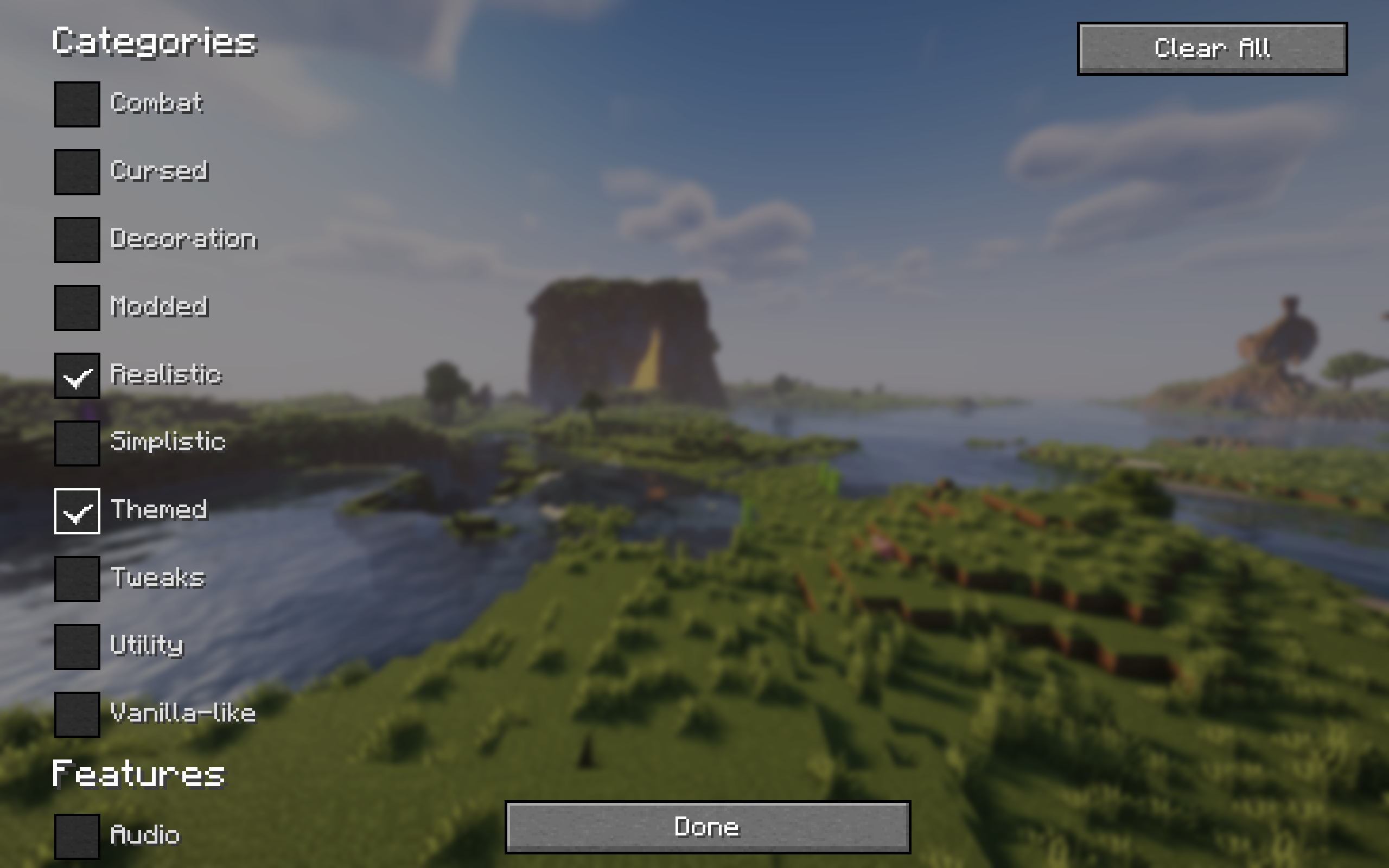
- You can also filter your search results by category.
- Navigate projects with ease using pagination.
If you experience any issues please report them here.
常见问题
Easy Install 支持哪些 Minecraft 版本?
Easy Install 支持 Minecraft Java 版 1.20.1–26.3,共 16 个版本,可用的加载器:Fabric / NeoForge / Quilt。下载时注意选择和你游戏版本一致的文件。
Easy Install 怎么安装?
先用 PCL2 或 HMCL 启动器安装对应版本的 Fabric / NeoForge / Quilt,再把下载的 .jar 文件放进游戏目录的 mods 文件夹,重新启动游戏即可。开启了版本隔离的,mods 文件夹在 versions/版本名 下面。运行环境:仅客户端。

评论
登录后评论和评分