
Easy Enchants/Effects
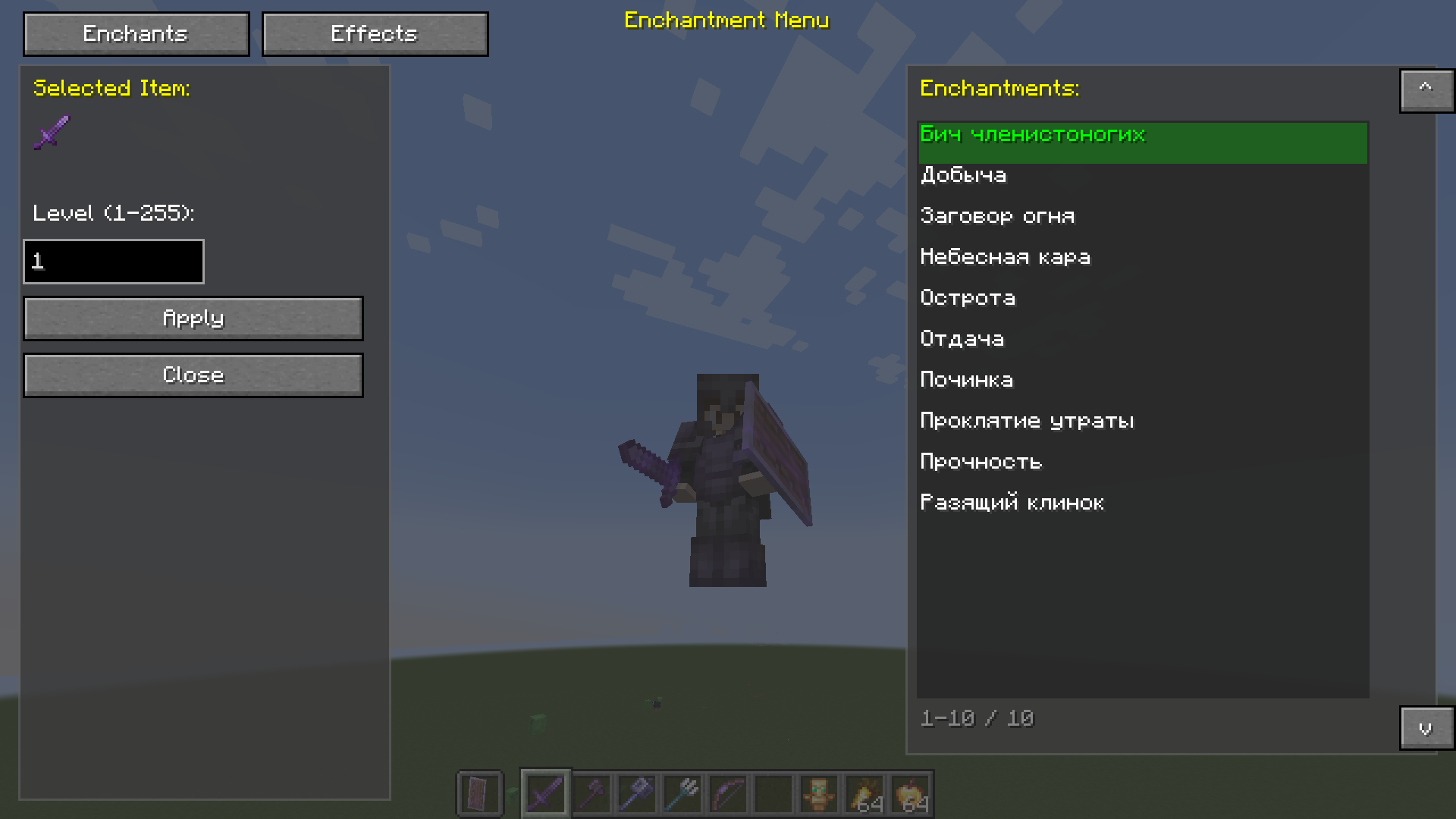
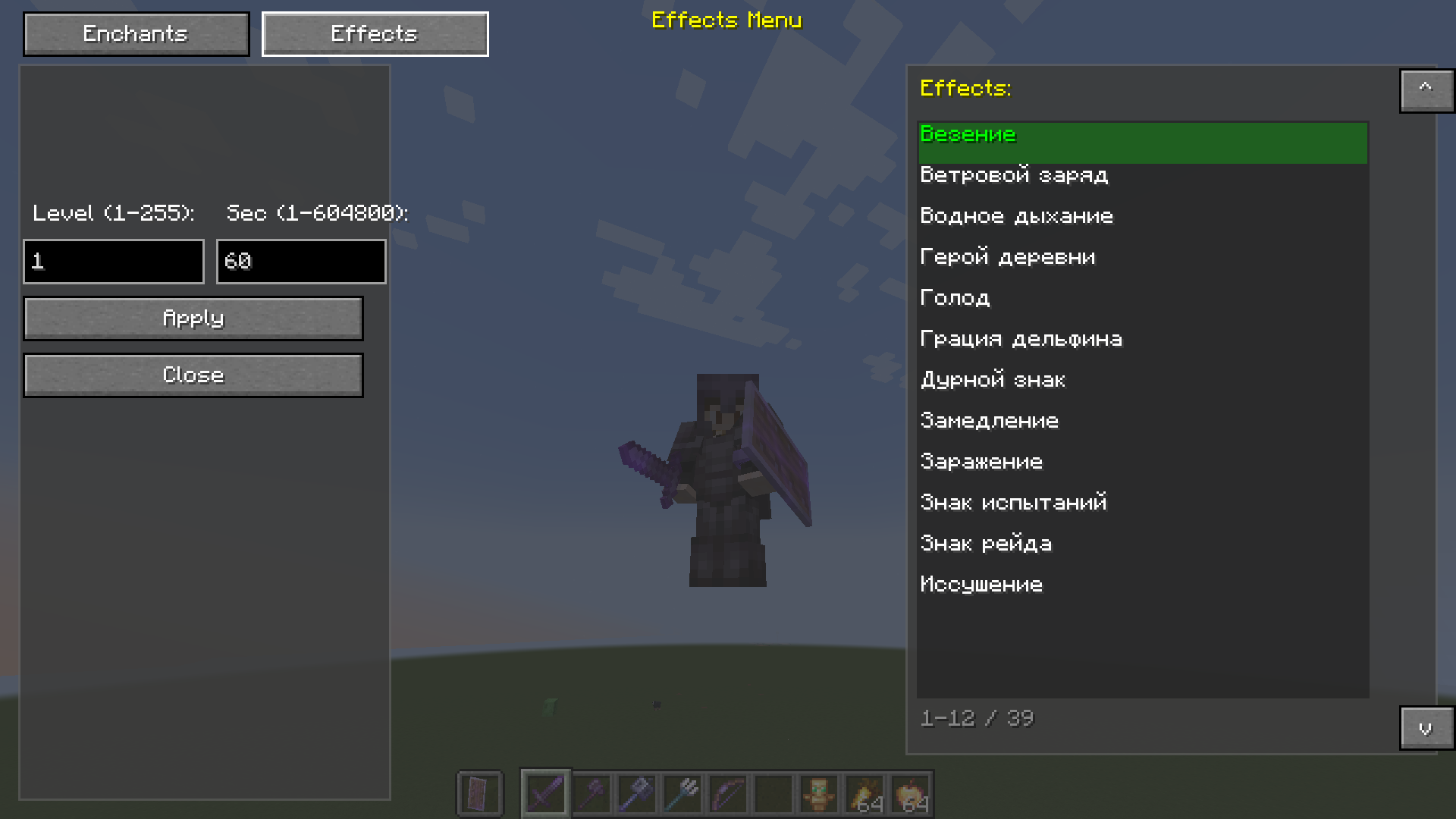
Easy Enchants/Effects - This powerful and convenient mod adds a custom menu for enchanting items and applying effects to the game. Forget about limited enchantment options - now you can apply any enchantment and effect at any level!
截图
介绍
Easy Enchants/Effects – This powerful and convenient mod adds a custom menu for enchanting items and applying effects to the game. Forget about limited enchantment options – now you can apply any enchantment and effect at any level!
✨Features
🔮Enchantments Tab
Enchant any item with any available enchantment
- Level up to 255 – no limits!
- Automatic filtering – only enchantments suitable for the item in hand are shown
- Item preview – see what you’re enchanting
💊Effects Tab
- Apply any effect to a player
- Adjustable level (1-255)
- Adjustable duration (from 1 second to 1 week!)
- Automatic replacement – the old effect is removed before applying a new one
🎨Interface
- Semi-transparent background (67% transparency) – the game is visible through the menu
- Two tabs – quickly switch between enchantments and effects
- Smart navigation – click an element to select
- Selected highlight – green highlight of the current item
- Tooltips – hover to view the title
- List scrolling – up/down buttons for navigation
🎮 How to use
- Press V (default) to open the menu
- If you have an item in your hand, the enchantment tab will open
- If your hand is empty, the effects tab will open
- Select an item from the list by clicking the mouse
- Enter the level (and duration for effects)
- Click Apply to apply
- Click Close to close the menu
常见问题
Easy Enchants/Effects 支持哪些 Minecraft 版本?
Easy Enchants/Effects 支持 Minecraft Java 版 1.21.1,可用的加载器:Fabric。下载时注意选择和你游戏版本一致的文件。
Easy Enchants/Effects 怎么安装?
先用 PCL2 或 HMCL 启动器安装对应版本的 Fabric,再把下载的 .jar 文件放进游戏目录的 mods 文件夹,重新启动游戏即可。开启了版本隔离的,mods 文件夹在 versions/版本名 下面。运行环境:仅客户端。
Mr_Lan123 的其他作品
查看全部 →
Auto Totem
Automatically moves a Totem of Undying from your inventory to your offhand. Toggled on/off via a hotkey (default: O, For 26.2+ = J). Settings menu (key B or via Mod Menu): statistics HUD and totem usage notification HUD. PvP helper. QoL. Fabric
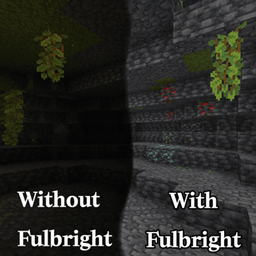
Fullbright (Night Vision)
Fullbright. See in the dark on any server, no permissions or potions needed. Press G to toggle a real client-side night vision - not the vanilla effect. Night Vision Gamma

[KSE] Keyboard Sound Effects
This mod adds sound effects to key presses and mouse clicks, featuring pleasant built-in sounds. You can also load your own sound files directly from the in-game settings menu.

Dynamic RPG HUD
Hides your hotbar and status bars with a smooth slide animation while you are idle at full health or on the move, and brings them back the moment something changes. HUD QoL. Beauty. Stylization. Fabric RPG Dynamic
评论
登录后评论和评分