
截图
介绍
Easy Create Supplement
Need Create 6.0.9+
Optional JEI
Start with a conveyor belt and simplify the crafting of common components, connecting remote storage and power sources with Ender devices. Easy Create Supplement adds convenient recipes, wireless logistics, and native thinking to mechanical power, allowing for more flexible factory layouts.
Connect Your Factory
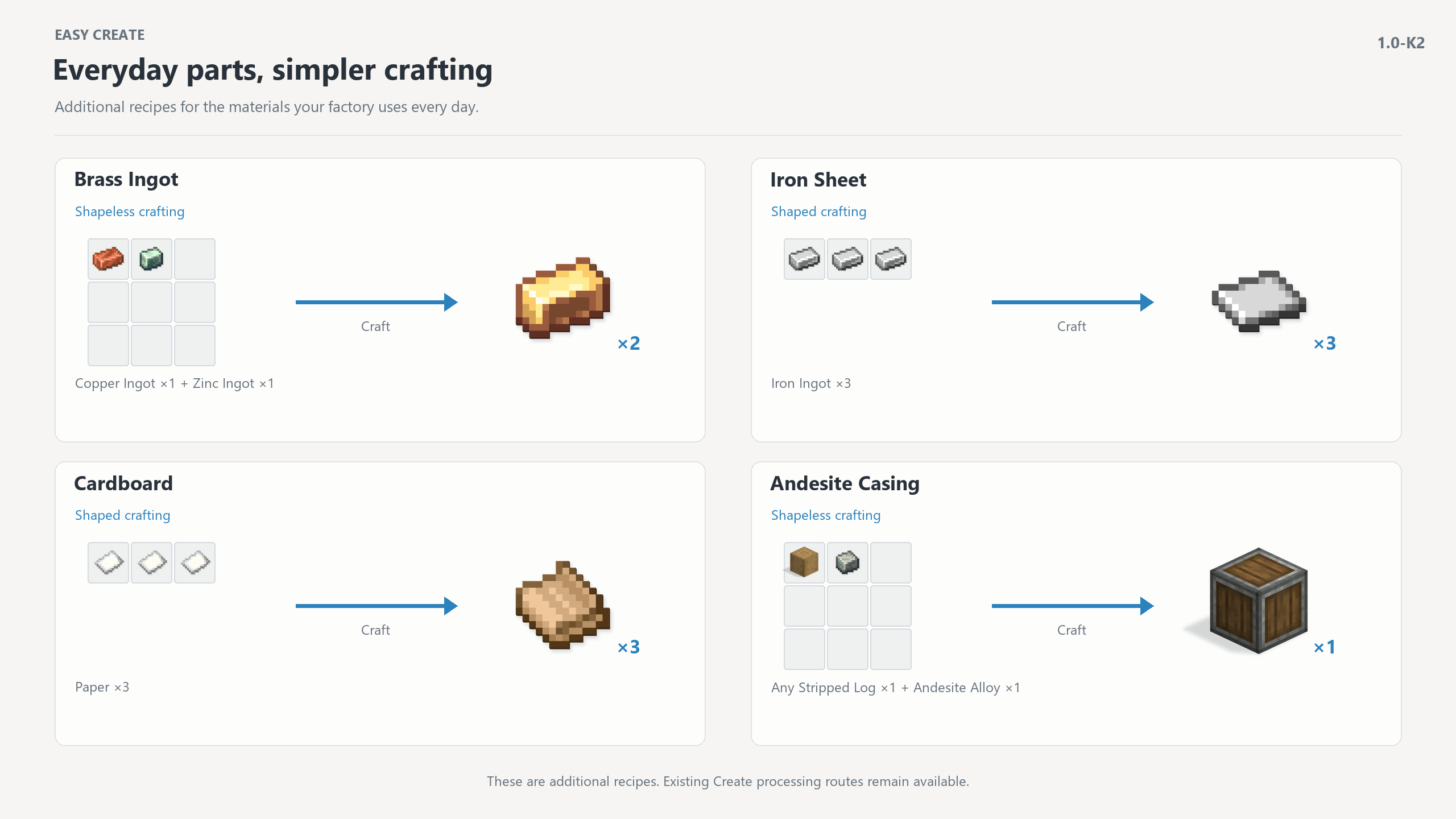
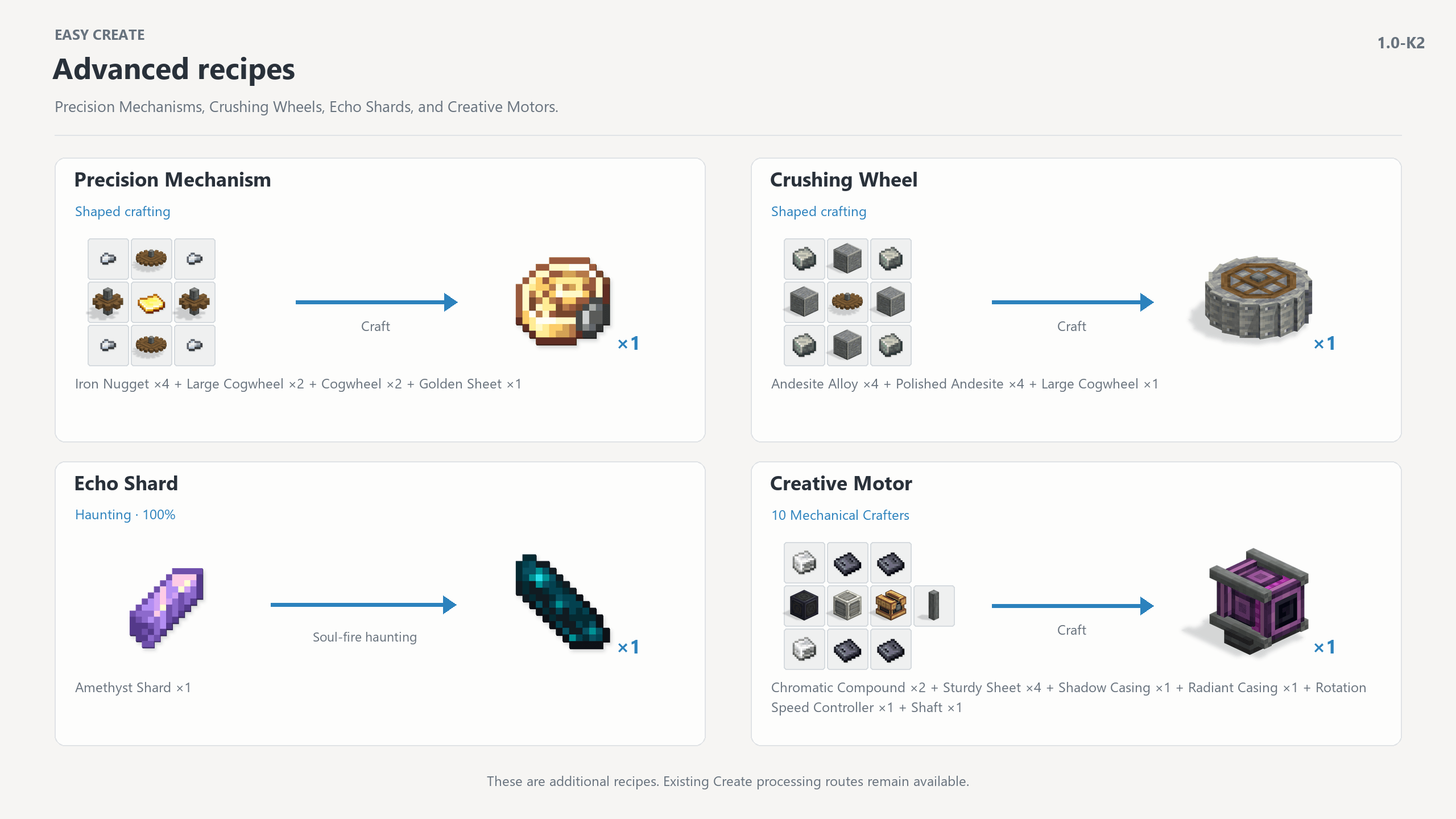
Simplified Crafting: Directly craft various shells, materials, and mechanical parts, shortening the preparation process for basic production lines.
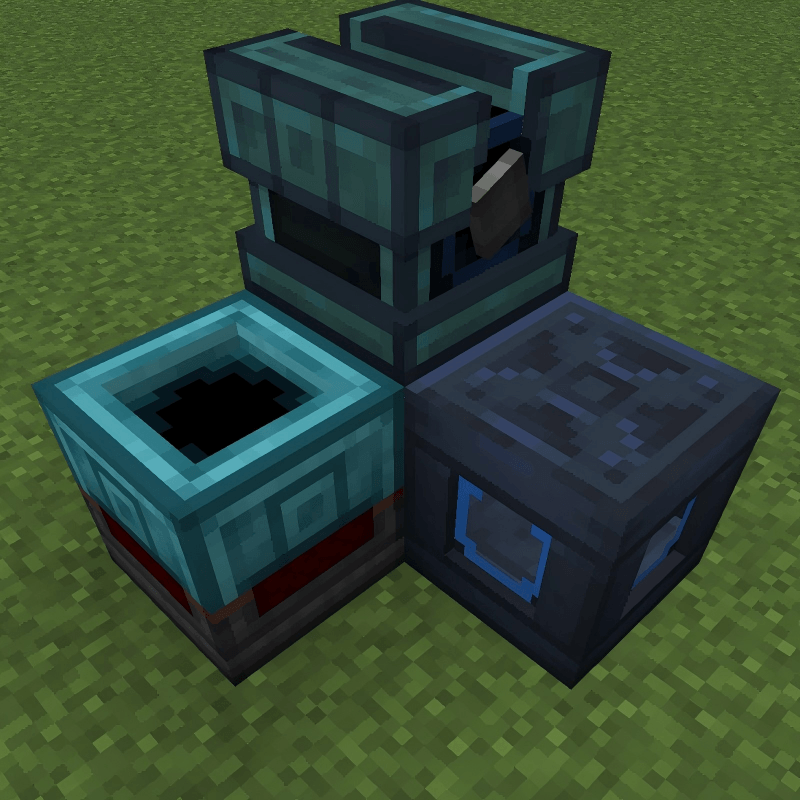
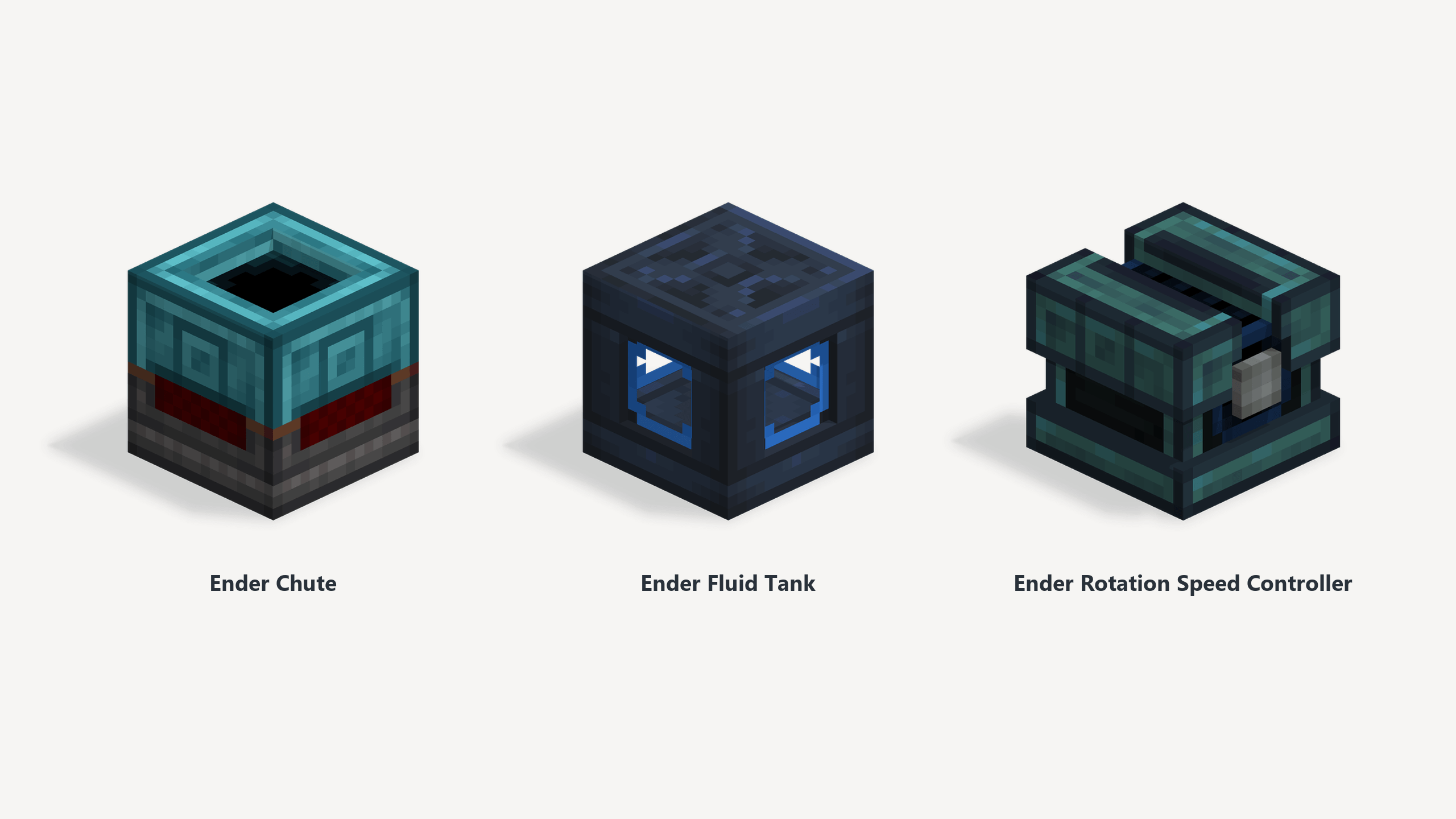
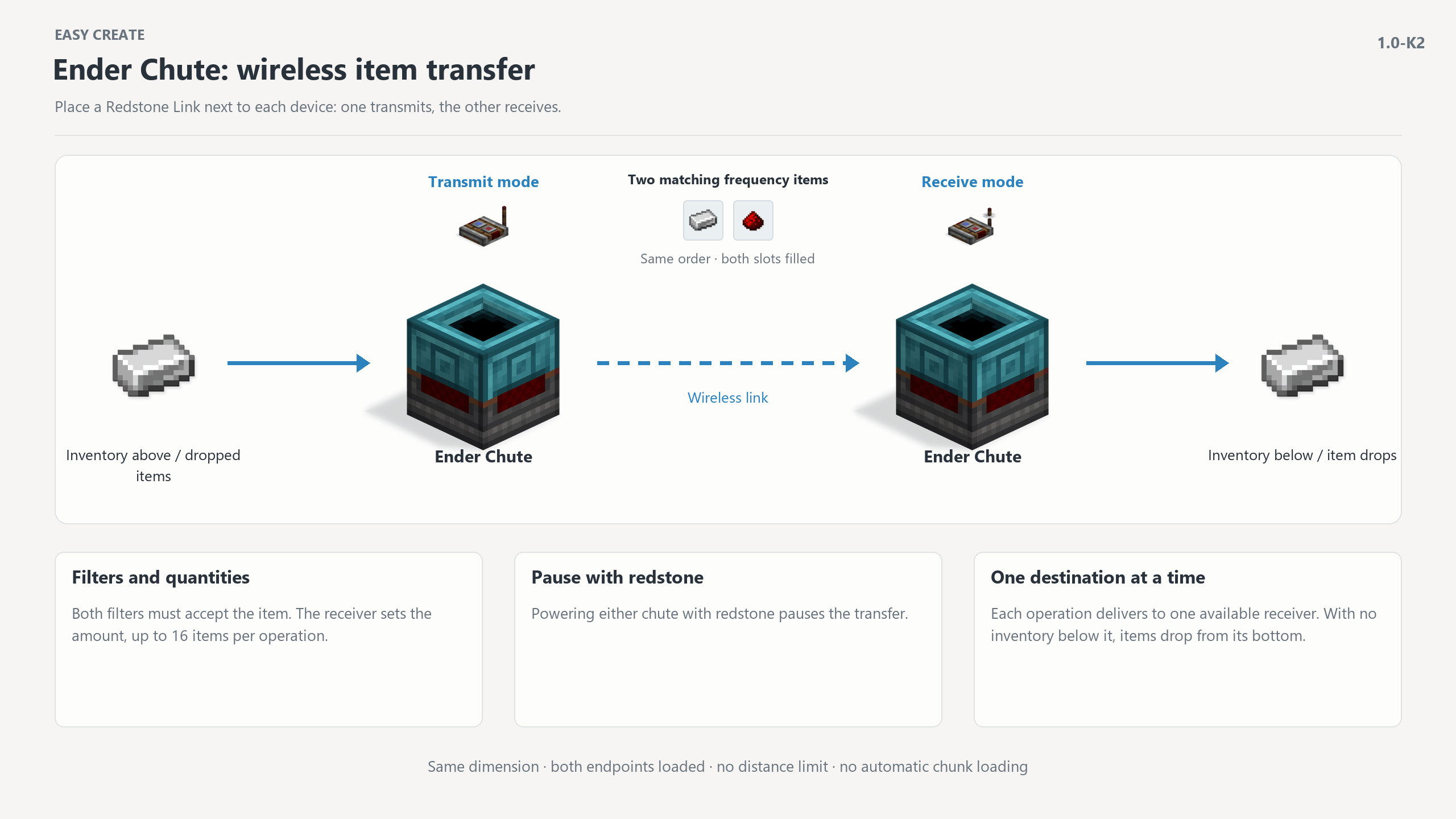
- Item Transfer: Ender sluices retain the filtering function of smart sluices, transferring items via wireless redstone signal terminals on the same frequency.
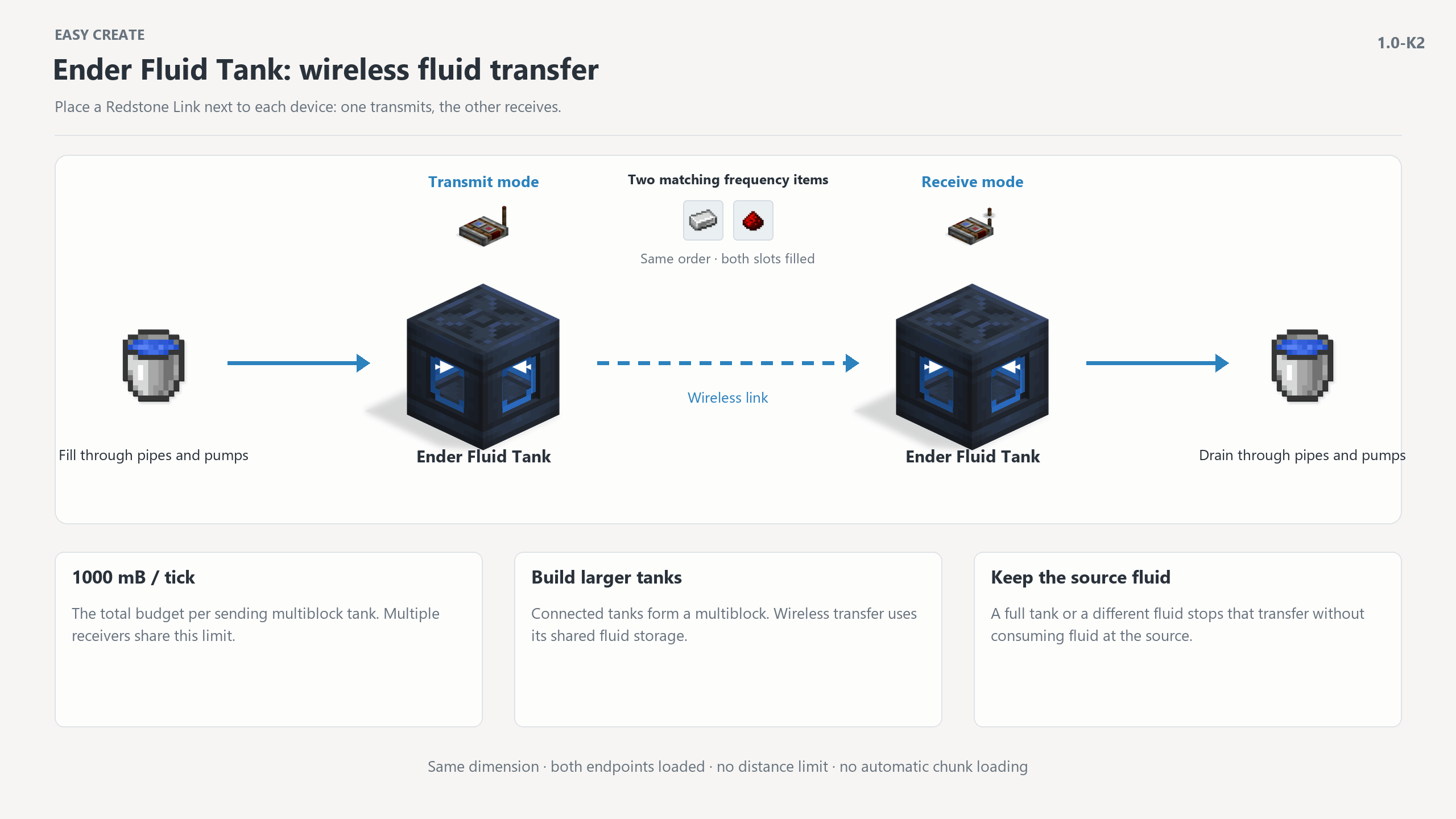
- Fluid Transfer: Ender fluid tanks support pipes, multi-block storage, and wireless fluid transfer.
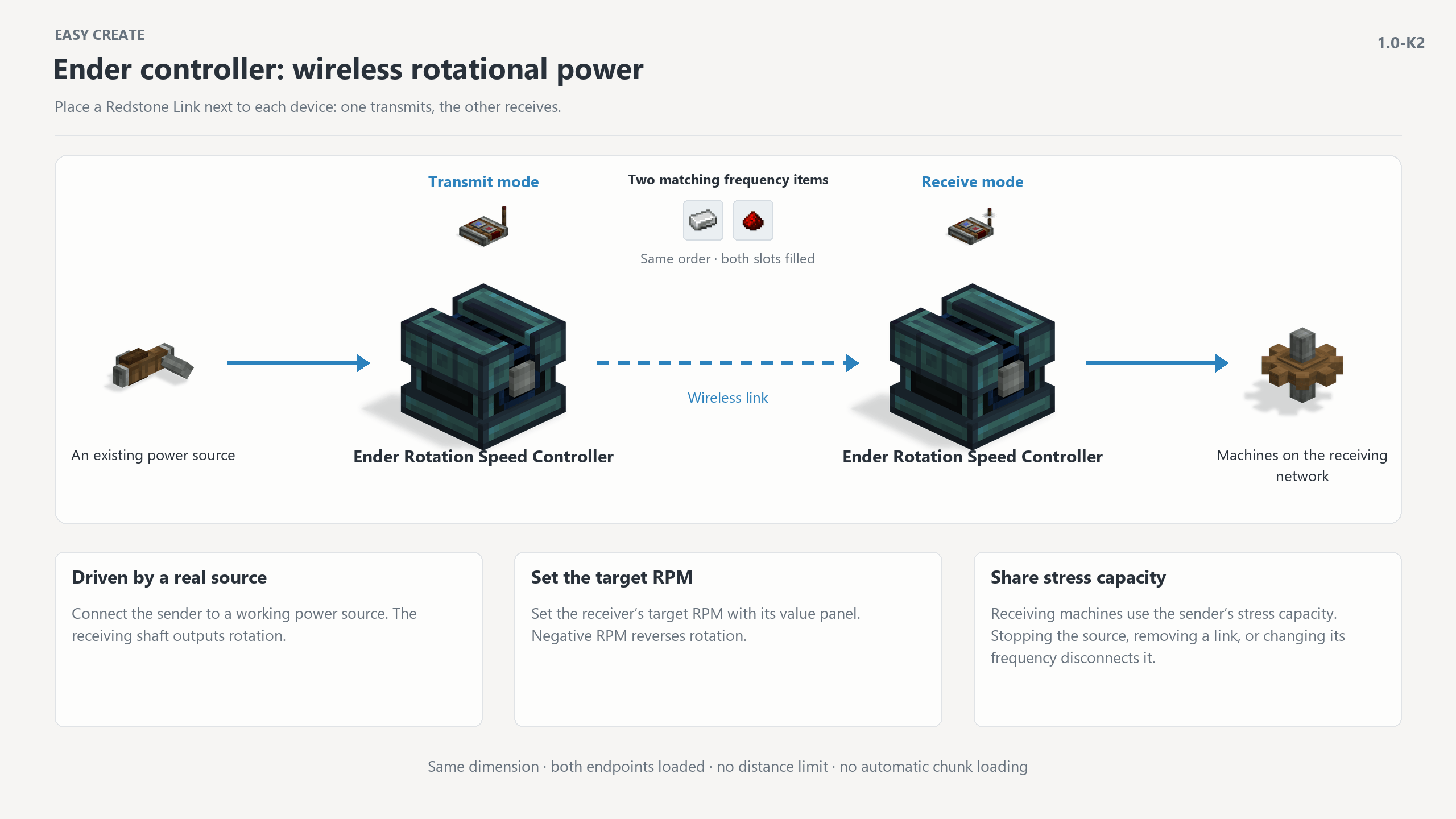
- Power Transfer: Ender speed controllers transmit the rotation of real power sources to the receiver, supporting speed adjustment and shared stress.
- Follow Thinking: Each of the three ender devices has two tutorial chapters demonstrating basic usage, terminal pairing, and the transfer process, supporting English & Simplified Chinese
Wireless transfer requires both ends to be in the same dimension and the blocks to be loaded. There are no distance limitations, and blocks are not automatically loaded. Place the cursor on the item and hold down W to view the thoughts.
常见问题
Easy Create Supplement 支持哪些 Minecraft 版本?
Easy Create Supplement 支持 Minecraft Java 版 1.20.1–1.21.1,共 2 个版本,可用的加载器:Forge / NeoForge。下载时注意选择和你游戏版本一致的文件。
Easy Create Supplement 怎么安装?
先用 PCL2 或 HMCL 启动器安装对应版本的 Forge / NeoForge,再把下载的 .jar 文件放进游戏目录的 mods 文件夹,重新启动游戏即可。开启了版本隔离的,mods 文件夹在 versions/版本名 下面。

评论
登录后评论和评分