
截图
介绍
Easy Config Switcher
A simple tool to backup and switch between config profiles!
Works particularily well for performance presets or resourcepack styles.
Creating Presets:
- Have all Minecraft options/shaders/resourcepacks/mod settings
configured to your liking.
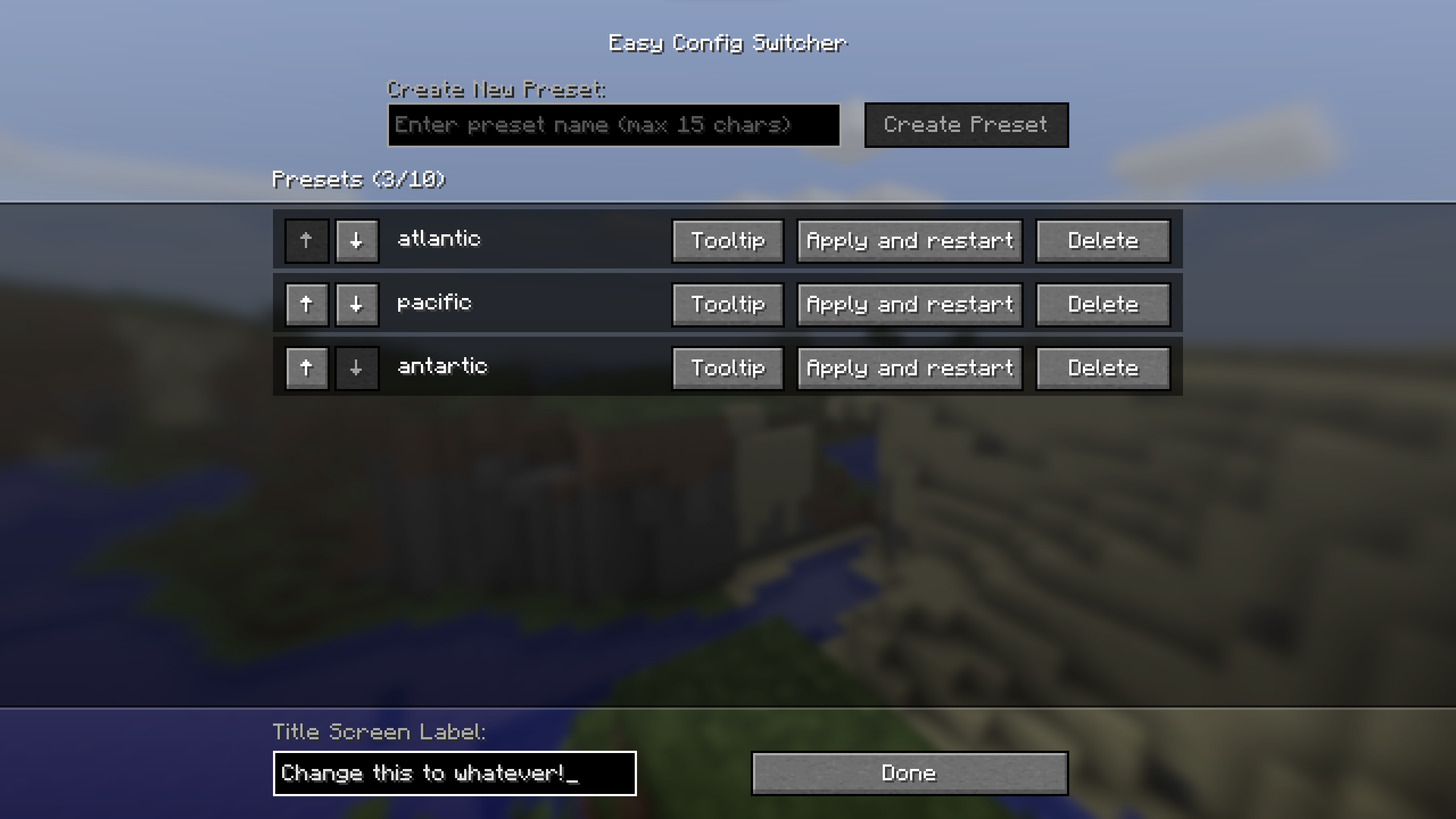
- Go to Easy Config Switcher’s config in the Mods screen (requires Mod Menu on Fabric).
- Simply type in a preset name and press “create preset”.
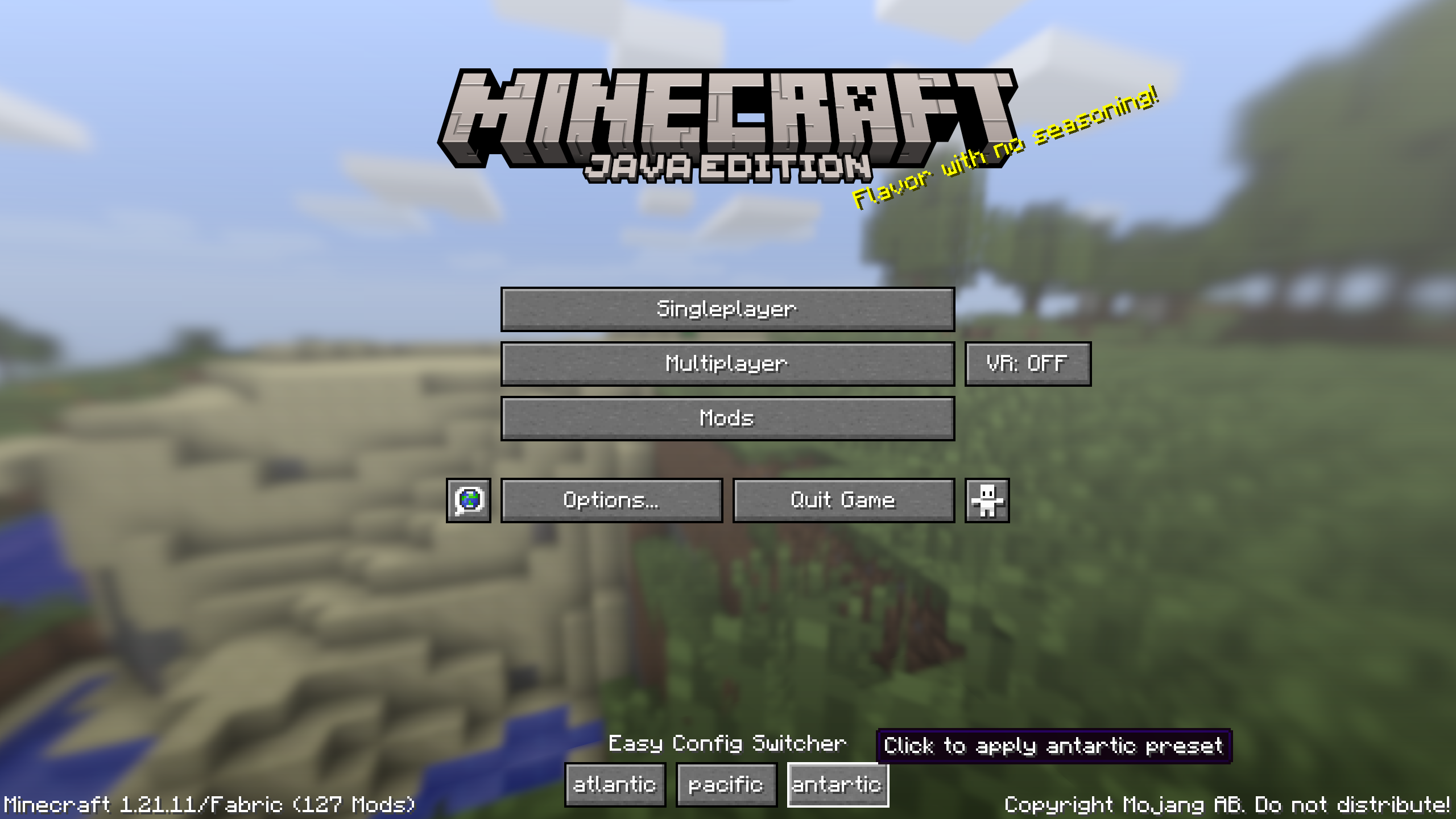
The preset with the given name should now appear on the titlescreen!
Using Presets:
- Click the desired preset on the titlescreen (or apply and restart in settings).
- Press “Confirm?”
- The game will shutdown and switch the config files over to the preset.
- Start the game again and viola, the preset should have changed and all settings switched!
Updating Presets:
- On a fresh launch, make your desired changes.
- Go to the config screen and decide if you want to apply those changes to all presets (update the “base” preset) or only a specific preset (choose that specific one). Keep in mind that updates can be applied to any preset (it only updates the preset with the changes since launch).
- Click the update button on the chosen preset (looks like a pencil).
Extra Details:
- Up to 10 presets can be added, although the menu can start looking funny after 6 or
so depending on name length.
- Preset names are capped at 15 characters to prevent issues.
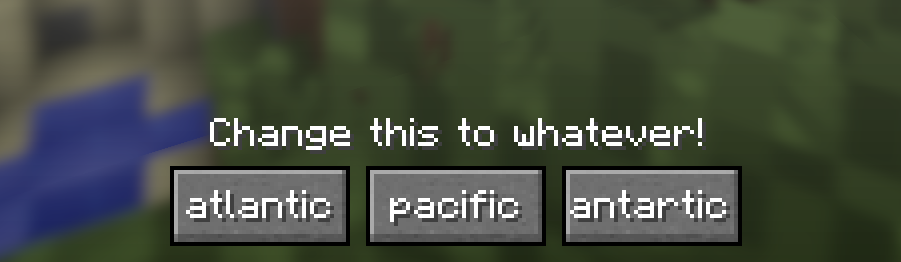
- The text above the presets (default: Easy Config Switcher) can be customized in the bottom
left.
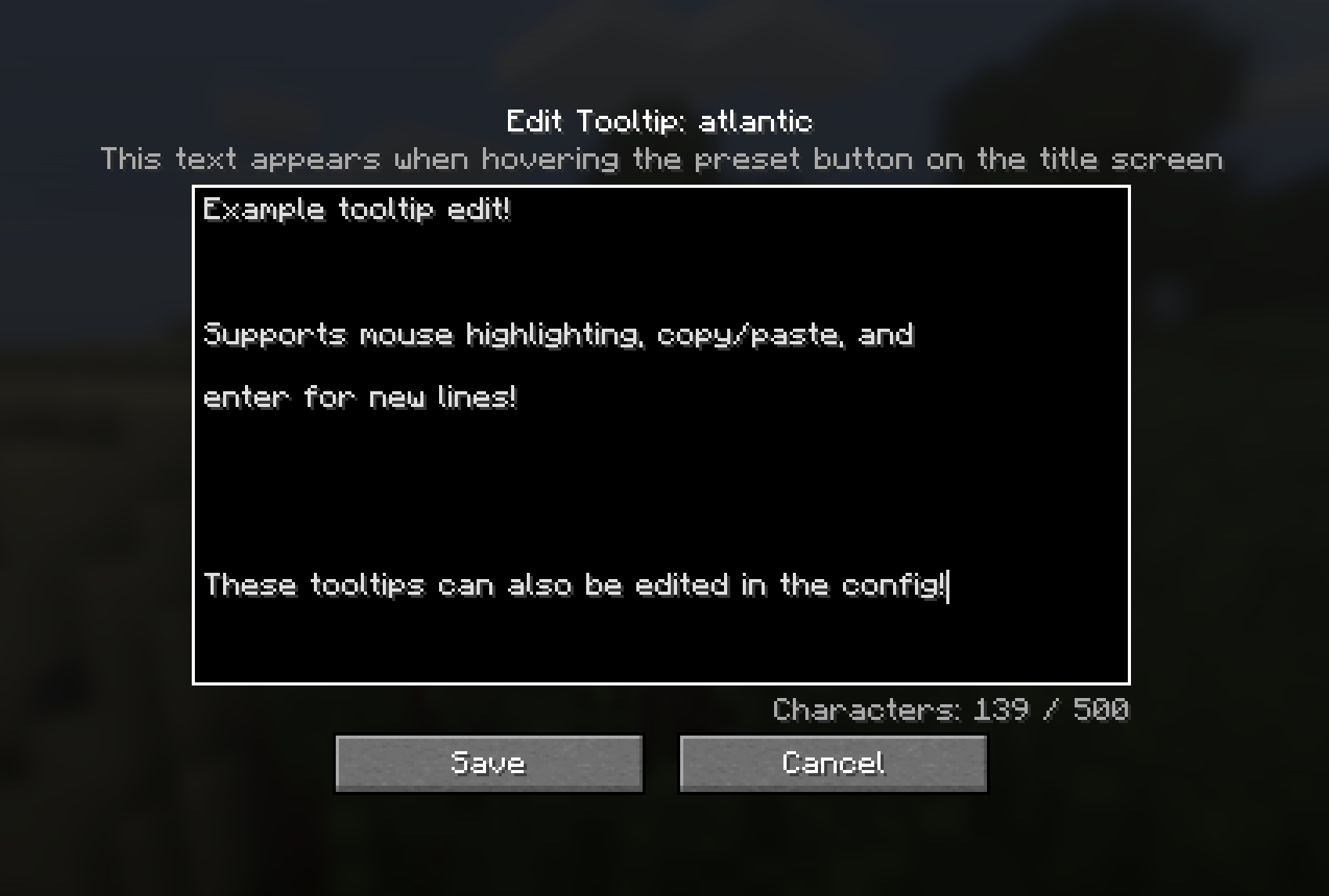
- Preset tooltips can be customized in the settings.
- The starred preset is considered the “Base” preset which contains a full copy of the saved configs.
- When a base preset exists, the rest of the presets are derivative presets (they only contain the changes compared to base).
Contact
For any questions/issues/ideas, feel free to contact me on Discord
or Matrix 🙂

常见问题
Easy Config Switcher 支持哪些 Minecraft 版本?
Easy Config Switcher 支持 Minecraft Java 版 1.20.1–26.3,共 8 个版本,可用的加载器:Fabric / Forge / NeoForge。下载时注意选择和你游戏版本一致的文件。
Easy Config Switcher 怎么安装?
先用 PCL2 或 HMCL 启动器安装对应版本的 Fabric / Forge / NeoForge,再把下载的 .jar 文件放进游戏目录的 mods 文件夹,重新启动游戏即可。开启了版本隔离的,mods 文件夹在 versions/版本名 下面。运行环境:客户端和服务端都要装。
halfstorm 的其他作品
查看全部 →
Visual Health
Add visible damage to hurt mobs and players!

Stormie’s Spiders
Enhances the AI of spiders and their ability to climb! Fork of Spiders 2.0 and Nyf's Spiders.

VR Throwing Extensions
Minecraft mod allowing Vivecraft players to throw and catch any item!

VR Swing Sprint
Mod that allows Vivecraft players to run by swinging their arms like Blade and Sorcery!
评论
登录后评论和评分