
截图
介绍
中文介绍正在准备中,下面暂时显示原文。
Easy Config Switcher
A simple tool to backup and switch between config profiles!
Works particularily well for performance presets or resourcepack styles.
Creating Presets:
- Have all Minecraft options/shaders/resourcepacks/mod settings
configured to your liking.
- Go to Easy Config Switcher’s config in the Mods screen (requires Mod Menu on Fabric).
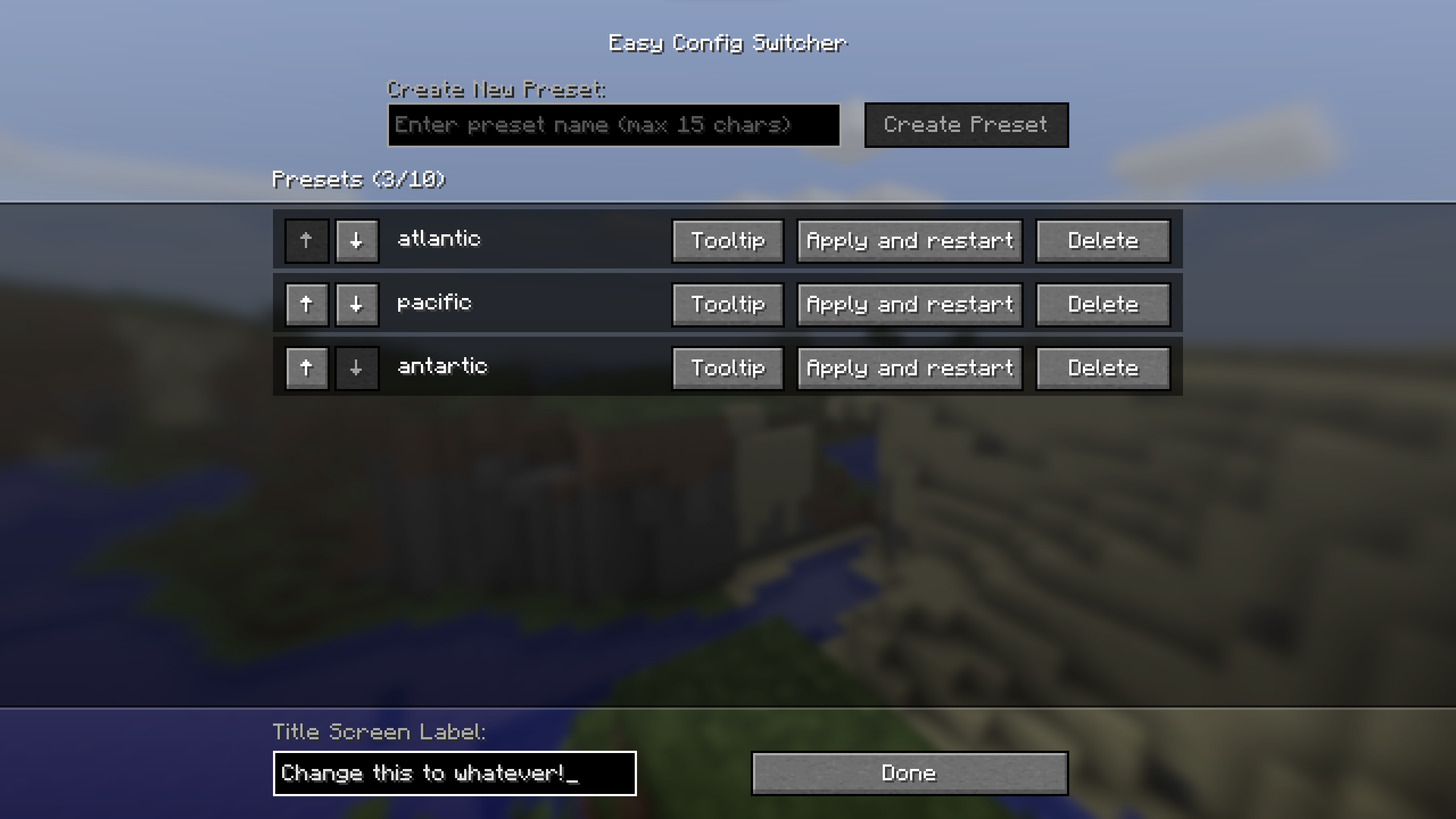
- Simply type in a preset name and press “create preset”.
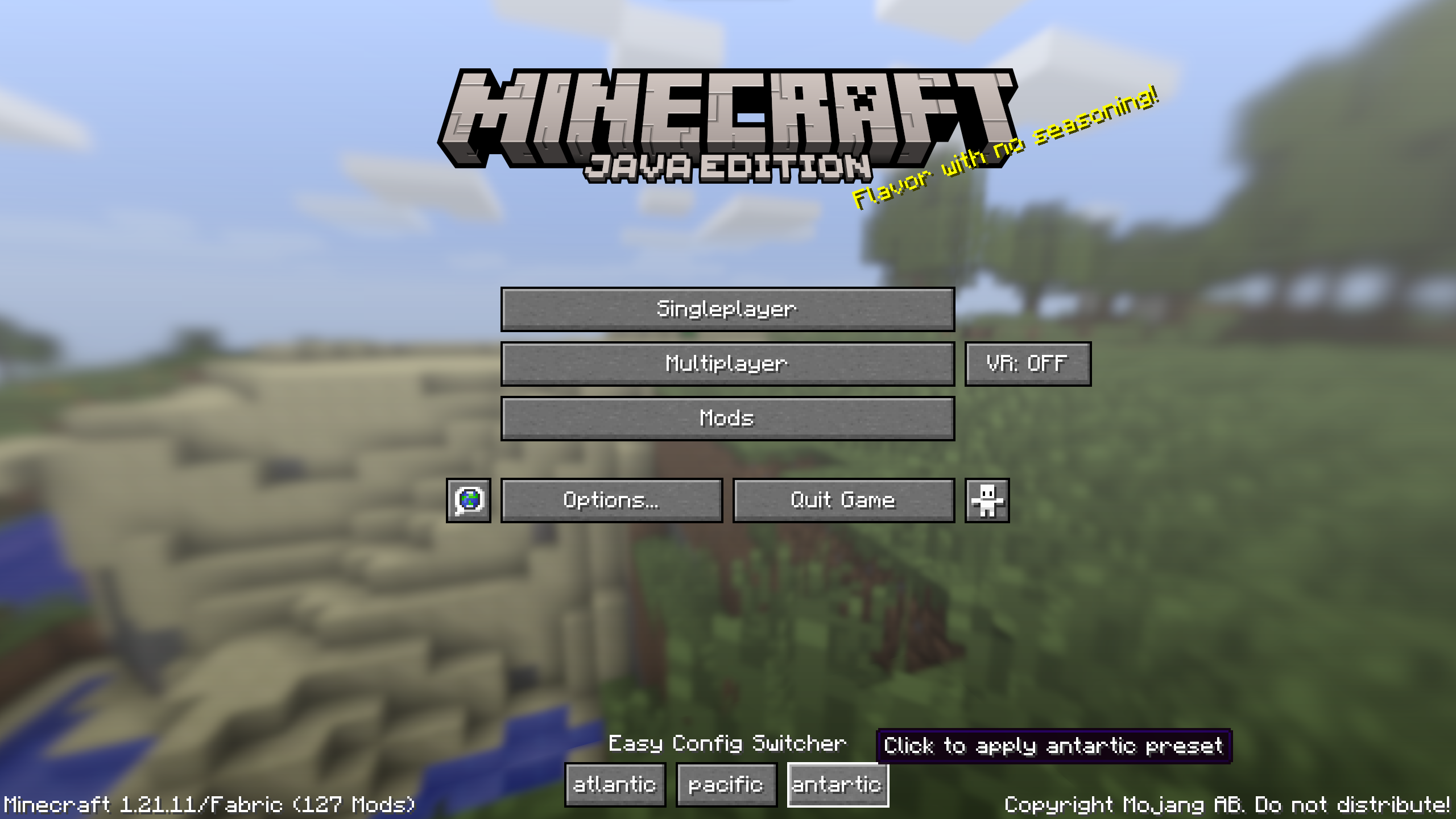
The preset with the given name should now appear on the titlescreen!
Using Presets:
- Click the desired preset on the titlescreen (or apply and restart in settings).
- Press “Confirm?”
- The game will shutdown and switch the config files over to the preset.
- Start the game again and viola, the preset should have changed and all settings switched!
Updating Presets:
- On a fresh launch, make your desired changes.
- Go to the config screen and decide if you want to apply those changes to all presets (update the “base” preset) or only a specific preset (choose that specific one). Keep in mind that updates can be applied to any preset (it only updates the preset with the changes since launch).
- Click the update button on the chosen preset (looks like a pencil).
Extra Details:
- Up to 10 presets can be added, although the menu can start looking funny after 6 or
so depending on name length.
- Preset names are capped at 15 characters to prevent issues.
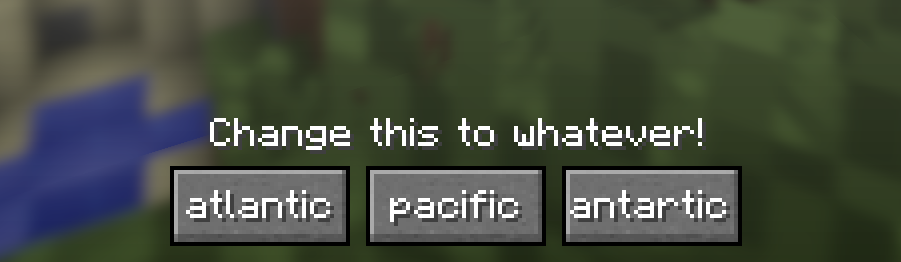
- The text above the presets (default: Easy Config Switcher) can be customized in the bottom
left.
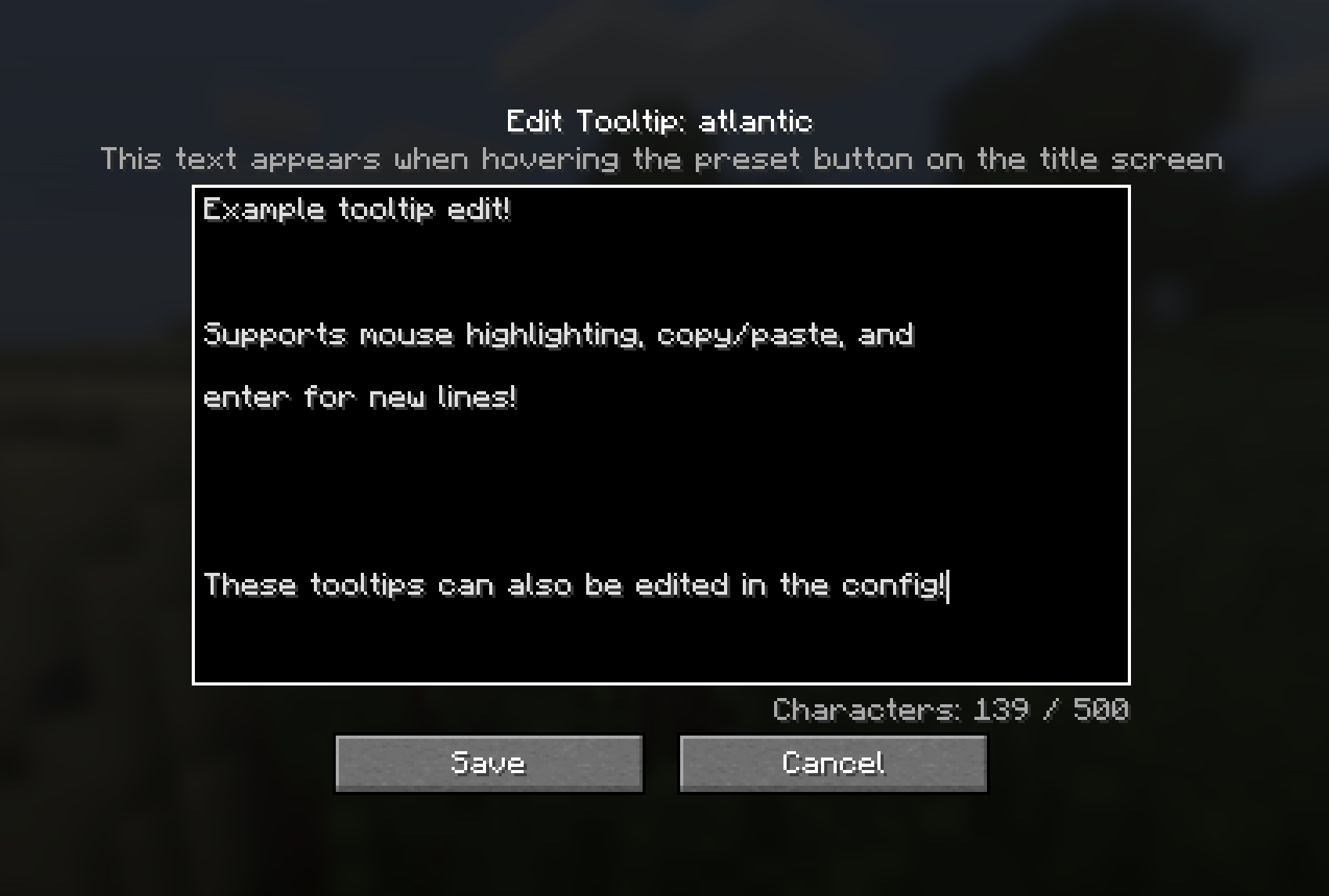
- Preset tooltips can be customized in the settings.
- The starred preset is considered the “Base” preset which contains a full copy of the saved configs.
- When a base preset exists, the rest of the presets are derivative presets (they only contain the changes compared to base).
Contact
For any questions/issues/ideas, feel free to contact me on Discord
or Matrix 🙂

常见问题
Easy Config Switcher 支持哪些 Minecraft 版本?
Easy Config Switcher 支持 Minecraft Java 版 1.20.1–26.3,共 8 个版本,可用的加载器:Fabric / Forge / NeoForge。下载时注意选择和你游戏版本一致的文件。
Easy Config Switcher 怎么安装?
先用 PCL2 或 HMCL 启动器安装对应版本的 Fabric / Forge / NeoForge,再把下载的 .jar 文件放进游戏目录的 mods 文件夹,重新启动游戏即可。开启了版本隔离的,mods 文件夹在 versions/版本名 下面。运行环境:客户端和服务端都要装。
halfstorm 的其他作品
查看全部 →
Visual Health
by halfstorm
为受伤的生物和玩家添加可见的伤害效果!
77.5万
29 天前
Modrinth · CurseForge

Stormie’s Spiders
by halfstorm
增强蜘蛛的 AI 和攀爬能力!由 Spiders 2.0 和 Nyf's Spiders 分支而来。
66.6万
1 个月前
Modrinth · CurseForge
VR Throwing Extensions
by halfstorm
让 Vivecraft 玩家能够投掷并接住任意物品的 Minecraft 模组!
15.8万
1 个月前
Modrinth · CurseForge

VR Swing Sprint
by halfstorm
让 Vivecraft 玩家像在《Blade and Sorcery》中一样挥动手臂奔跑的模组!
10.1万
1 个月前
Modrinth · CurseForge
评论
登录后评论和评分