
Easy Block Editor
EasyBlockEditor is a Minecraft construction editor mod inspired by the Litematica mod and developed using the LDLib2 framework.
截图
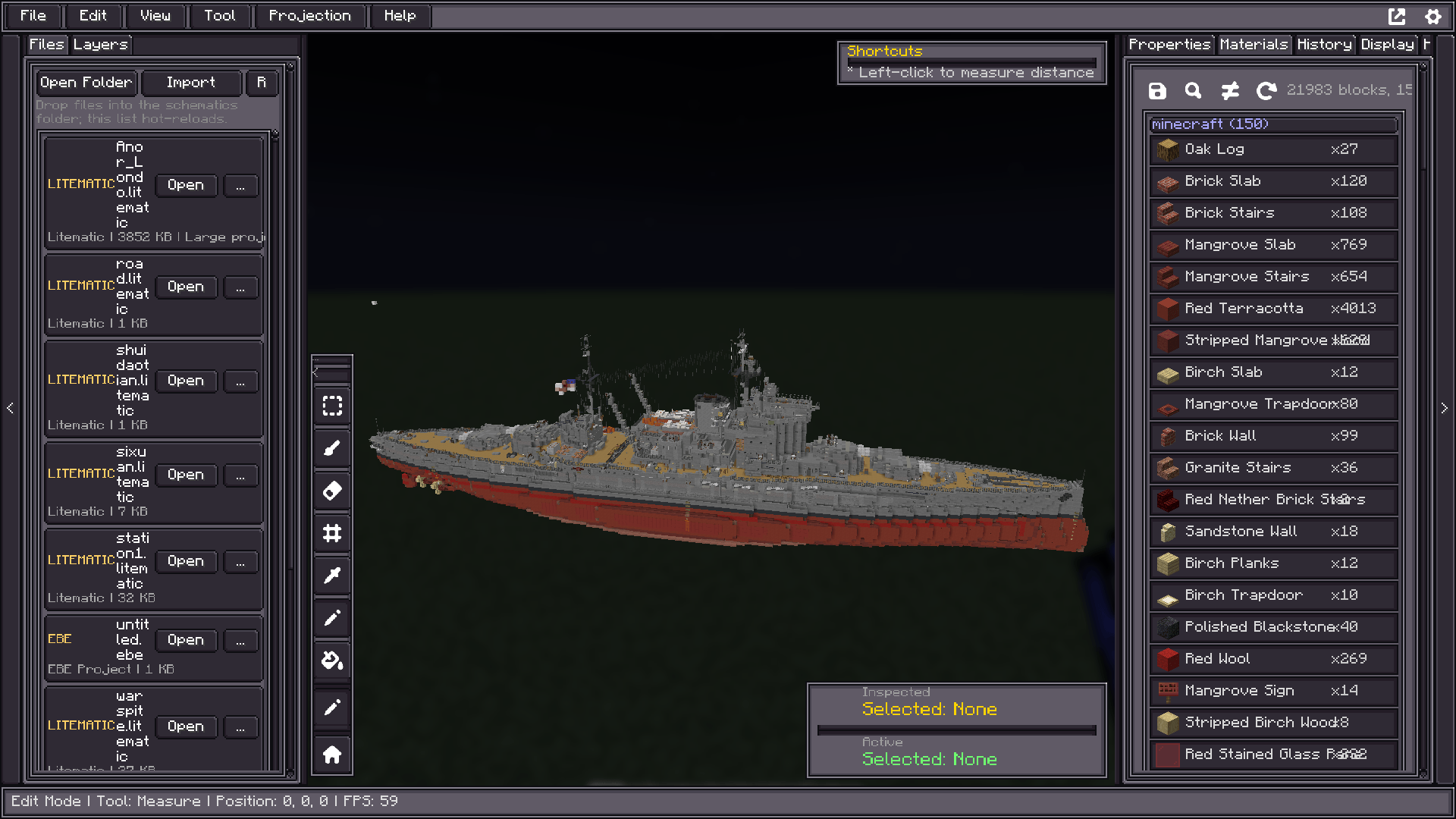
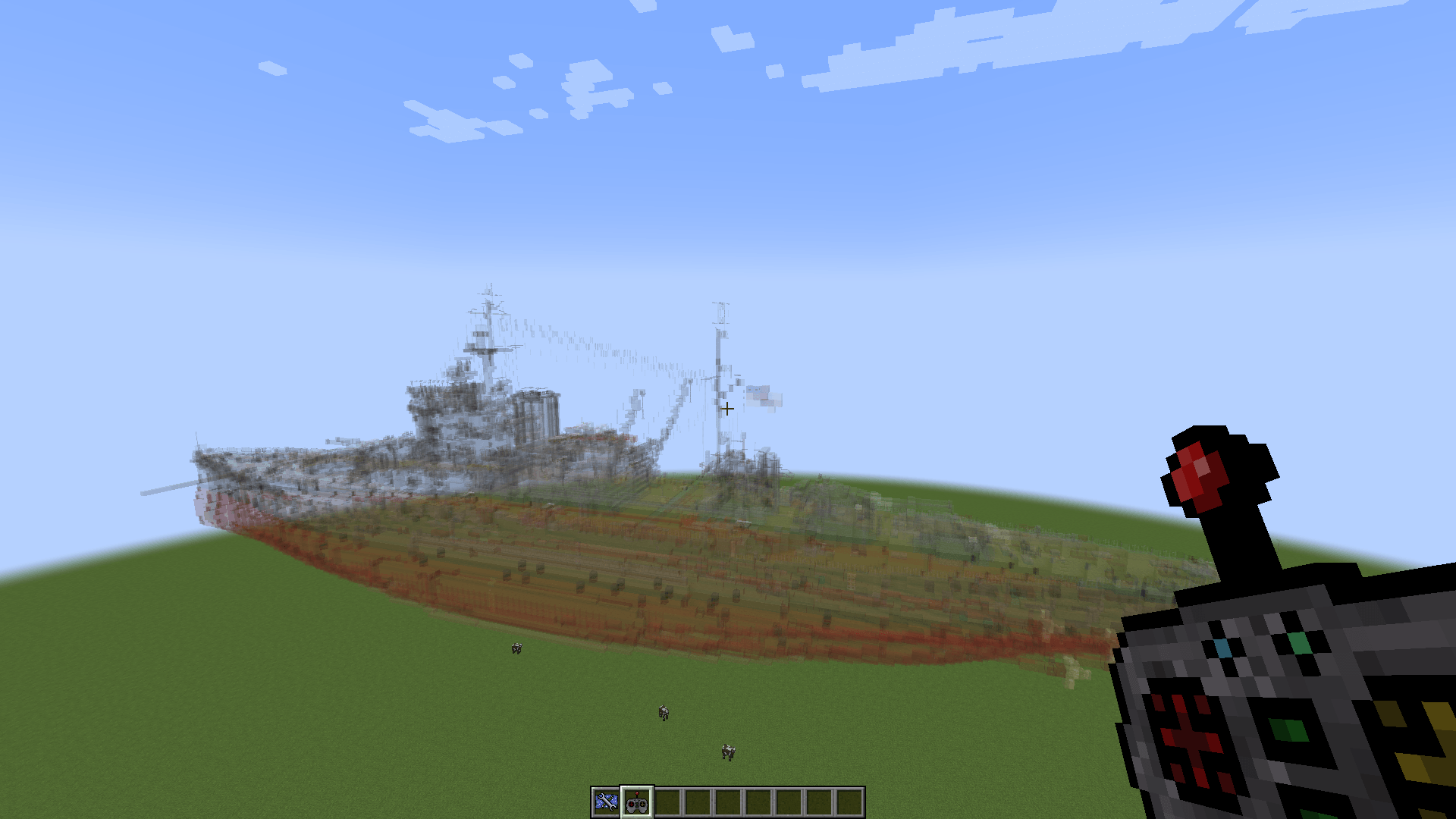
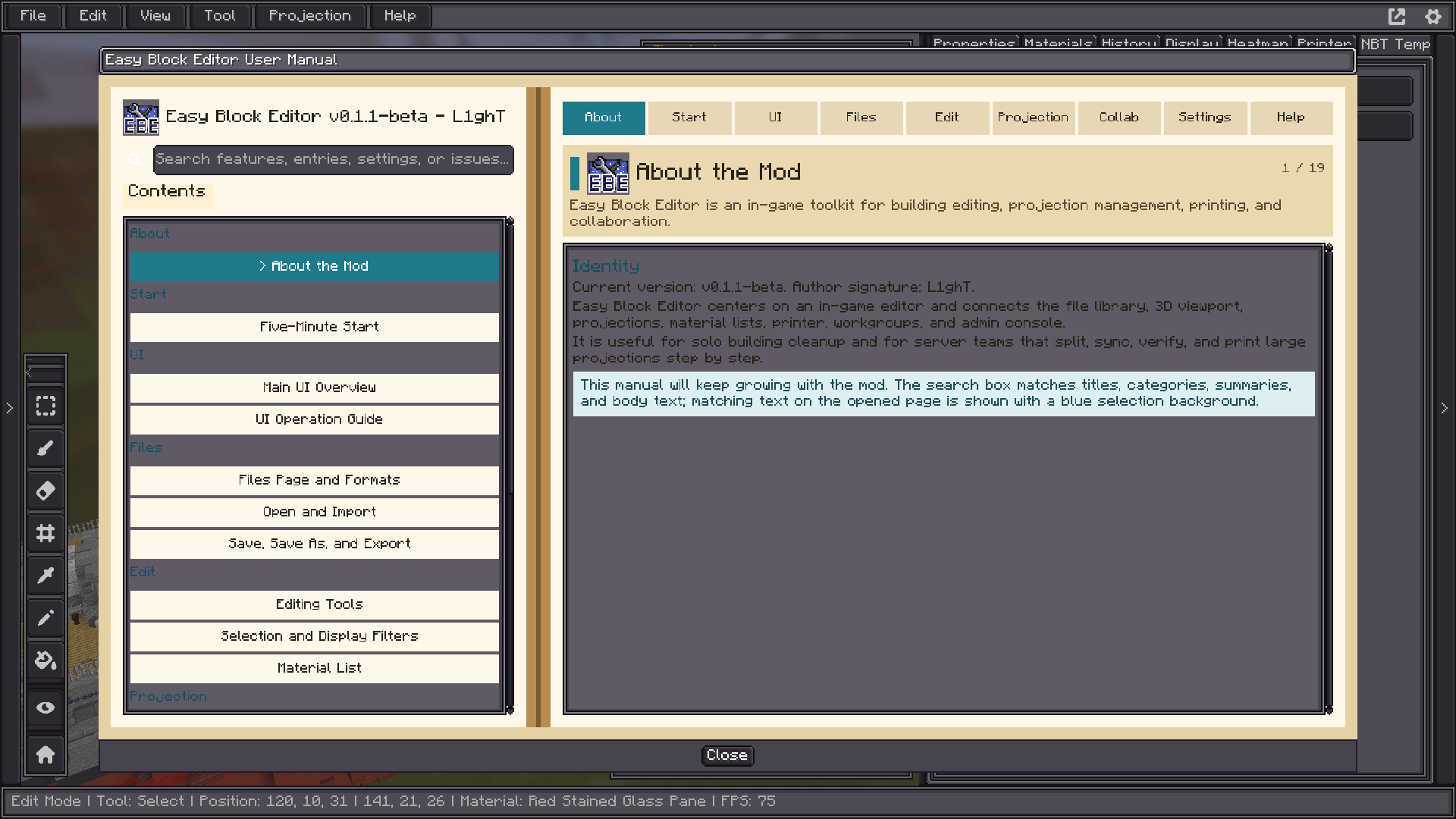
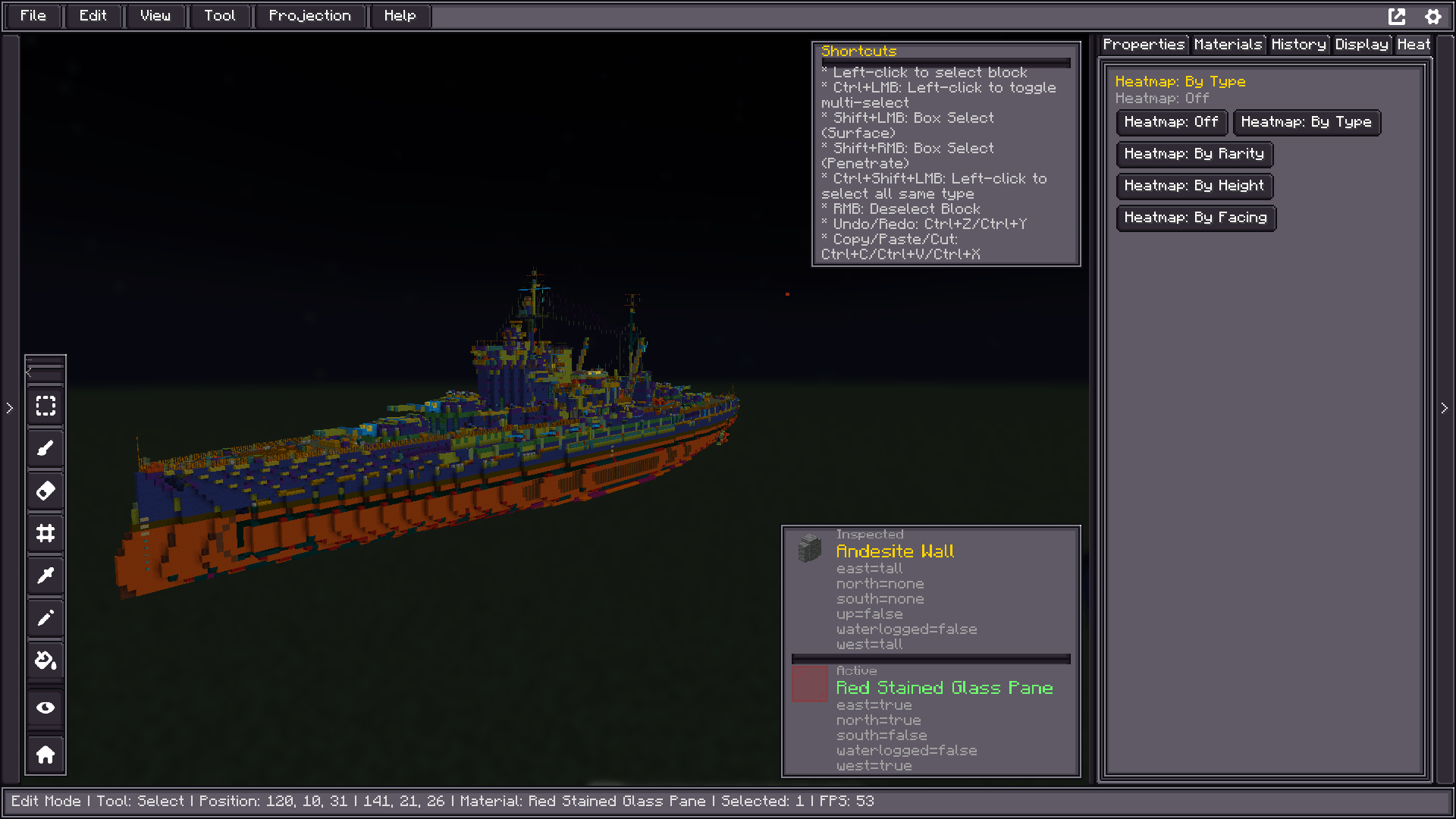
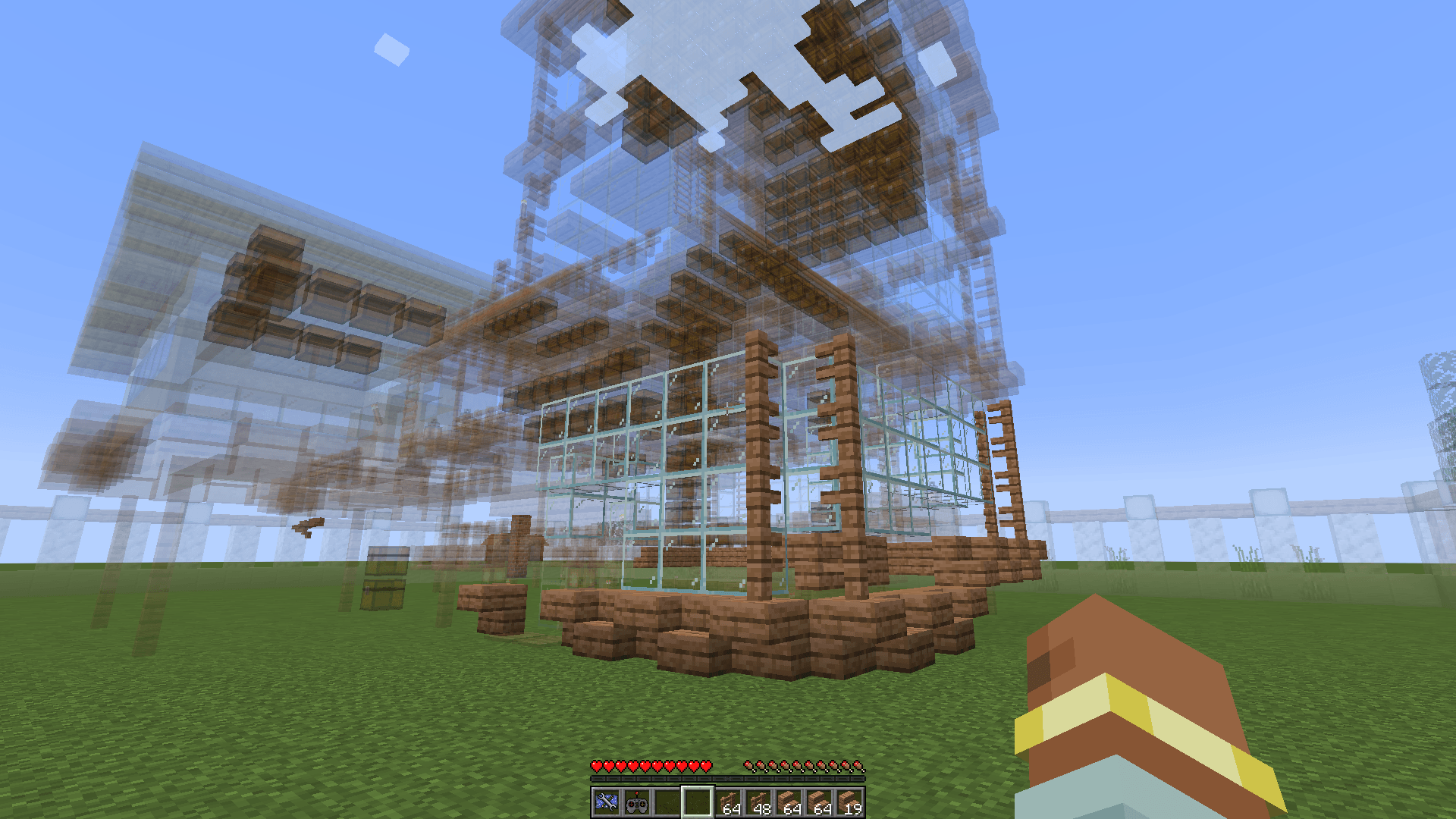
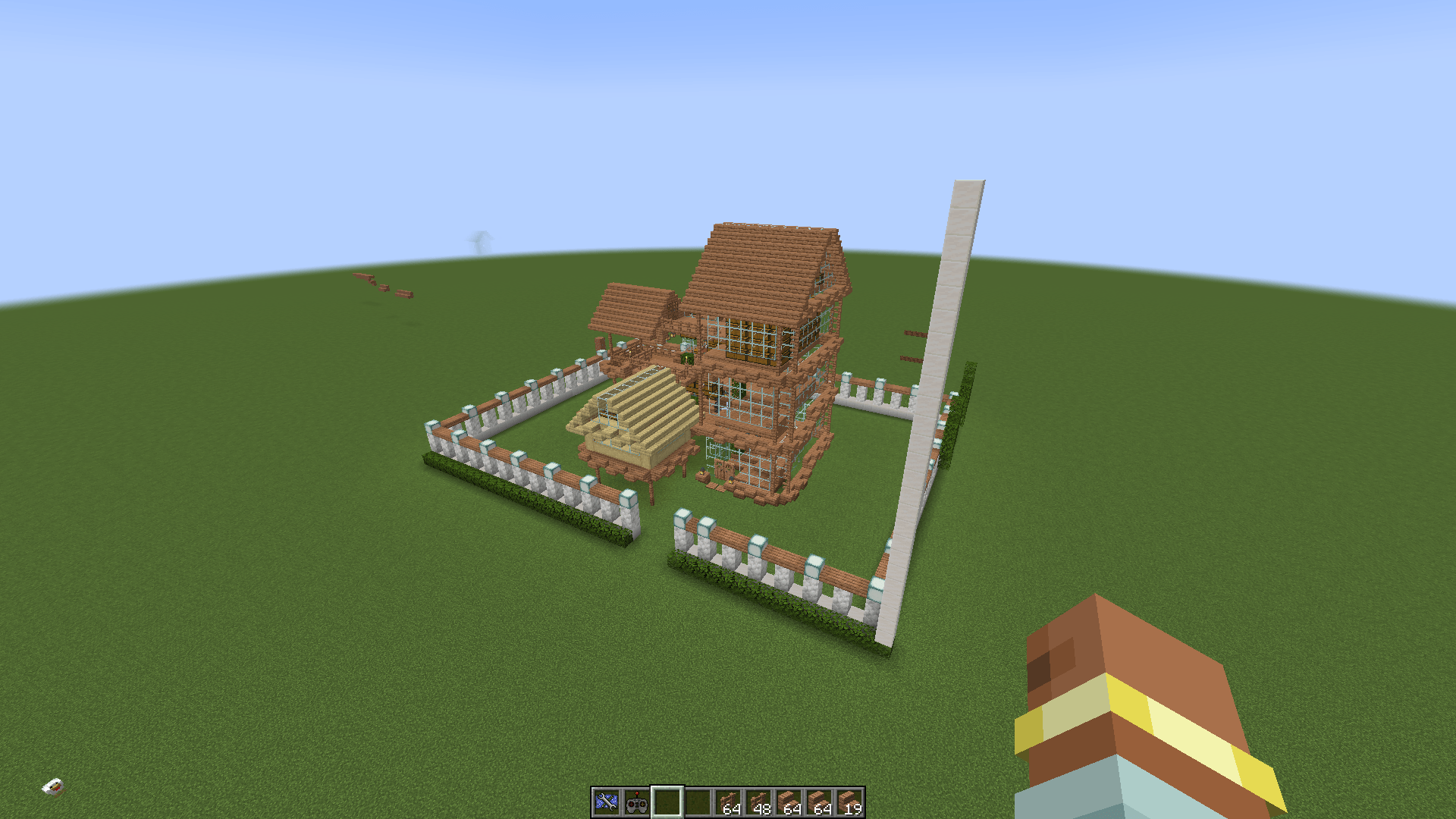
介绍
EasyBlockEditor
EasyBlockEditor is a building editor mod for Minecraft NeoForge 1.21.1, inspired by Litematica, developed with the LDLib2 framework.
It serves as both a building editor and a building management platform. The core concept: provide an in-game full-screen 3D UI editor, allowing players to design, edit, manage, and share buildings in a non-destructive way.
Features
- 3D UI Editor — Full-screen in-game editor with FlexBox layout, powered by LDLib2
- Non-destructive Editing — Edit buildings virtually before applying to the real world
- Multi-format Support — Compatible with
.litematic,.schem(Sponge),.nbt(Vanilla Structure),.schematic(Schematica), and native.ebeformat - Layer System — Organize buildings with layers (foundation, walls, roof, etc.)
- Workgroup Collaboration — Real-time collaboration with permission management
- Projection System — Preview buildings as holographic projections in the world
- Printer Mode — Auto or manual block placement consuming player inventory
- Version History — Full undo/redo with version snapshots
- Material Statistics — Real-time material cost calculation
- Block Heatmap — Visualize block type distribution with colors
- NBT Editing — Full block entity NBT editing and filtering
- Theming — Customizable UI themes via LSS stylesheets
- i18n — Supports English and Chinese (中文)
Requirements
- Minecraft 1.21.1
- NeoForge 21.1.x
- LDLib2 (required)
Installation
- Download the latest release from Releases
- Place the
.jarfile in your Minecraftmods/directory - Launch the game
Usage
- Use
/ebecommand or right-click the Architect Toolbox item to open the editor - Place schematic files in
config/ebe/client/schematics/for the editor to detect
Building from Source
git clone https://github.com/huangzilu/EasyBlockEditor.git
cd EasyBlockEditor
./gradlew build
The built jar will be in build/libs/.
License
This project is licensed under the MIT License — see the LICENSE file for details.
Credits
- Author: L1ghT
- Inspired by: Litematica by masa
- Powered by: LDLib2 by Low-Drag-MC
常见问题
Easy Block Editor 支持哪些 Minecraft 版本?
Easy Block Editor 支持 Minecraft Java 版 1.21.1,可用的加载器:NeoForge。下载时注意选择和你游戏版本一致的文件。
Easy Block Editor 怎么安装?
先用 PCL2 或 HMCL 启动器安装对应版本的 NeoForge,再把下载的 .jar 文件放进游戏目录的 mods 文件夹,重新启动游戏即可。开启了版本隔离的,mods 文件夹在 versions/版本名 下面。运行环境:客户端和服务端都要装。
评论
登录后评论和评分