
截图
介绍
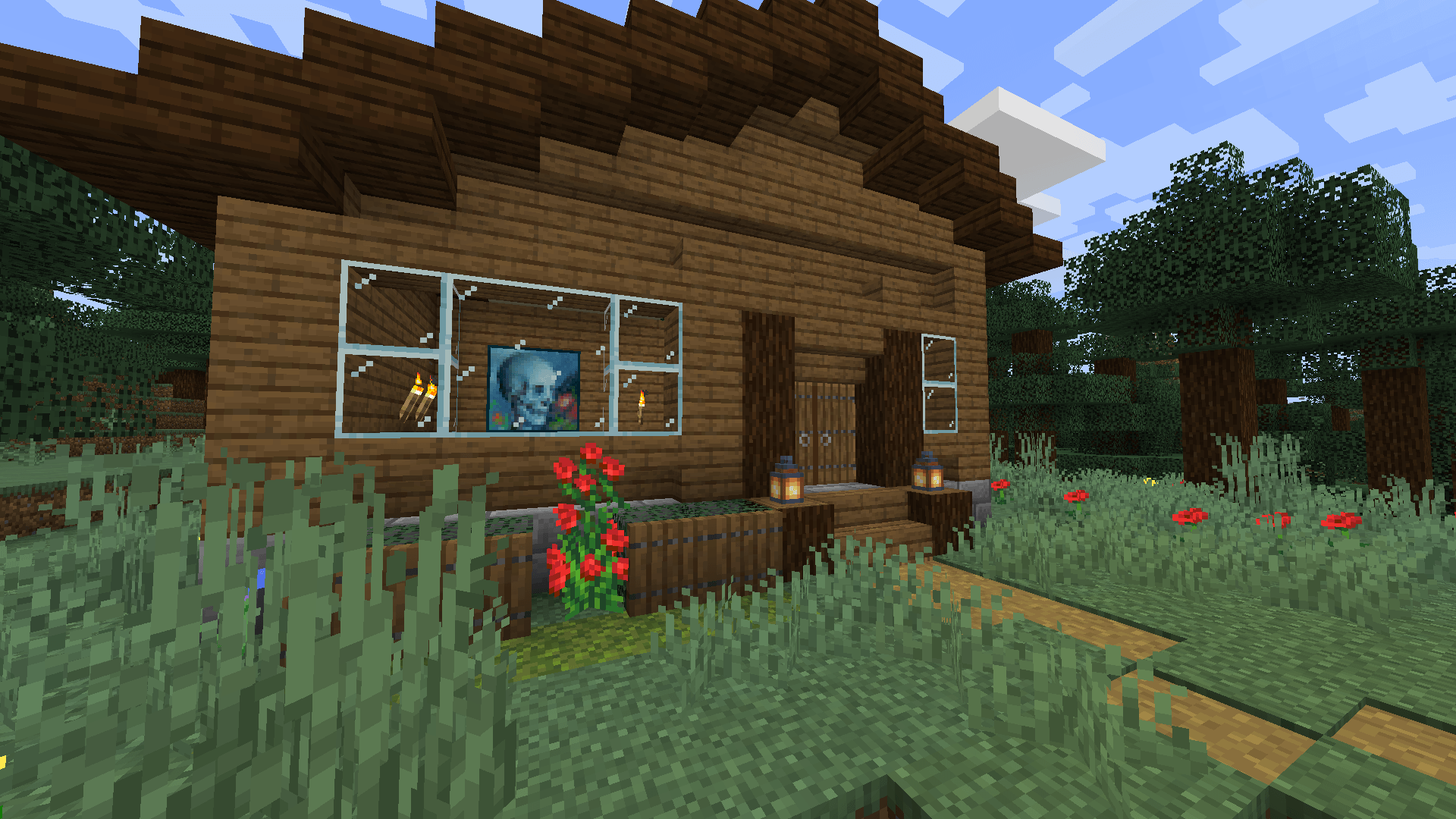
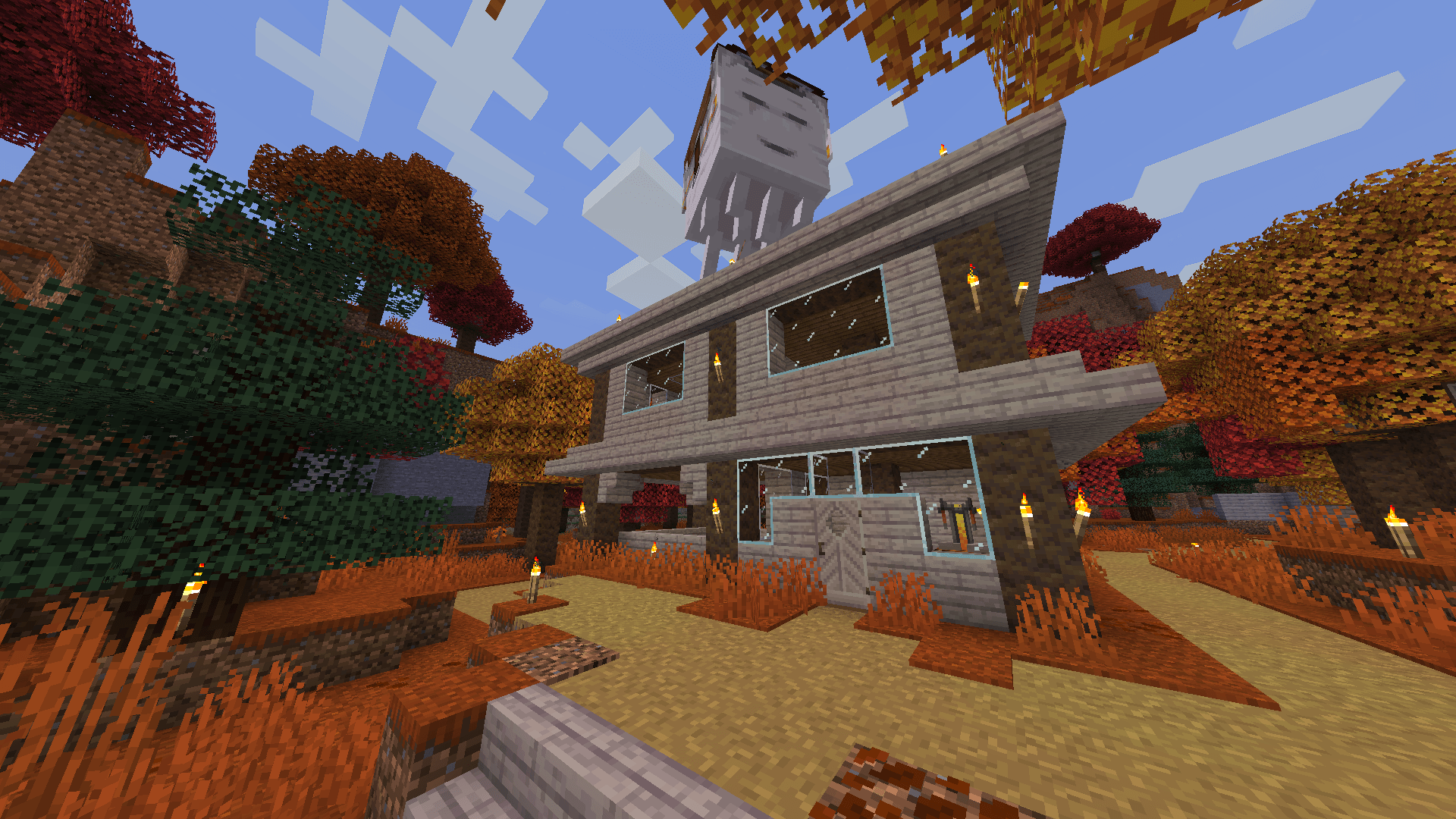
Dynamic Glass makes Minecraft glass connect automatically for cleaner windows and builds, while still letting you place normal vanilla glass whenever you want.
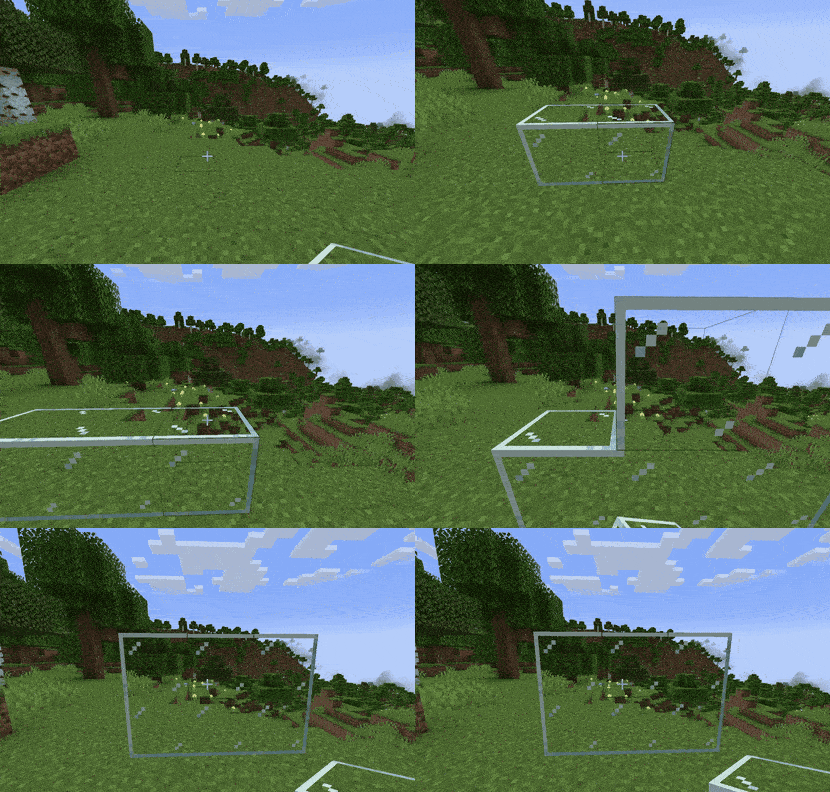
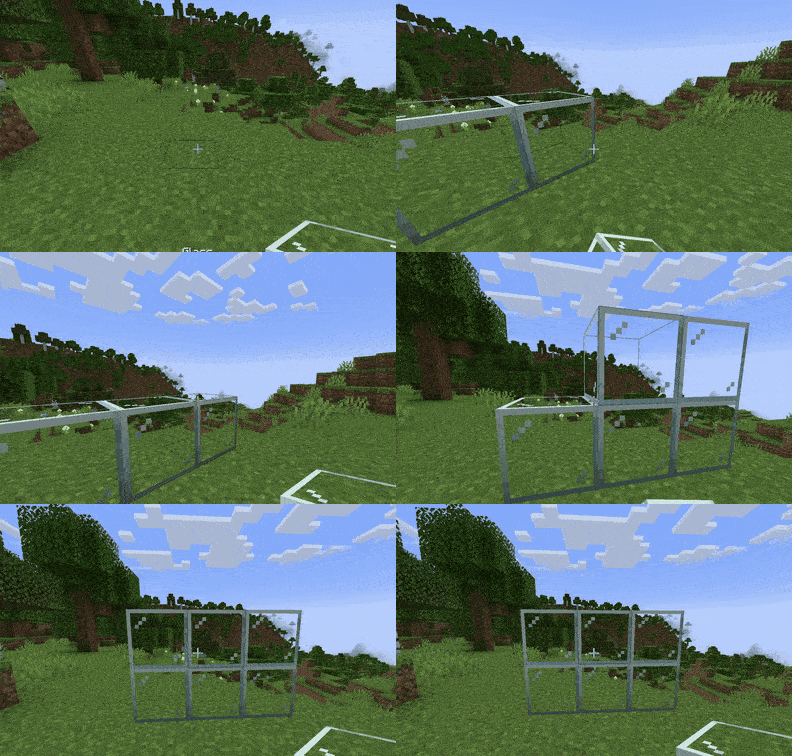
Place glass normally and the borders between nearby Dynamic Glass blocks disappear, leaving only the outside edge of the glass structure.
Hold Shift while placing to place completely normal vanilla glass with the usual borders.
Connected Glass
Place normally to automatically remove borders between connected glass.
Vanilla Glass
Hold Shift while placing to keep the normal Minecraft borders.
Supported Glass
Dynamic Glass works with:
- Regular Glass
- All 16 Stained Glass colors
- Tinted Glass
- Glass Panes
- All 16 Stained Glass Panes
NO EXTRA BLOCKS
You still use the normal Minecraft glass items.
There are:
- No new recipes
- No separate connected-glass items
- No special tools
- No extra steps
Multiplayer
Dynamic Glass is designed to work in both singleplayer and multiplayer. For multiplayer, install the mod on both the client and server.
常见问题
Dynamic Glass 支持哪些 Minecraft 版本?
Dynamic Glass 支持 Minecraft Java 版 1.20.1–26.3,共 5 个版本,可用的加载器:Fabric / Forge / NeoForge。下载时注意选择和你游戏版本一致的文件。
Dynamic Glass 怎么安装?
先用 PCL2 或 HMCL 启动器安装对应版本的 Fabric / Forge / NeoForge,再把下载的 .jar 文件放进游戏目录的 mods 文件夹,重新启动游戏即可。开启了版本隔离的,mods 文件夹在 versions/版本名 下面。


评论
登录后评论和评分