Dyeable Torches
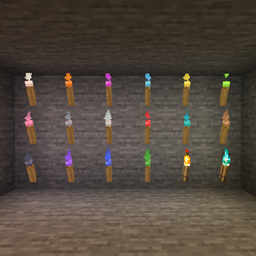
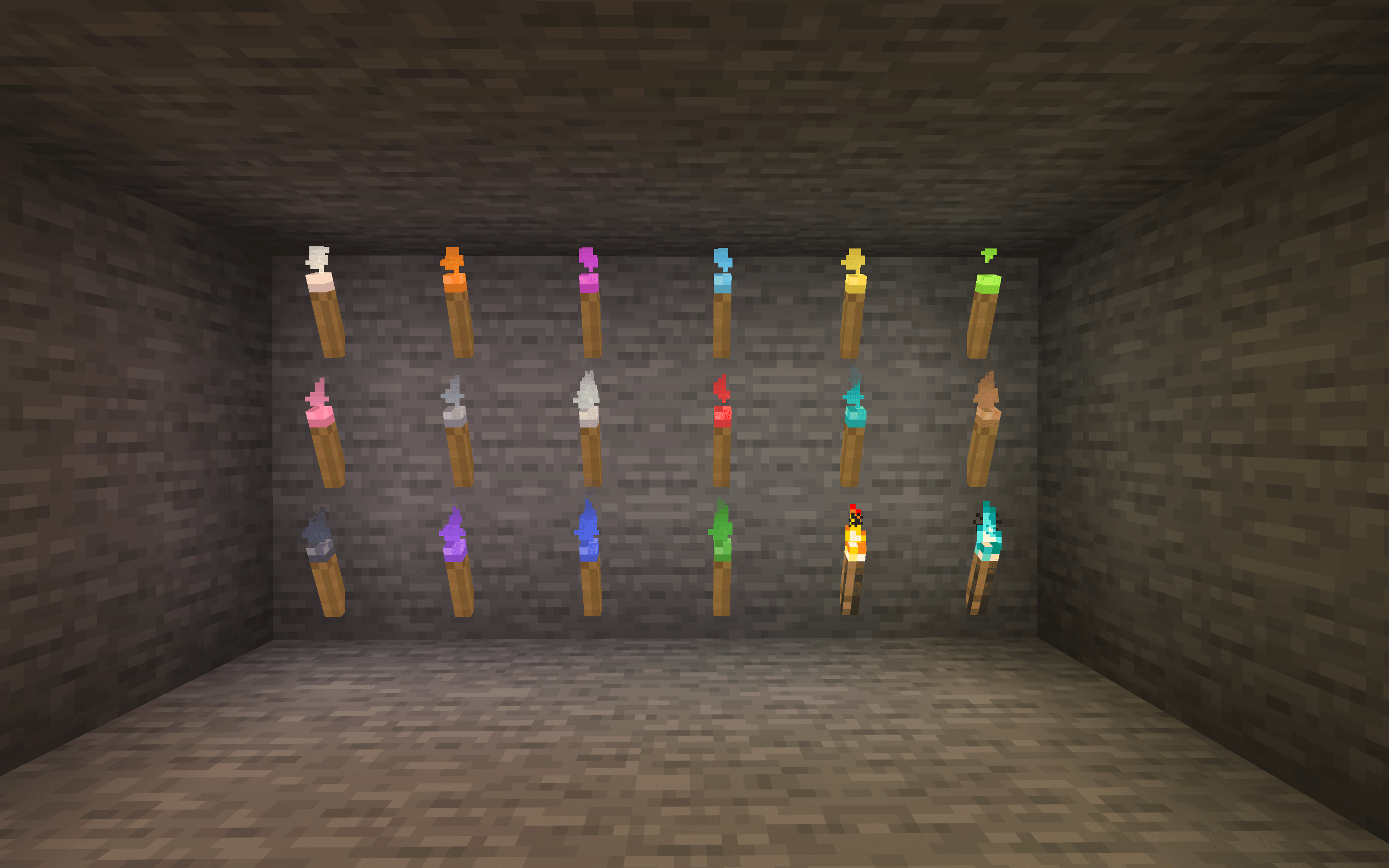
Dye your torches with any of Minecraft's 16 dyes! Craft colorful torches with matching flames and lighting to brighten up your builds.
截图
介绍
Dyeable Torches
Dyeable Torches lets you customize Minecraft’s regular torches using any of the 16 available dyes. Whether you’re decorating your base, building something creative, or adding atmosphere to your world, colored torches give you more control over your lighting.
Features
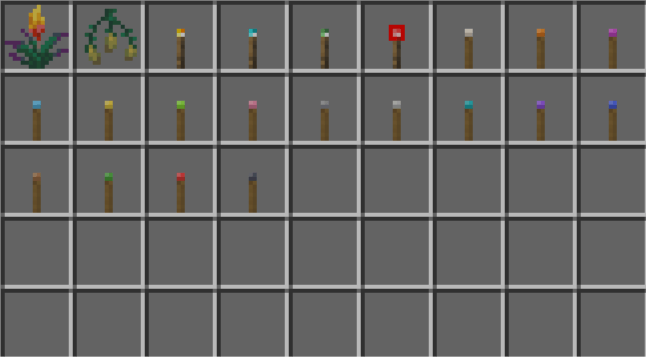
- 16 Torch Colors: Choose from all 16 vanilla Minecraft dye colors.
- Easy Dyeing: Simply right-click an existing torch while holding a dye to change its color.
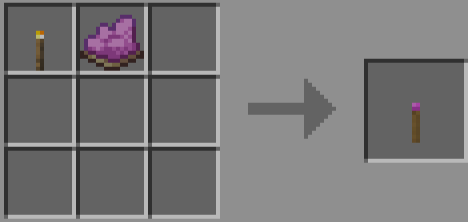
- Craftable Torches: Combine a regular torch with any dye in a crafting table to create a colored torch.
- Colored Flames: Each torch has a flame that matches its selected color.
- Colored Lighting: Colored torches cast matching colored light onto nearby blocks and surfaces.
- Recolor Anytime: Change a torch’s color whenever you want by applying another dye.
How to Use
Crafting: Place a regular torch and any dye in a crafting table to create a colored torch.
Dyeing: Hold a dye and right-click a placed torch to instantly change its color.
Recoloring: Apply a different dye to an already colored torch to change its appearance.
Breaking: Mine a colored torch to pick it up without losing its color.
常见问题
Dyeable Torches 支持哪些 Minecraft 版本?
Dyeable Torches 支持 Minecraft Java 版 26.3,可用的加载器:Fabric / Forge / NeoForge / Quilt。下载时注意选择和你游戏版本一致的文件。
Dyeable Torches 怎么安装?
先用 PCL2 或 HMCL 启动器安装对应版本的 Fabric / Forge / NeoForge / Quilt,再把下载的 .jar 文件放进游戏目录的 mods 文件夹,重新启动游戏即可。开启了版本隔离的,mods 文件夹在 versions/版本名 下面。
mlgman168 的其他作品
查看全部 →
Smart Tree Harvester
蹲下并用斧头砍倒树底部的原木,即可瞬间砍倒整棵树。

TNT Madness
新增多种强力又独特的 TNT,让爆炸更刺激、更加难以预料。

Cozy Christmas Textures
圣诞主题资源包,为 Minecraft 1.21.10 及更高版本增添温馨节日细节与雪景氛围。

Smart Ore Harvester
蹲下并用镐挖掘矿石,即可一次挖完整条矿脉
评论
登录后评论和评分