截图
介绍


Durability Bar
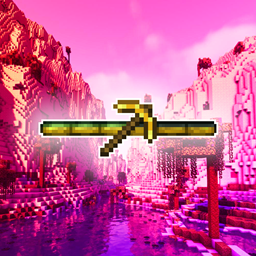
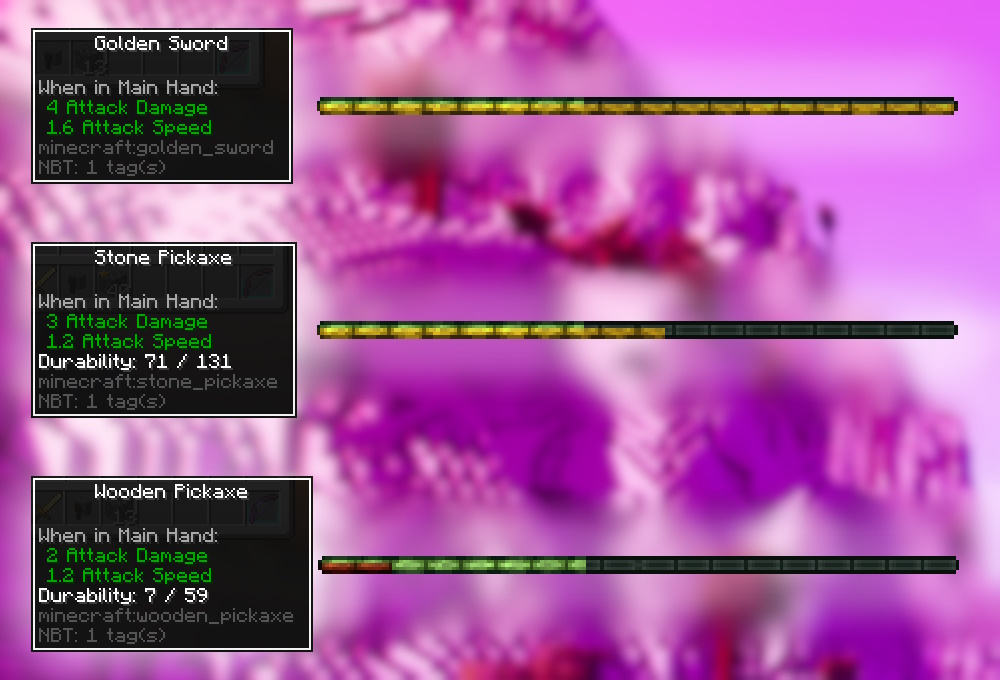
A lightweight, simple, non-intrusive indicator for your item’s health that utilizes the lower portion of the XP bar to track the health of the item you’re currently holding.

♻️ Compatibility
Durability Bar is designed to be compatible with all mods. If you encounter any errors, please leave a comment.
For compatibility with Raised, you’ll need to download + use this Resource Pack. For custom compatibility with Raised, see the paragraph below.
Durability Bar is compatible with all Resource Packs with the appropriate tweaks.
The Durability Bar can be tweaked to your heart’s desire via a Resource Pack: you’ll need to copy durability_bar.png and place it in your own Resource Pack under assets/durabilitybar/textures/gui/durability_bar.png. The bar cannot be any wider than it currently is, however, it is freely adjustable [vertically].
❗❗ For custom compatibility with Raised, you’ll need to raise the entire texture by 2 pixels.
✔️ Durability Bar supports less-than-opaque opacity.
🤝 Credits
- intwined for the idea
- Tiviacz1337 for creating the mod
⚖️ Rights
✔️ You are welcome to use this mod in your modpack.
❌ You are NOT permitted to edit, modify, or redistribute this mod in any other way.
常见问题
Durability Bar 支持哪些 Minecraft 版本?
Durability Bar 支持 Minecraft Java 版 1.19.2,可用的加载器:Fabric。下载时注意选择和你游戏版本一致的文件。
Durability Bar 怎么安装?
先用 PCL2 或 HMCL 启动器安装对应版本的 Fabric,再把下载的 .jar 文件放进游戏目录的 mods 文件夹,重新启动游戏即可。开启了版本隔离的,mods 文件夹在 versions/版本名 下面。


评论
登录后评论和评分