Dual-Vector Foil
Add Dual-Vector Foil from *The Three-Body Problem* to the mod
介绍
Add Dual-Vector Foil from The Three-Body Problem to the mod
You can obtain it in Creative Mode.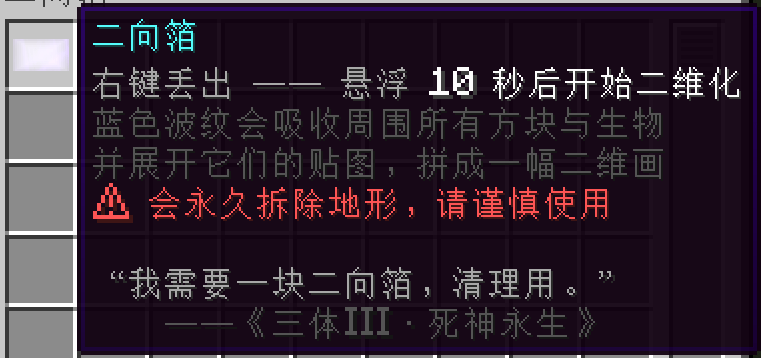
It has two operating modes: Diffusion Mode and Non-Diffusion Mode,You can configure detailed settings in the mod config.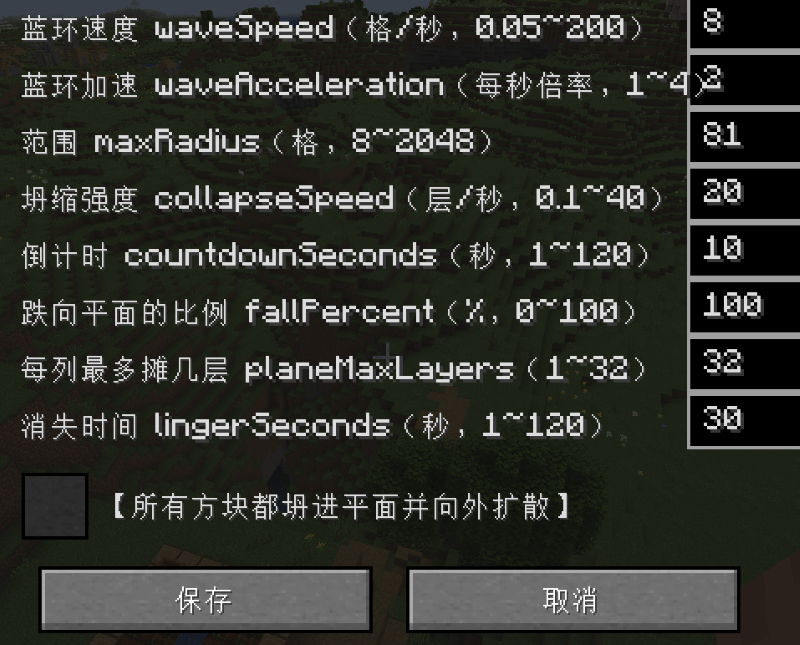
Activation triggers a countdown, followed by dimensional collapse.
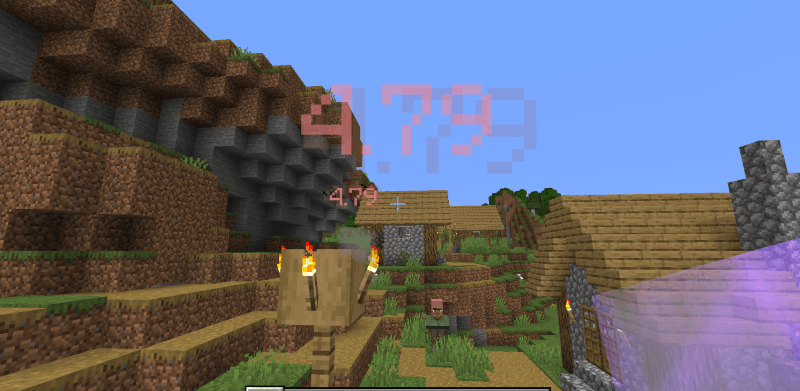
All creatures within range will be flattened into two dimensions.
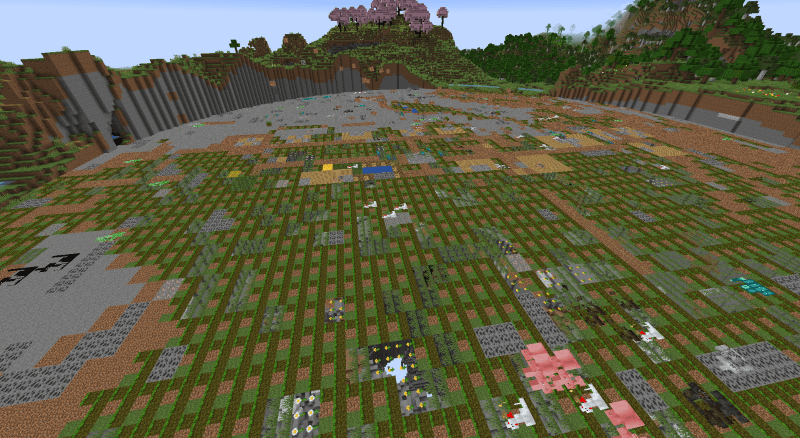
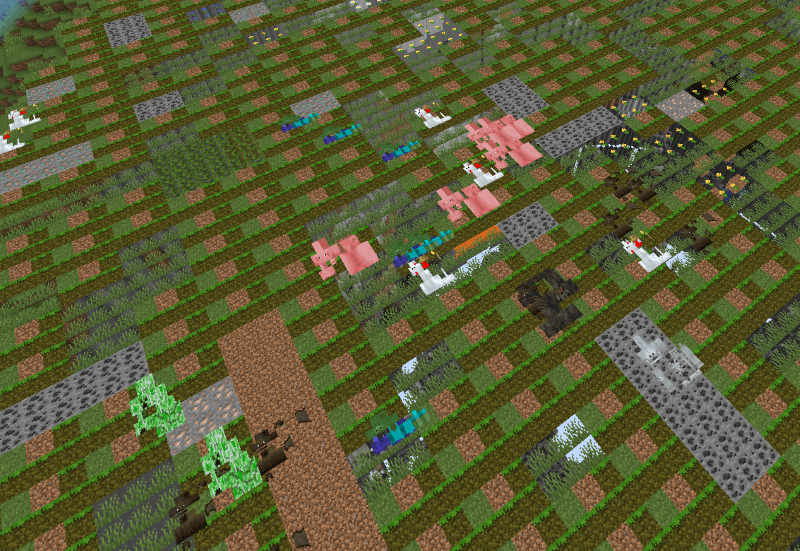
However, this mode expands slowly and is confined to a predefined area.
But, if this toggle is enabled.
Blocks will expand outward!!!
WARNING! This will severely impact PC performance, so it is not recommended to set an excessively large radius.
This is extremely important!!!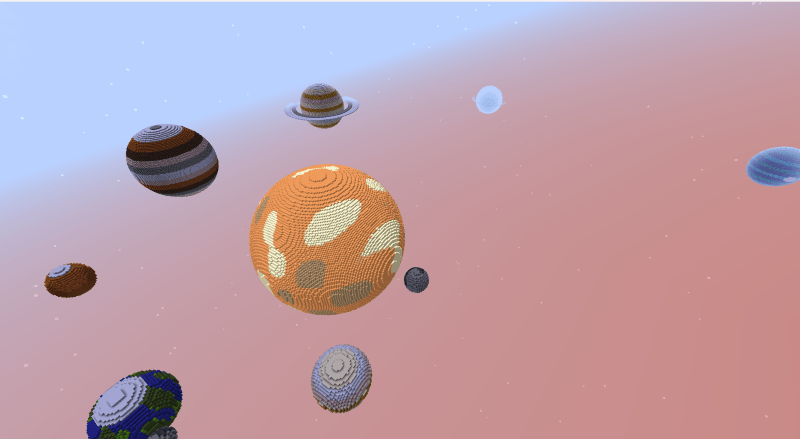
I will demonstrate using this map.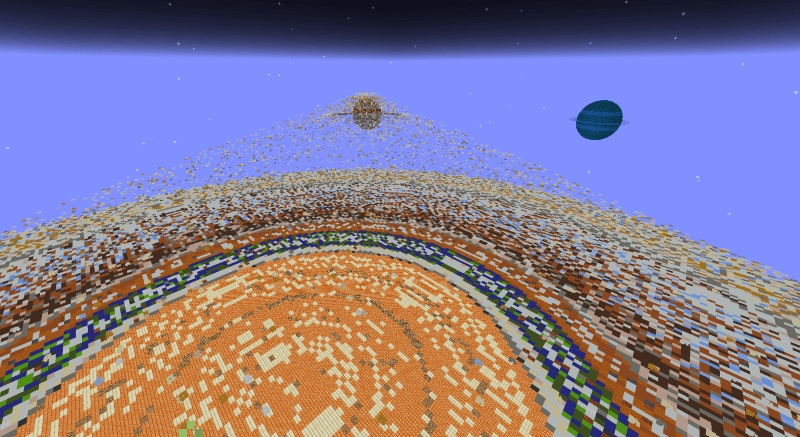
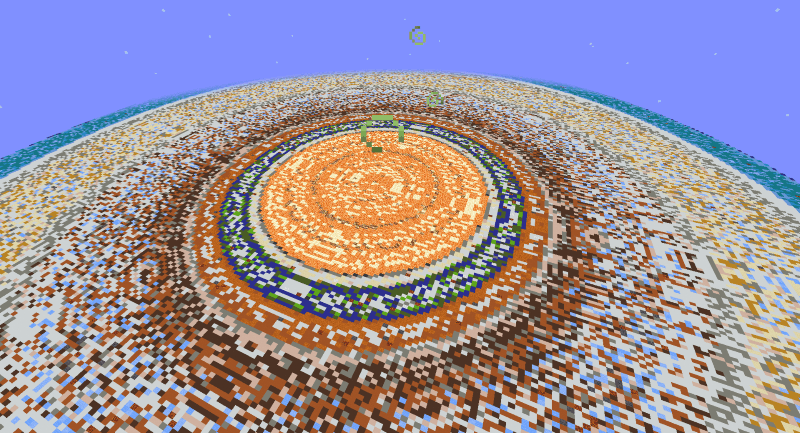
Blocks will continuously collapse and spread infinitely under the pull of the two-dimensional force, eventually appearing as shown in the image.
That covers all the introduction to this mod.
WARNING: Do not use Diffusion Mode in the Overworld—it will be extremely chaotic!
常见问题
Dual-Vector Foil 支持哪些 Minecraft 版本?
Dual-Vector Foil 支持 Minecraft Java 版 1.20.1,可用的加载器:Forge。下载时注意选择和你游戏版本一致的文件。
Dual-Vector Foil 怎么安装?
先用 PCL2 或 HMCL 启动器安装对应版本的 Forge,再把下载的 .jar 文件放进游戏目录的 mods 文件夹,重新启动游戏即可。开启了版本隔离的,mods 文件夹在 versions/版本名 下面。

评论
登录后评论和评分