
截图
介绍
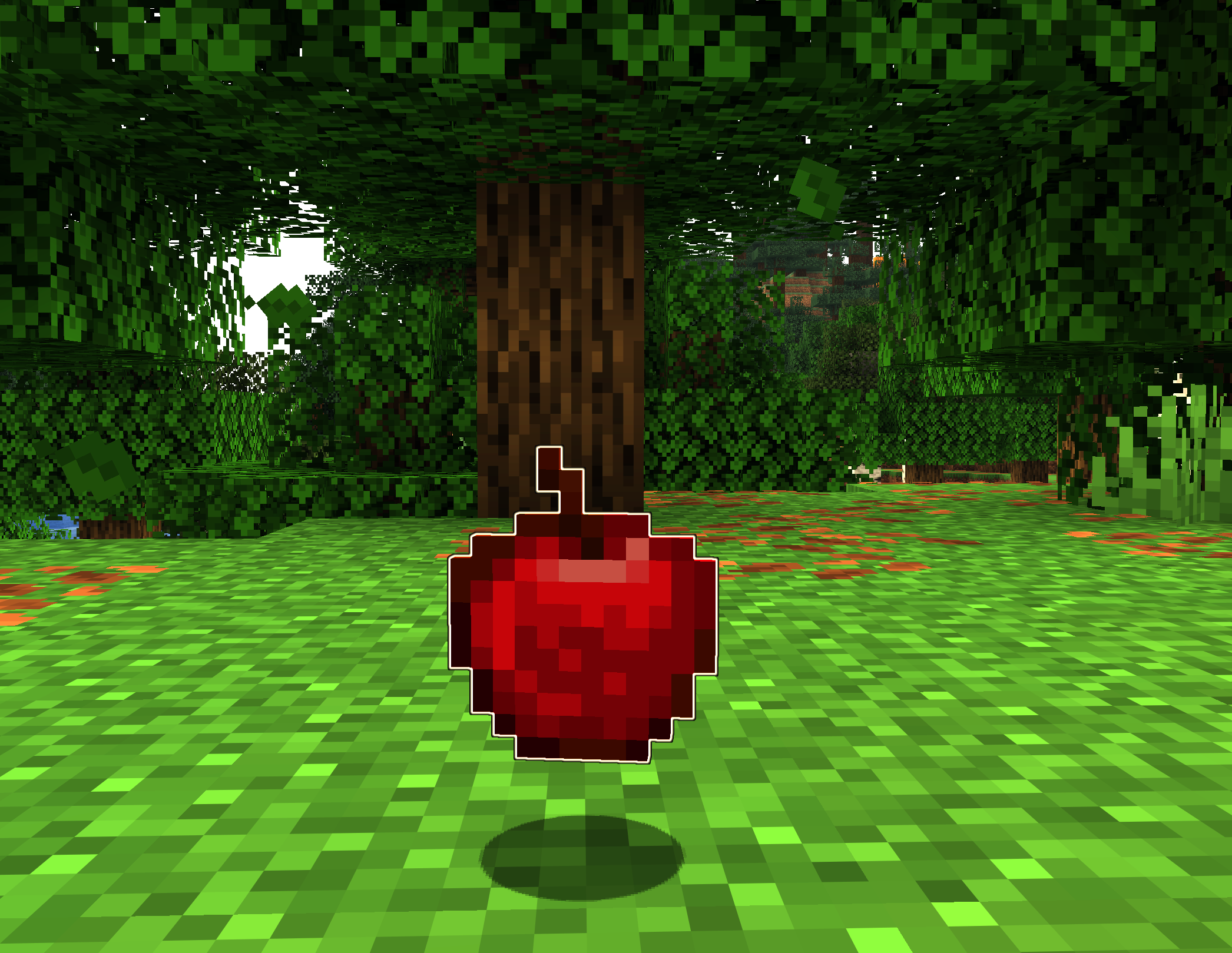
Added in 1.0, item filtering. Don’t highlight what you don’t want to pick up. Bye bye Rotten Flesh!
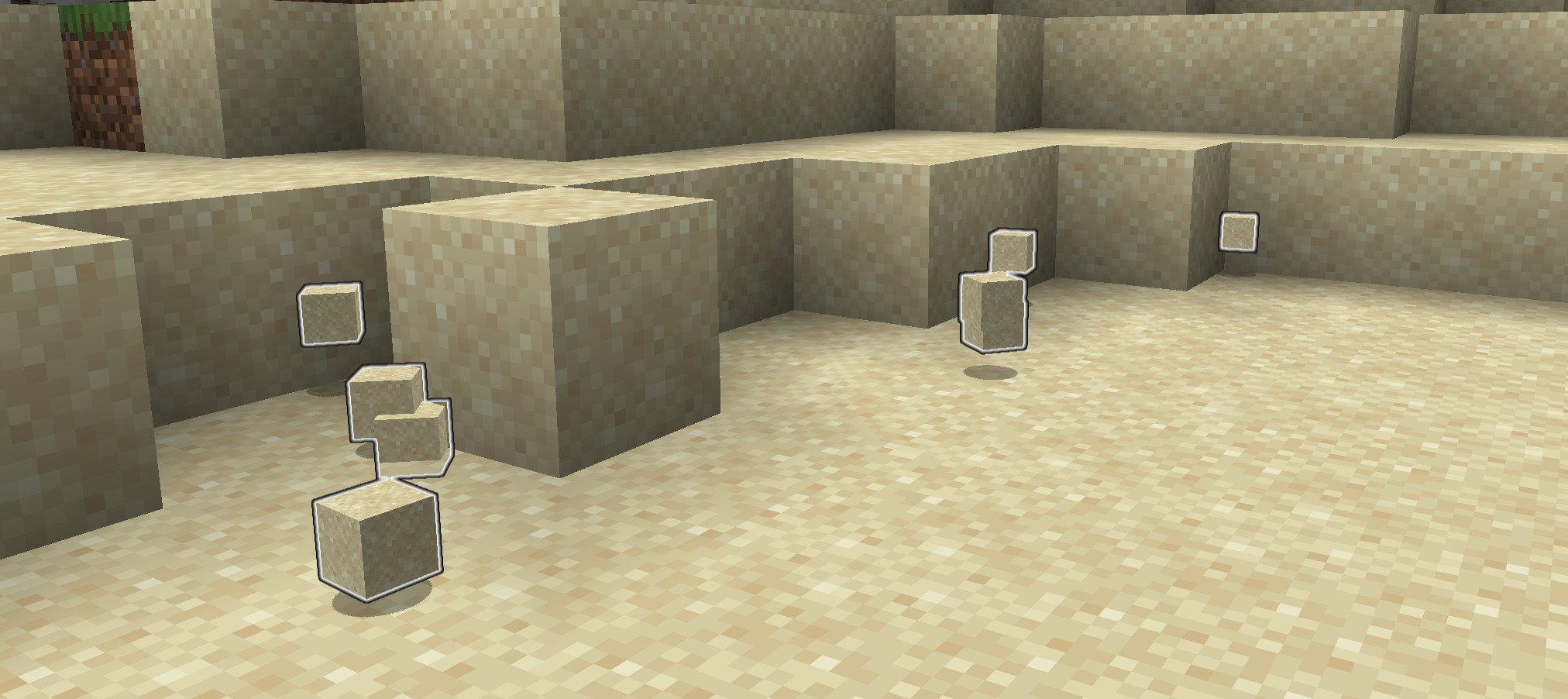
- Be sure you’ve picked up all the sand you just mined out.
- No more losing items because they fell behind something.
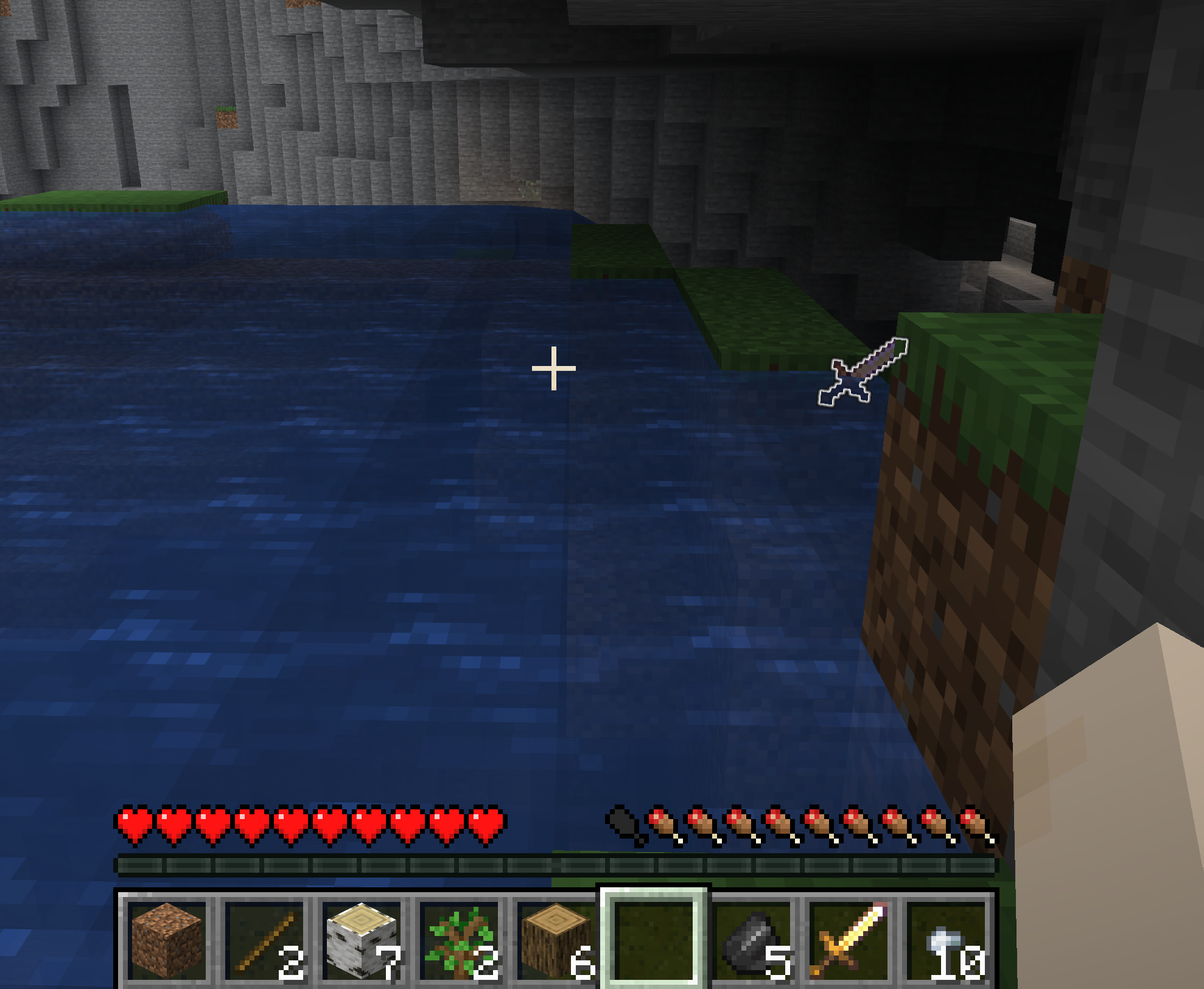
- Dropped your pickaxe when you were running from that creeper? This will make it easier to get back.
- Item Radar shows drops off-screen
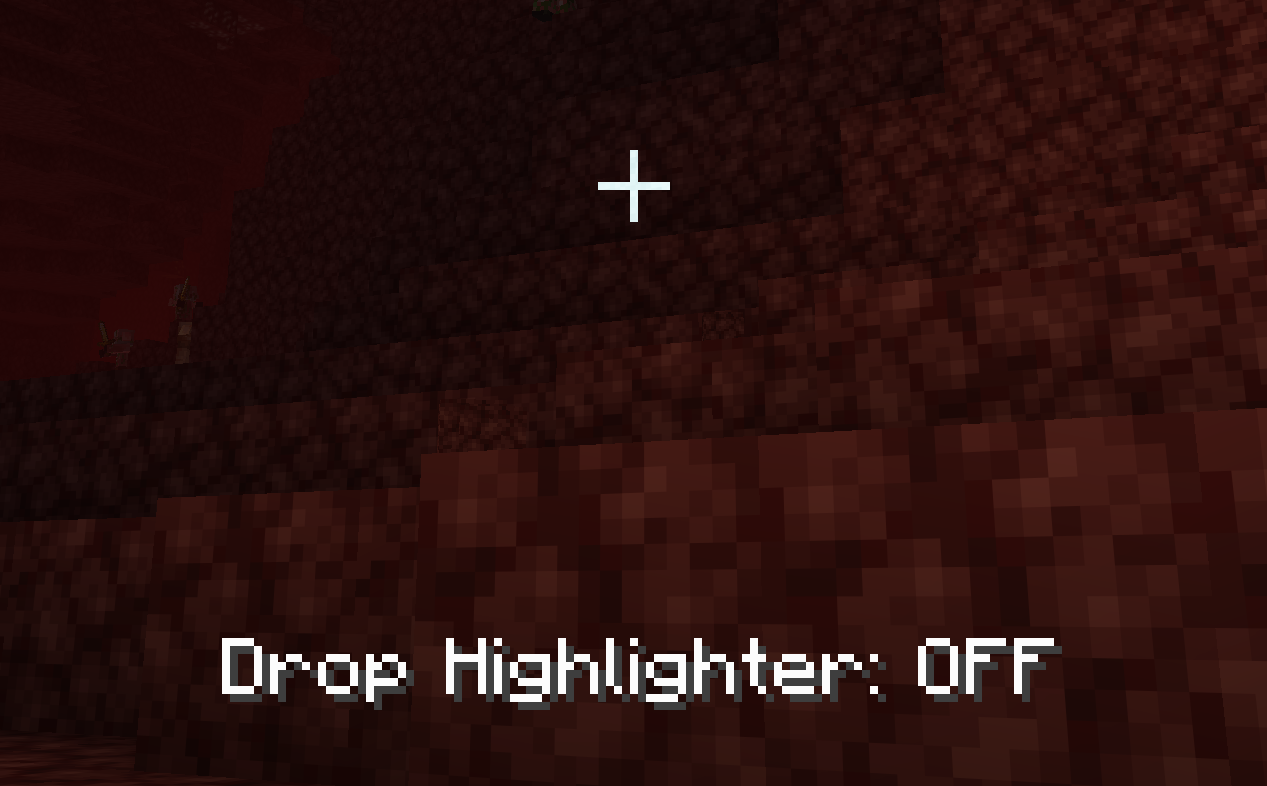
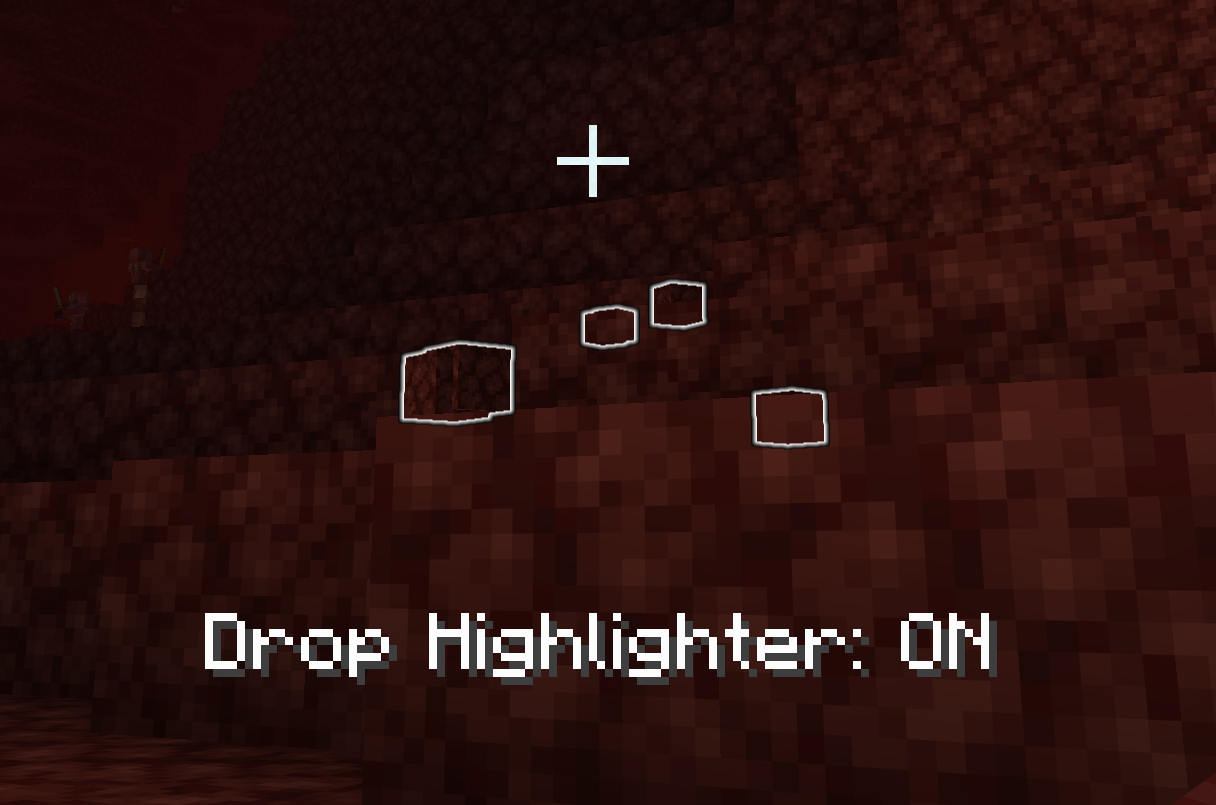
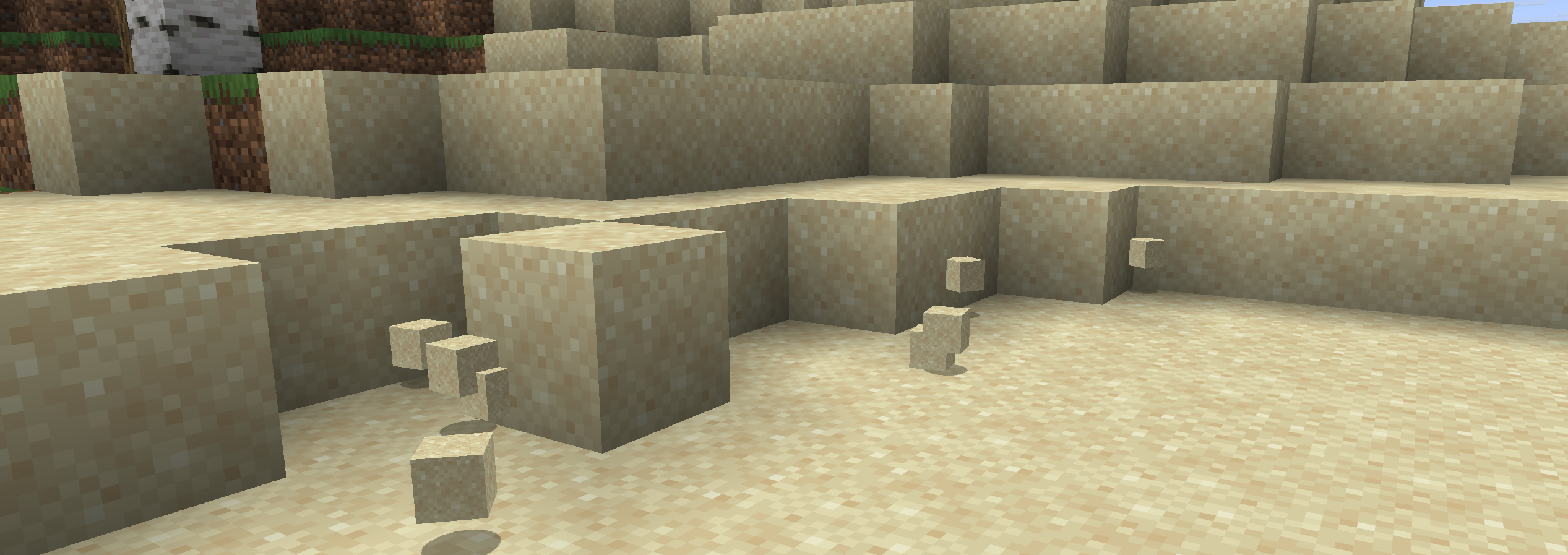
Drop Highlighter adds an outline to item entities so you can see them more clearly. This is especially helpful when items might fall behind something, get carried away by water, or when the item matches the background too closely (I’m talking to you, SAND).
You can disable the highlights with the o key, but why would you want to.
Now supports 1.20.1 through 26.2
AI Statement
All in-game assets: image, text, and sounds are made by hand. AI Coding Assistants are used to generate java code. All code is verified by human eyes.
常见问题
Drop Highlighter 支持哪些 Minecraft 版本?
Drop Highlighter 支持 Minecraft Java 版 1.21.1–26.3,共 16 个版本,可用的加载器:Fabric / NeoForge。下载时注意选择和你游戏版本一致的文件。
Drop Highlighter 怎么安装?
先用 PCL2 或 HMCL 启动器安装对应版本的 Fabric / NeoForge,再把下载的 .jar 文件放进游戏目录的 mods 文件夹,重新启动游戏即可。开启了版本隔离的,mods 文件夹在 versions/版本名 下面。运行环境:客户端和服务端都要装。
jhughes-dev 的其他作品
查看全部 →
Rosetta
A library mod for onboarding players to your mod.

Build Better
Preview, adjust, and place things how you want, where you want.

Malt’s Villager Menu
Adds a menu for villager inventory and status like grudges, gossip and your reputation. In creative, you can edit the values, or change the inventory.

Malt’s Wood Paneling
Wood Paneling adds wood panels, obtained from stripping logs that can be placed on surfaces for decoration and used to recreate logs and wood blocks from stripped variants.
评论
登录后评论和评分