截图
介绍
中文介绍正在准备中,下面暂时显示原文。
Added in 1.0, item filtering. Don’t highlight what you don’t want to pick up. Bye bye Rotten Flesh!
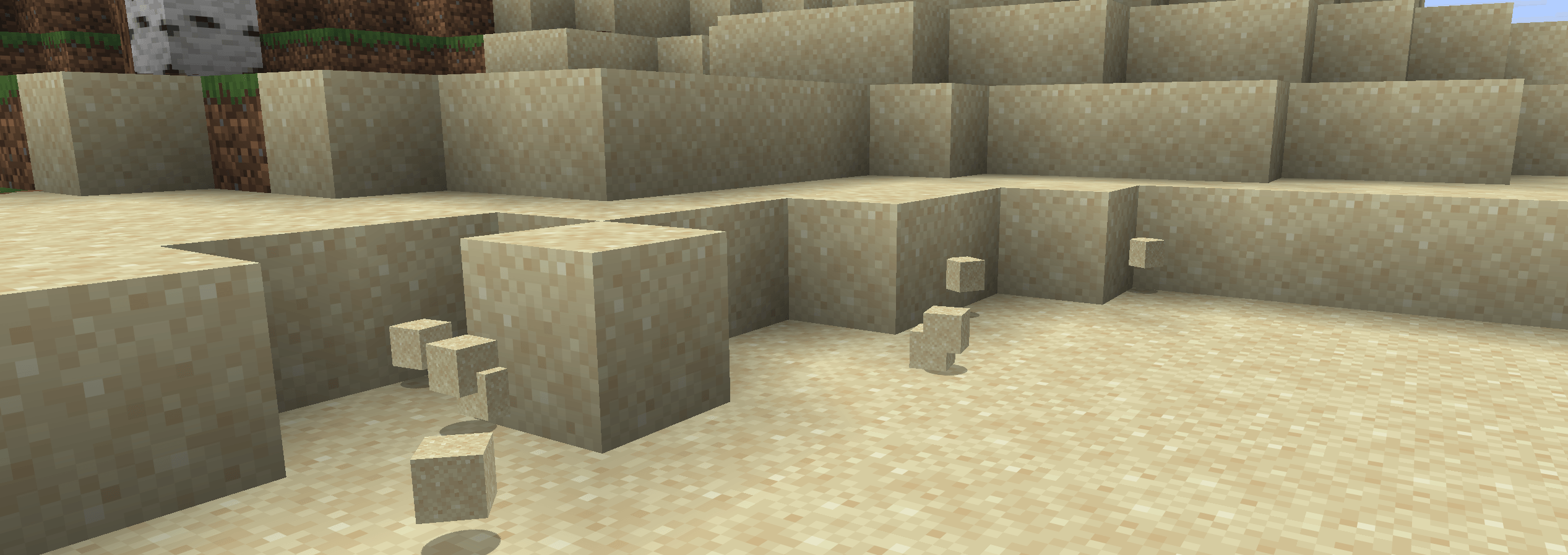
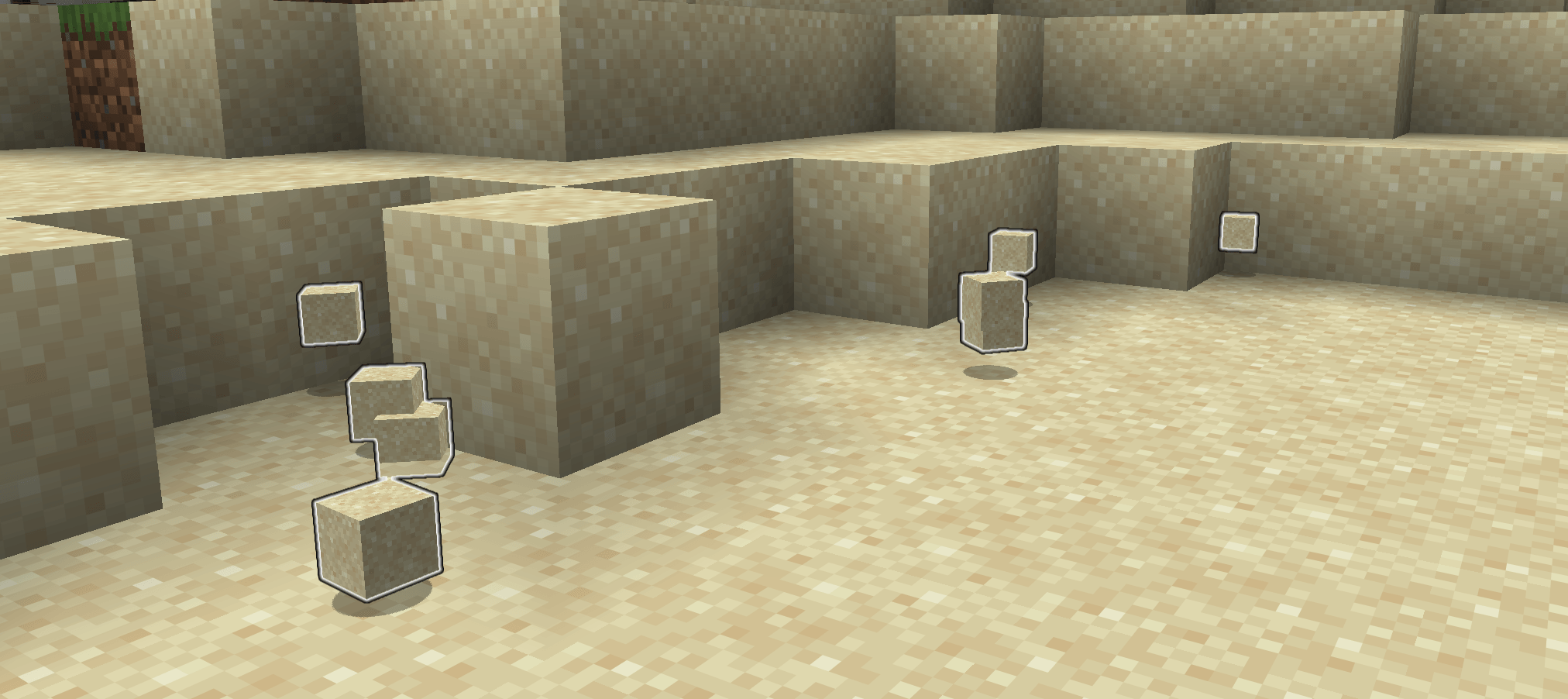
- Be sure you’ve picked up all the sand you just mined out.
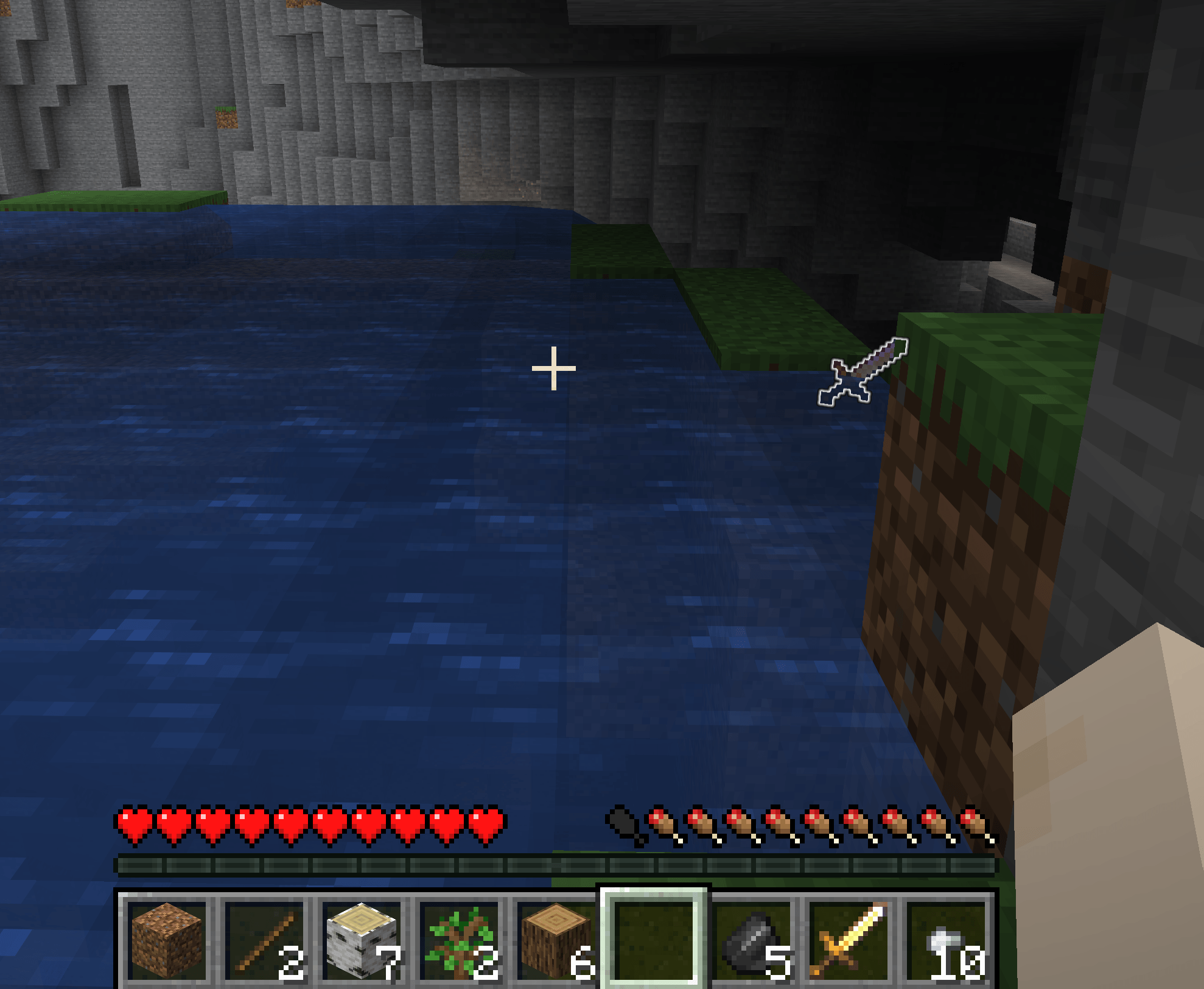
- No more losing items because they fell behind something.
- Dropped your pickaxe when you were running from that creeper? This will make it easier to get back.
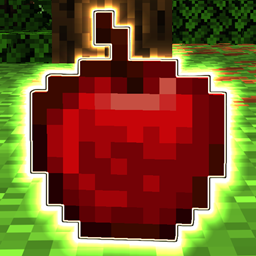
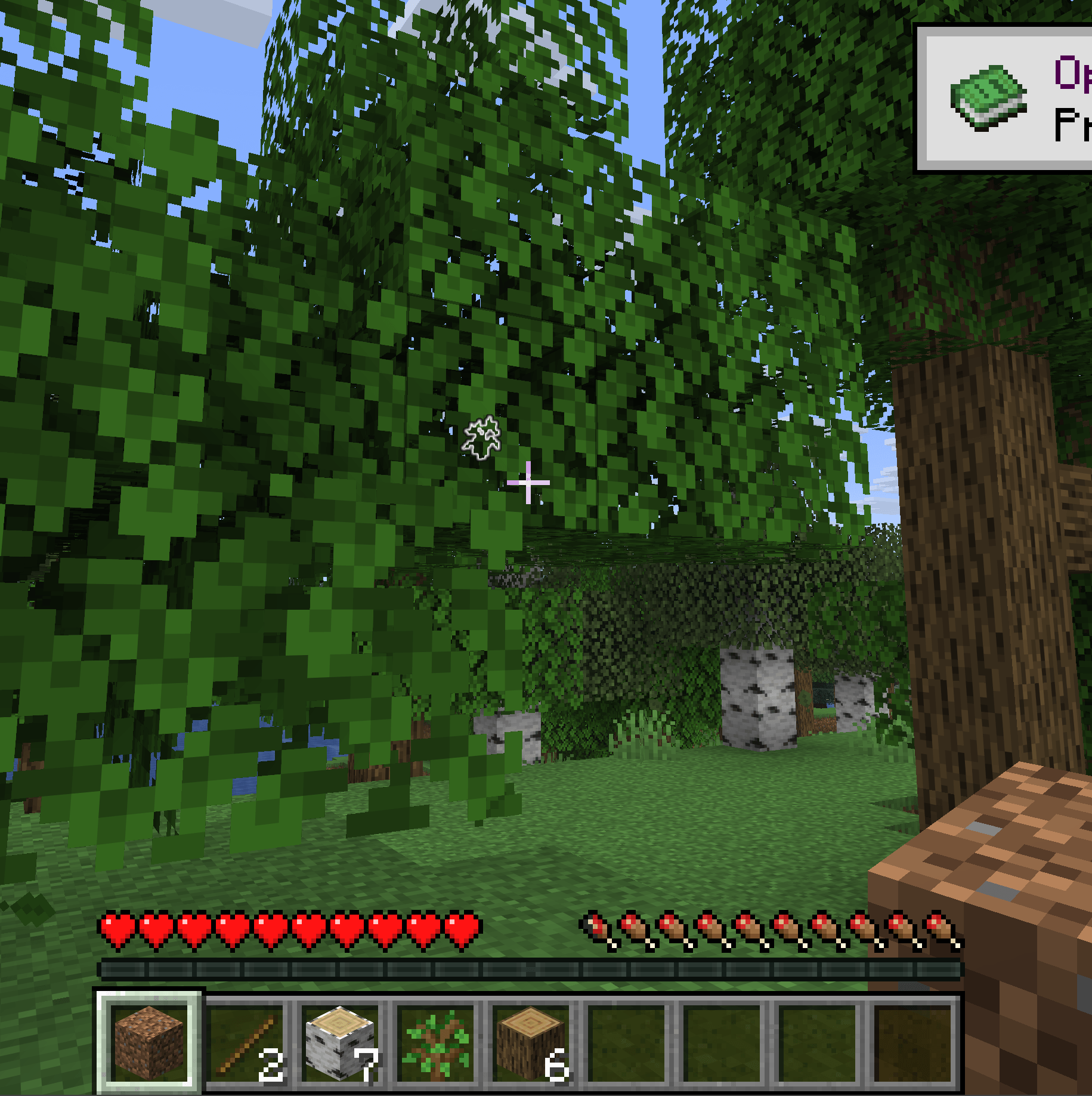
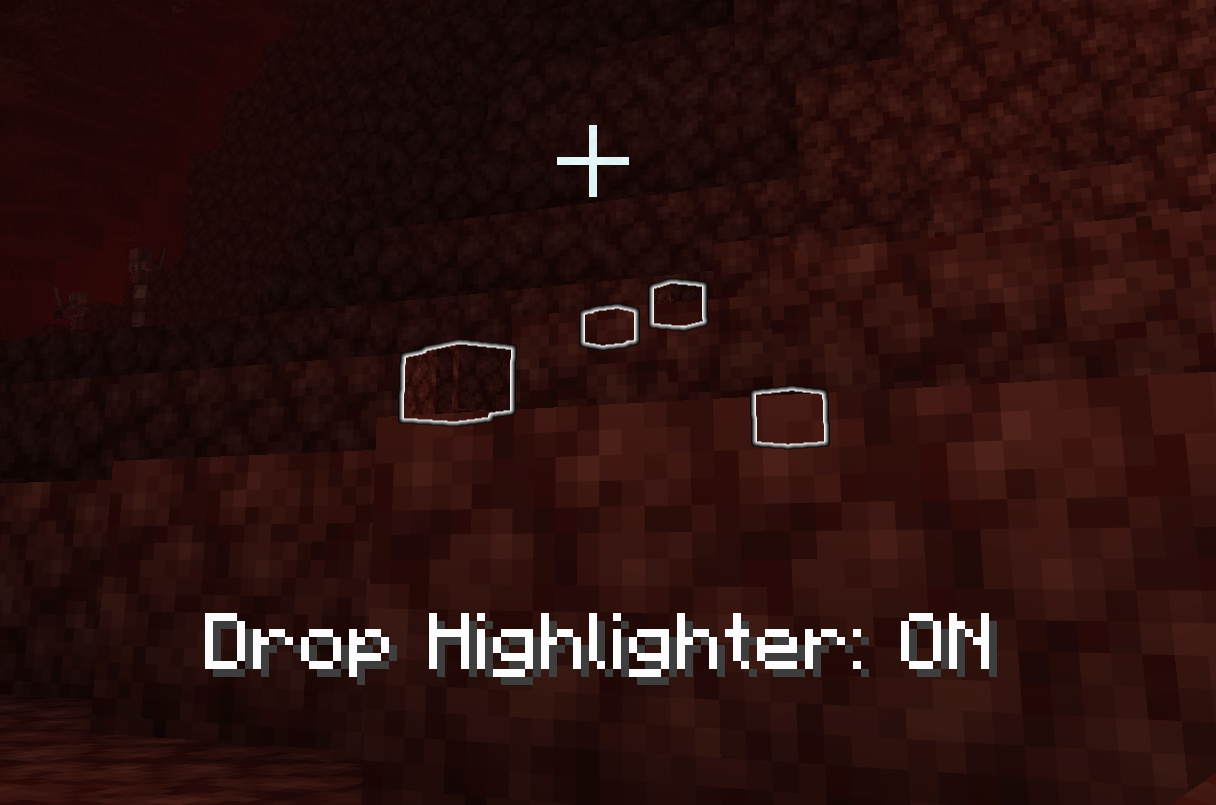
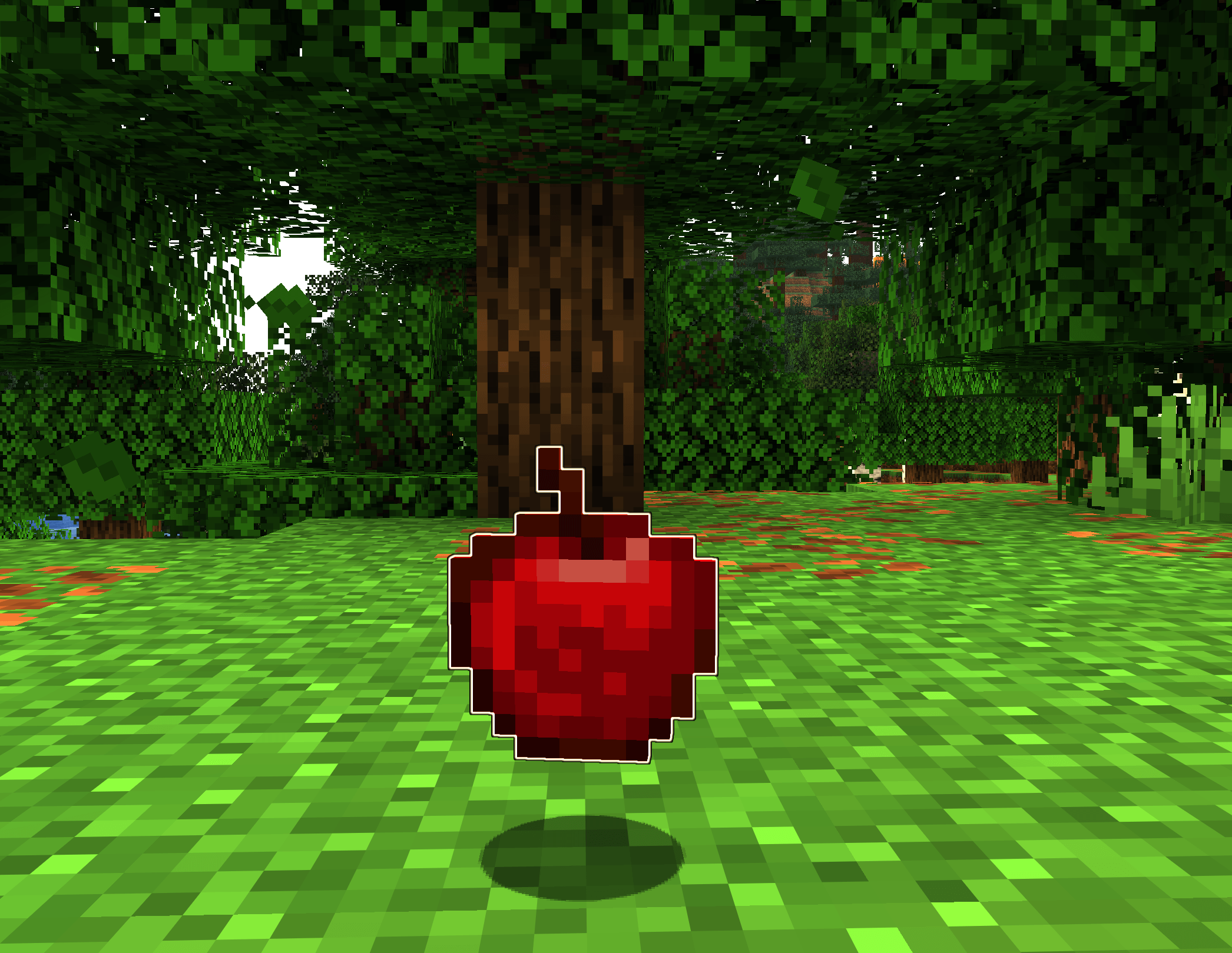
Drop Highligher adds an outline to item entities so you can see them more clearly. This is especially helpful when items might fall behind something, get carried away by water, or when the item matches the background too closely (I’m talking to you, SAND).
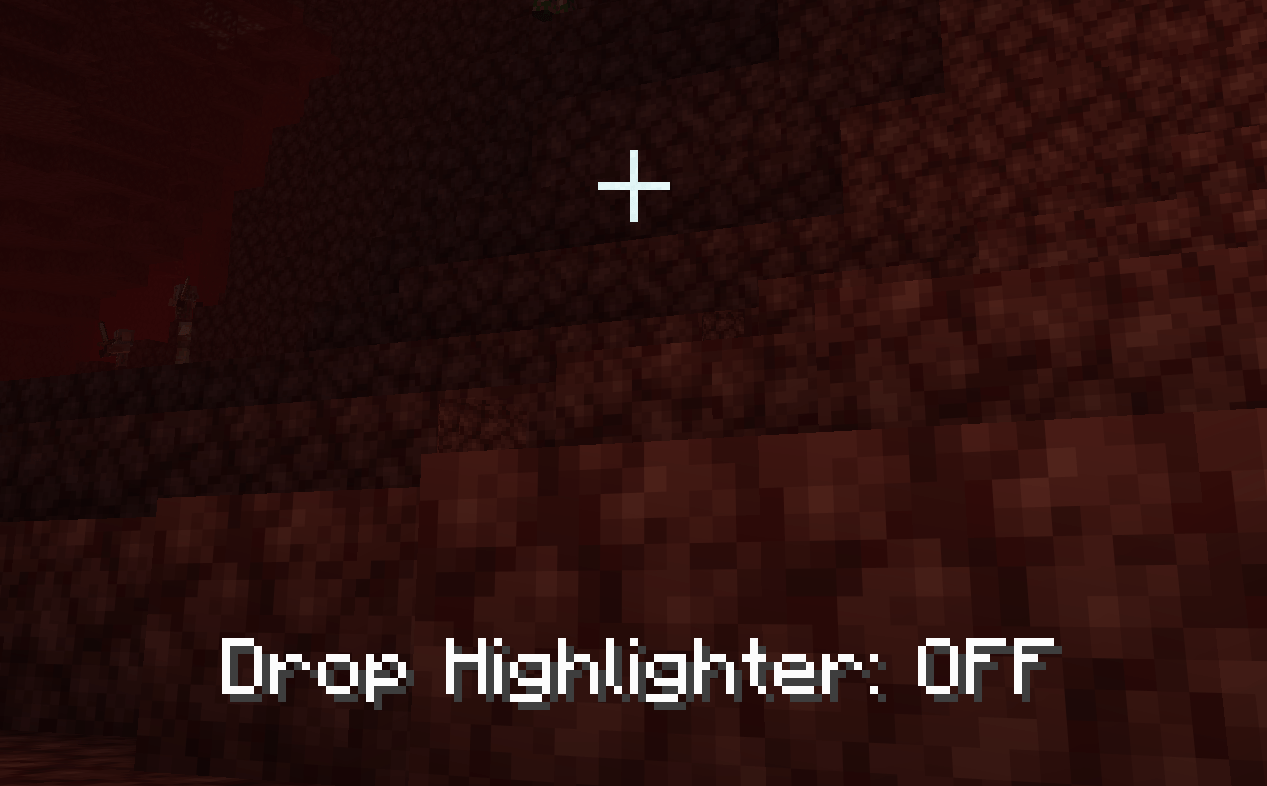
You can disable the highlights with the o key, but why would you want to.
Now supports 1.20.1 through 1.20.11
常见问题
Drop Highlighter 支持哪些 Minecraft 版本?
Drop Highlighter 支持 Minecraft Java 版 1.21.1–26.3,共 16 个版本,可用的加载器:Fabric / NeoForge。下载时注意选择和你游戏版本一致的文件。
Drop Highlighter 怎么安装?
先用 PCL2 或 HMCL 启动器安装对应版本的 Fabric / NeoForge,再把下载的 .jar 文件放进游戏目录的 mods 文件夹,重新启动游戏即可。开启了版本隔离的,mods 文件夹在 versions/版本名 下面。
评论
登录后评论和评分