跳到正文

Dream Displays

作者:arnodoelinger

Create in-game screens to stream your favorite videos in Minecraft.

收藏

截图

介绍

中文介绍正在准备中,下面暂时显示原文。

Dream Displays

Modrinth
CurseForge
GitHub
Discord
Ko-Fi

Bring real video playback to Minecraft

Watch videos, livestreams, and more directly on in-game displays — together with
your friends.

Create a display, paste a link and that’s it!

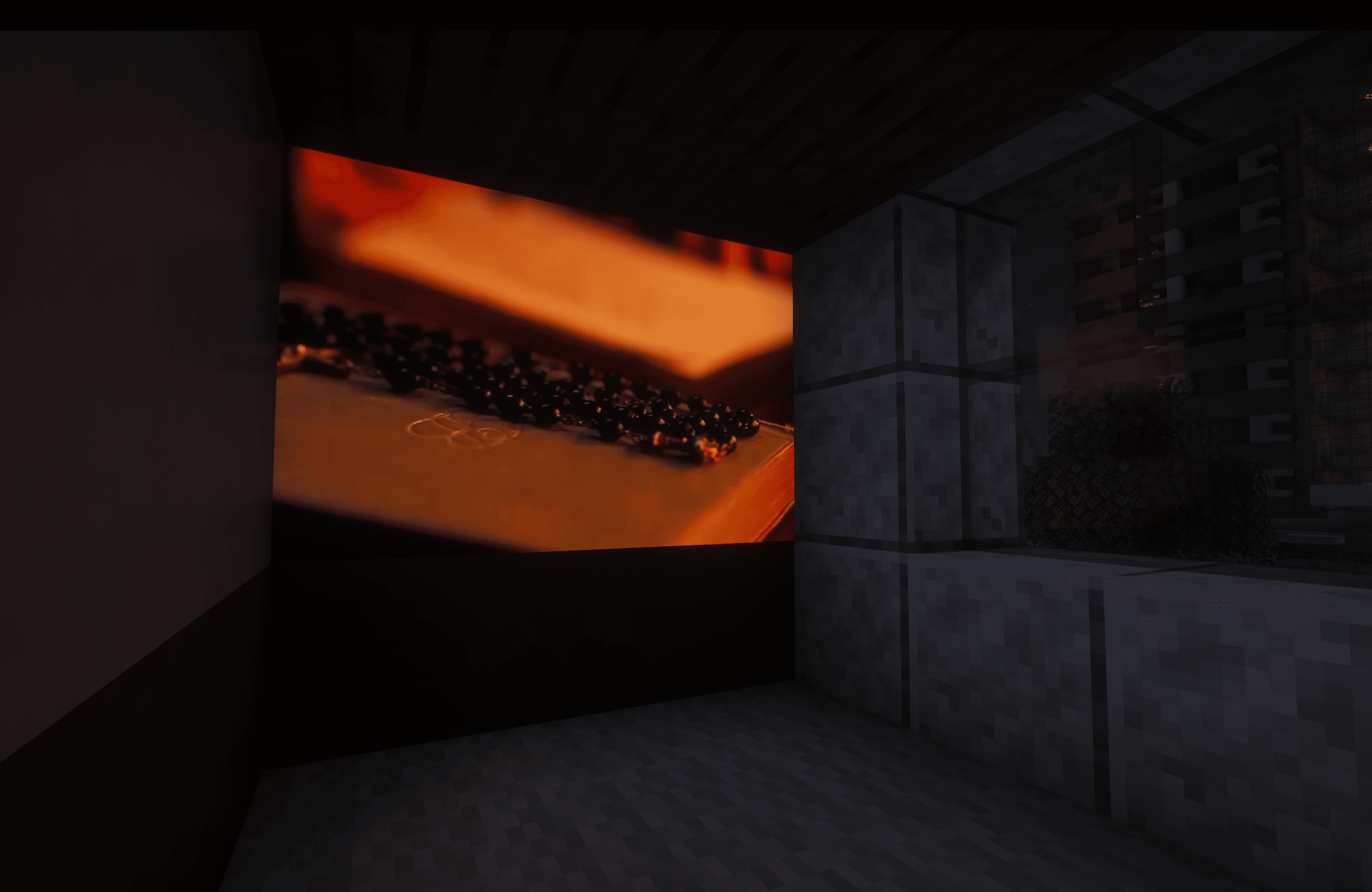
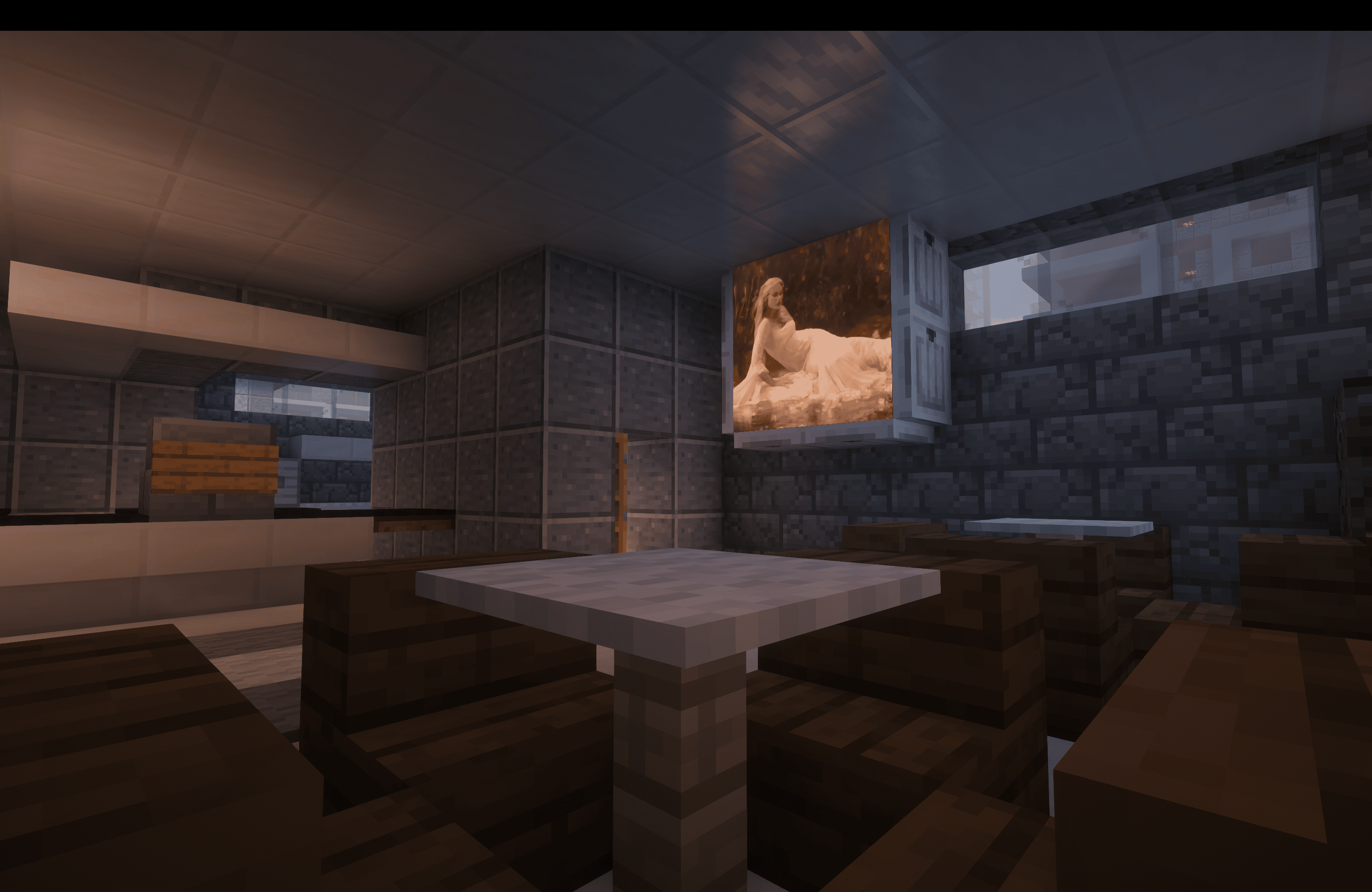
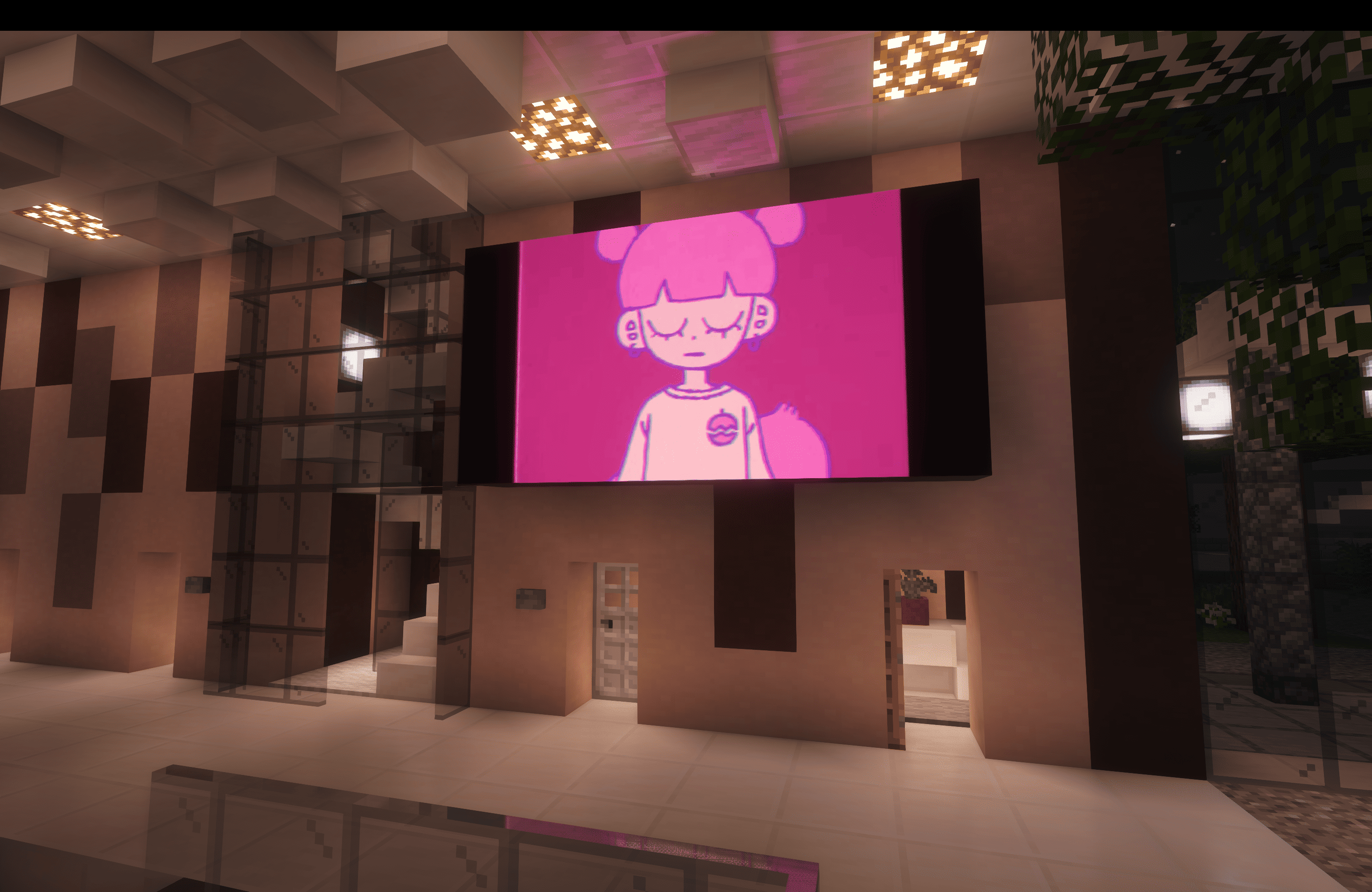
Player watching on displays

Watch anything

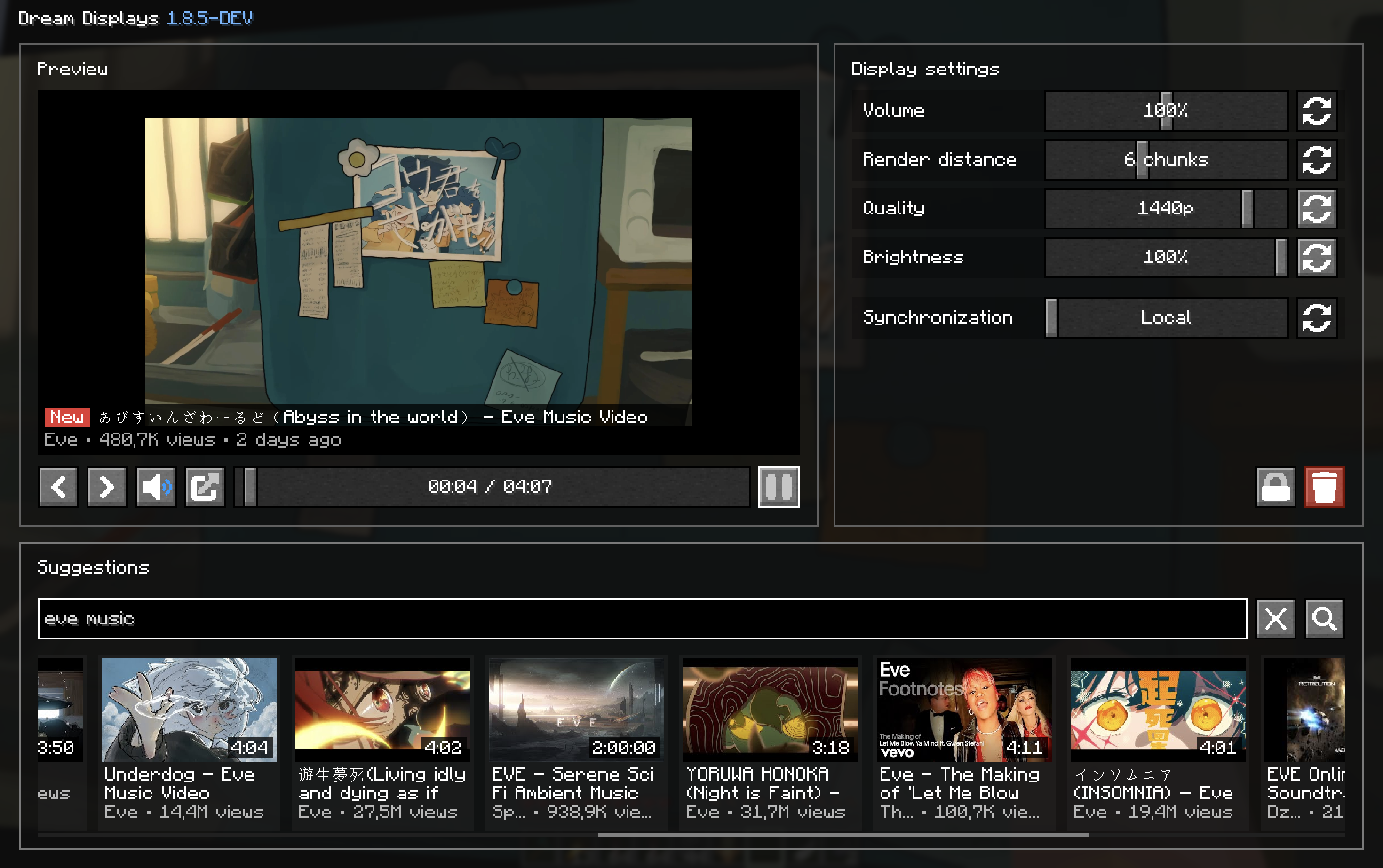
Display menu

| | Source | What works |
|—————————————————————————————————————————————————————————————————————————————————————————|——————————-|————————————————————————–|
| YouTube | YouTube | Videos and livestreams, ad-free, up to 4K, with multiple audio languages |
| Twitch | Twitch | Live channels, VODs, and clips |
| Kick | Kick | Live channels and VODs |
| Vimeo | Vimeo | Public videos and live events |
| Bilibili | Bilibili | Videos, live channels, bungumi |
| Video file | Any video link | Direct video files and live streams |
| Google Drive
Dropbox
Imgur | Share links | Google Drive, Dropbox, and Imgur direct links |
| Web | Pretty much anywhere else | Not on the list? Try it anyway |

Built for multiplayer

Watch together with your friends with seamless multiplayer synchronization. Choose between local, synchronized, and
broadcast playback depending on how you want your displays to behave.

Dream Displays keeps playback synchronized across the server while keeping network usage extremely low.

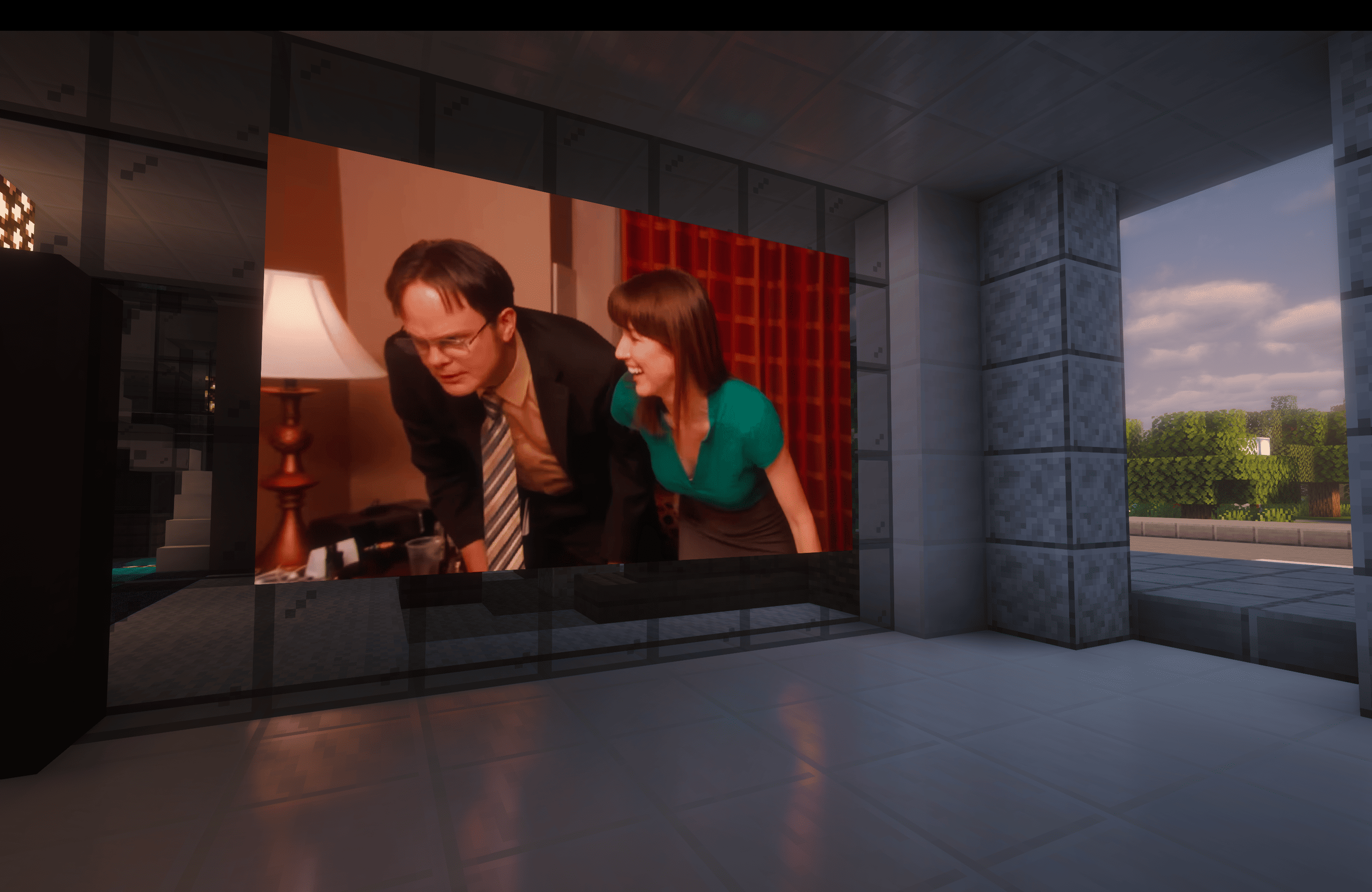
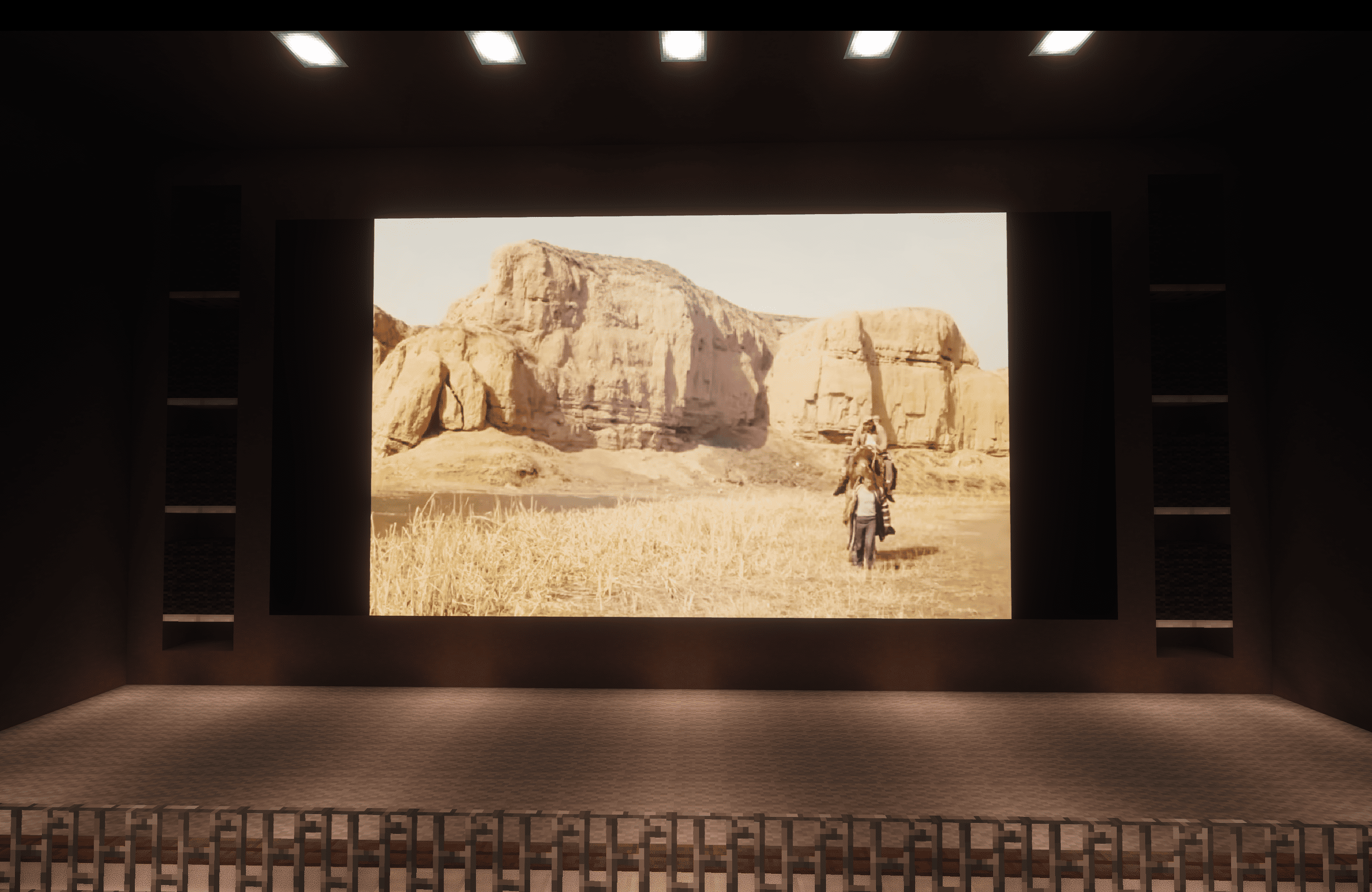
Cinema

Made for you

Dream Displays is built to make watching videos in Minecraft feel as natural as possible.

Your experience

  • Seamless multiplayer playback — with several modes
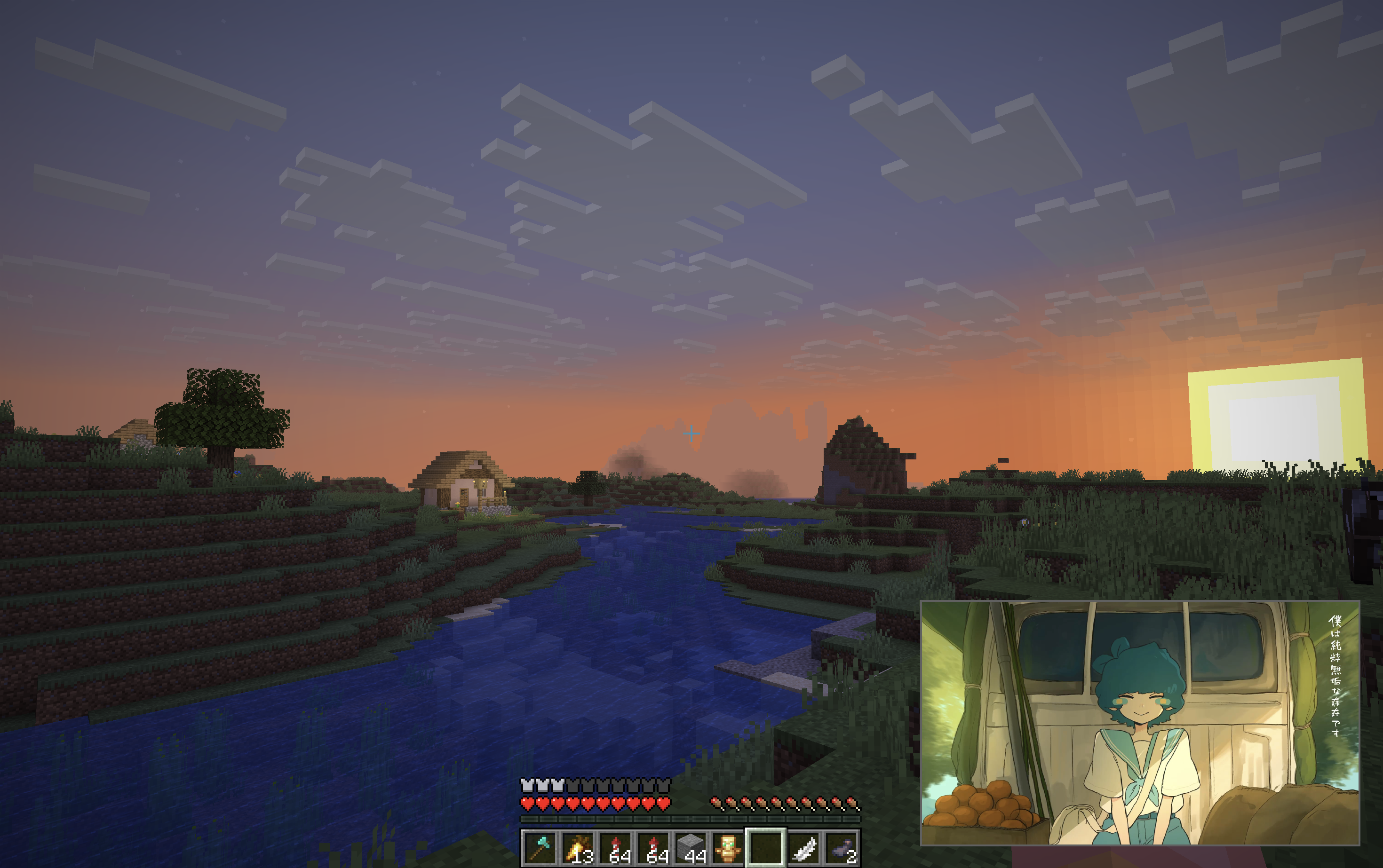
  • Powerful media player — search, Picture-in-Picture & more
  • Ad-free YouTube — no ads with multiple audio languages
  • Immersive audio — 3D sound, volume up to 200% & more
  • Customizable displays — size, brightness & orientation
  • Hardware-accelerated playback — smooth and efficient video decoding

Your server

  • Broad server support — Paper, Folia, Fabric, NeoForge
  • Fullscreen mode — great for events and presentations
  • Simple config — precise control over displays and playback
  • Permissions — fine-grained control with LuckPerms support
  • Ultra-low network impact — minimal impact for your traffic
  • Persistent displays — settings survive server restarts and unloading

Get started

Now it’s your turn! Build your first display, invite your friends, and make displays a part of your world.


Thanks to WHYSUMI for renders ∙ Thanks to @whysumi_official for renders.

常见问题

Dream Displays 支持哪些 Minecraft 版本?

Dream Displays 支持 Minecraft Java 版 1.18–26.3,共 32 个版本,可用的加载器:Bukkit / Fabric / Folia / Forge / NeoForge / Paper / Purpur / Quilt / Spigot / Velocity。下载时注意选择和你游戏版本一致的文件。

Dream Displays 怎么安装?

先用 PCL2 或 HMCL 启动器安装对应版本的 Bukkit / Fabric / Folia / Forge / NeoForge / Paper / Purpur / Quilt / Spigot / Velocity,再把下载的 .jar 文件放进游戏目录的 mods 文件夹,重新启动游戏即可。开启了版本隔离的,mods 文件夹在 versions/版本名 下面。运行环境:客户端和服务端都要装。

评论

登录后评论和评分

arnodoelinger 的其他作品

查看全部 →