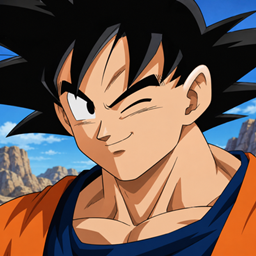
截图
介绍
中文介绍正在准备中,下面暂时显示原文。
DMZ Face Animations
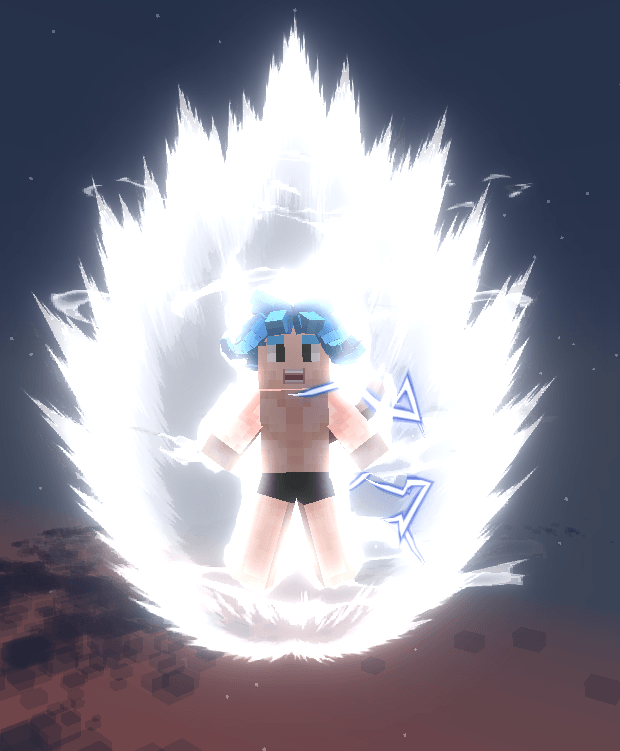
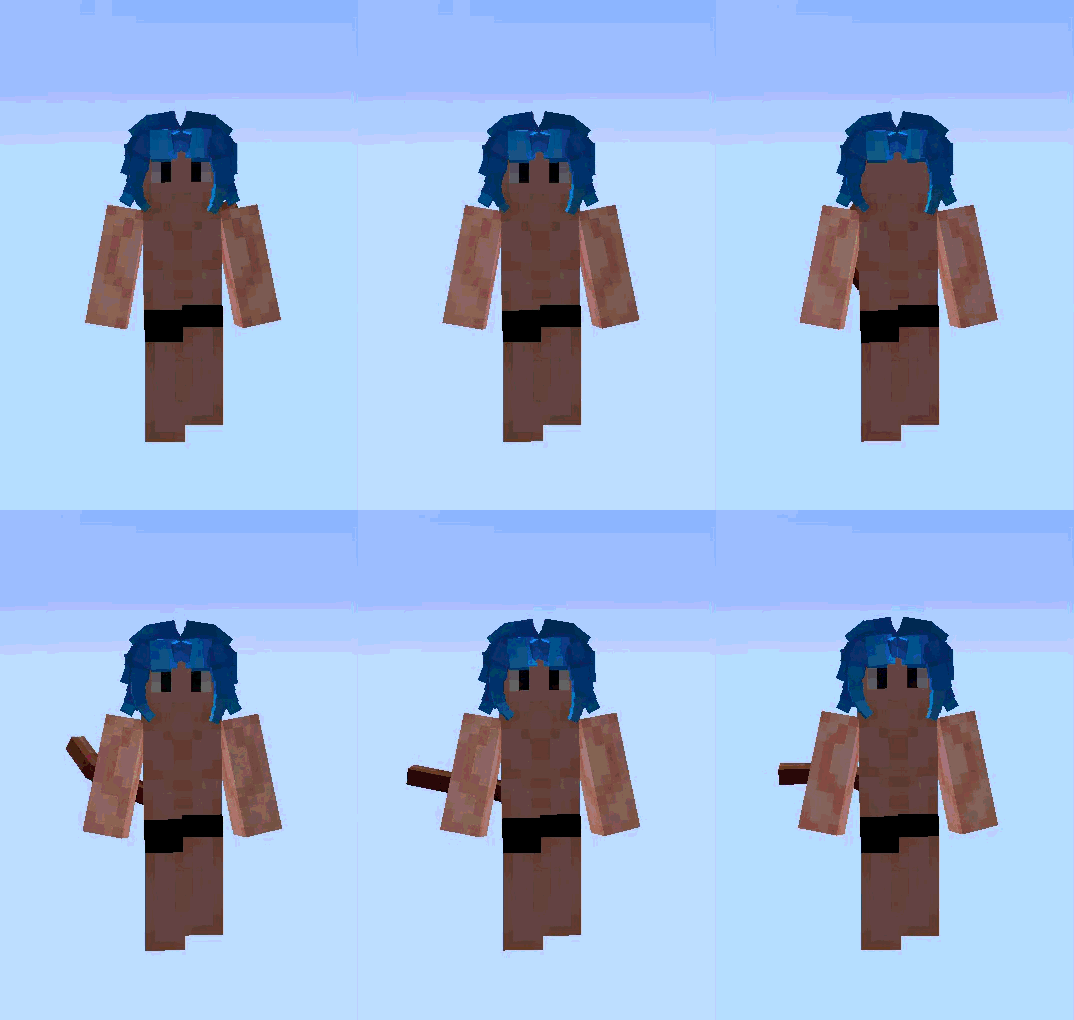
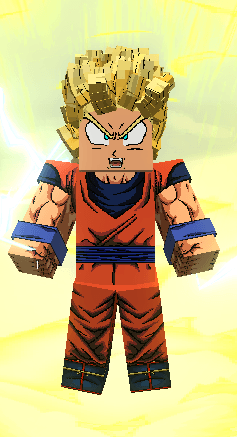
A client-side add-on for DragonMineZ that brings character faces to life with smooth eye blinking and an expressive open mouth while charging ki or transforming.
Features
- Smooth eye blinking: the eyelid closes and opens gradually instead of the eyes simply disappearing. The animation is time-based, so it stays smooth at any frame rate. Each player blinks at a slightly different rhythm (every 3 to 6 seconds).
- Open mouth while charging ki or transforming: the mouth opens in a few frames and pulses slightly while the charge or transformation continues, like a battle cry. It closes again when you stop.
- Works for everyone you see: the animations also play on other players, not only on you.
- Lightweight: no configuration and no new items, blocks or entities. It only swaps face textures at render time.
Requirements
- Minecraft 1.20.1
- Forge 47.x
- DragonMineZ 2.2 or newer (required)
- Client-side only: install it on your own game, no server install needed
Installation
Drop the .jar file into your mods folder next to DragonMineZ and start the game.
Known limitations
- Custom eye or mouth styles added by resource packs or other add-ons will not blink or open, since the animation frames are generated from the DragonMineZ textures.
- The mouth does not open during fusion.
Disclaimer
This is an unofficial add-on and is not affiliated with the DragonMineZ team. All original face textures belong to their respective authors.
常见问题
Dragon Mine Z: Face Animations 支持哪些 Minecraft 版本?
Dragon Mine Z: Face Animations 支持 Minecraft Java 版 1.20.1,可用的加载器:Forge。下载时注意选择和你游戏版本一致的文件。
Dragon Mine Z: Face Animations 怎么安装?
先用 PCL2 或 HMCL 启动器安装对应版本的 Forge,再把下载的 .jar 文件放进游戏目录的 mods 文件夹,重新启动游戏即可。开启了版本隔离的,mods 文件夹在 versions/版本名 下面。
评论
登录后评论和评分