
截图
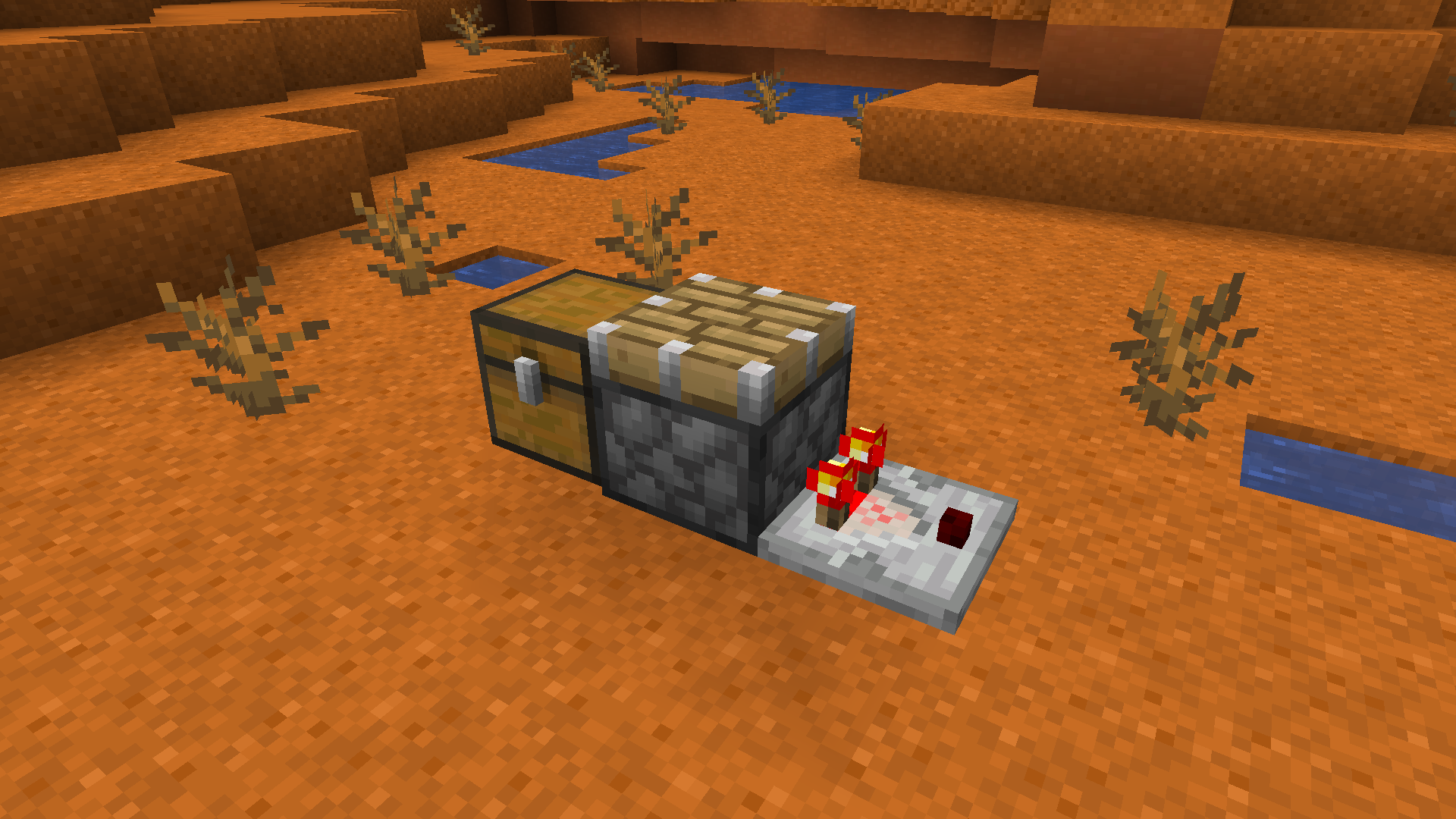
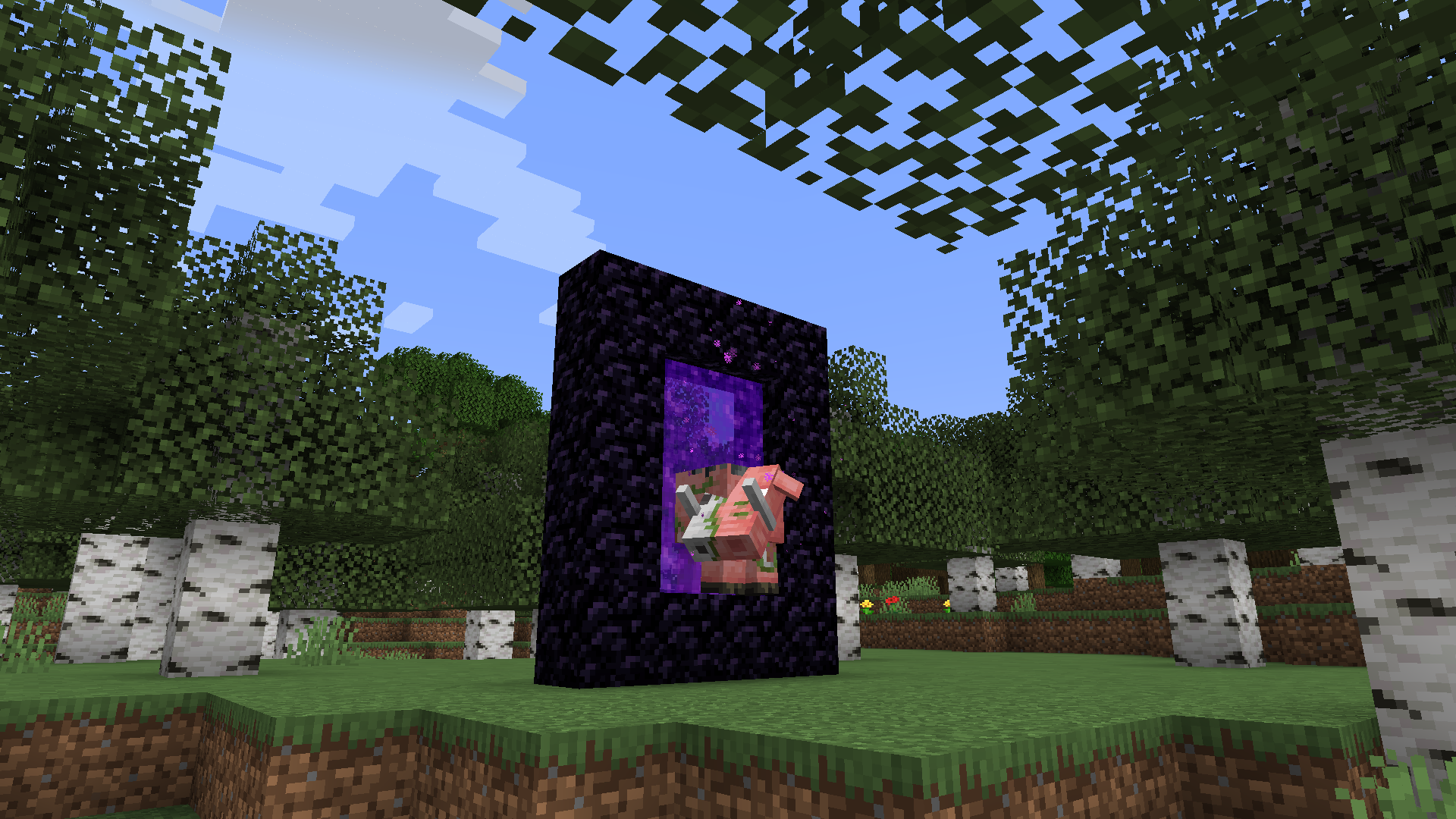
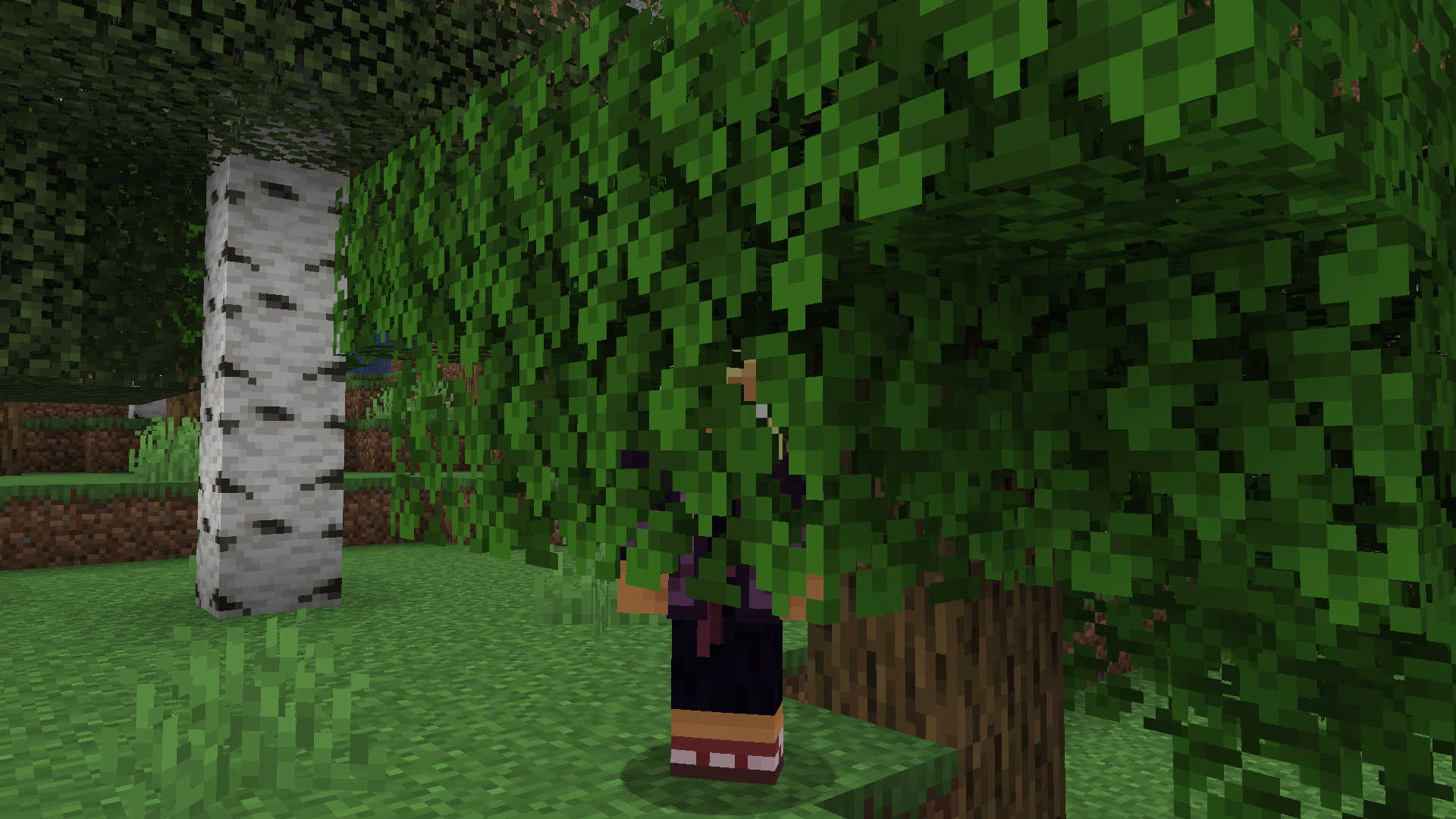
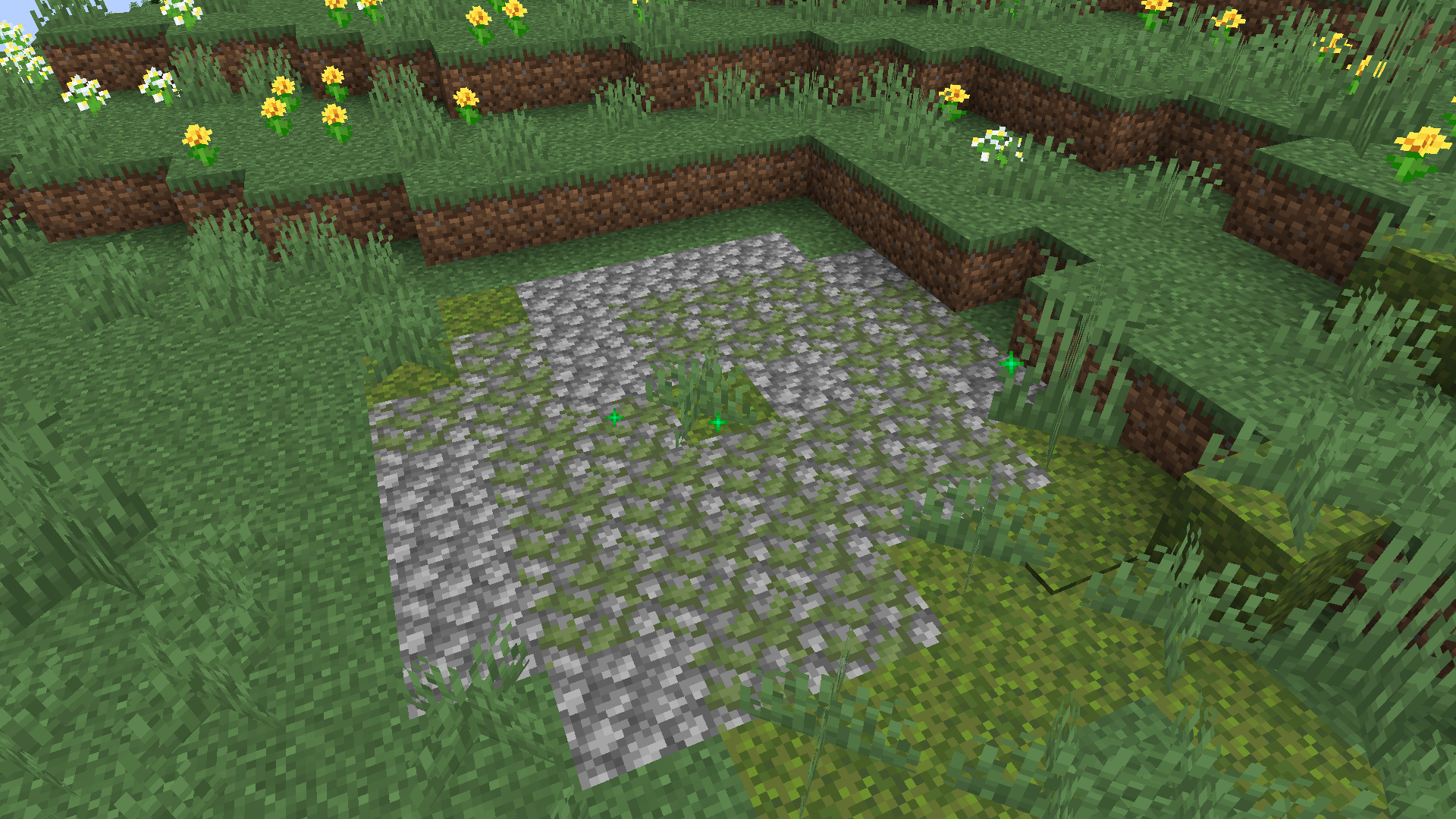
介绍
Hi there! Thank you for checking out Doormat!
alt=”Modrinth Downloads”>
alt=”Modrinth Followers”>
alt=”GitHub Downloads”>
alt=”GitHub Stars”>
alt=”License”>
<img src="https://img.shields.io/modrinth/game-versions/doormat?label=Versions&style=flat-square"
alt=”Versions”>
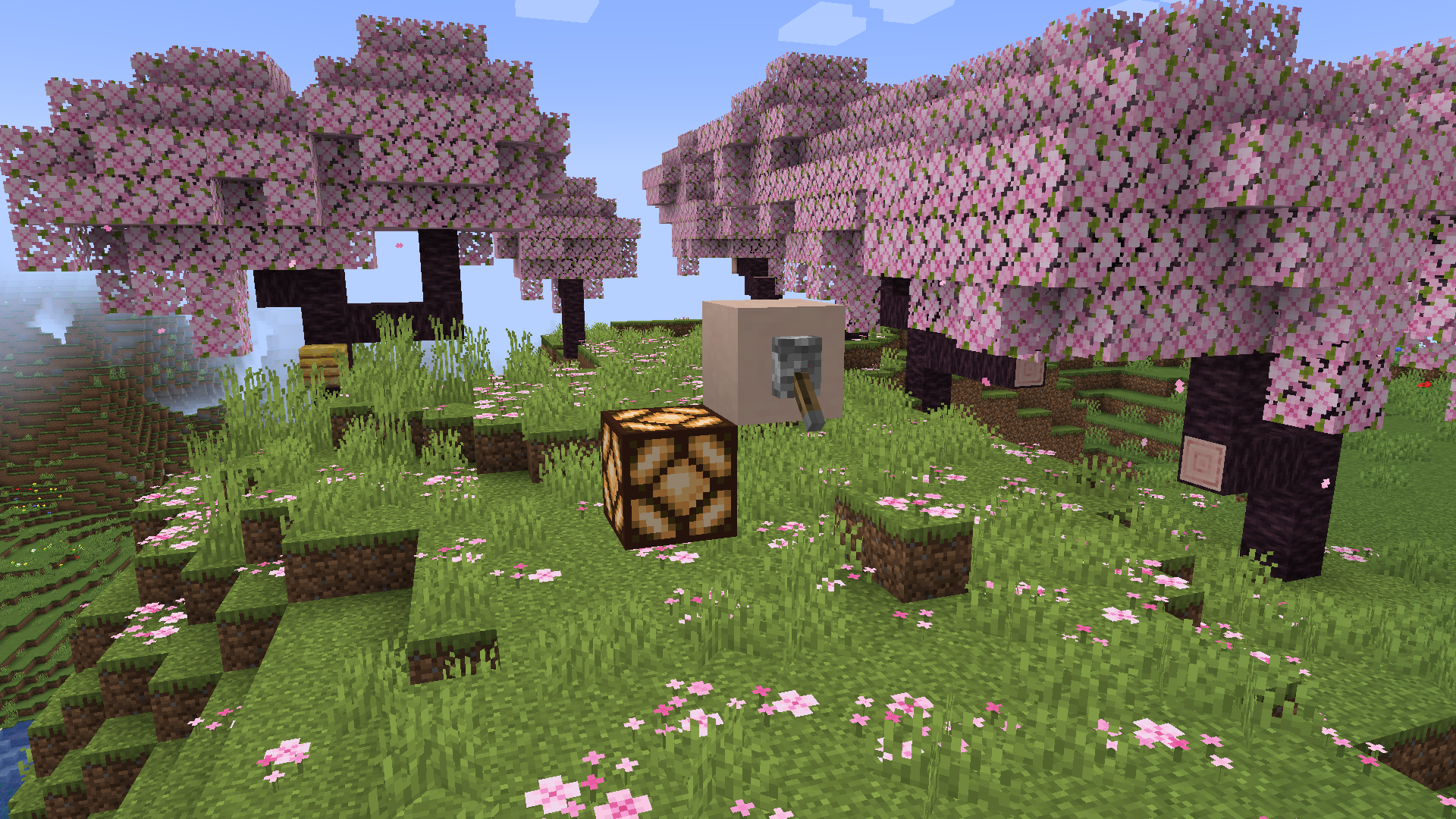
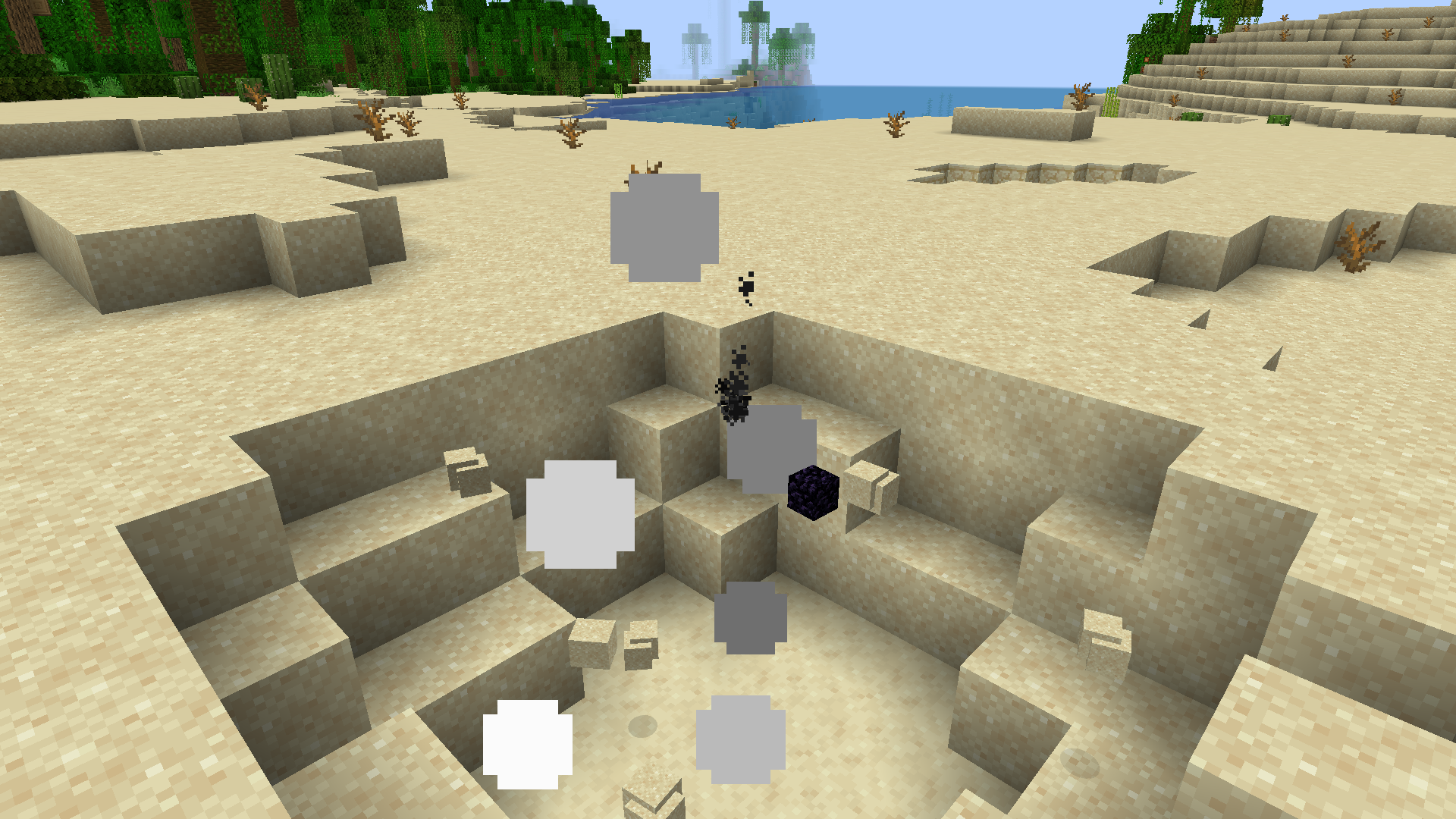
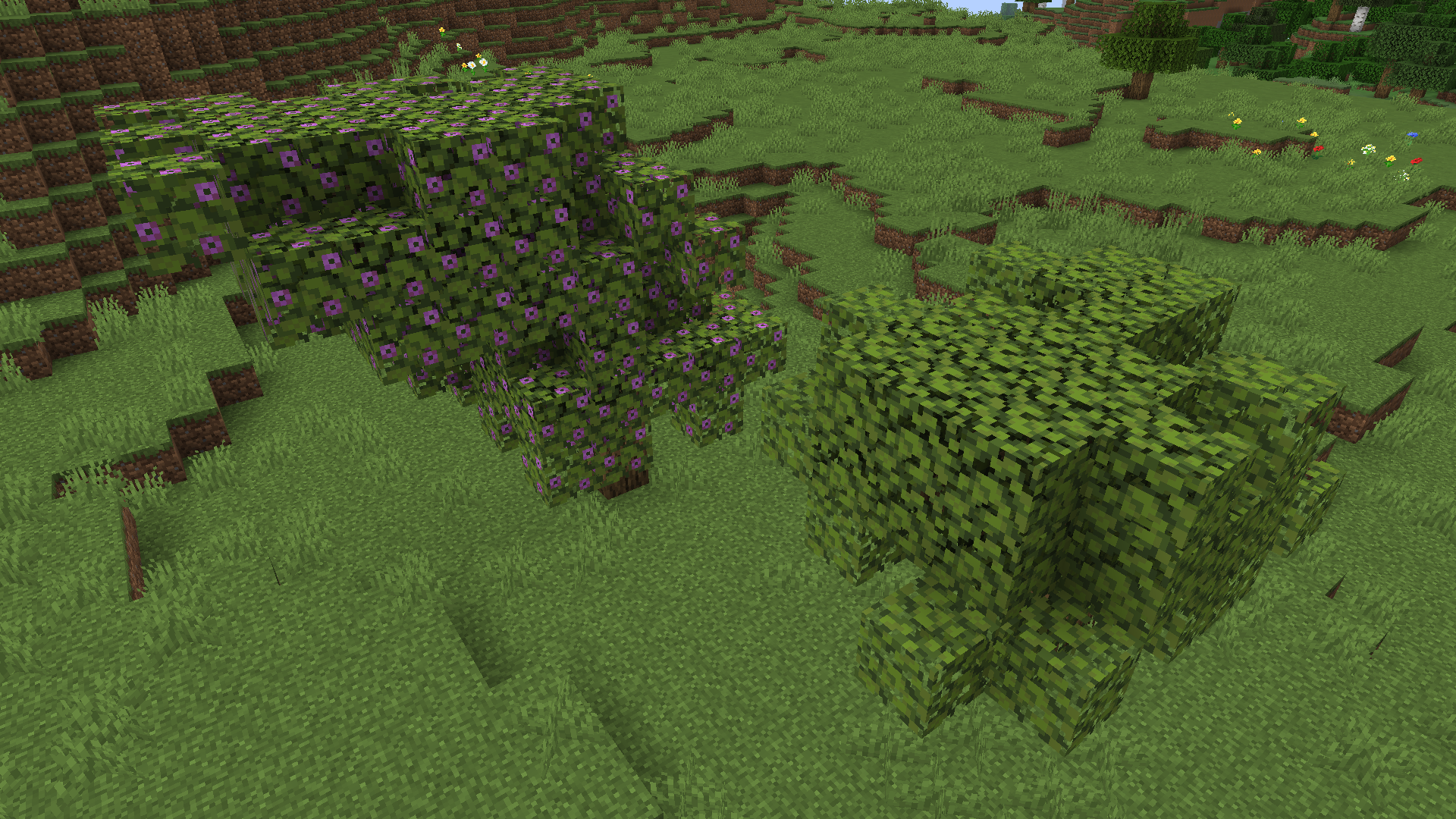
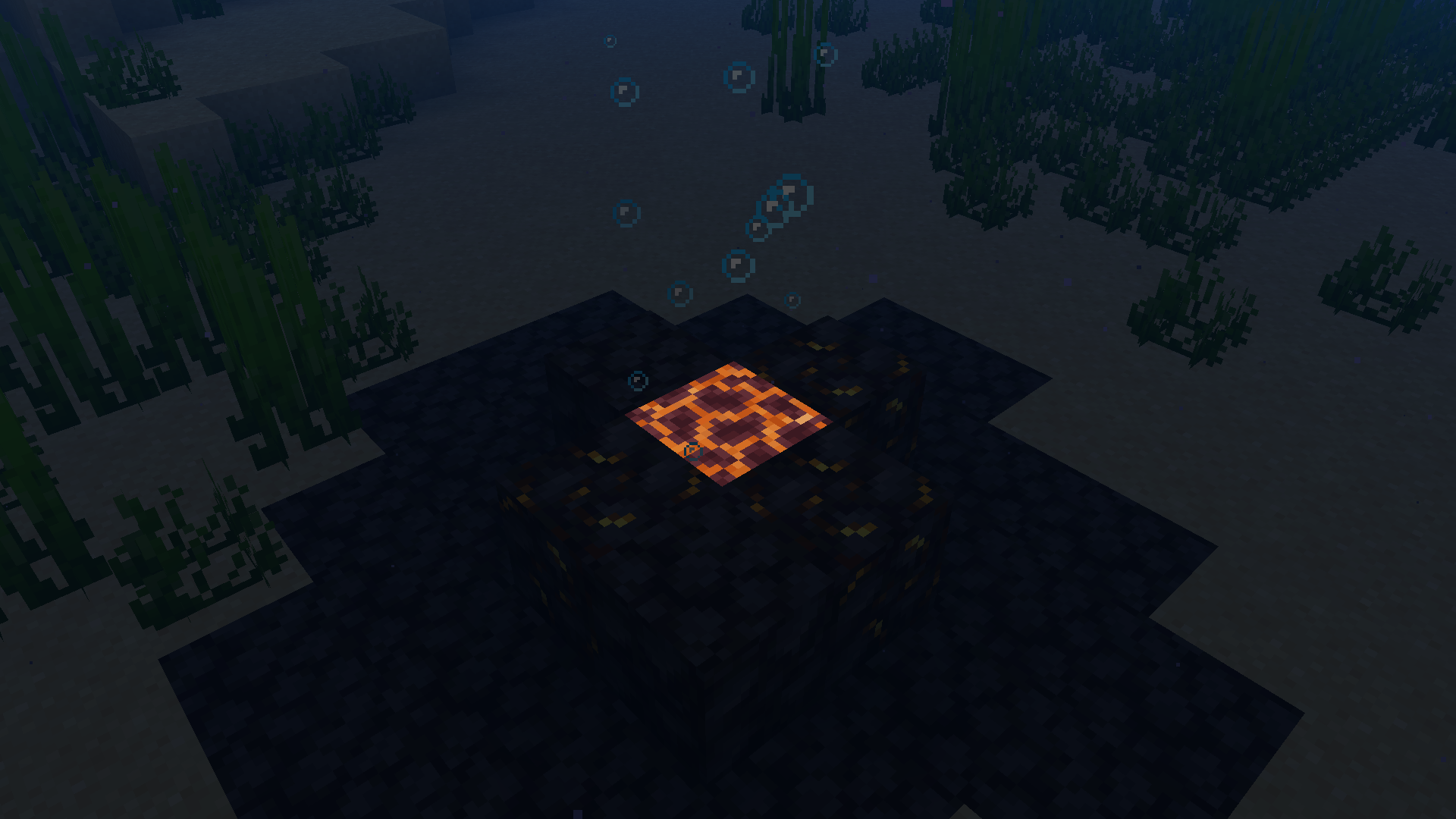
Doormat is a Carpet extension, focusing on simply adding features I want to have fun with, and hopefully you will too! Aside from new ways to farm non-renewable resources, this mod prides itself on its “redstone tinkering” features, allowing you to have full control over block updates and quasi-connectivity in your worlds.
Check out the wiki for a more in-depth overview of Doormat‘s features!
Getting Started
- Make sure you’re running a Fabric instance of the game. If you’re playing from the vanilla launcher, follow the Fabric installation guide. If you’re playing from a third-party launcher like Prism, you’ll need to follow their own instructions which you can often find on their respective websites. For example, here is Prism’s guide to downloading mods.
- If you’re not using a third-party launcher with in-built mod installation, you’ll need to download the latest version of Doormat for your game version from the GitHub releases page or on Modrinth. Drag the
.jarfile into your mods folder and launch the game!
Important: Doormat needs to be installed on both the client and server sides in order to get the full experience. If you’re playing on a multiplayer server, contact your server administrator to request this mod be installed. Like Carpet, it will not work on Paper, Spigot, Purpur or any other non-Fabric server softwares.
More Extensions
There are a lot of other Carpet extensions out there, adding countless new rules and functionality! You can find a list of them in the Carpet wiki.
常见问题
Doormat 支持哪些 Minecraft 版本?
Doormat 支持 Minecraft Java 版 1.20.2–1.21.1,共 7 个版本,可用的加载器:Fabric。下载时注意选择和你游戏版本一致的文件。
Doormat 怎么安装?
先用 PCL2 或 HMCL 启动器安装对应版本的 Fabric,再把下载的 .jar 文件放进游戏目录的 mods 文件夹,重新启动游戏即可。开启了版本隔离的,mods 文件夹在 versions/版本名 下面。运行环境:客户端和服务端都要装。
axialeaa 的其他作品
查看全部 →
Blocky Bubbles
Ports the Fast Bubbles setting from Bedrock Edition!

Florum Sporum
Breathing new life into the spore blossom without undoing any of Mojang's work!
Dimensional Tears
A revamp of Nether Portal mechanics and End terrain generation

PickMoreBlocks
Expands the middle mouse click action to fix some vanilla pet peeves! [ARCHIVED: MIGHT GET REMADE IN THE FUTURE!]
评论
登录后评论和评分