
Donut Schematics – DonutSMP Mod
Browse, search, and download schematics for the DonutSMP directly inside Minecraft. Not affiliated with the DonutSMP.
截图


介绍
Donut Schematics
Browse, search, and download schematics from Donut.build directly inside Minecraft.
Donut Schematics is a companion mod for donut.build that brings Donut.build tools into the game. You can discover and save schematics without leaving Minecraft.
Not affiliated with the DonutSMP.
Features
Browse and Download Schematics In-Game
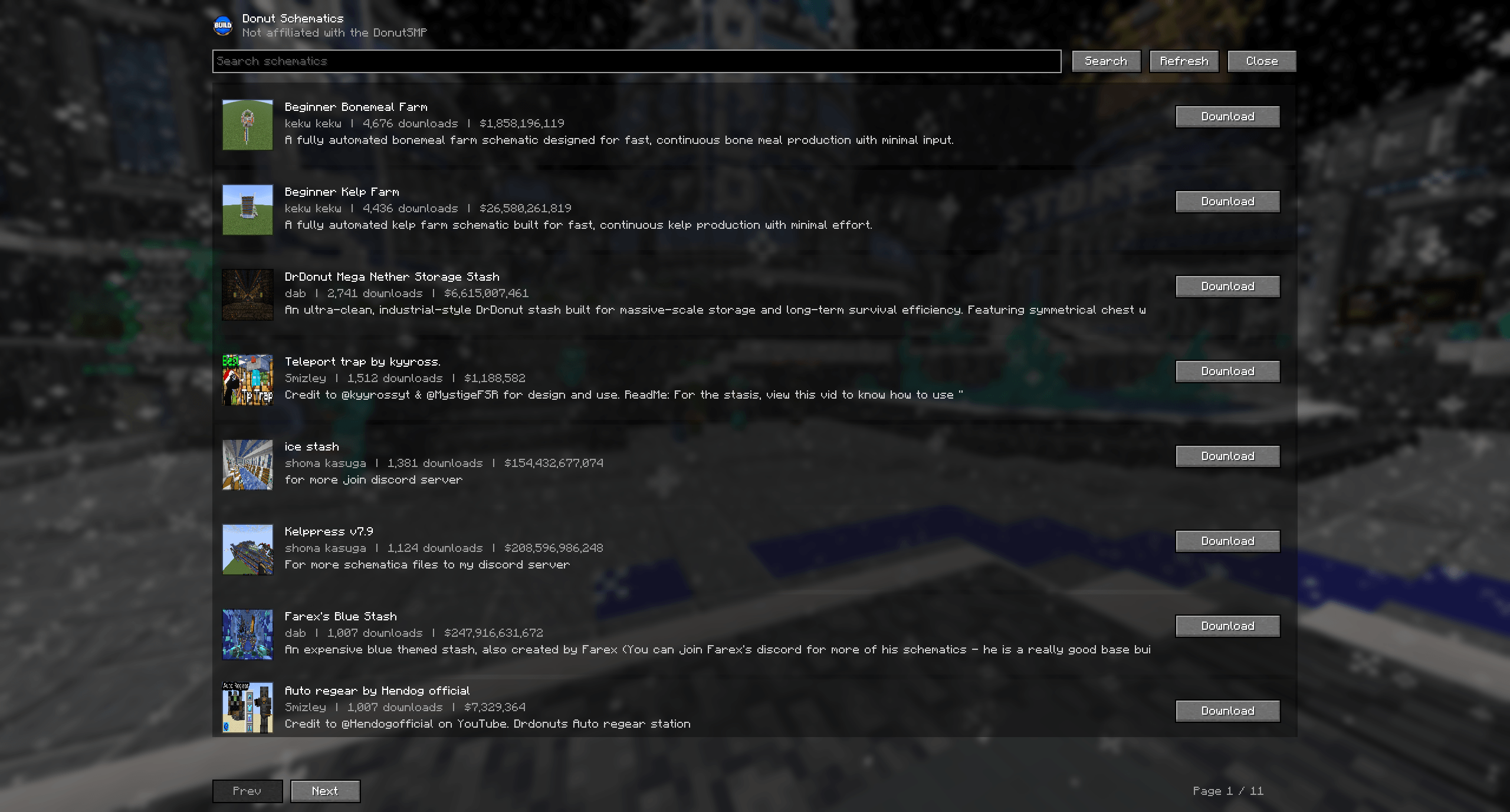
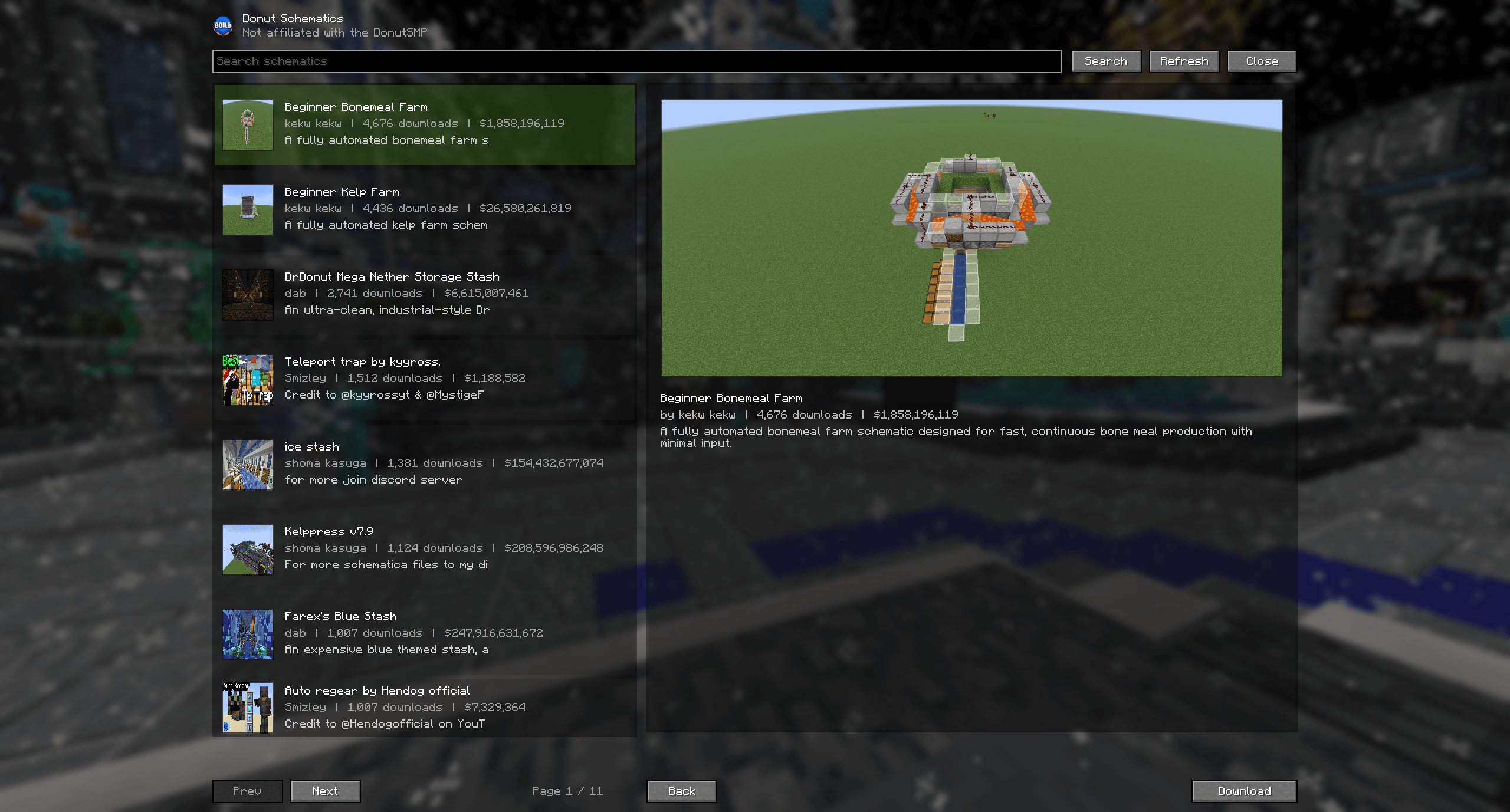
Open the Donut Schematics menu, search for builds, and download schematics directly to your schematics folder.
No more opening a browser, downloading files manually, dragging them into folders, or organizing schematic downloads yourself.
How It Works
- Open the Donut Schematics menu in-game by pressing
B - Browse or search for a build
- Click download
- The schematic is automatically saved to your
schematicsfolder - Use it with Litematica
No manual file management required.
Keybind
The default keybind for opening Donut Schematics is B.
This can be changed at any time through the Minecraft Controls / Keybinds settings menu.
Screenshots
Requirements
- Fabric API
- Fabric Language Kotlin
- Litematica
Links
- Website: https://donut.build
- Discord: https://discord.com/invite/8nDE9HAJzX
常见问题
Donut Schematics – DonutSMP Mod 支持哪些 Minecraft 版本?
Donut Schematics – DonutSMP Mod 支持 Minecraft Java 版 1.21.1–1.21.11,共 11 个版本,可用的加载器:Fabric。下载时注意选择和你游戏版本一致的文件。
Donut Schematics – DonutSMP Mod 怎么安装?
先用 PCL2 或 HMCL 启动器安装对应版本的 Fabric,再把下载的 .jar 文件放进游戏目录的 mods 文件夹,重新启动游戏即可。开启了版本隔离的,mods 文件夹在 versions/版本名 下面。运行环境:仅客户端。
评论
登录后评论和评分