
截图
介绍
Document Your Mod Mod
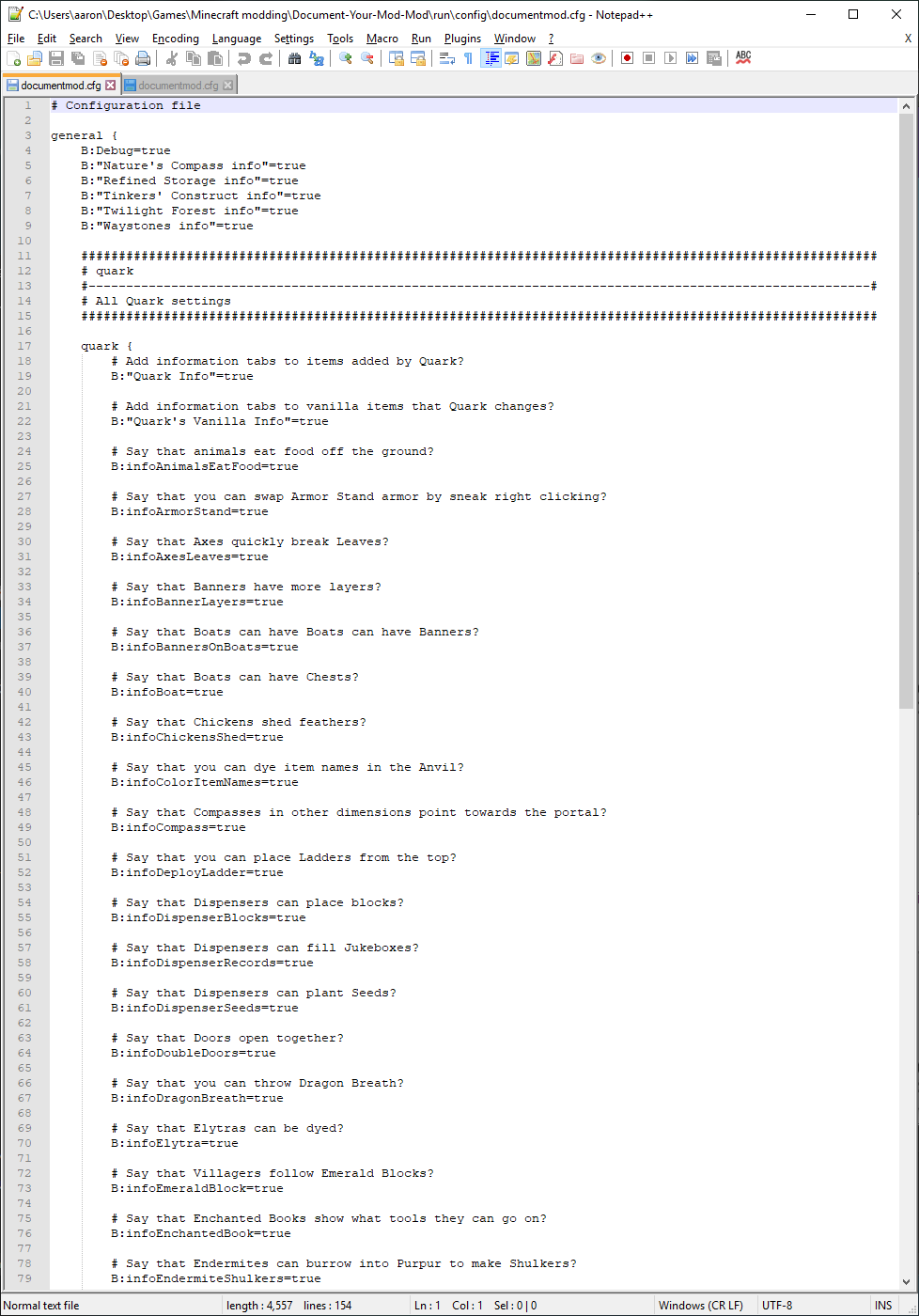
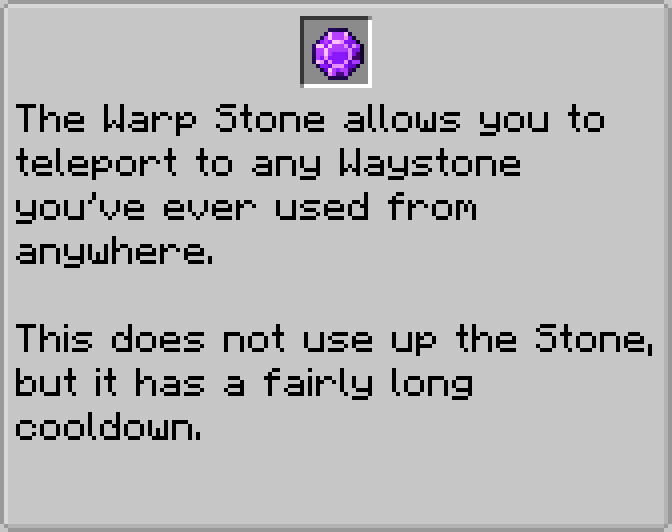
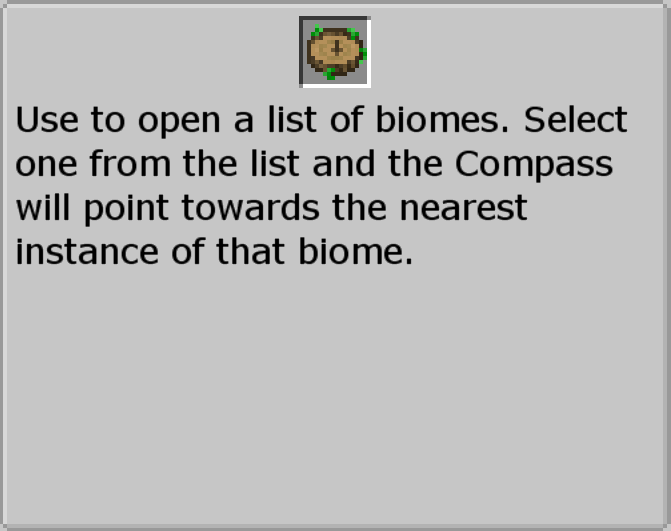
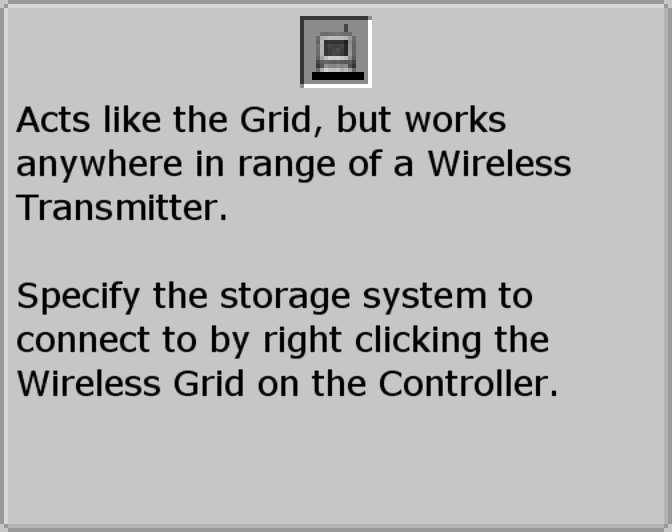
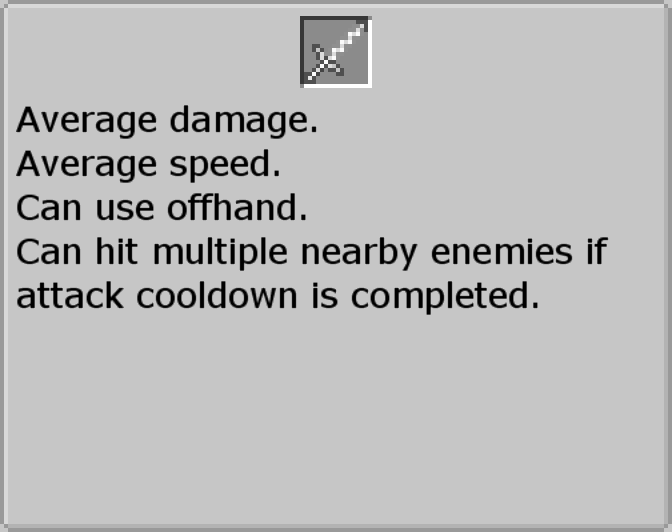
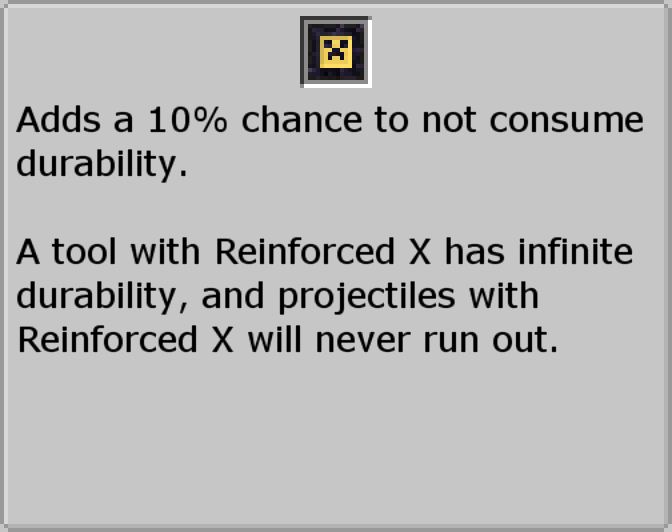
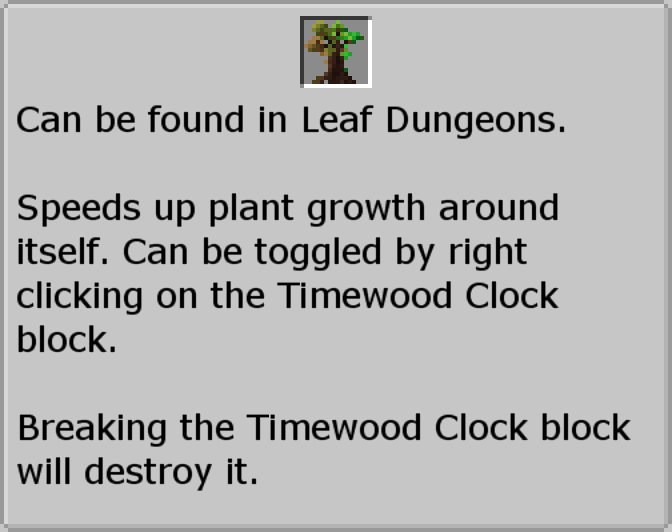
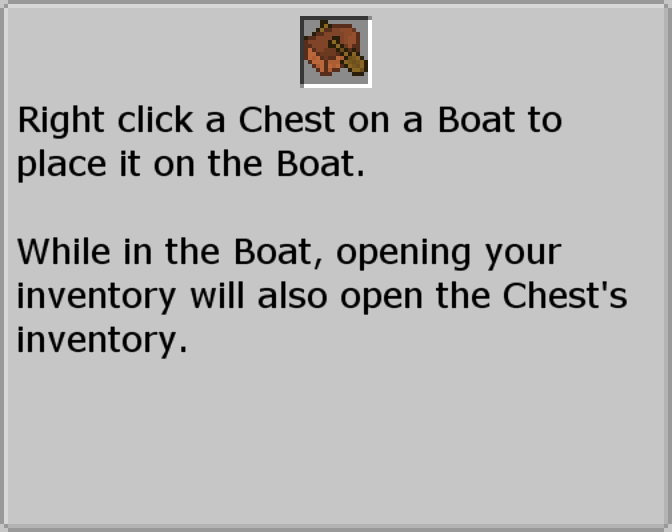
JEI’s information tab is actually the best thing added by any mod ever, and should be used by everything. Unfortunately, very few mods take advantage of it.
That’s where this mod comes in. I went through a ton of mods and added information tabs to just about everything that needed them.
"Now Aaron," I hear you ask, "what if I don’t want to have another tab in JEI for every single item?"
Each mod has its own config option you can disable, so if you don’t want this or that to have a paragraph or two describing what they are, you can turn them off.
The list of mods that are currently supported are:
- Quark
- Quark again, but the vanilla tweaks are separate
- Twilight Forest
- Tinkers Construct
- Refined Storage
- Refined Storage Addons
- Nature’s Compass
- Iron Chests
- Waystone
"But Aaron, isn’t this basically a glorified CraftTweaker script?"
To that, I say
常见问题
Document Your Mod Mod 支持哪些 Minecraft 版本?
Document Your Mod Mod 支持 Minecraft Java 版 1.12–1.12.2,共 2 个版本,可用的加载器:Forge。下载时注意选择和你游戏版本一致的文件。
Document Your Mod Mod 怎么安装?
先用 PCL2 或 HMCL 启动器安装对应版本的 Forge,再把下载的 .jar 文件放进游戏目录的 mods 文件夹,重新启动游戏即可。开启了版本隔离的,mods 文件夹在 versions/版本名 下面。
aaronhowser1 的其他作品
查看全部 →
Aaron
The library for most of my mods

Irregular Implements
A modern remake of Random Things!

Genetics: Resequenced
Extract mobs' Genes to gain their powers!

Excessive Utilities
A modern remake of Extra Utilities 1 and 2!
评论
登录后评论和评分