截图
介绍
DNZ HUD
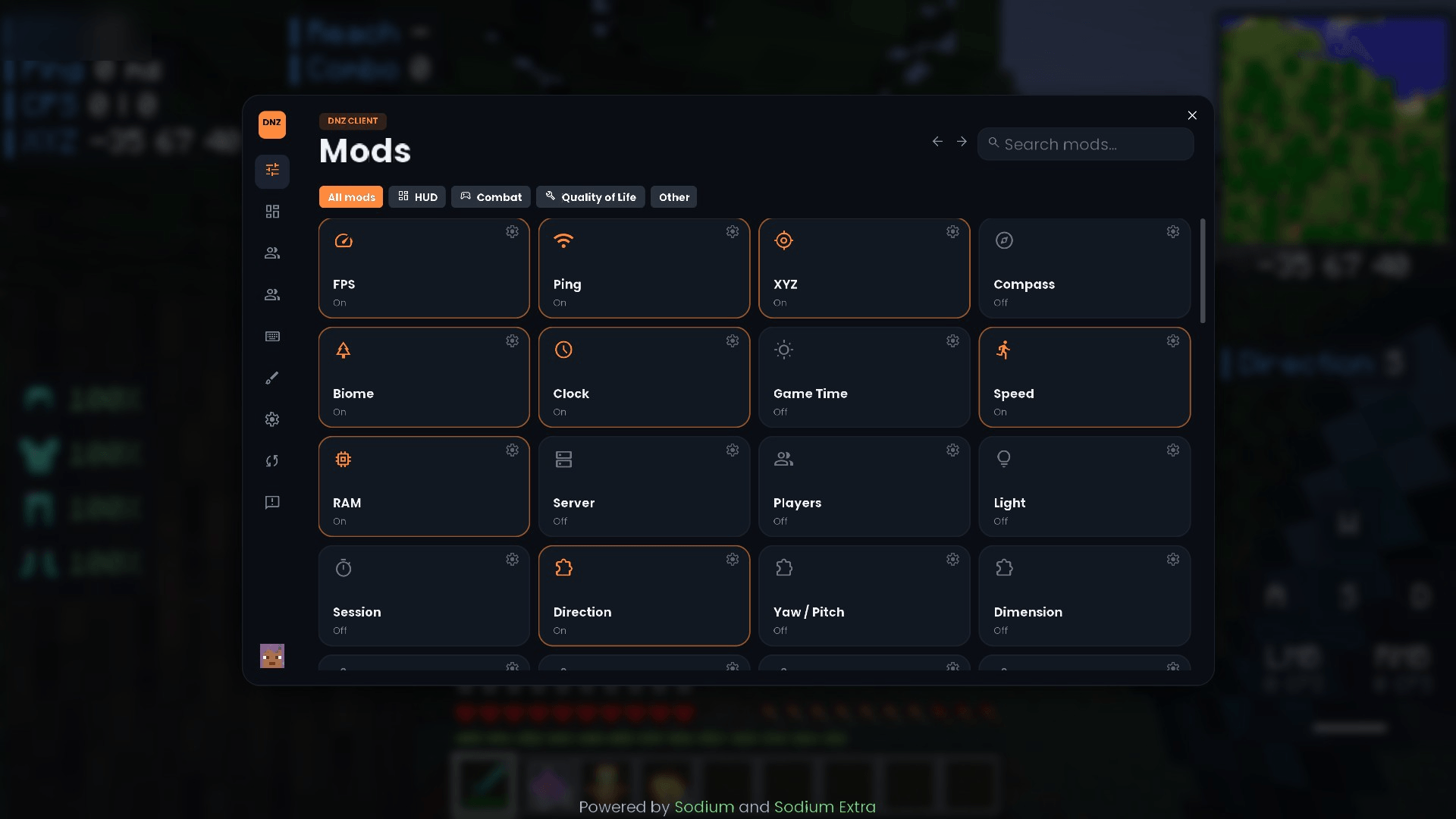
Movable HUD panels, a custom crosshair, block outline, zoom, freelook and an in-game texture editor, all in one mod. Press Right Shift to open the menu.
HUD panels
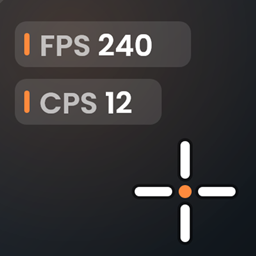
FPS, ping, CPS, coordinates (with Nether coordinates), direction, biome, time, speed, memory, server, keystrokes, reach, combo, target info, armor, held item, potion effects, item counters (pots, gapples, pearls, arrows) and more.
- Drag panels anywhere in the HUD editor and change their size
- Turn the dark background on or off for each panel
- Write your own label (“FPS” can become anything)
More features
- Custom crosshair: 6 styles, size, gap, thickness, color, outline and center dot
- Block outline: color, rainbow mode, thickness, opacity and face fill
- Zoom (C) and freelook (Left Alt, single player)
- Chat heads: the sender’s skin head next to chat messages
- Shulker preview in item tooltips
- Food: saturation on the hunger bar and food tooltips
- Shield: lower and smaller shield in first person
- Texture editor: look at a block and press B to paint its texture pixel by pixel (pen, eraser, fill, color picker, undo). Your edits are saved in a resource pack called “DNZ Textures”, so you can switch them off any time.
Good to know
- DNZ Config (the settings library) is already inside, nothing else to download besides Fabric API
- All key binds can be changed in Controls
- If you use DNZ Client you do not need this mod: DNZ Client already has all of it
Details
- Fabric, client side only
- Minecraft 26.2 and 26.3, needs Fabric API
- Open source (GPL-3.0): https://github.com/DnzMc/DnzClient
- https://dnzclient.com
常见问题
Dnz Hud 支持哪些 Minecraft 版本?
Dnz Hud 支持 Minecraft Java 版 26.2–26.3,共 2 个版本,可用的加载器:Fabric。下载时注意选择和你游戏版本一致的文件。
Dnz Hud 怎么安装?
先用 PCL2 或 HMCL 启动器安装对应版本的 Fabric,再把下载的 .jar 文件放进游戏目录的 mods 文件夹,重新启动游戏即可。开启了版本隔离的,mods 文件夹在 versions/版本名 下面。
DnzMc 的其他作品
查看全部 →
Dnz Schematics
Build any schematic without a single mistake. See the whole build as ghost blocks, and every wrong or missing block lights up instantly.

Dnz Optimized
A modpack with the best optimization and Dnz Menus

Dnz Client Mini
A addon on the library of Dnz Config

Dnz Config
Dnz Config Library for Dnz Hud
评论
登录后评论和评分