DJ Nightclub
A real DJ booth for Minecraft: two-deck mixer with scratching, RGB lights, lasers, pyro and server-wide song sharing.
截图
介绍
DJ Nightclub — DJ booth, lights & pyro
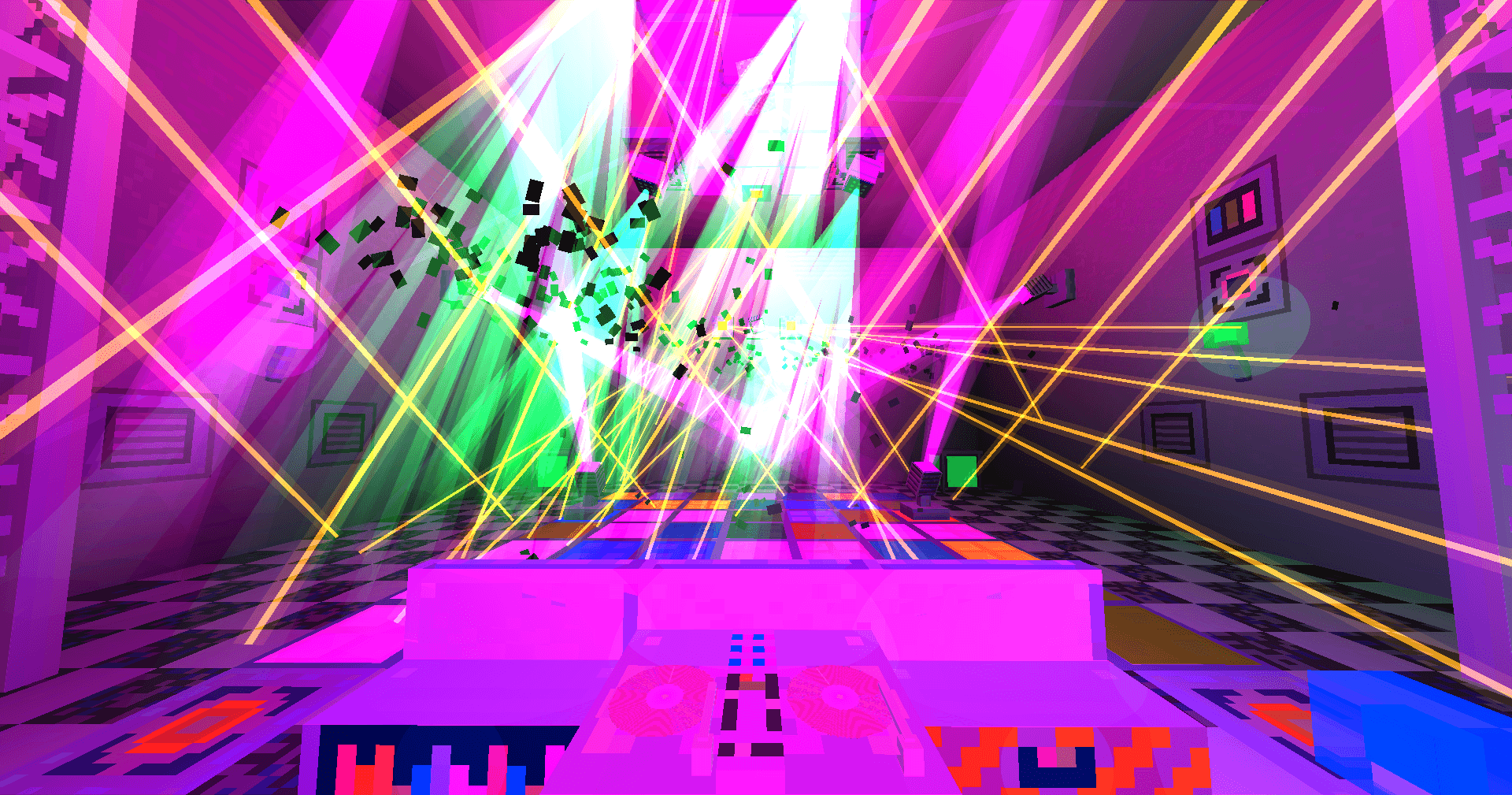
Throw a party in Minecraft. Mix your own music on a real two-deck DJ table, scratch the records, fire your own samples, light the club with spotlights, lasers, washes and LED screens that move to the beat, and set off smoke, flames, confetti and fireworks from a pyro desk. Wire up speakers, build a bar, shake cocktails and get the villagers dancing. Everyone on the server hears the same mix in sync — even if they don’t have your songs.

Version 1.0.0 — Minecraft 1.21.1, Forge 52.1.x or NeoForge 21.1.x (download the file for your loader). Install on the client and the server, with the same version on both. Please report bugs.
🎧 The DJ Table
- Two decks playing at the same time, with play/pause, stop, previous/next and eject.
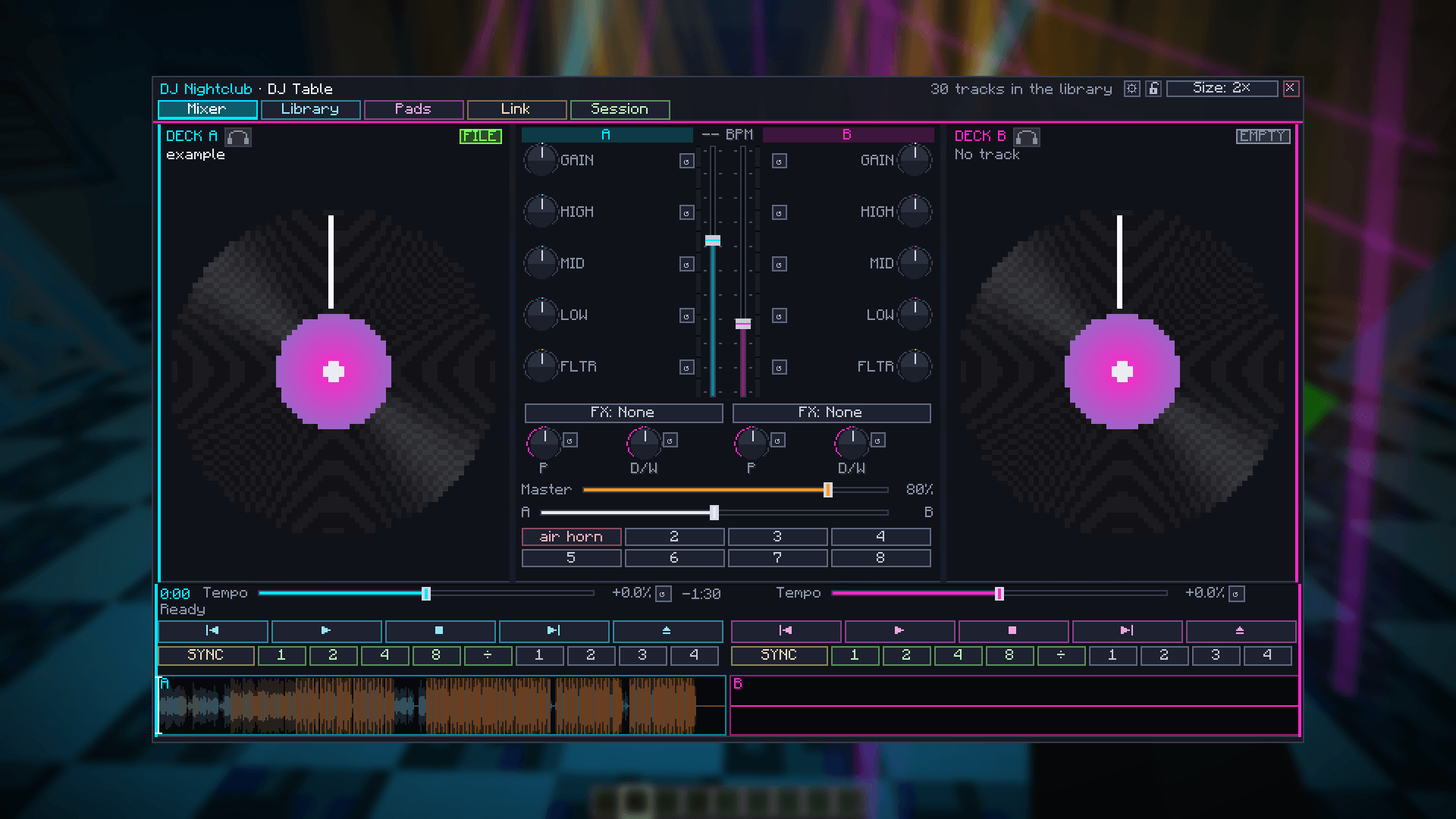
- A real mixer per channel: gain, 3-band EQ with full kill, resonant low/high-pass filter, and effects (echo, flanger, reverb, gate, bitcrusher, phaser) with parameter and dry/wet. Channel faders, master and a constant-power crossfader.
- BPM detection for every song, SYNC, loops of 1/2/4/8 beats and short loops down to 1/16 of a beat, and 4 hot cues per deck.
- Tempo that changes in real time while you drag the slider.
- Grab the record and scratch it — you hear the track forwards, backwards, faster and slower, like vinyl. Throw it and it keeps spinning with that momentum. Other players hear your scratch live.
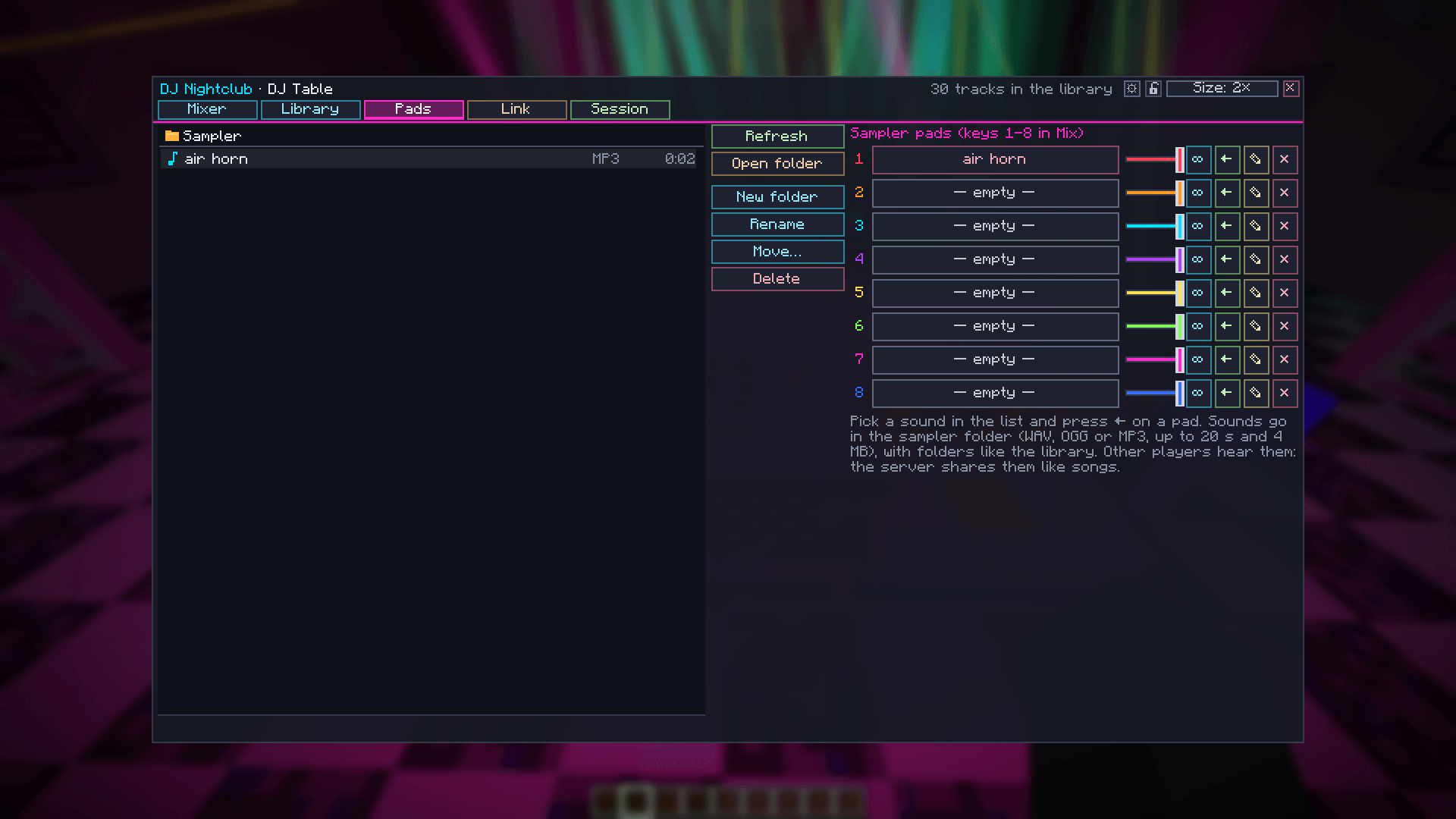
- Sampler with 8 pads for your own sounds (WAV/OGG/MP3 up to 20 s), each with its own name, volume and a hold mode. Pad sounds are shared with the other players.
- Headphone cue: preview a deck that only you can hear, find the spot, then drop it for the room.
- Full-song waveform for each deck — click or drag to jump.
- Library with folders, search and sorting by name, BPM or length; Session tab with an automix queue and WAV recording of your set.
- Plays OGG, MP3 and WAV from your
config/dj_nightclub/musicfolder, plus direct audio links and MP3 Internet radio. - Real-time FFT analysis: BPM, beats, drops and spectrum drive the lights.

🔊 Speakers, sound and shared songs
- Speakers and Subwoofers play the DJ Table you wire them to with the Audio Cable (up to 48 blocks away), and their cones pump with the bass. Spread them around and the party reaches the whole club.
- Soundproof rooms: build a room from Acoustic Panels (blocks, slabs, stairs and an Acoustic Door) and the music sounds muffled from outside.
- Headphones: a dyeable 3D helmet that muffles every sound around you.
- When you load a song from your folder, the server keeps a copy and sends it to players who don’t have it. No more “I can’t hear anything”. Files are identified by their SHA-256 hash, size-limited and format-checked. Server owners can turn it off (
shareTracks = false) and choose how far the DJ Table and the speakers are heard. Only share music you have the right to share.
💡 Lights that actually color the world
- RGB lamps, torches, light panels that tint walls, floors and players with real colored light (screen-space lighting; no white light unless you want it).
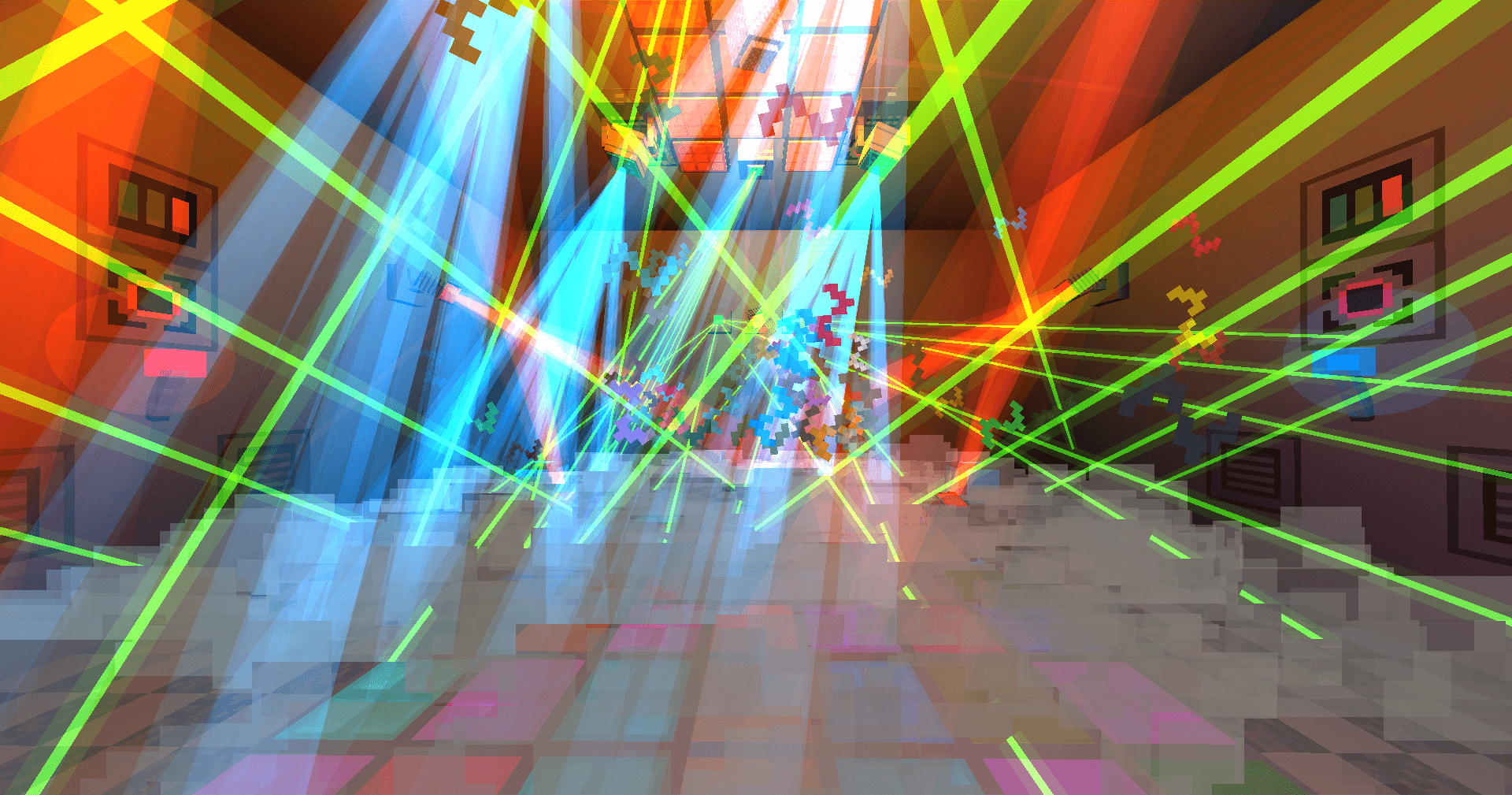
- Disco spotlights with volumetric beams — on the floor, the ceiling or the walls.
- Wash moving heads that bathe the room in color or draw dot patterns (spinning ring, open/close, flower, spiral).
- Lasers with fans of up to 16 rays, including a synchronized Fast scan mode.
- Strobes, LED bars, LED screens (spectrum, VU, plasma, beat) and neon signs with your own text.
- Floor pads that draw patterns across the whole dance floor, and a mirror ball that throws light spots.
- Color modes: Fixed, Cycle, Music, Strobe, Blink (custom interval) and Music strobe.
- Beat Sensor: a redstone pulse on every beat.

🎛️ Lighting Desk
- Controls every light in its area (51×51×51 by default), with a Show area border.
- One tab per light type, numbered lights, an ALL editor and per-light settings.
- Scenes: Chill, Disco, Rave and Rave + Music (every light flashes a new color on each beat).
- Scene sequencer: 8 steps that change every 4/8/16/32 beats, on each new song or on the drops.
- Personal presets: save the whole show, edit it later and recall it with one click (list or grid view).
- Light Remote: see every light’s number in the world and renumber them.
- Lock the desk so only you (and operators) can use it.

🔥 Pyrotechnics
- Smoke, flames (a 6-block fire jet that lights the room orange), confetti, cold sparks, streamers, bubbles, foam, CO₂ and fireworks that burst just below the ceiling.
- Pyrotechnics Desk to fire everything or one type — on, off or for a few seconds — with your own presets (e.g. confetti + fire together). Redstone works too.

🍸 The bar
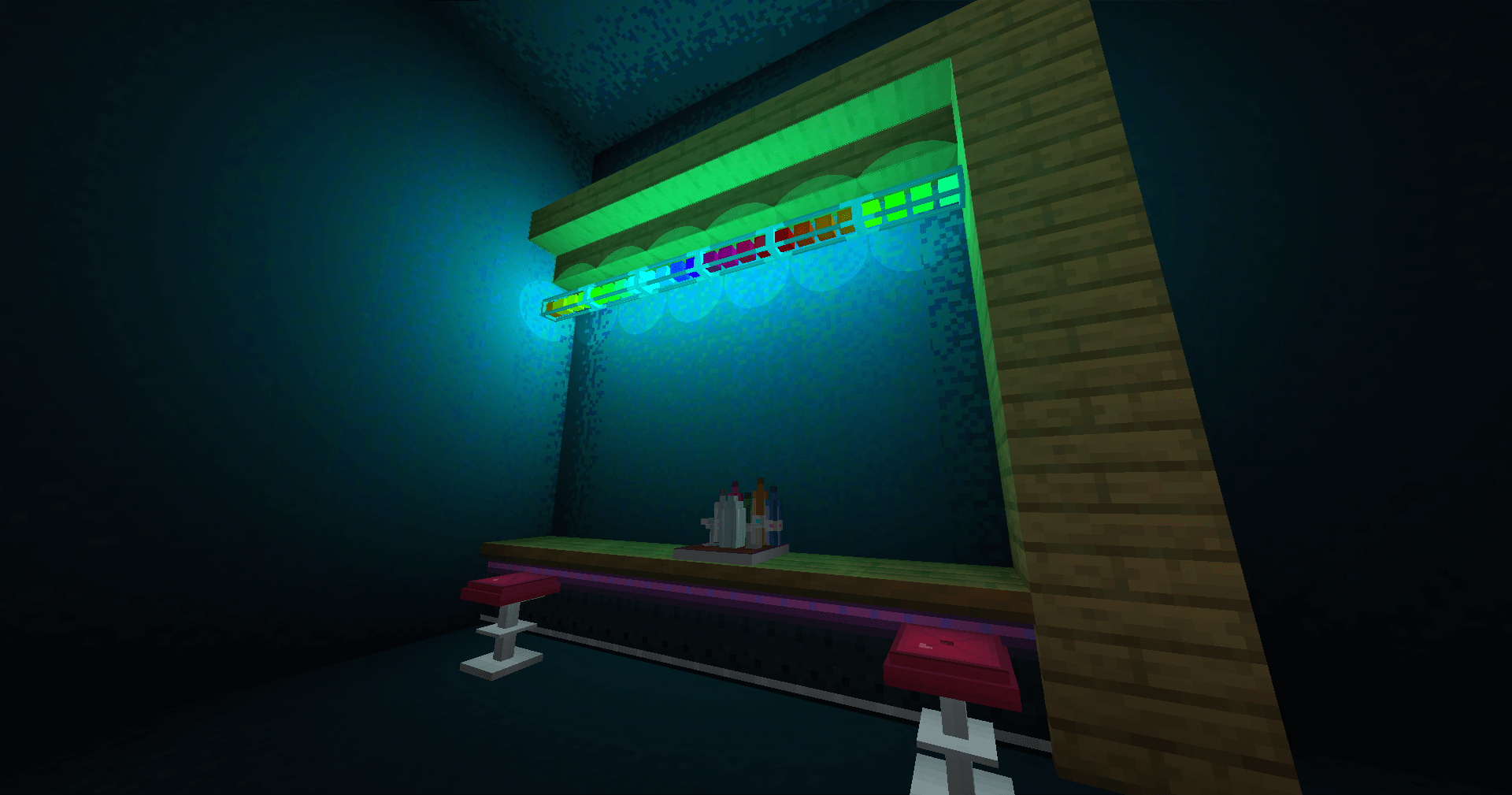
- Bar Counters that join at the corners like stairs, Bar Stools you can sit on, VIP posts and a VIP gate with a velvet rope.
- A Cocktail Shaker and three drinks — Blaze Rum, Ender Mojito and Slime Shot — each with its own dance moves and effects. Drink too many and you’ll be Tipsy.
- Villagers near a playing DJ Table dance to the beat.

🧱 Club decoration
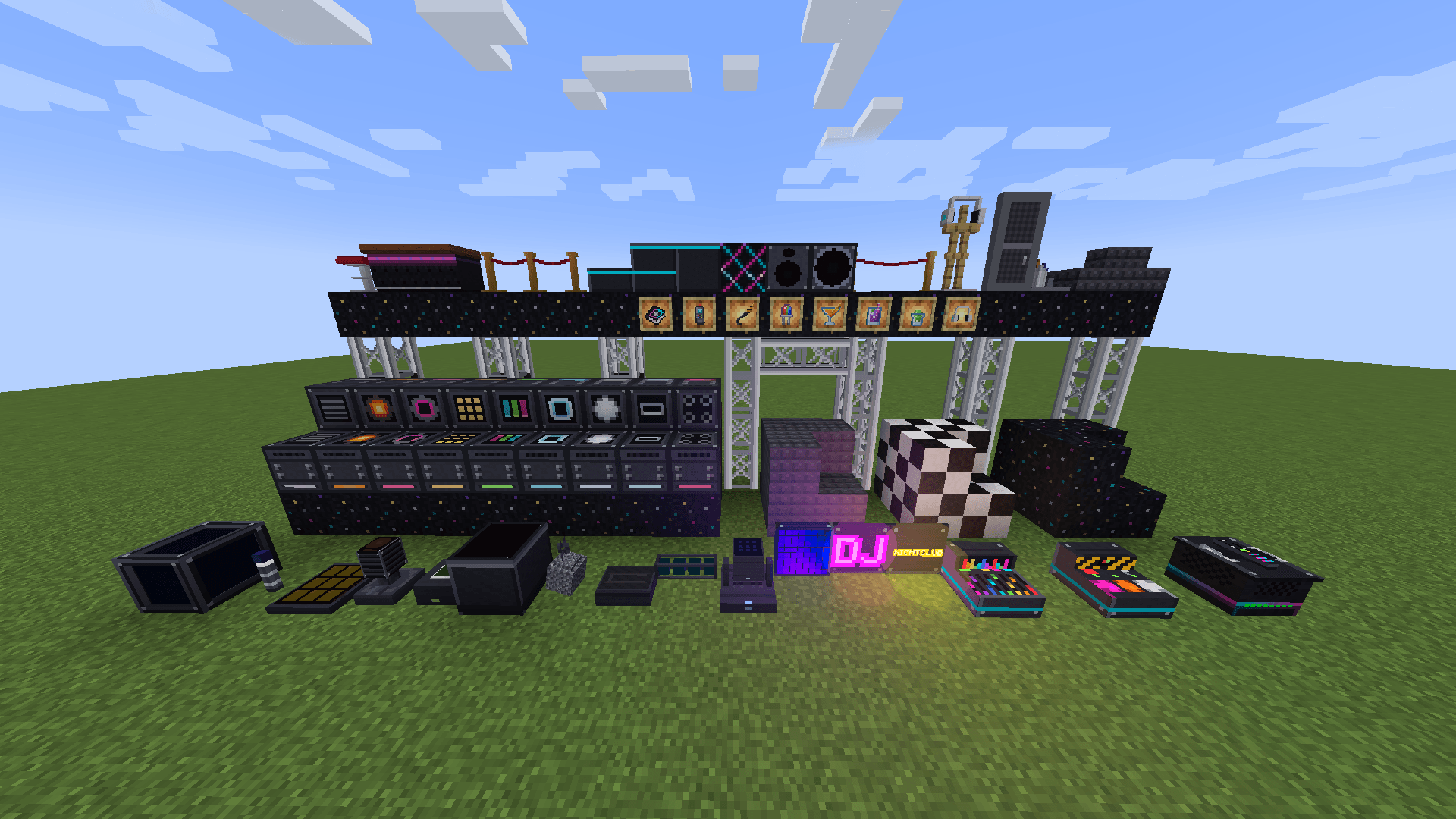
Stage truss that joins up, stage blocks and slabs, disco and checker tiles, a DJ booth front with a twinkling pattern, and acoustic panels.
📖 And more
- DJ Nightclub Manual: an in-game book that explains every block, in English and Spanish.
- Advancements for your first track, the headphones, every light, every pyro machine, a cocktail and dancing villagers.
- In-game settings sorted by tabs (Performance, Audio, Lights, Interface, Extras, World), with a Reduce flashing option for players sensitive to flashing lights.
Getting started
- Install Forge or NeoForge for 1.21.1 and drop the matching file (
-forge-or-neoforge-) inmods(client and server). - Start the game once, then copy your songs into
.minecraft/config/dj_nightclub/music. - Craft a DJ Table, open it, load a song from the Library tab and press ▶.
- Lost? Craft the DJ Nightclub Manual (a book and an RGB LED). Want a ready-made club?
/dj-nightclub demo(operator) builds one.
All recipes are shown in JEI and EMI.
Compatibility
- Create Aeronautics / Sable: DJ tables, lights and pyro keep working on moving ships.
- Iris / Oculus: everything works without a shader pack. With one, the colored light turns itself off (you get a notice); beams, emissive parts and everything else still work.
- JEI and EMI: recipes and info pages.
FAQ
Can it play YouTube? Not by itself: YouTube’s terms don’t allow mods to extract the audio from its videos, so DJ Nightclub doesn’t do that. If you also install WATERMeDIA, which takes care of YouTube, you can paste a YouTube link in the Link tab and load it into a deck. Everyone who wants to hear it needs WATERMeDIA too; without it, a YouTube link can only be opened in your browser. You can always use your own files, royalty-free music, or direct links/radio streams you’re allowed to play.
Can I show videos or images on the LED screens? Not at the moment. For videos and images on screens, you can use WATERFrAMES alongside DJ Nightclub.
My friends hear nothing. Make sure everyone has the same mod version. Songs from your folder are sent to them automatically; for links they have to click [Allow] once (the server they download from sees their IP).
Performance? In testing, a club with 240 moving lights still ran above 200 FPS, and two players on the same PC stayed at 60 FPS. If you need more, the Performance tab lets you lower the beam quality, the number of colored lights or turn the colored lighting off.
No music is included with the mod. Audio: OGG decoding via LWJGL stb_vorbis, MP3 via JLayer 1.0.1 (LGPL-2.1).
常见问题
DJ Nightclub 支持哪些 Minecraft 版本?
DJ Nightclub 支持 Minecraft Java 版 1.21.1,可用的加载器:Forge / NeoForge。下载时注意选择和你游戏版本一致的文件。
DJ Nightclub 怎么安装?
先用 PCL2 或 HMCL 启动器安装对应版本的 Forge / NeoForge,再把下载的 .jar 文件放进游戏目录的 mods 文件夹,重新启动游戏即可。开启了版本隔离的,mods 文件夹在 versions/版本名 下面。
评论
登录后评论和评分