
Distant Horizons Retro
Hyper Optimized Unofficial 1.7.10 fork of Distant Horizons, focused on visuals, performance, and new features
截图
介绍
An unofficial 1.7.10 port of Distant Horizons, focused on optimized performance, stability and new features.
Fork of DistantHorizonsStandalone by DarkShadow44. Not affiliated with GTNH, the Distant Horizons team or DarkShadow44.


What is Distant Horizons Retro?
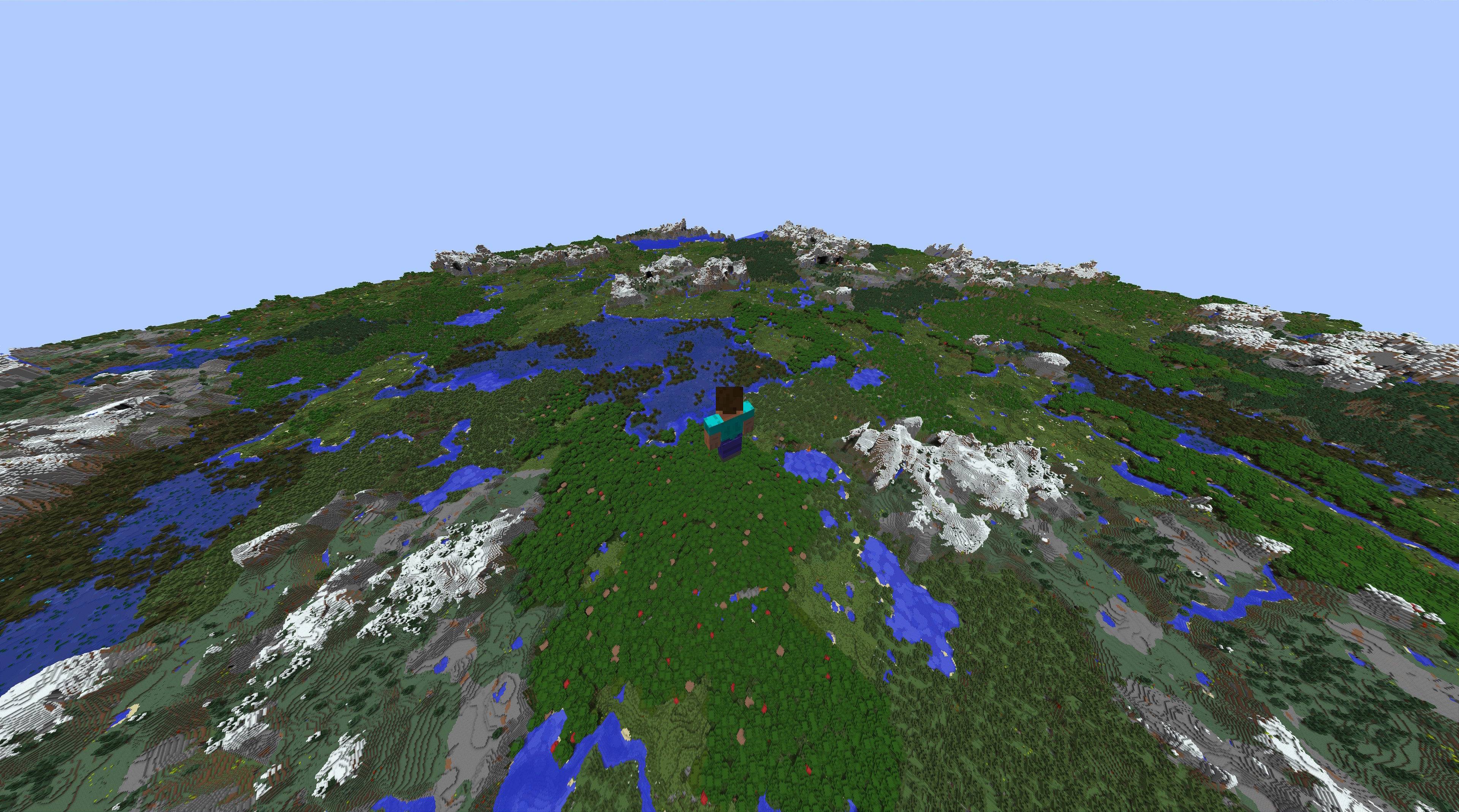
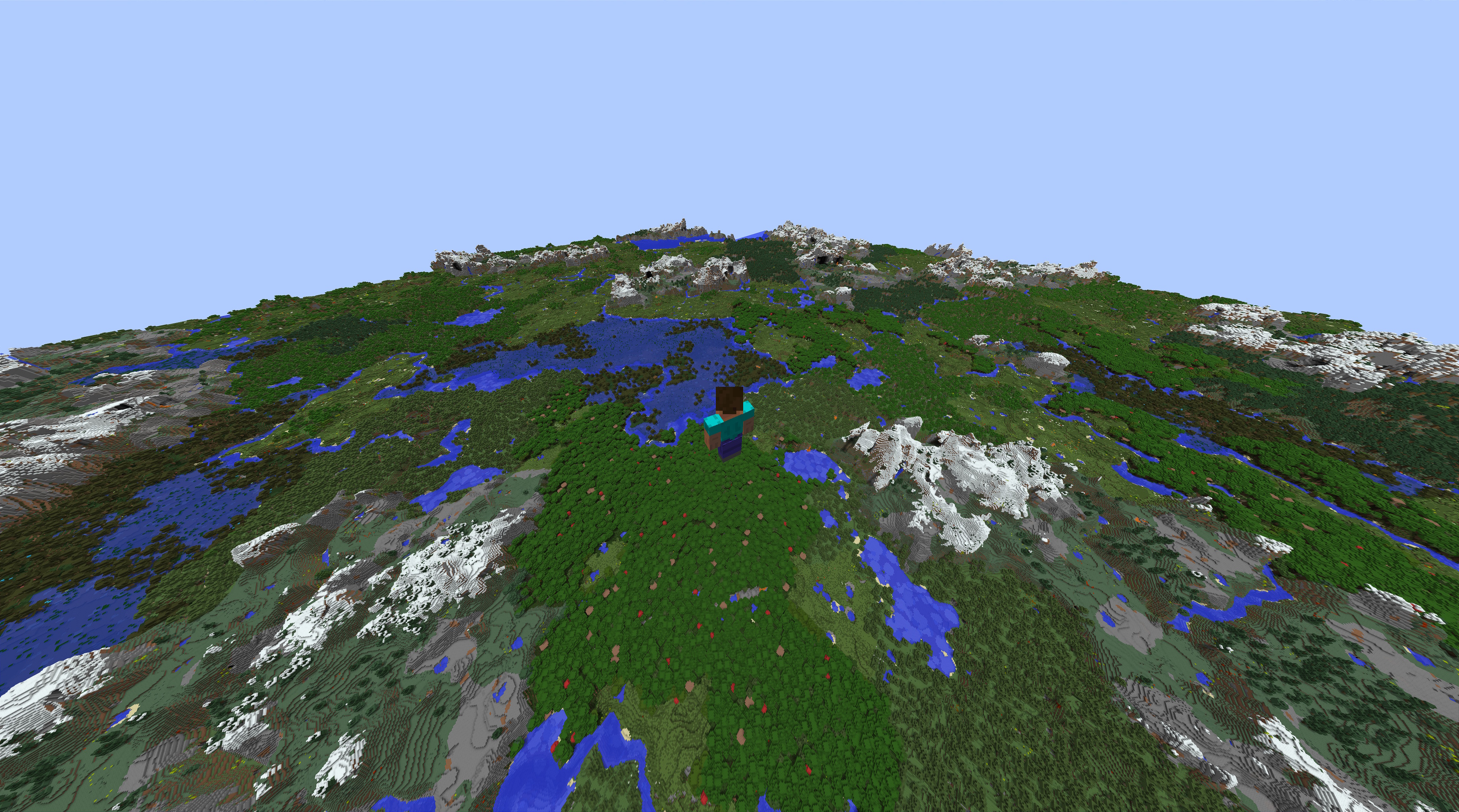
Distant Horizons Retro is a mod which implements a Level of Detail system to Minecraft 1.7.10.
This allows for far greater render distances without harming performance by gradually lowering the quality of distant terrain.
Why Retro?
Distant Horizons Retro is built on DistantHorizonsStandalone by DarkShadow44, which brought Distant Horizons to 1.7.10 and closely tracks upstream Distant Horizons. Retro is an experimental fork for bigger changes that don’t follow upstream:
- Visuals: textured LODs (also with shaders), LOD grass and flowers, see-through LOD leaves, depth shaded LOD water
- Optimizations: faster world generation and LOD building
- Bug fixes: LOD holes, crashes, mod compatibility and server stability
If you want the version that follows upstream Distant Horizons, use DistantHorizonsStandalone.
Please report issues with this mod here, not to Distant Horizons, DistantHorizonsStandalone or GTNH.
Installation
Download the latest version from Releases and put it into your mods folder.
WARNING: Remove any other Distant Horizons related .jar first.
IMPORTANT: Make sure the latest versions of each dependency are installed:
Shaders
Shaders are supported with Angelica 2.1.12 or higher. Tested with Complementary Shaders and Euphoria Patches.
Using it in GTNH packs
This is not an official GTNH mod and isn’t supported by the GTNH team.
Older GTNH packs ship versions of Angelica, lwjgl3ify and GTNHLib that are too old. To upgrade them in Prism Launcher:
- Download the latest Angelica, lwjgl3ify (both the
.jarand the-multimc.zip) and GTNHLib. - Delete the old
angelica-*.jar,lwjgl3ify-*.jarandgtnhlib-*.jarfrom yourmodsfolder. - Add the new jars and the Distant Horizons Retro jar to your
modsfolder. - Unzip
lwjgl3ify-*-multimc.zipinto your Prism Launcher instance. It should overwrite yourmmc-pack.json.
Credits
- Distant Horizons by James Seibel and the Distant Horizons team
- DistantHorizonsStandalone by DarkShadow44 and its contributors, the 1.7.10 port this fork is built on
- Logo based on the Distant Horizons logo by Pankakes
License
Distant Horizons Retro is licensed under the LGPL, like Distant Horizons. See the license files.
The Distant Horizons Retro logo is a modified version of the Distant Horizons logo © 2024 by Pankakes, and like the original is licensed under CC BY-SA 4.0.
常见问题
Distant Horizons Retro 支持哪些 Minecraft 版本?
Distant Horizons Retro 支持 Minecraft Java 版 1.7.10,可用的加载器:Forge。下载时注意选择和你游戏版本一致的文件。
Distant Horizons Retro 怎么安装?
先用 PCL2 或 HMCL 启动器安装对应版本的 Forge,再把下载的 .jar 文件放进游戏目录的 mods 文件夹,重新启动游戏即可。开启了版本隔离的,mods 文件夹在 versions/版本名 下面。

评论
登录后评论和评分