
Distant Horizons Dimension Profiles
A mod to add per-dimension control over when Distant Horizons should be enabled, it can automatically enable/disable DH based on things like your dimension and Y-level.
截图
介绍





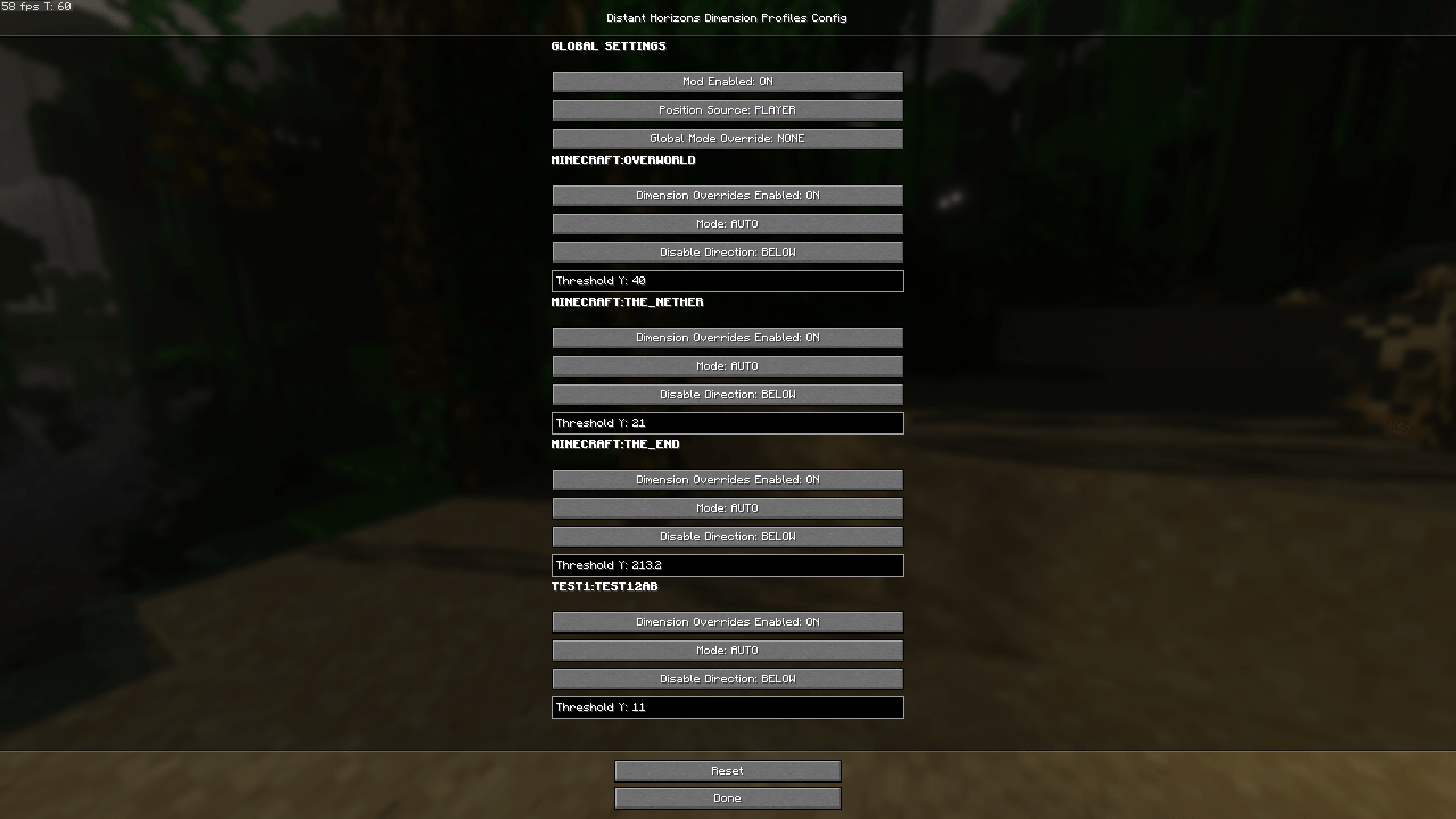
This mod allows you to configure when Distant Horizons should be enabled or disabled based on things like dimension and Y-level.
The filters can be changed per-dimension, and the mod supports custom dimensions as well.
If you are using Fabric, it is highly recommended to install Mod Menu.
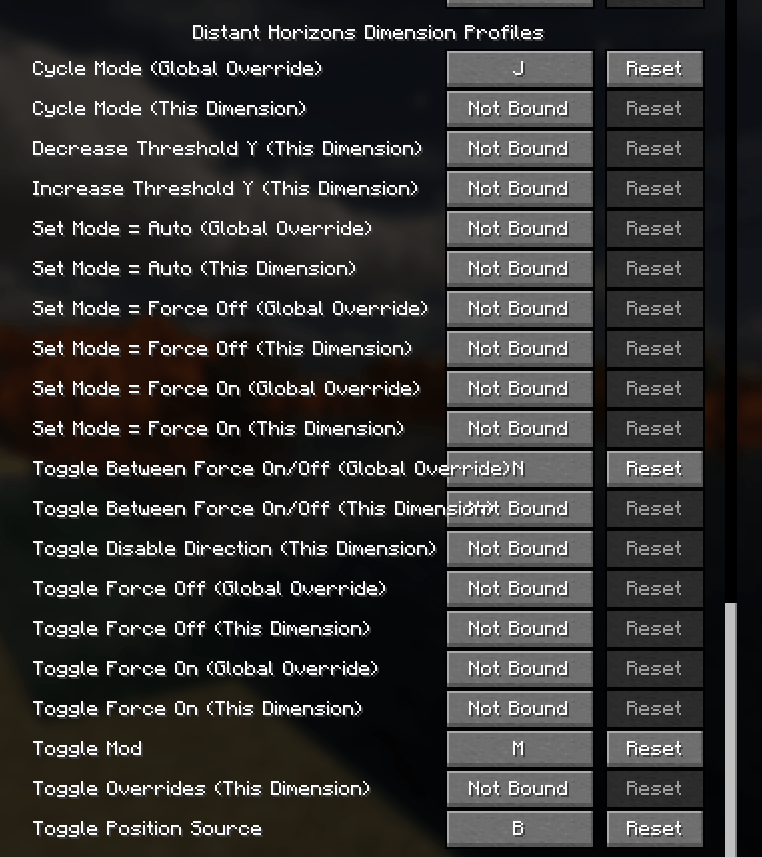
The mod has many keybinds for allowing changing most settings easily without needing to open the menu.
The mod also adds keybind for manual enabling/disabling of Distant Horizons.
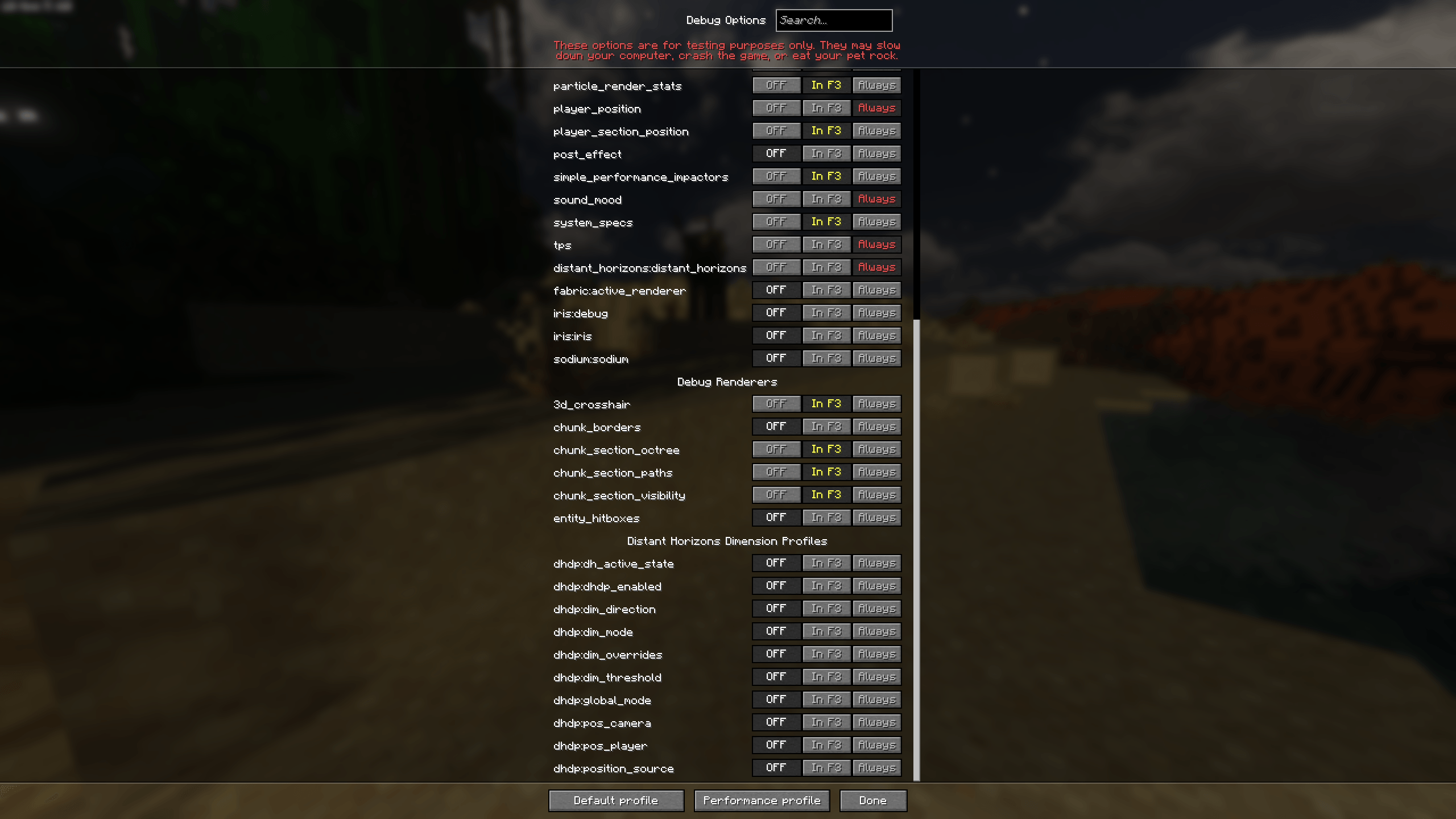
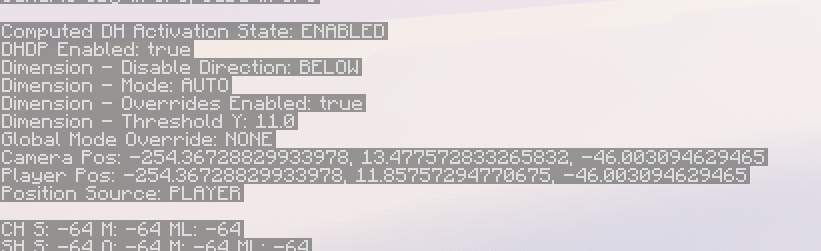
The mod also adds additional entries to the F3 menu (not enabled by default). The camera and player position entries can be very useful as they have 17 significant digits of precision.
When accessed while not in-game, the mod’s settings menu shows options for all vanilla dimensions and any custom dimensions that have had custom settings saved…
When accessed while in-game, the mod’s settings menu shows only options for dimensions that exist in the current world.
常见问题
Distant Horizons Dimension Profiles 支持哪些 Minecraft 版本?
Distant Horizons Dimension Profiles 支持 Minecraft Java 版 1.21.10,可用的加载器:Fabric。下载时注意选择和你游戏版本一致的文件。
Distant Horizons Dimension Profiles 怎么安装?
先用 PCL2 或 HMCL 启动器安装对应版本的 Fabric,再把下载的 .jar 文件放进游戏目录的 mods 文件夹,重新启动游戏即可。开启了版本隔离的,mods 文件夹在 versions/版本名 下面。
8Crafter 的其他作品
查看全部 →
Distant Horizons Dimension Profiles
A mod to add per-dimension control over when Distant Horizons should be enabled, it can automatically enable/disable DH based on things like your dimension and Y-level.

No Player Armor Shadow
Prevents the local player's armor from rendering in first person. Fixes the dynamic lighting in first person while wearing enchanted armor when using certain shaders, such as Rethinking Voxels.

No Player Armor Shadow
Prevents the local player's armor from rendering in first person. Fixes the dynamic lighting in first person while wearing enchanted armor when using certain shaders, such as Rethinking Voxels.
评论
登录后评论和评分