
DisplaySomethingCool
This Fabric mod allows servers to play videos directly on players' screens using a simple command.
截图
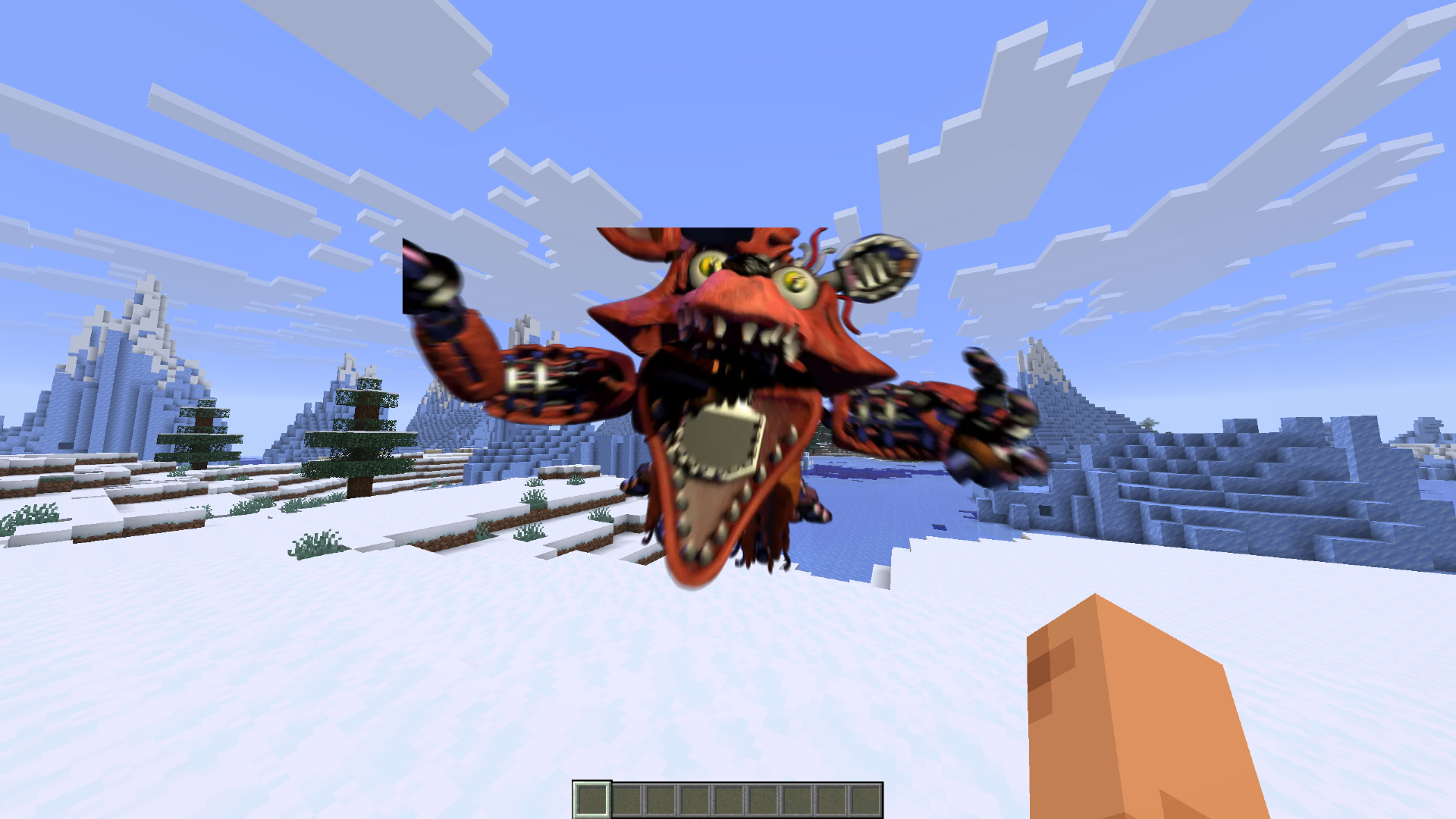
介绍
DisplaySomethingCool plays server-hosted video clips as a full-screen overlay for selected players — with synced audio. Built for LARP events, cutscenes, announcements, and other scripted moments where you need everyone (or just a few people) to see the same video in-game.
Features
Full-screen HUD video overlay with sound
Play videos for specific players, groups, or everyone
Server-side video library under the videos/ folder
Automatic client caching and background preload so playback starts quickly
Supported formats: MP4, WebM, WebP, MOV, MKV
Commands
Requires operator permission (level 2).
Command Description
/video list
List available videos on the server
/video play <players> <name>
Play a video for the selected players
/video stop
Stop playback for everyone
/video stop <players>Stop playback for selected players
Examples:
/video play @a intro.mp4
/video play @p cutscene
/video stop @a
The file extension is optional if the name is unique.
Setup
Install the mod on both the server and the clients.
Place your video files in the server’s videos/ folder (created automatically next to the game directory).
Players who join will download/cache missing videos in the background (videos/cache/ on the client).
Use /video play when you want the clip to appear.
Notes
Videos are streamed from the server if they are not already cached (max size 200 MB).
Cached clients can start playback almost immediately.
Designed for event/LARP servers; not a media player for browsing YouTube or similar.
Available for Fabric and Forge (comming soon)
常见问题
DisplaySomethingCool 支持哪些 Minecraft 版本?
DisplaySomethingCool 支持 Minecraft Java 版 26.2,可用的加载器:Fabric。下载时注意选择和你游戏版本一致的文件。
DisplaySomethingCool 怎么安装?
先用 PCL2 或 HMCL 启动器安装对应版本的 Fabric,再把下载的 .jar 文件放进游戏目录的 mods 文件夹,重新启动游戏即可。开启了版本隔离的,mods 文件夹在 versions/版本名 下面。运行环境:客户端和服务端都要装。
评论
登录后评论和评分