
Display Entity Studio
Similar to the Axiom entity editor, but client-side and built for realms support.
截图
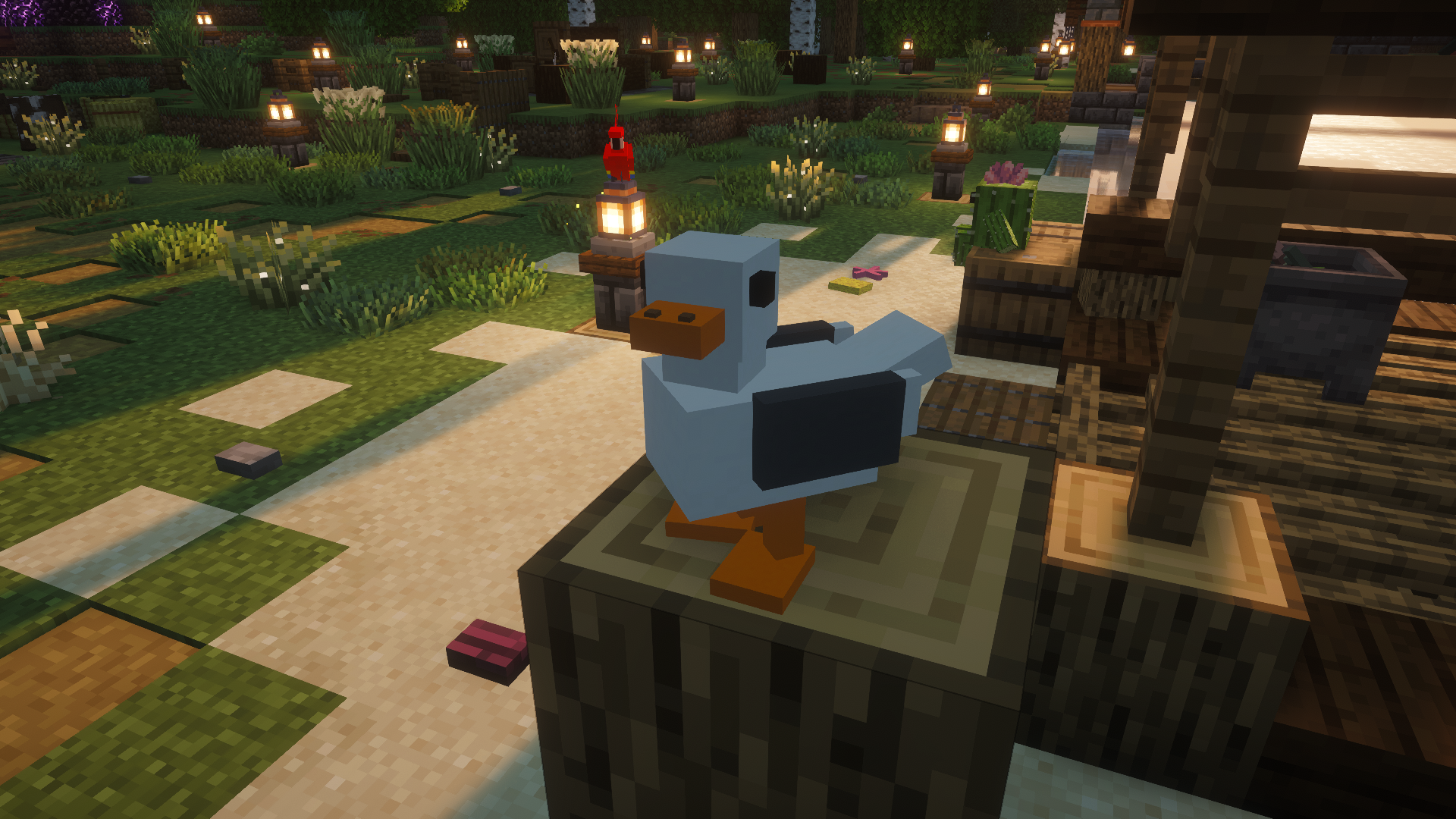
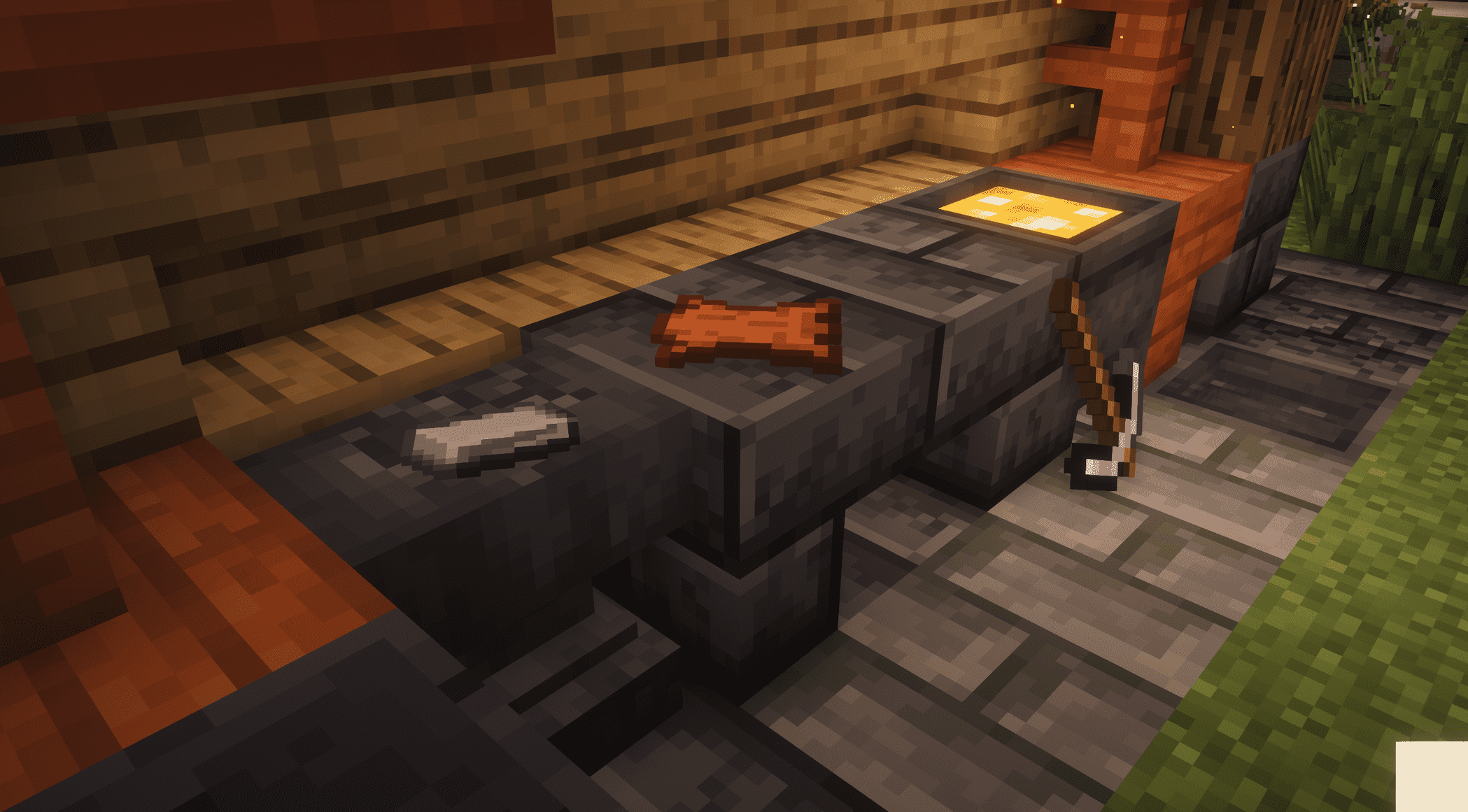
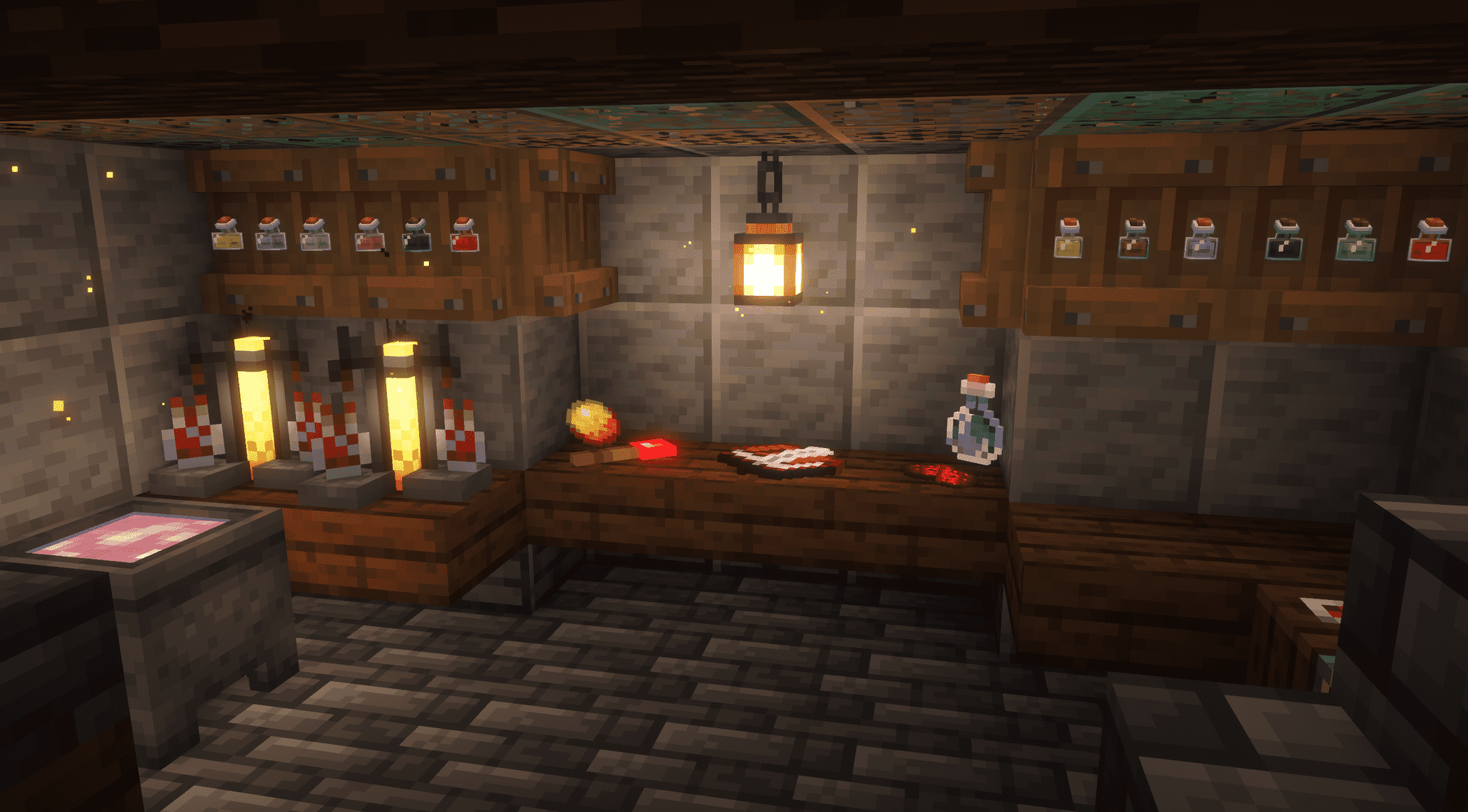
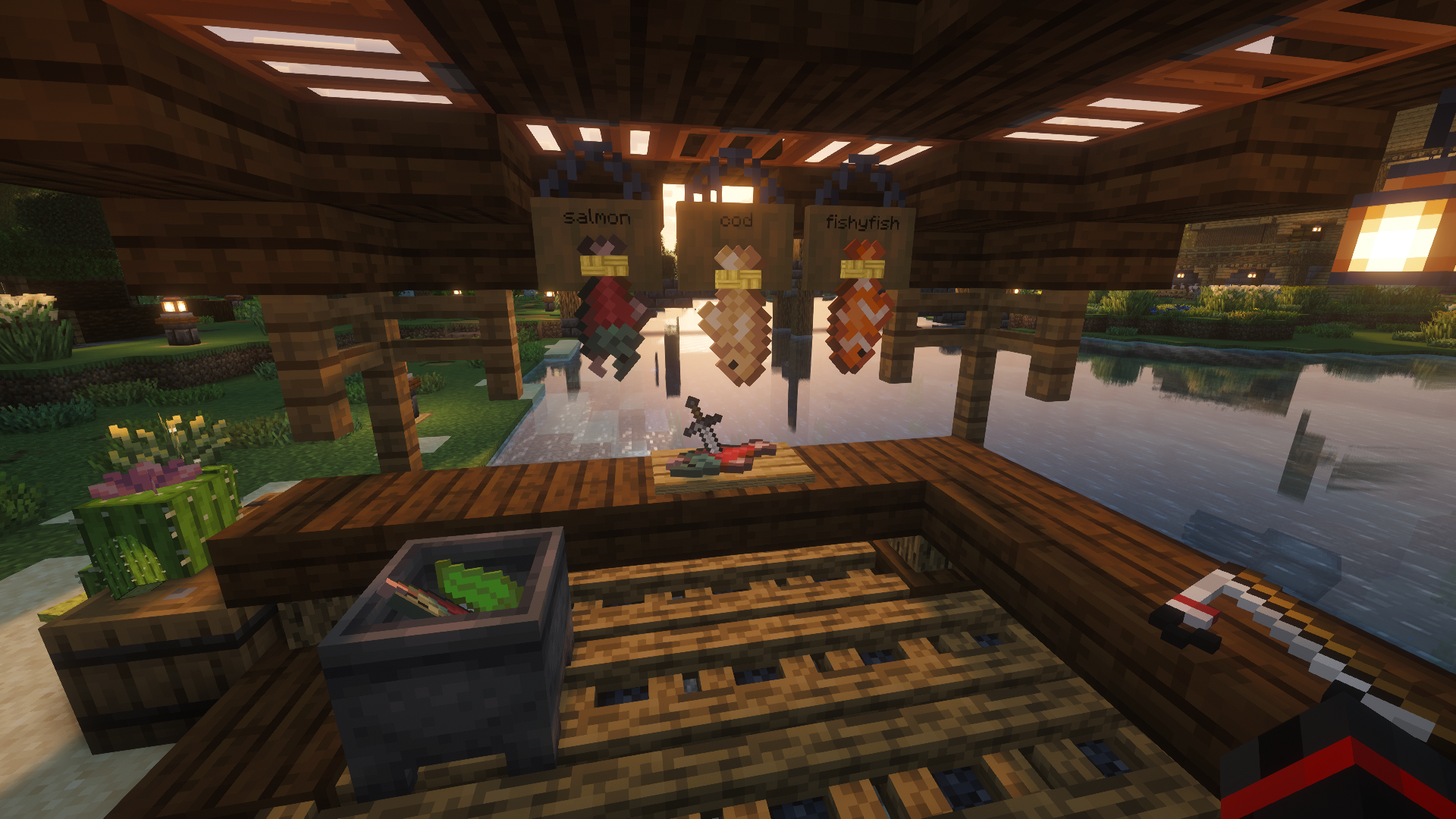
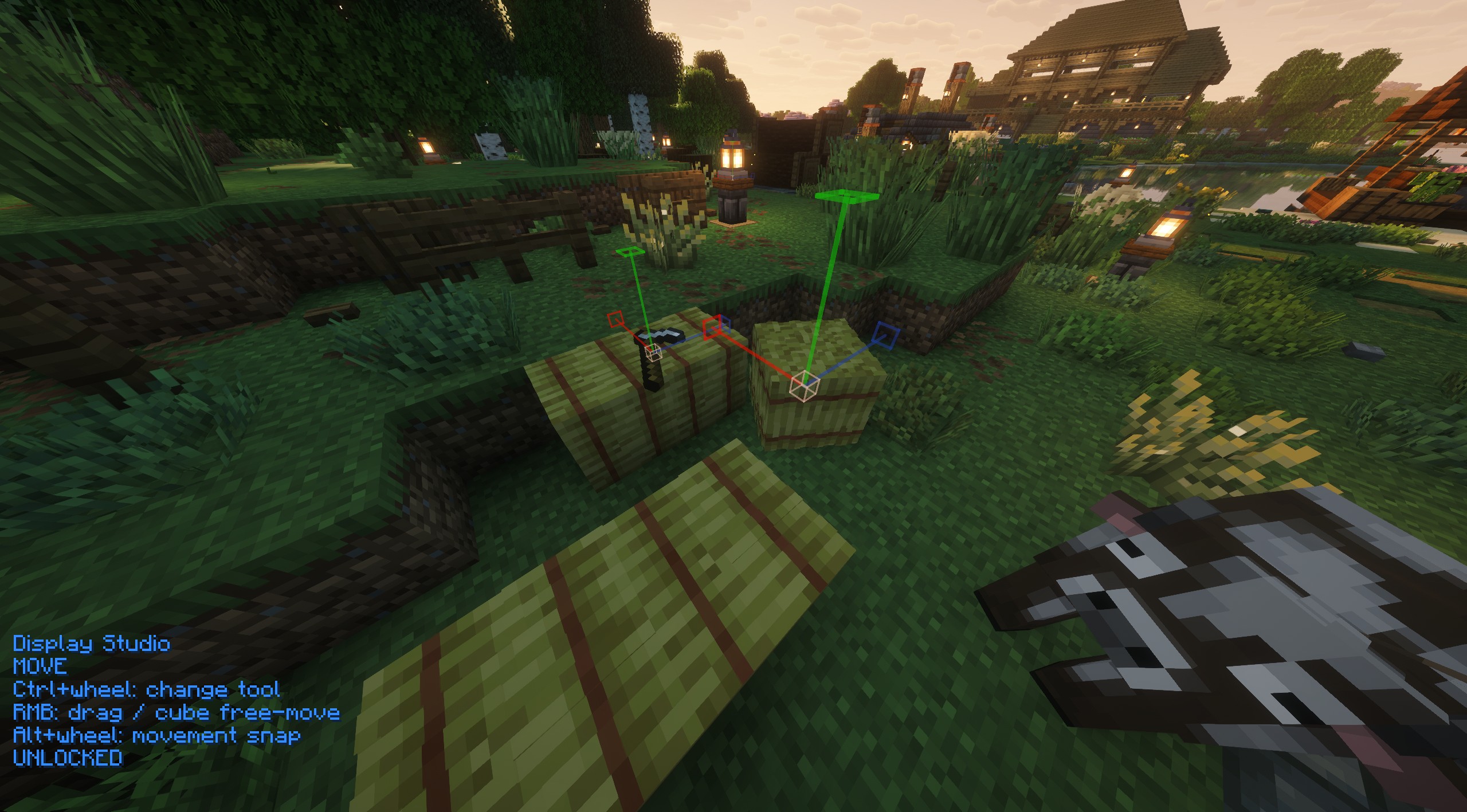
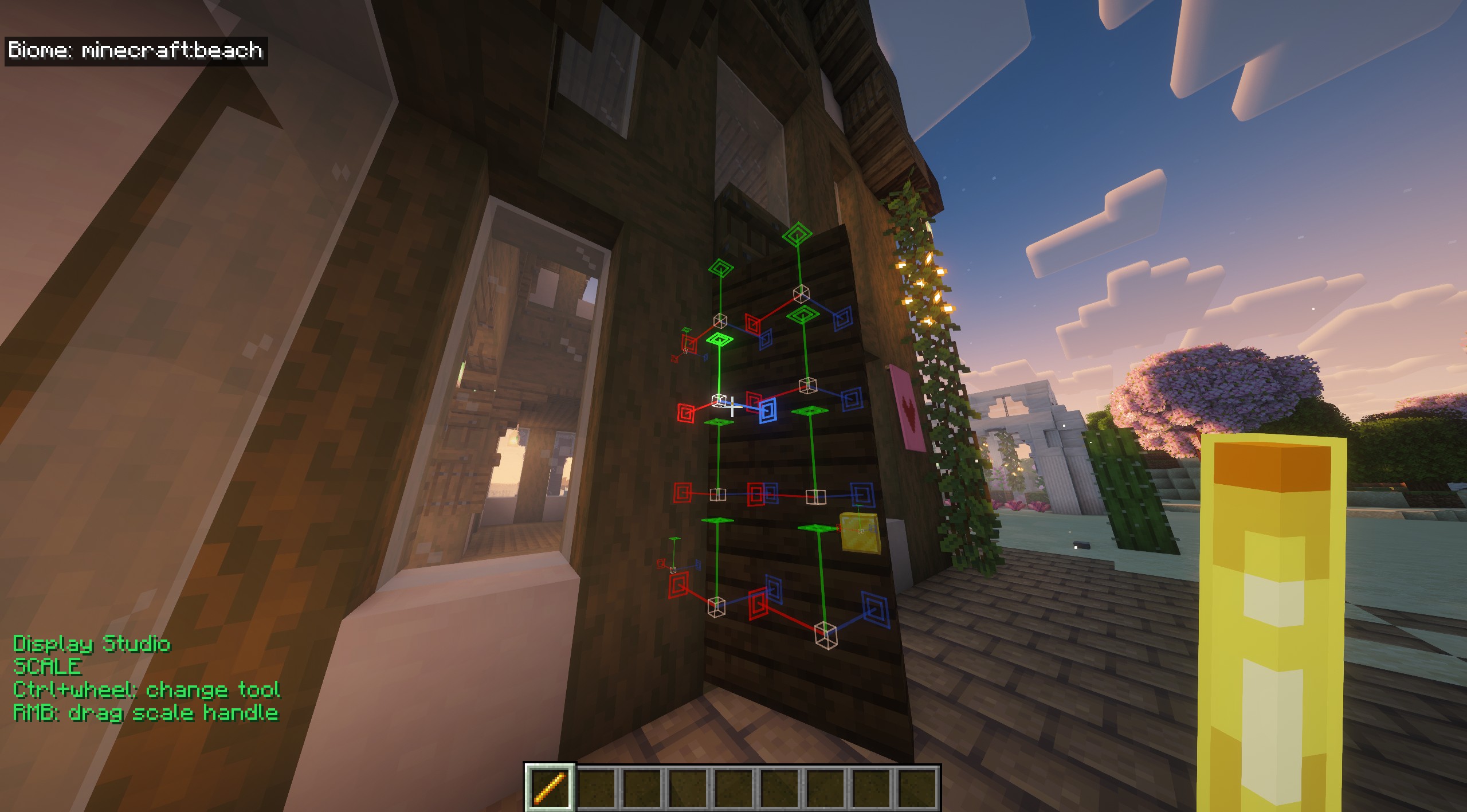
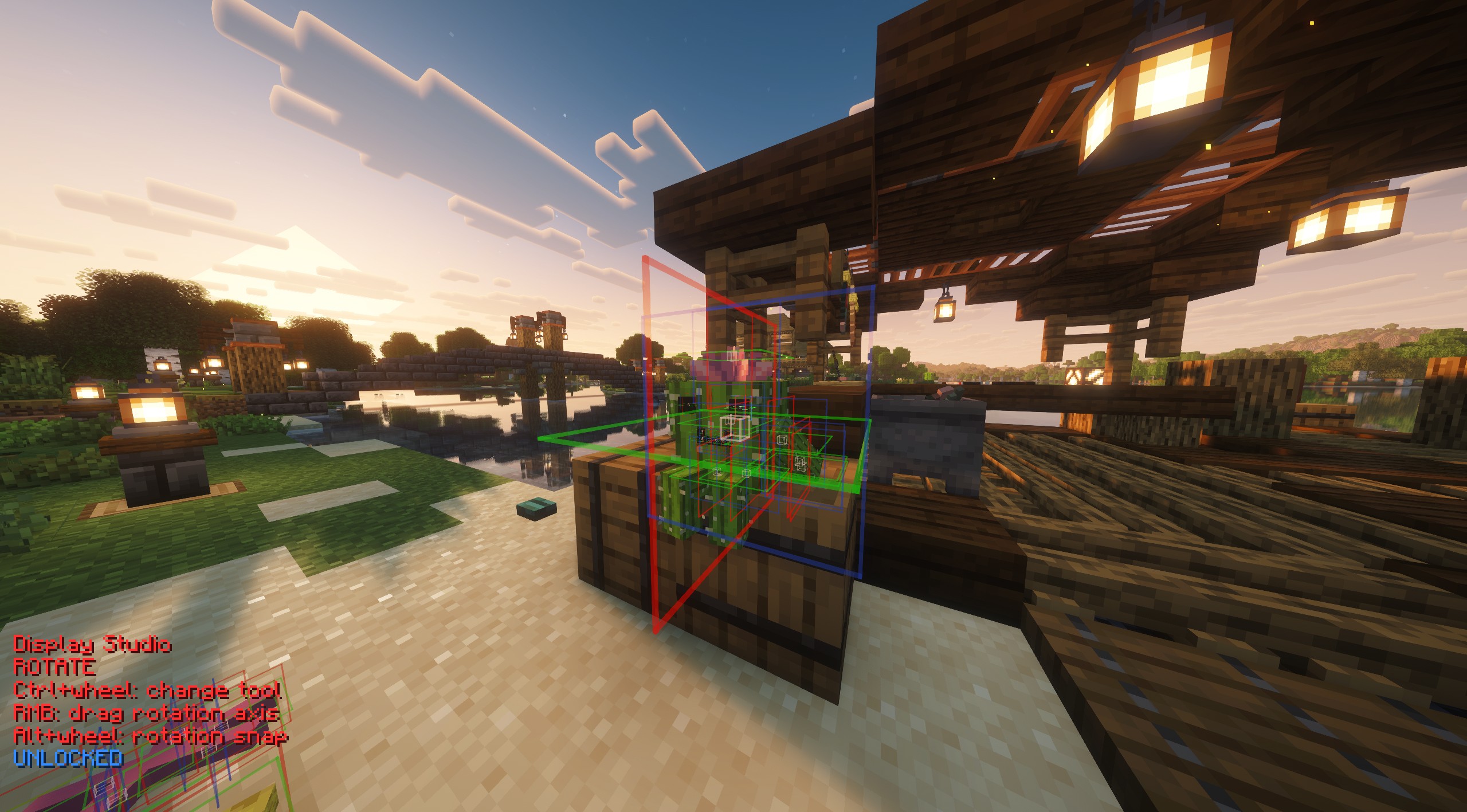
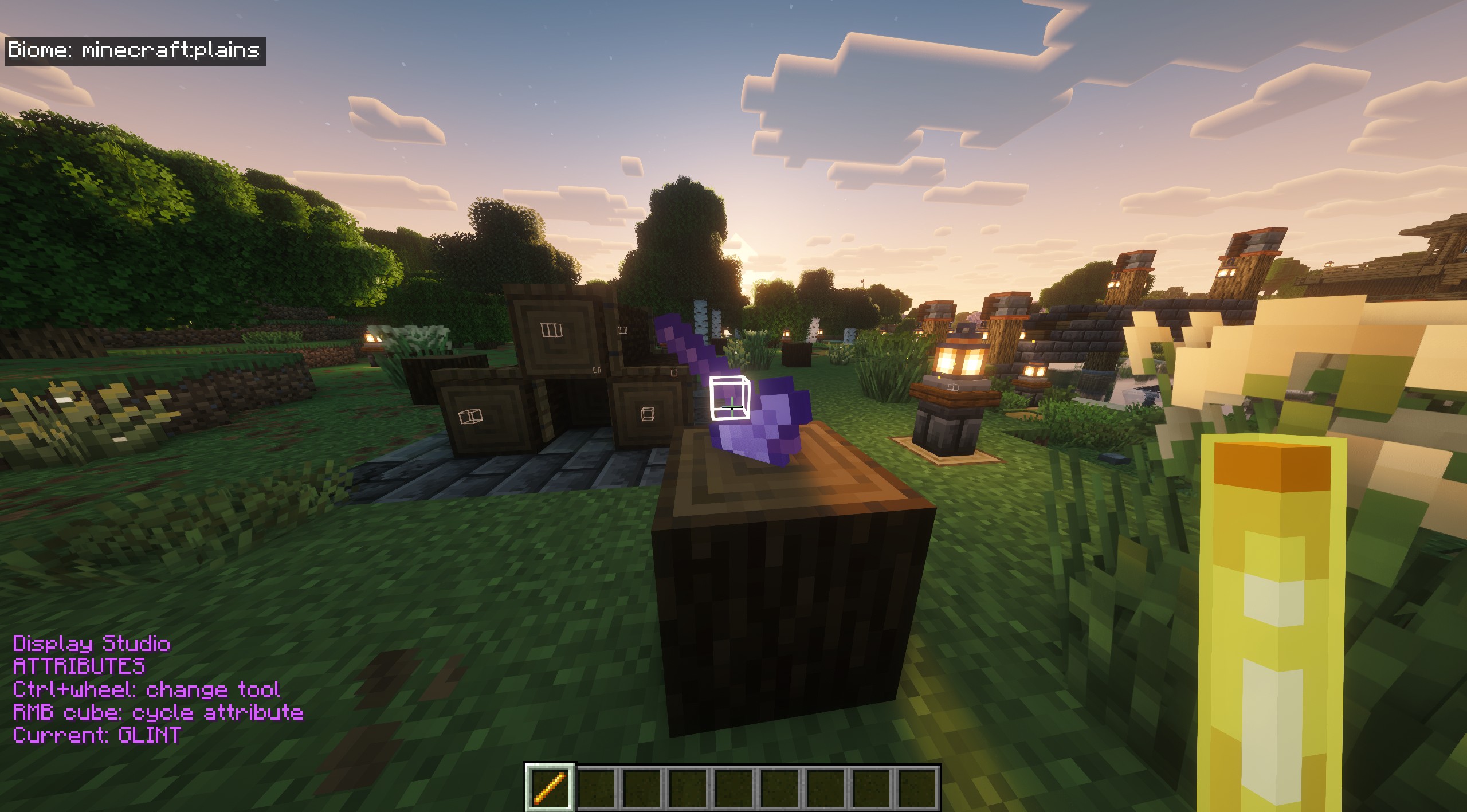
介绍

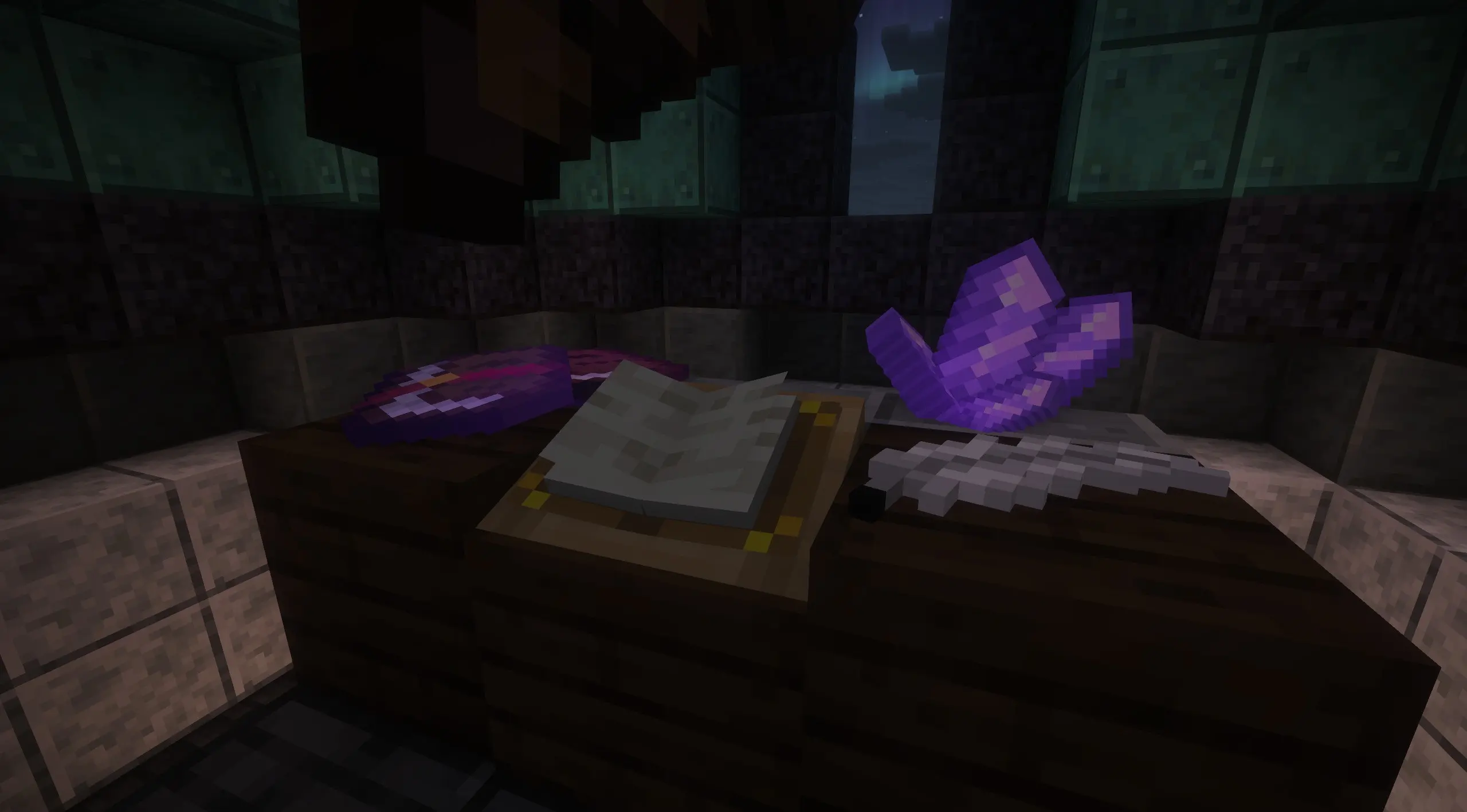 Tired of constant commands for display entities? Look no further! Easily and intuitively pose items and create detailed models for your Minecraft world. Display entities are server-wide and technically vanilla, so even on a vanilla realm, anyone can see your work! Controls are inspired by Litematica’s stick menu, and the interface is inspired by Axiom’s built-in entity editor(not client-side/server visible). Hold a blaze rod to see controls. Press G to search and summon entities. (text is WIP) TWO IMPORTANT NOTES – You must be OP to use this mod, as it’s vanilla-friendly and utilizes commands. Also set the command feedback gamerule to false. (trust me)
常见问题
Display Entity Studio 支持哪些 Minecraft 版本?
Display Entity Studio 支持 Minecraft Java 版 26.2,可用的加载器:Fabric。下载时注意选择和你游戏版本一致的文件。
Display Entity Studio 怎么安装?
先用 PCL2 或 HMCL 启动器安装对应版本的 Fabric,再把下载的 .jar 文件放进游戏目录的 mods 文件夹,重新启动游戏即可。开启了版本隔离的,mods 文件夹在 versions/版本名 下面。运行环境:仅客户端。
评论
登录后评论和评分