
截图
介绍
中文介绍正在准备中,下面暂时显示原文。
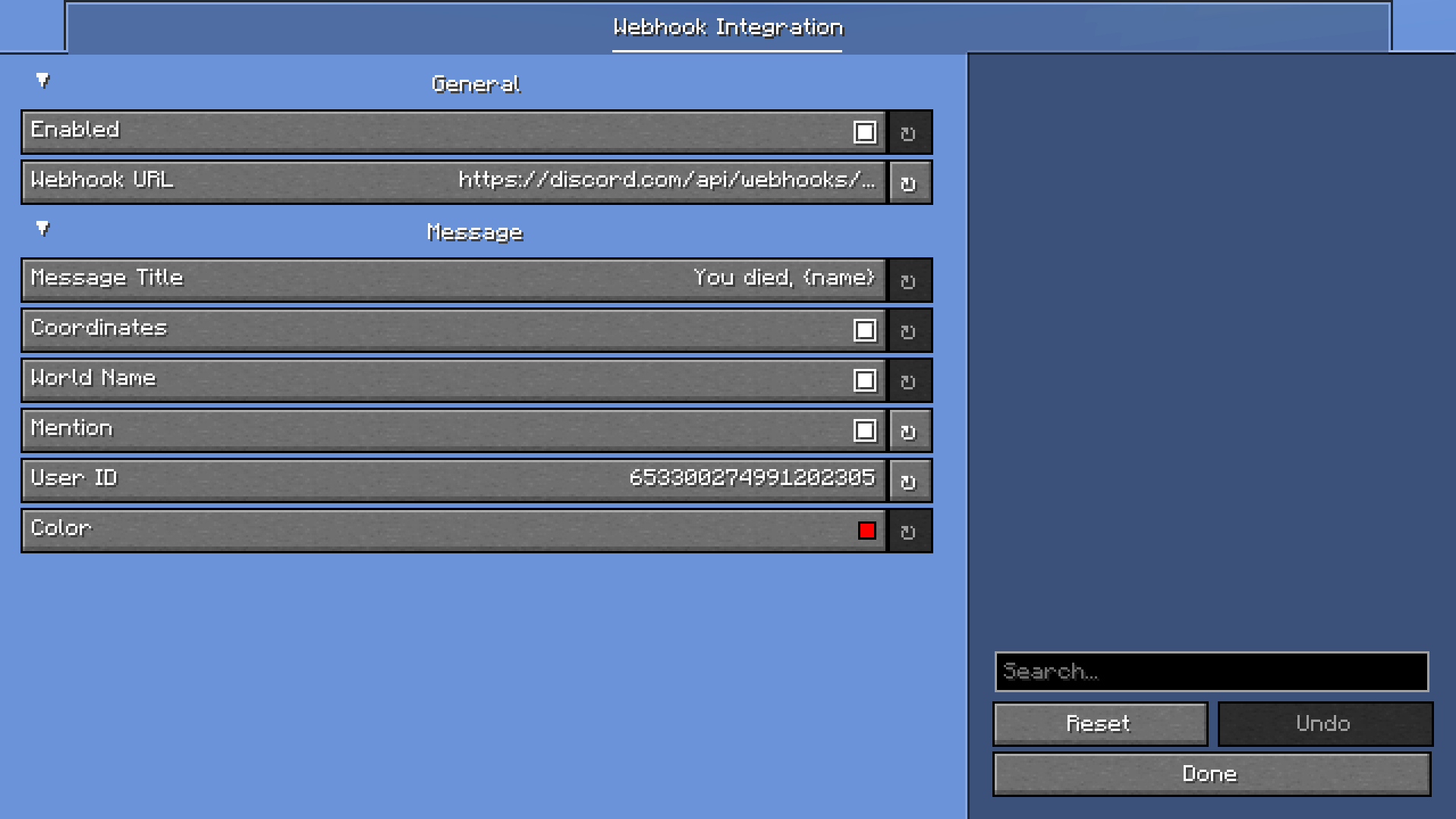
Notifies you on a discord webhook if you died.
How to use?
- Open the mod menu
- Open the settings for the mod
- Put your webhook in the Webhook URL field
- Configure it the way you want
How to create a webhook?
- Create a discord server
- Right click on a channel and click on ‘Edit Channel’
- Go to ‘Integrations’
- Click on ‘Create Webhook’
常见问题
Discord Integration 支持哪些 Minecraft 版本?
Discord Integration 支持 Minecraft Java 版 1.20.4–1.21.8,共 11 个版本,可用的加载器:Fabric。下载时注意选择和你游戏版本一致的文件。
Discord Integration 怎么安装?
先用 PCL2 或 HMCL 启动器安装对应版本的 Fabric,再把下载的 .jar 文件放进游戏目录的 mods 文件夹,重新启动游戏即可。开启了版本隔离的,mods 文件夹在 versions/版本名 下面。运行环境:仅客户端。
JuusK 的其他作品
查看全部 →
Inventory/Container Search+
by JuusK
Fork of kyle-98's InventorySearch, allows you to search through containers/inventories.
1,850
2 个月前
Modrinth

Hedgehog Client
by JuusK
A lightweight, feature-rich PVP client built for Minecraft. Together with free cosmetics and pvp modules.
1,400
23 天前
Modrinth
Hedgehog Client
by JuusK
A lightweight, feature-rich PVP client built for Minecraft. Together with free cosmetics and pvp modules.
1,400
23 天前
Modrinth
评论
登录后评论和评分