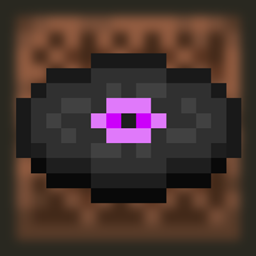
Disc 24 (Disc 13 & 11 Combined)
Combines both Disc 13 and Disc 11 to create a new disc called Disc 24
截图
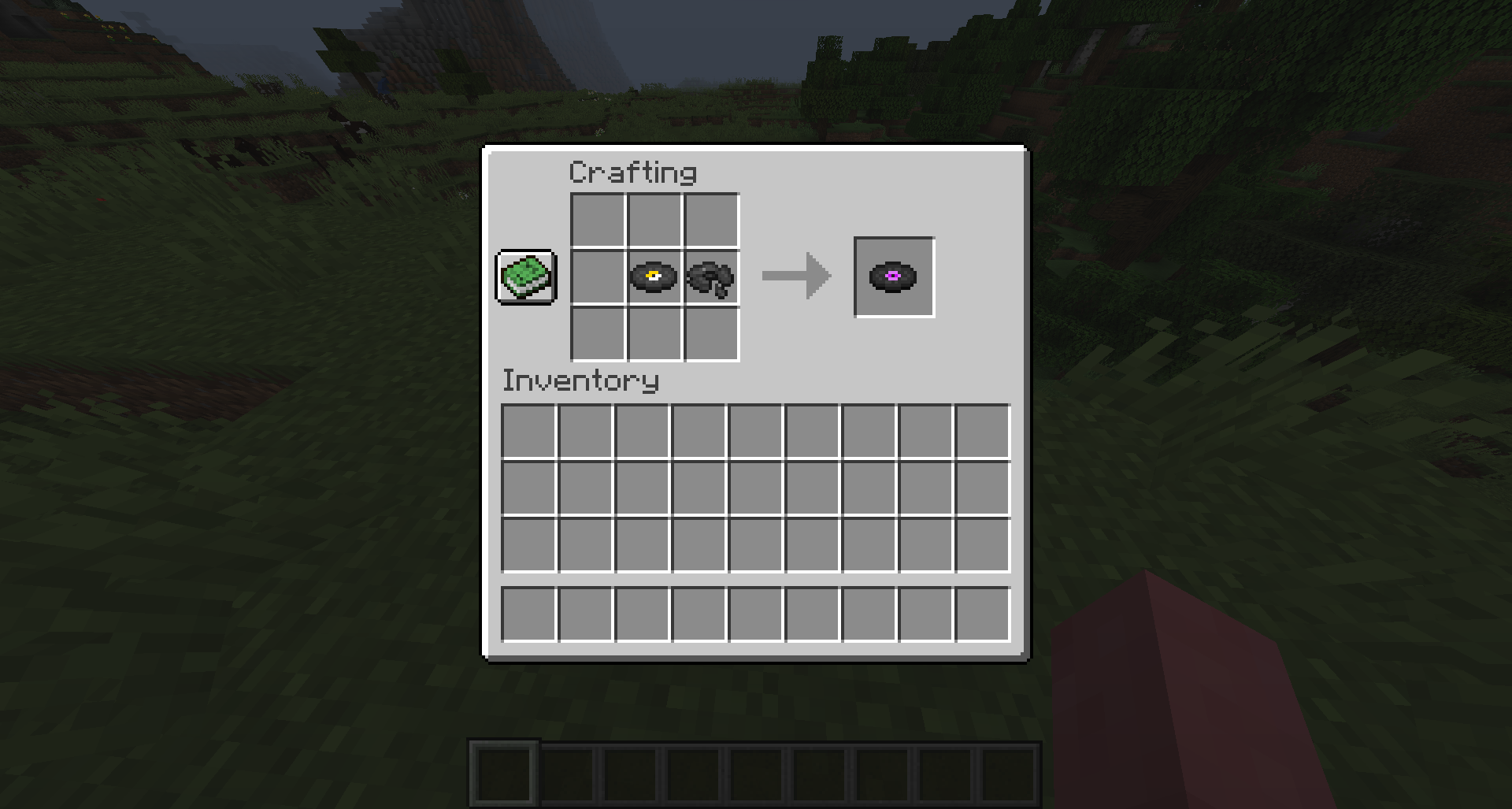
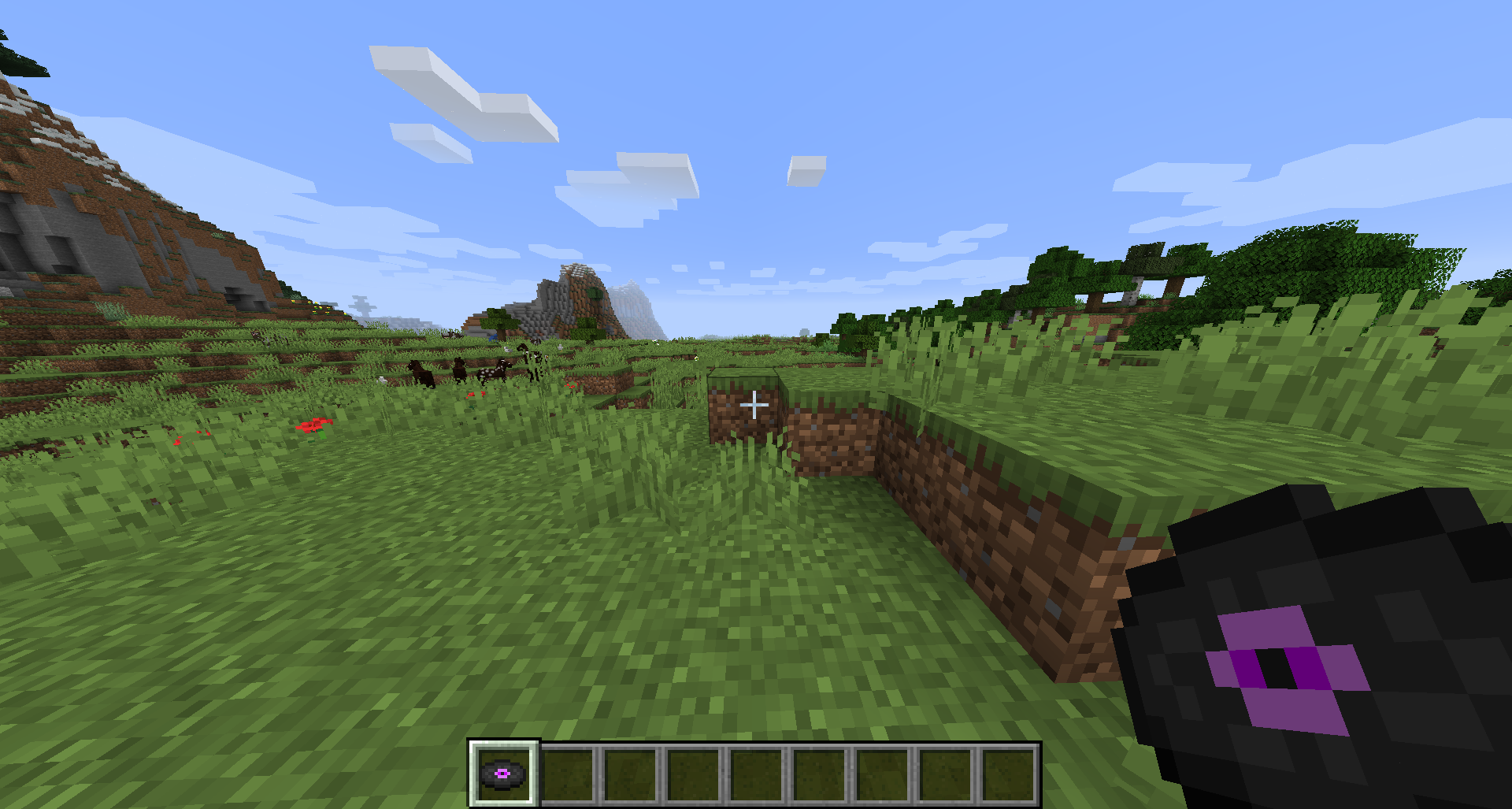
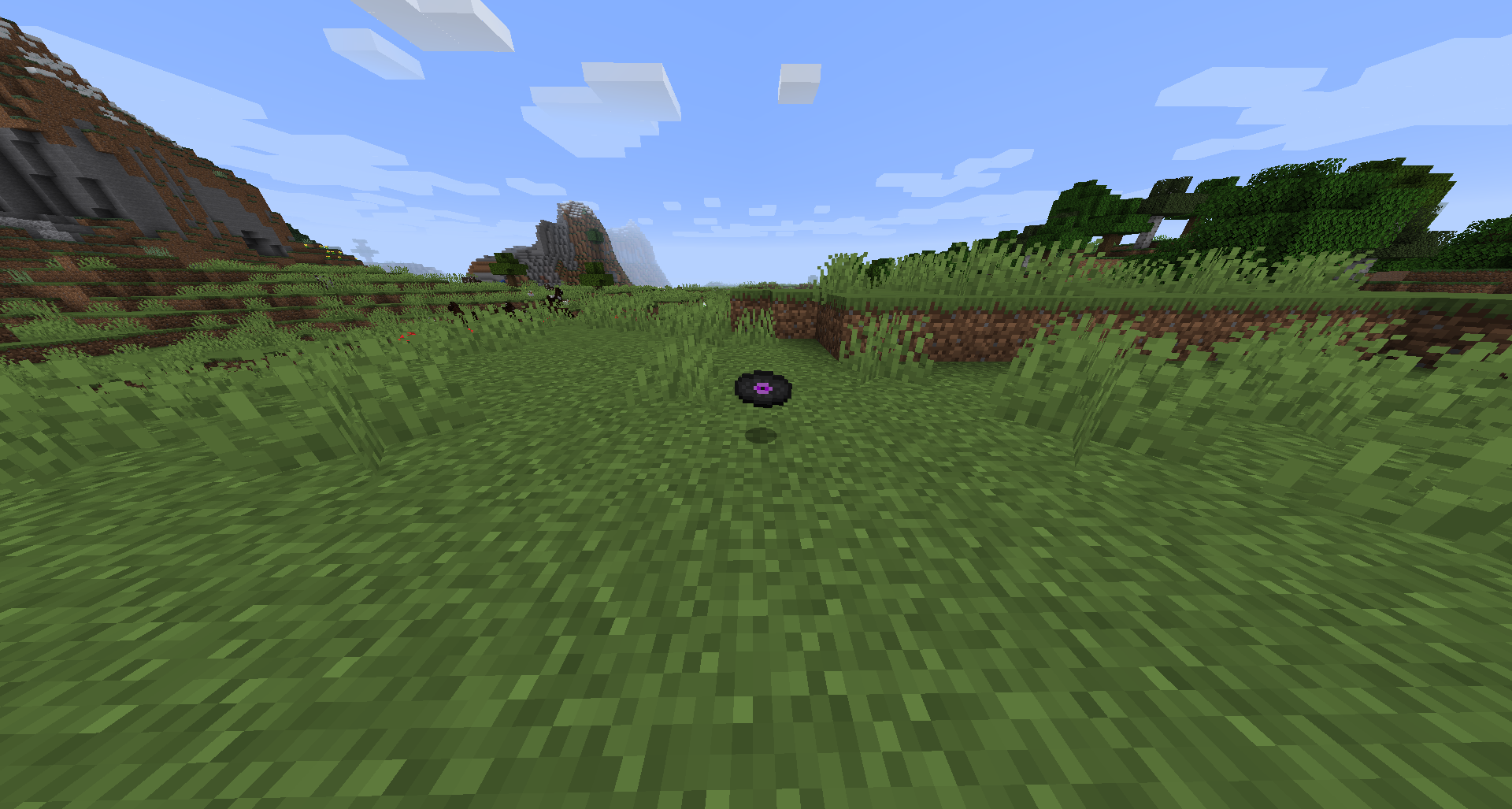
介绍
DISC 24 is a combination of Disc 13 and Disc 11 which already reside within Minecraft, this is not both discs being played at the same time as you may think, Disc 11 is played during the time in Disc 13 where it is silence; at approximately 1 minute and 30 seconds into Disc 13. Once Disc 11 plays the rest of Disc 13 follows afterwards, and the name comes from the two numbers added together from both discs (13+11=24).
INSPIRATION & LORE
The inspiration to make this mod originally came from a video from the YouTuber “Wifies” addressing Disc 11, explaining the possible lore behind Disc 11’s creation; which was the biggest inspiration from this mod. I was also inspired from a video by another YouTuber “The Game Theorists” which a part of that video addresses a possible connection between Disc 13 and Disc 11; which is what I said in the paragraph above. Both these videos explain some kind of lore that connects the two discs in a way. If you want to check out the videos, I have them both linked below this paragraph.
Minecraft’s haunted discs video by The Game Theorists
IMPORTANT INFO
- This mod was created with MCreator; even though this application is looked down upon by the big mod developers, for this small of a mod, I think it is appropriate to use MCreator (also due to the fact that I cannot code)
- The version for the mod is stuck on 1.16.5 for the time being (due to MCreator not supporting newer versions yet)
- This mod is under no copyright law (public domain)
CHANGELOG
v1.0
- Added Disc 24
- Added crafting recipe for Disc 24
常见问题
Disc 24 (Disc 13 & 11 Combined) 支持哪些 Minecraft 版本?
Disc 24 (Disc 13 & 11 Combined) 支持 Minecraft Java 版 1.16.5–1.17.1,共 2 个版本,可用的加载器:Forge。下载时注意选择和你游戏版本一致的文件。
Disc 24 (Disc 13 & 11 Combined) 怎么安装?
先用 PCL2 或 HMCL 启动器安装对应版本的 Forge,再把下载的 .jar 文件放进游戏目录的 mods 文件夹,重新启动游戏即可。开启了版本隔离的,mods 文件夹在 versions/版本名 下面。
评论
登录后评论和评分