
Disable Lighting
Disables all lighting calculations. This allows for a fullbright that also improves performance.
截图
介绍
Unlike most other fullbright mods, Disable Lighting prevents your game from performing the lighting calculations entirely. This mod only runs on the client side.
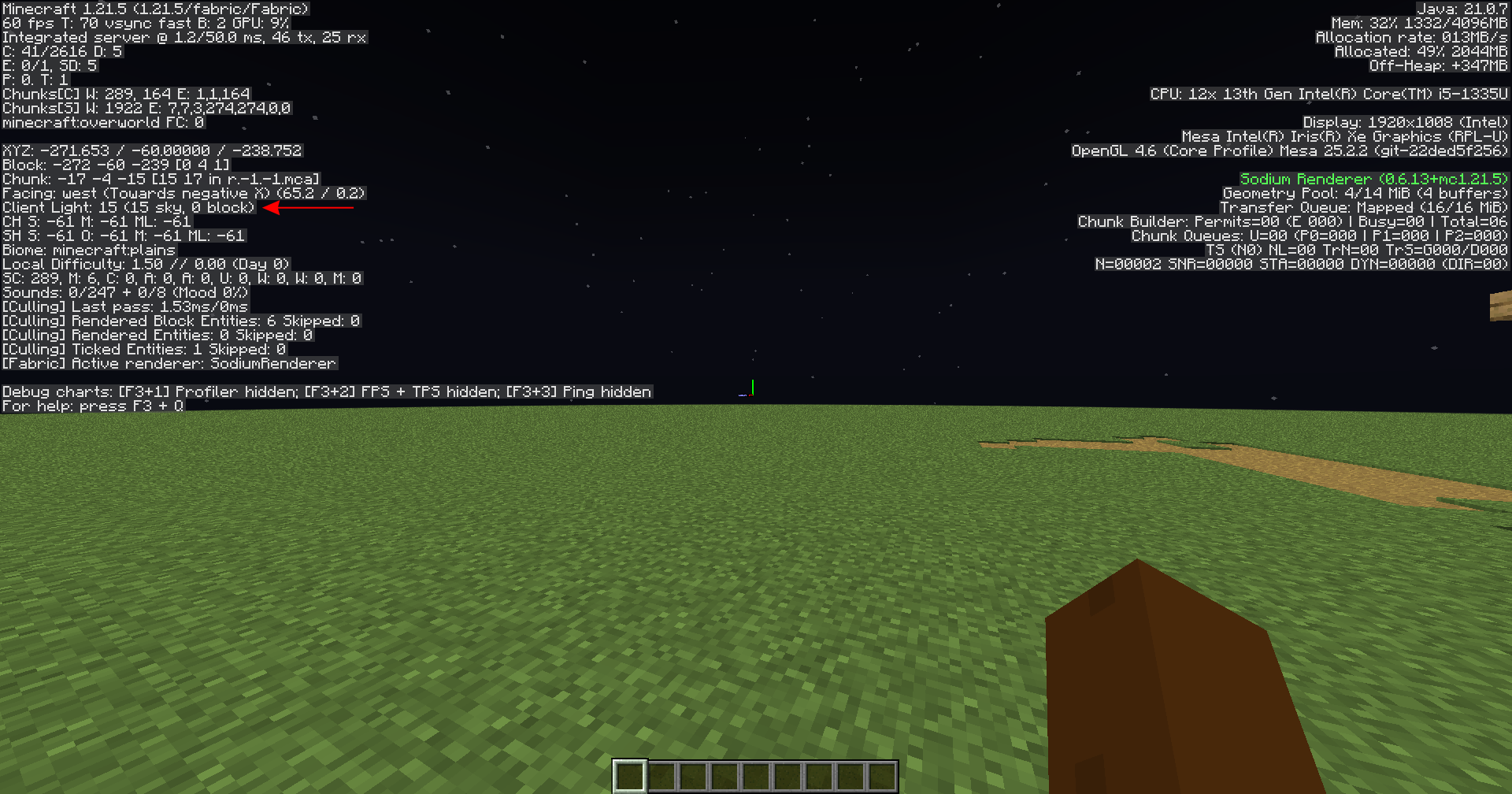
If you want fullbright, you may as well make your computer not do the math for it. This has the side effect of making F3 always display Light level: 15, which is good since it’s proof that it’s working, but it can be bad if you still need to know how much light certain blocks have.
Note that, because the mod is so simple, you can attempt to run it on newer versions than Modrinth says it’s designed for and it might work.
常见问题
Disable Lighting 支持哪些 Minecraft 版本?
Disable Lighting 支持 Minecraft Java 版 1.21–26.3,共 17 个版本,可用的加载器:Fabric。下载时注意选择和你游戏版本一致的文件。
Disable Lighting 怎么安装?
先用 PCL2 或 HMCL 启动器安装对应版本的 Fabric,再把下载的 .jar 文件放进游戏目录的 mods 文件夹,重新启动游戏即可。开启了版本隔离的,mods 文件夹在 versions/版本名 下面。运行环境:仅客户端。
评论
登录后评论和评分