
截图
介绍
中文介绍正在准备中,下面暂时显示原文。
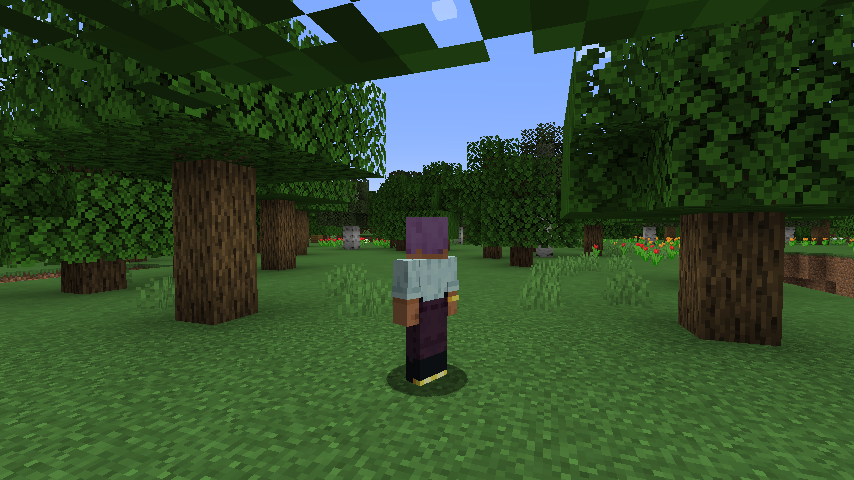
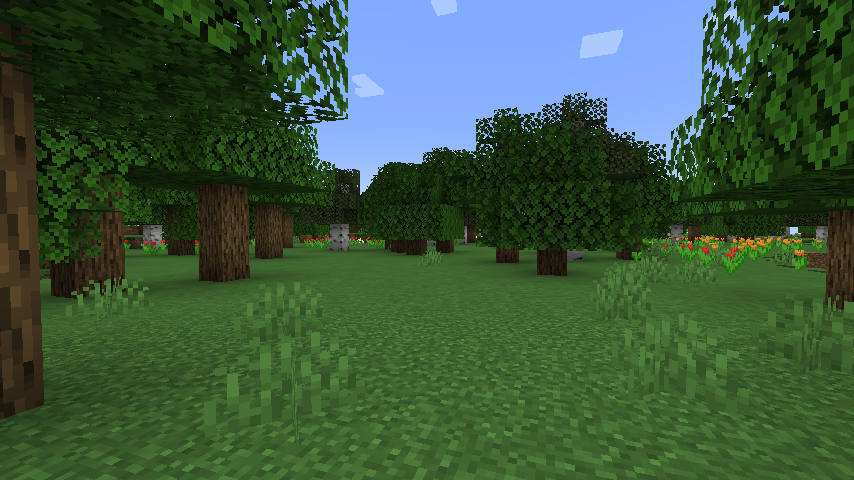
Disable Front Camera
Vanilla Minecraft cycles through three camera modes when you press F5:
first-person → third-person back → third-person front → first-person.
Almost nobody uses (i never use) the front-facing view, but you’re forced to tap F5 an extra
time to get past it — every single time. This mod removes it from the cycle:
F5 → behind your back. F5 → first-person. Done.
Created as a maintained replacement for “Disable Front Perspective”, which was
never updated past older versions.
常见问题
disable front camera 支持哪些 Minecraft 版本?
disable front camera 支持 Minecraft Java 版 1.21–26.3,共 17 个版本,可用的加载器:Fabric / NeoForge。下载时注意选择和你游戏版本一致的文件。
disable front camera 怎么安装?
先用 PCL2 或 HMCL 启动器安装对应版本的 Fabric / NeoForge,再把下载的 .jar 文件放进游戏目录的 mods 文件夹,重新启动游戏即可。开启了版本隔离的,mods 文件夹在 versions/版本名 下面。运行环境:客户端和服务端都要装。
评论
登录后评论和评分