
Direction HUD
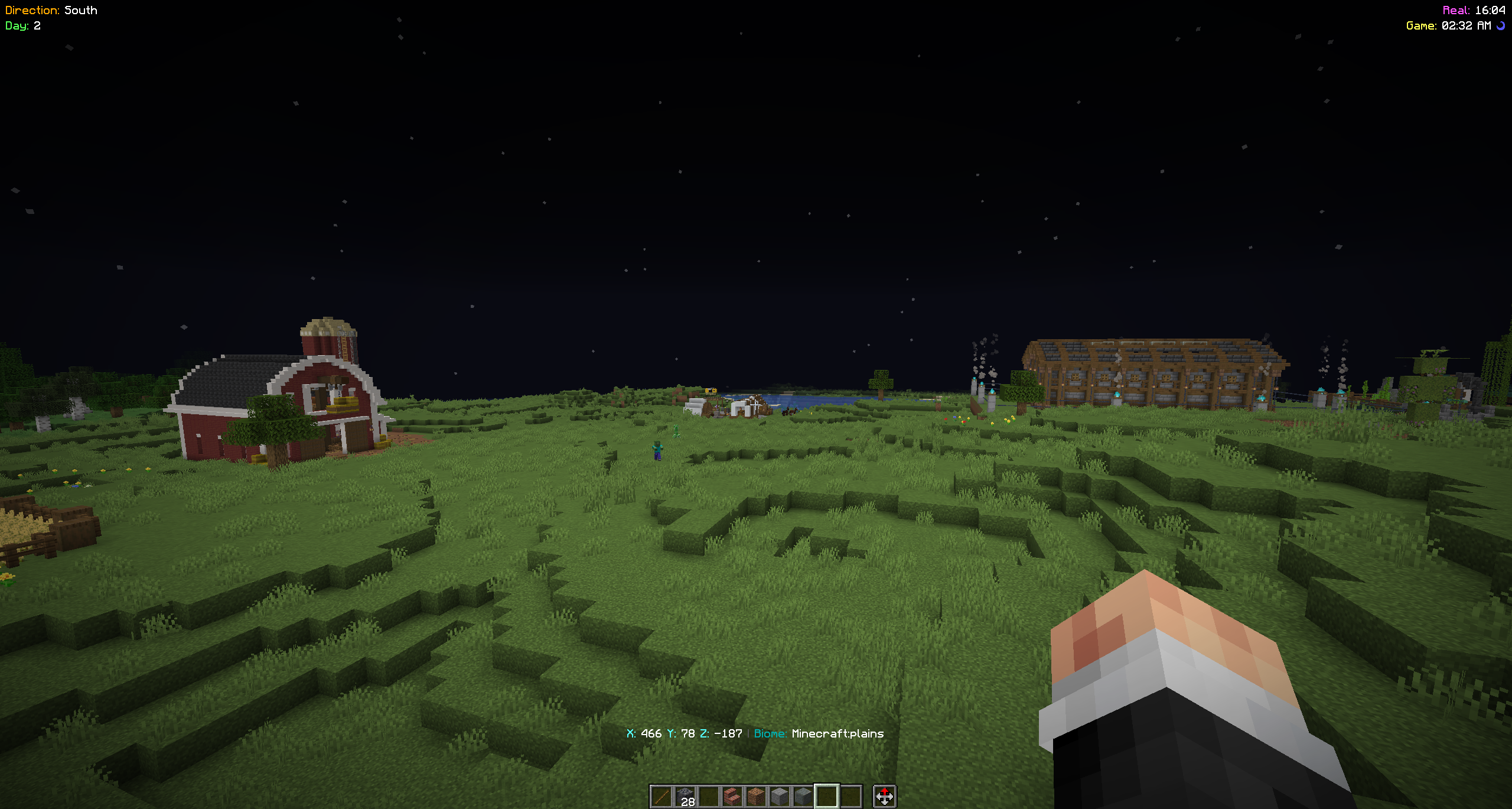
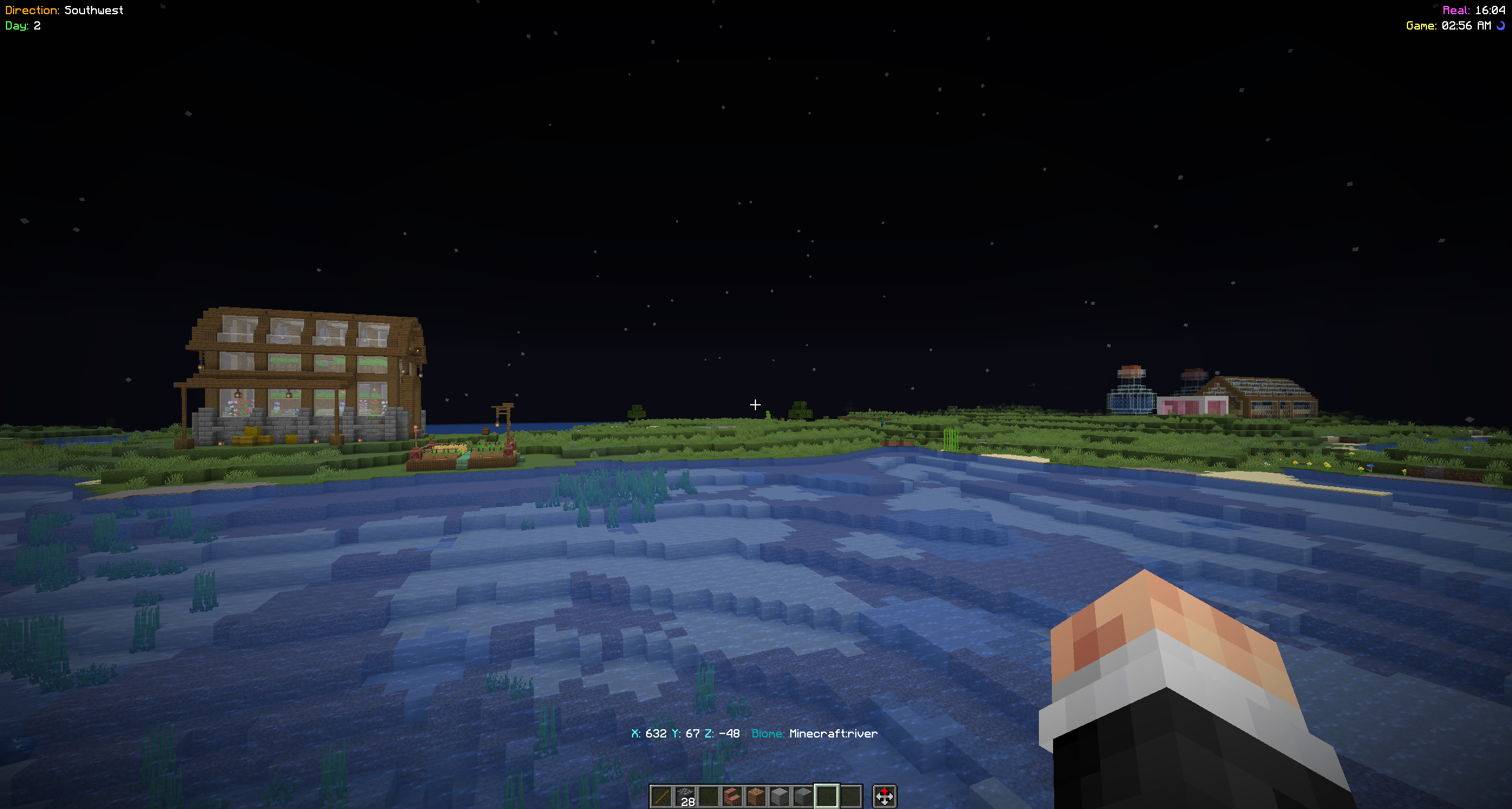
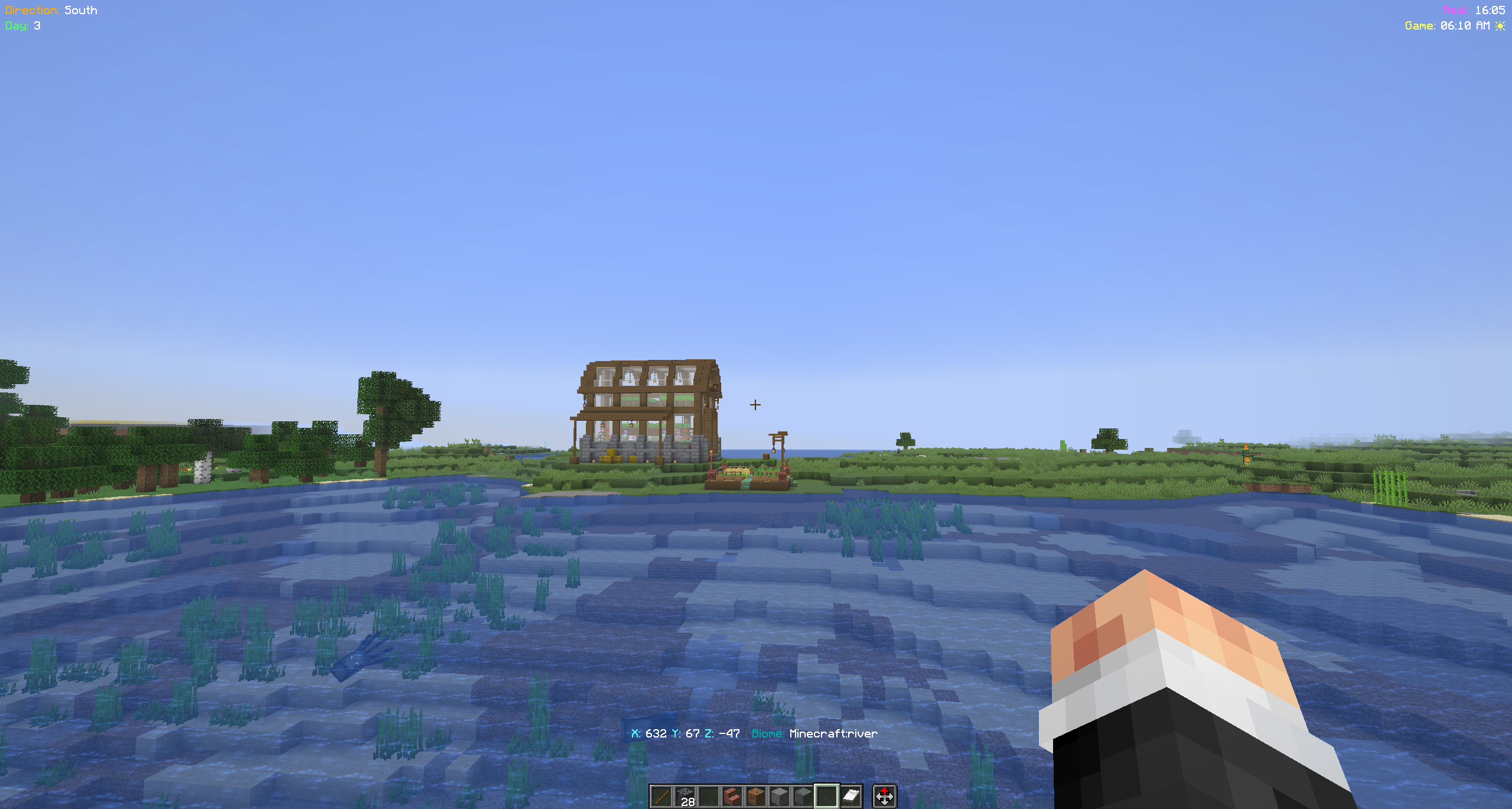
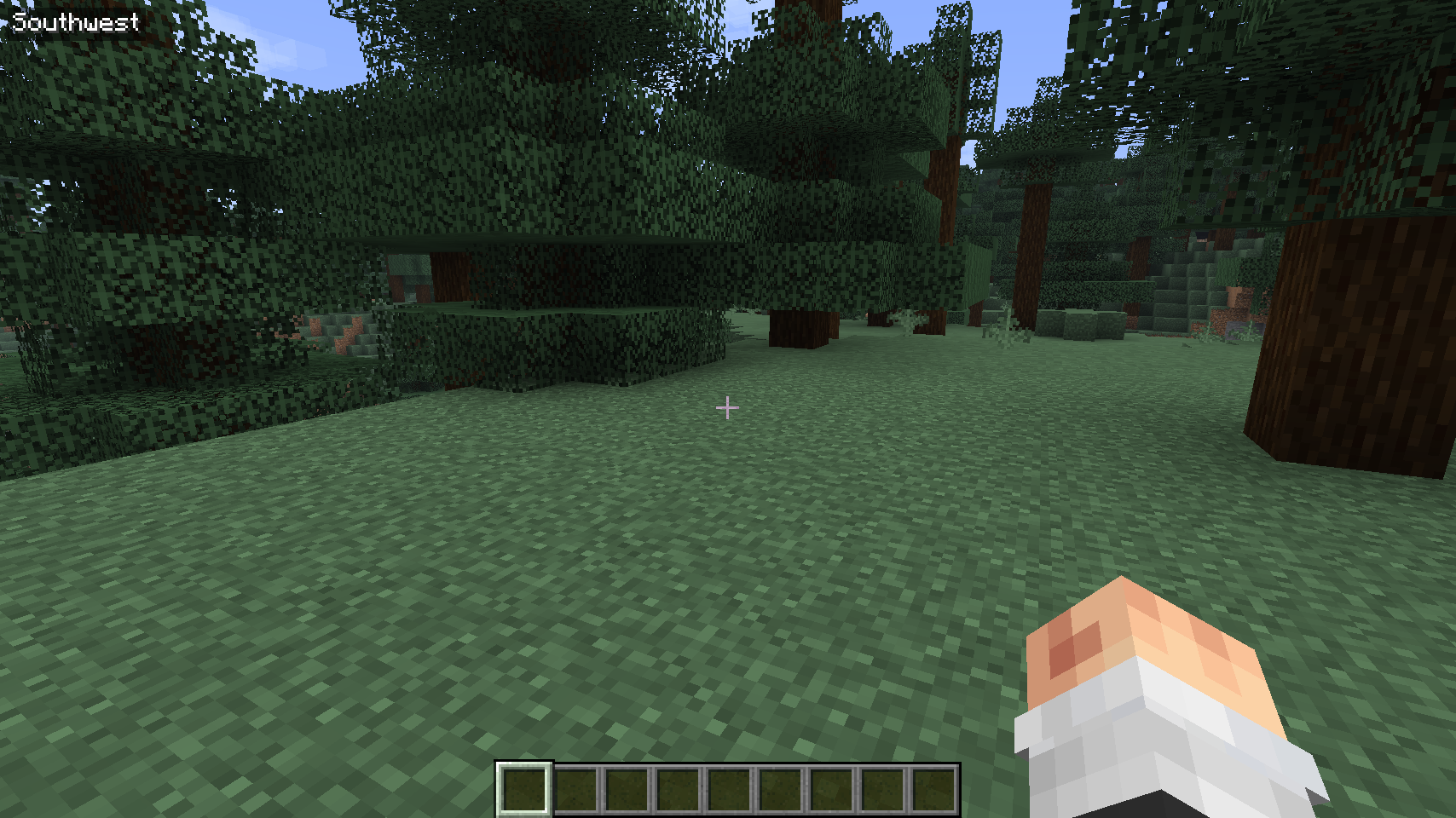
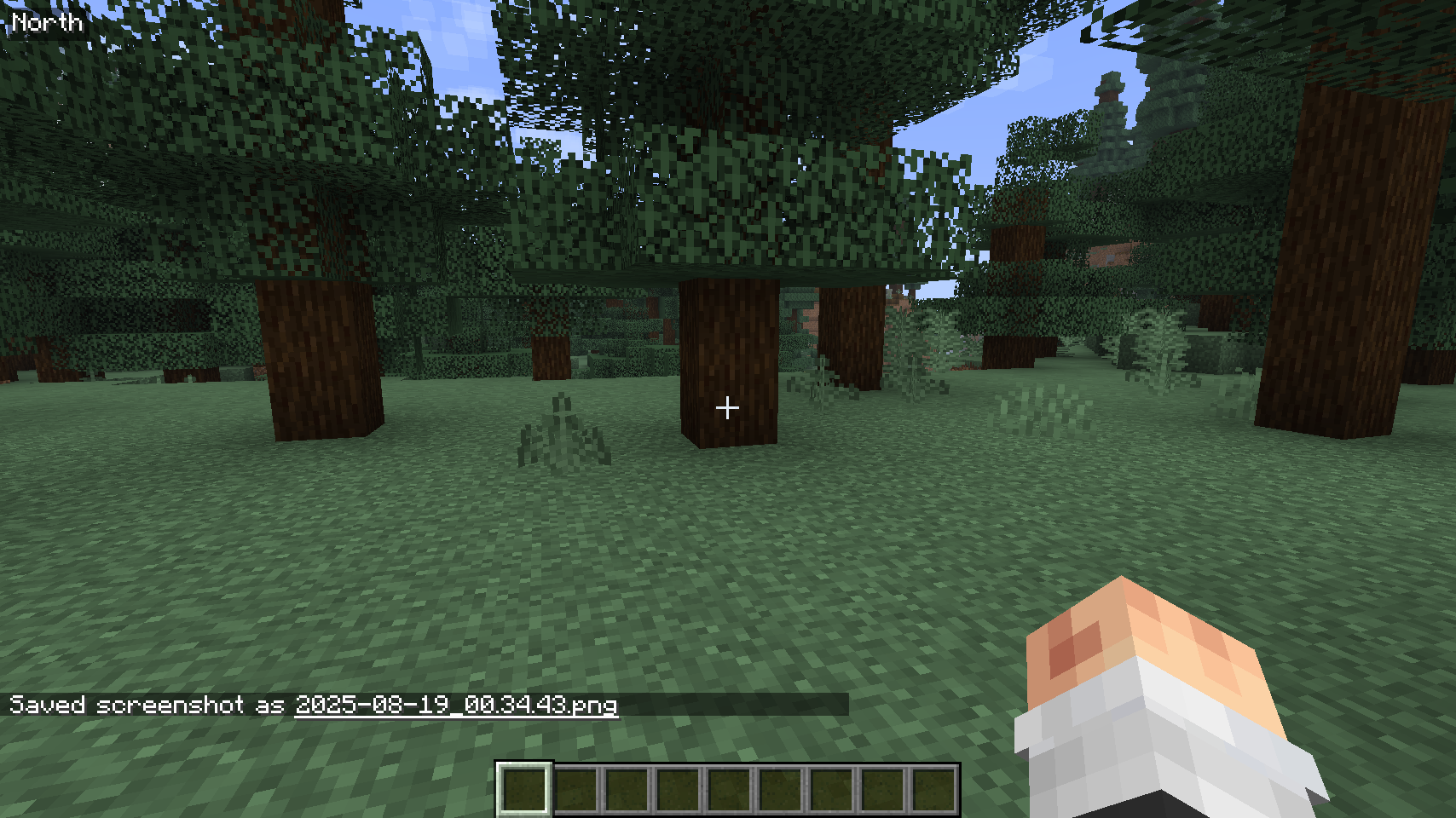
The Direction HUD mod displays the player's current facing direction (North, South, East, West, etc.) on the top left corner of the screen.
截图

介绍
Direction HUD
Overview
The Direction HUD mod displays useful player information such as facing direction, world time, coordinates, and more directly on the screen. All HUD elements are configurable and can be toggled on or off using commands. The state is saved between game sessions.
Features
- Direction Display Shows cardinal (N, S, E, W) and intercardinal directions (NE, NW, SE, SW) in the top left corner.
- Minecraft Days Displays the number of days passed in the current world (top left).
- Time Display Shows both:
- Real-world time (24-hour format)
- In-game time (12-hour format with AM/PM and sun/moon icons) in the top right corner
- Coordinate Display Shows current X, Y, Z coordinates above the hotbar.
- Biome Display Shows the current biome next to the coordinates.
- Coordinate Saving Save your current location with a custom name and retrieve it later.
- Toggleable Features Each HUD element can be enabled or disabled independently using commands.
- Persistent Config All preferences and saved coordinates are stored in:
config/direction-hud.json
- Minimalist UI Clean, readable overlays with subtle backgrounds for visibility.
How It Works
1. Initialization
- The mod loads configuration from
config/direction-hud.json - Commands are registered using the
/dhnamespace to avoid conflicts with other mods
2. Direction Calculation
- The player’s yaw angle is used to determine direction
- The 360° circle is divided into 8 segments (45° each):
- N, NE, E, SE, S, SW, W, NW
3. Rendering
- Enabled HUD elements are rendered in their respective screen positions:
- Top Left: Direction + Minecraft days
- Top Right: Time (real + in-game)
- Above Hotbar: Coordinates + biome
- Each element includes a semi-transparent background for readability
4. Command Handling
- All features are controlled via
/dhcommands - Changes are saved instantly to the config file
Commands
Direction
/dh direction <on|off>
Toggle direction display
Days
/dh days <on|off>
Toggle Minecraft days display
Time
/dh time <on|off>
Toggle real-world and in-game time display
Coordinates
/dh coords <on|off>
Toggle coordinate display
/dh coords save <name>
Save current coordinates with a custom name
/dh coords list
List all saved coordinates
Biome
/dh biome <on|off>
Toggle biome display
Configuration
The mod uses a JSON-based configuration file:
config/direction-hud.json
This file stores:
- Enabled/disabled state for each HUD element
- Saved coordinates with custom names
Changelog
[3.2.1] – 29-04-2026
Features
- Added Minecraft day counter
- Added real-world and in-game time display
- Added coordinate and biome display
- Added coordinate saving and listing system
- Introduced per-feature toggles via commands
- Migrated config from
.propertiesto.json - Updated command namespace to
/dhto avoid mod conflicts
Notes
- All settings persist between game sessions
- Designed to be lightweight and non-intrusive
- Compatible with most Fabric-based modpacks
常见问题
Direction HUD 支持哪些 Minecraft 版本?
Direction HUD 支持 Minecraft Java 版 1.21.8–26.3,共 7 个版本,可用的加载器:Fabric。下载时注意选择和你游戏版本一致的文件。
Direction HUD 怎么安装?
先用 PCL2 或 HMCL 启动器安装对应版本的 Fabric,再把下载的 .jar 文件放进游戏目录的 mods 文件夹,重新启动游戏即可。开启了版本隔离的,mods 文件夹在 versions/版本名 下面。运行环境:客户端 / 服务端。
SniperXJohn 的其他作品
查看全部 →
Core Optimized
Core Optimized is modpack designed to focus on Vanilla world exploration with Performance improvement modes and few QoL mods. It does not contain any big game-changing modes.
Visible Suspicious Blocks
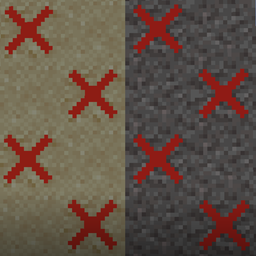
Better view for Suspicious blocks.
Core Optimized
Core Optimized is modpack designed to focus on Vanilla world exploration with Performance improvement modes and few QoL mods. It does not contain any big game-changing modes.

Legacy Dyes
1.21.8 dye textures for players who prefer the older look.
评论
登录后评论和评分