
截图




介绍
Dimensional Control is not supported anymore. New features, bug fixes and updates to documentation/examples are very unlikely to happen. Check out Topography, Just Enough Dimensions and Random Portals. They might have what you need!
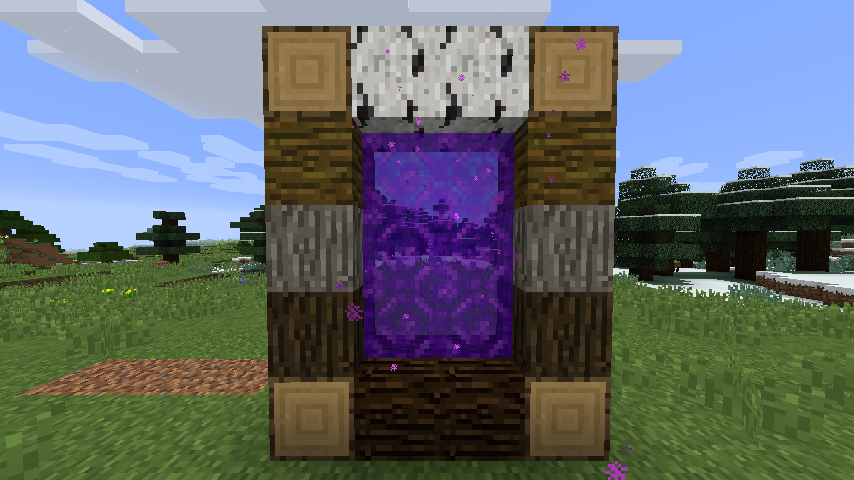
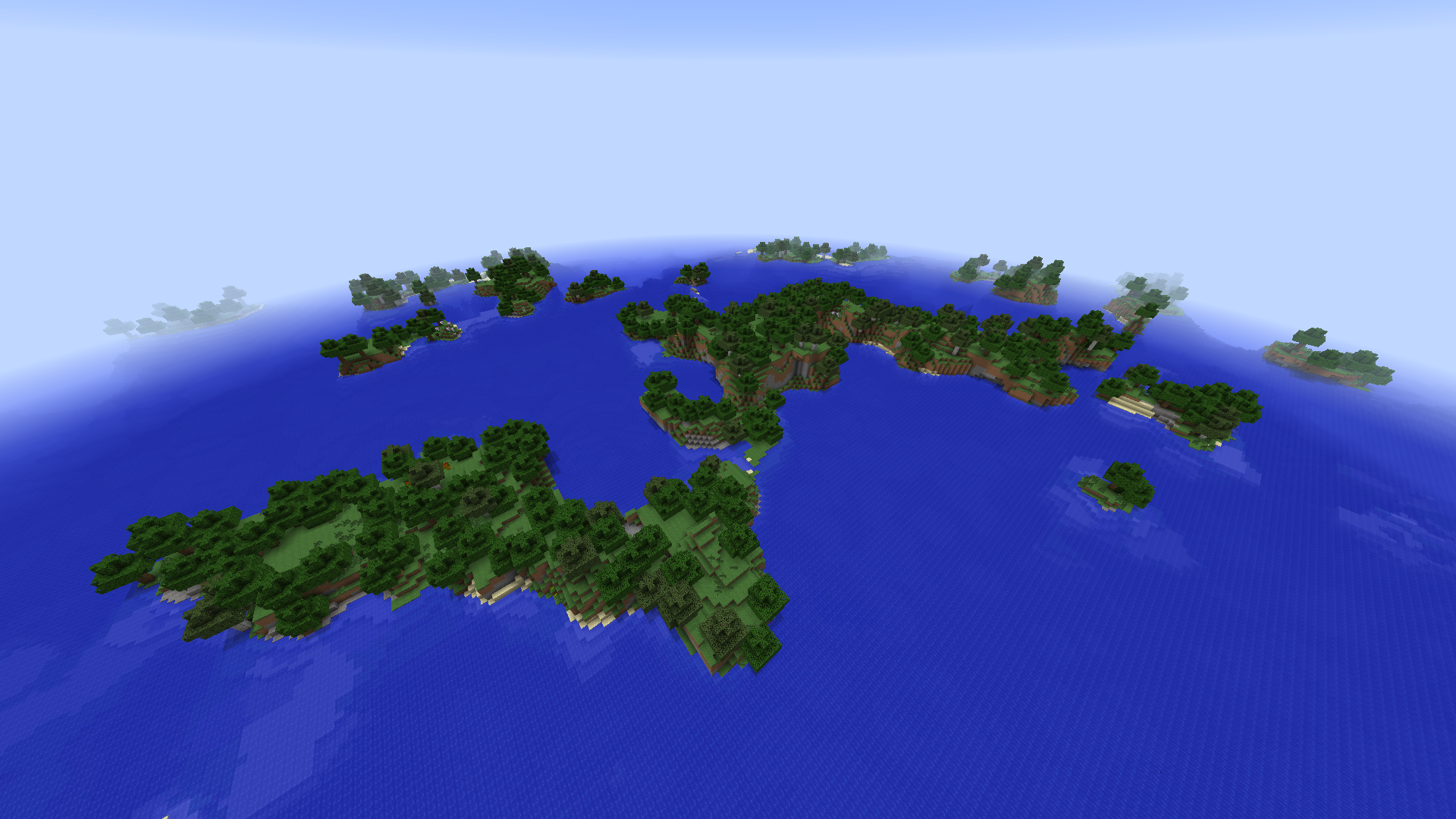
Tired of your worlds all being the same? The same boring dimensions over and over again? Dimensional Control is a tool created by the team at Blood N Bones Gaming in an attempt to give modpack makers more control over the overworld as well as the ability to create their own customized dimensions.
This mod allows you to:
- Replace blocks
- Disable map gen like caves, ravines and structures
- Configure biome map generation
- Modify terrain generation
- and so much more
Combined with other mods such as COFHCore and BiomeTweaker for a level of customization in your packs far beyond the current possibilities!
Requires BNBGamingLib v2.4.1 or higher to also be installed.
Most options on 1.12 also require BNBGamingCore to be installed.
Please use the issue link above to report issues.
Full documentation is shipped with the mod. Simply load Minecraft and check config/dimensionalcontrol/documentation.
Documentation for the 1.7.10 versions can be found on the wiki link.
FAQ and Discussion available on our Minecraft Forum thread.
常见问题
Dimensional Control 支持哪些 Minecraft 版本?
Dimensional Control 支持 Minecraft Java 版 1.7.10–1.12.2,共 6 个版本,可用的加载器:Forge。下载时注意选择和你游戏版本一致的文件。
Dimensional Control 怎么安装?
先用 PCL2 或 HMCL 启动器安装对应版本的 Forge,再把下载的 .jar 文件放进游戏目录的 mods 文件夹,重新启动游戏即可。开启了版本隔离的,mods 文件夹在 versions/版本名 下面。
bloodnbonesgaming 的其他作品
查看全部 →
BNBGamingLib
Blood N Bones Gaming 模组的前置库

Loading Screens
可自定义的加载界面

BnBGamingCore
包含BnBGaming模组所有ASM的核心模组

Triumph
成就达成!
评论
登录后评论和评分