截图






介绍
Dimensional Conduit
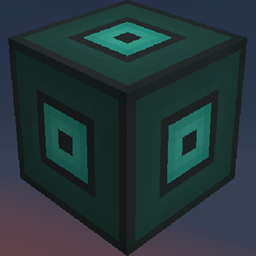
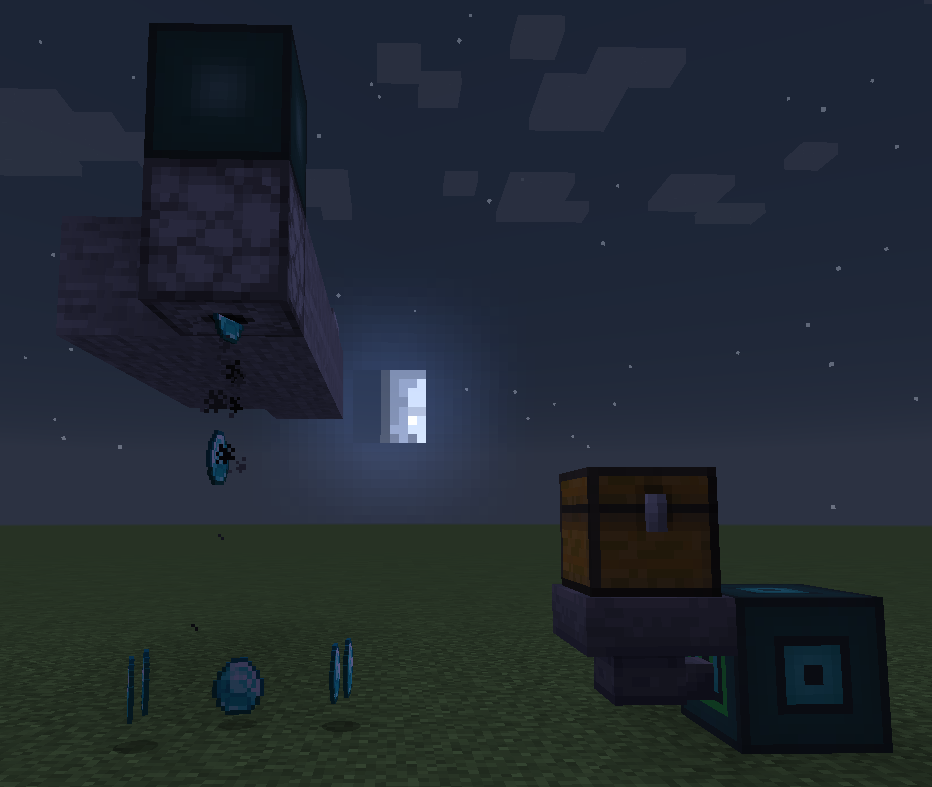
Dimensional Conduit allows you to link two different points of your world even through dimensions. That means you can pass items, fluids, energy (and more) through dimensions.
You only need a few items:
– a Dimensional Node block.
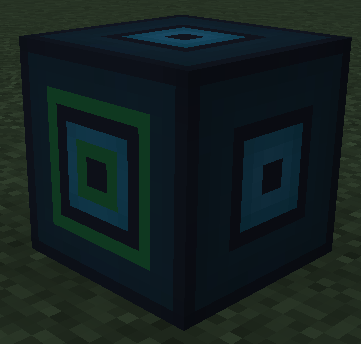
– a Dimensional Master block.
– a Conduit Base.
How to use:
– Place a Dimensional Node and right-click on it with a Conduit Base to get a Linked Conduit .
– Right-click on a face of your Dimensional Master with your Linked Conduit to link this face to the Dimensional Node.
– A green outline now appears on each of your blocks.
– They are now linked.
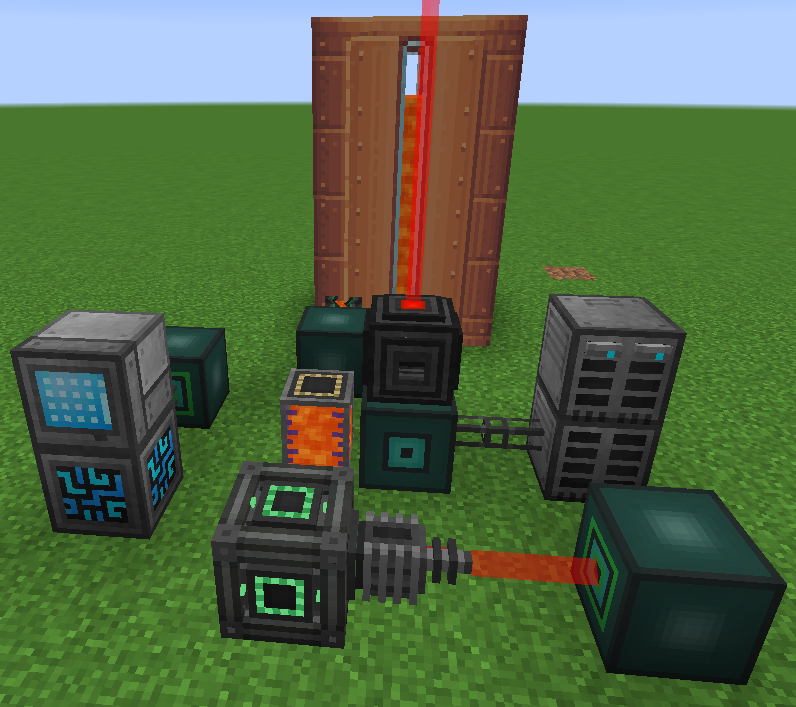
Here is an example with a few other mods (mekanism, refined storage, create)
– You can right-click on your blocks to get some informations.
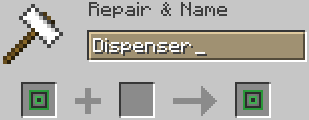
– The name of the Linked Conduit is shown in the Dimensional Master face’s informations
常见问题
Dimensional Conduit 支持哪些 Minecraft 版本?
Dimensional Conduit 支持 Minecraft Java 版 1.16.5,可用的加载器:Forge。下载时注意选择和你游戏版本一致的文件。
Dimensional Conduit 怎么安装?
先用 PCL2 或 HMCL 启动器安装对应版本的 Forge,再把下载的 .jar 文件放进游戏目录的 mods 文件夹,重新启动游戏即可。开启了版本隔离的,mods 文件夹在 versions/版本名 下面。
NaturaSpell 的其他作品
查看全部 →
Quests Additions (Forge)
FTB任务模组的附属模组。它添加了基础模组中缺失的一些任务和奖励类型。(放置、破坏、可重复和创建结构)

Quests Additions (Fabric)
FTB quests 模组的附属模组,为原版补充了缺失的任务和奖励类型。(放置、破坏、可重复和创建结构)

All in One [Modded One Block]
真正的模组化单方块整合包,包含11个不同阶段。
One Block Plus
这是一款基于 ijaminecraft 的 OneBlock 地图制作的模组,提供完整的自定义功能。支持多人游戏,每位玩家都有自己的 OneBlock。OneBlock 可以生成方块、实体和方块实体(如箱子、熔炉等)。
评论
登录后评论和评分