
Dimension Locker
lets you disable any dimension (Compatible with other mods, Nether & End by default). Exceptions can be granted through custom items.
截图
介绍
Dimension Locker
Description
This mod lets you disable any dimension (Compatible with other mods). Exceptions can be granted through custom items to let players enter locked dimension. It introduces new commands, a gamerule, and custom data components to enhance the player interactions with the permits.
Features
- Locked portals
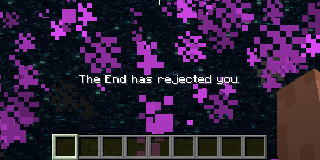
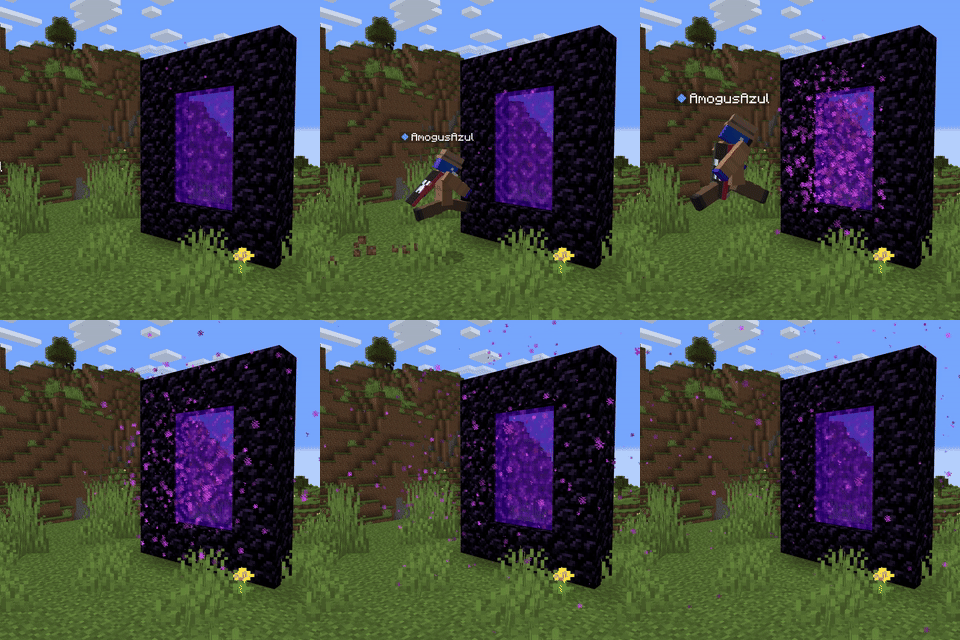
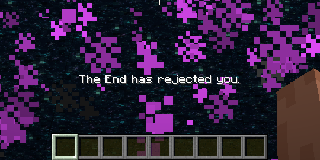
Whenever any entity is about to be teleported (by a portal) to a locked dimension, it would being pushed instead, also get a feedback message with the dimension’s name.
- Compatibility
This mod is available in
- Forge
- NeoForge
- Fabric
- Quilt
Works out of the box with any other mod that adds dimensions, however you still need some language compatibility.
you will need a resource pack to add a language key,
in the case of the nether dimension the mod has ```"dimension.minecraft.the_nether": "The Nether",```
---
3. **Data Components**
Here are a couple of **Data Components** added by the mod that are **recommended** to use **all together**, but can be used separately if desired.
- **`dimension`:**\
whenever an entity has a item with the `dimension` data component, no matter if the dimension is trying to enter is locked, it will enter as long as the component's dimension matches the one trying to enter.
Example:\
`/give @s minecraft:ender_eye[dimension_locker:dimension="minecraft:the_end"]`
- **`cant_enter_ender_chest`:**
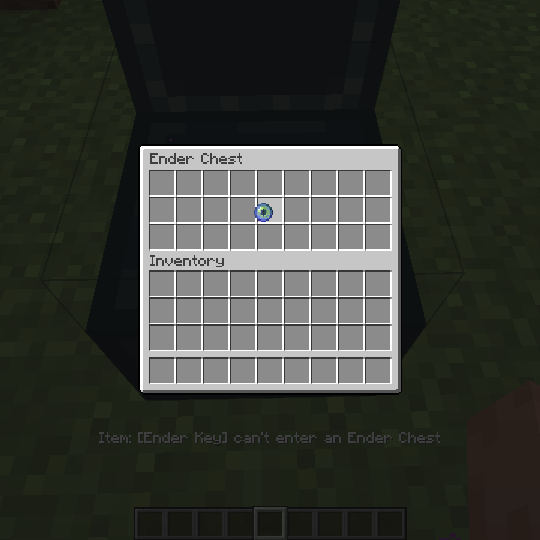
Doesn't let the item inside the ender chest, nor any item containing it (shulker boxes, bundles, etc).
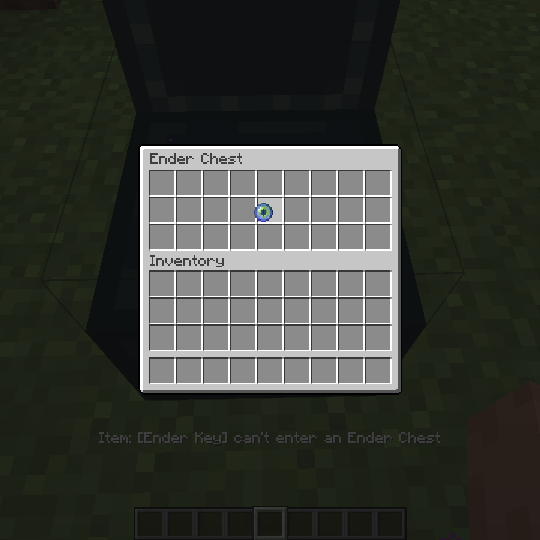
Example: `/give @s minecraft:ender_eye[dimension_locker:cant_enter_ender_chest={}]`
- **`un_despawnable`:**
Quite simple, **prevents** the **item** from **despawning** after the standard **5 minutes**, can be paired with the `damage_resistant` data component to make undestructible items.
Example: `/give @s minecraft:ender_eye[dimension_locker:un_despawnable={}]`
---
4. **Commands**
You don't have to reboot your server to lock a dimension, an admin can use one of these commands, and it the dimension would be locked/unlocked right away.
- Lock Command: `/dimension lock <dimension>`
- Unlock Command: `/dimension unlock <dimension>`
- Check Command: `/dimension isLocked <dimension>`\
Operators can check the locked status of a dimension.
---
5. **New Gamerule**
`operatorCanEnterLockedDimension`: A gamerule that determines whether operators can bypass locked dimensions. Set to true by default.
---
常见问题
Dimension Locker 支持哪些 Minecraft 版本?
Dimension Locker 支持 Minecraft Java 版 1.19.2–1.21.4,共 3 个版本,可用的加载器:Fabric / Forge / NeoForge / Quilt。下载时注意选择和你游戏版本一致的文件。
Dimension Locker 怎么安装?
先用 PCL2 或 HMCL 启动器安装对应版本的 Fabric / Forge / NeoForge / Quilt,再把下载的 .jar 文件放进游戏目录的 mods 文件夹,重新启动游戏即可。开启了版本隔离的,mods 文件夹在 versions/版本名 下面。运行环境:客户端和服务端都要装。
AmogusAzul 的其他作品
查看全部 →
Interdimensional Pollinizers
Now Endermen can appear with any dimension's plant "seed" or block (configurable), ideal for Skyblock or if any dimension is locked.

Radial Patterns
Minecraft datapack library for randomized radial callback patterns

Copper Weathering
Minecraft datapack that lets wind charges weather copper blocks on impact.
评论
登录后评论和评分