
Distant Horizons – Make It Compatible
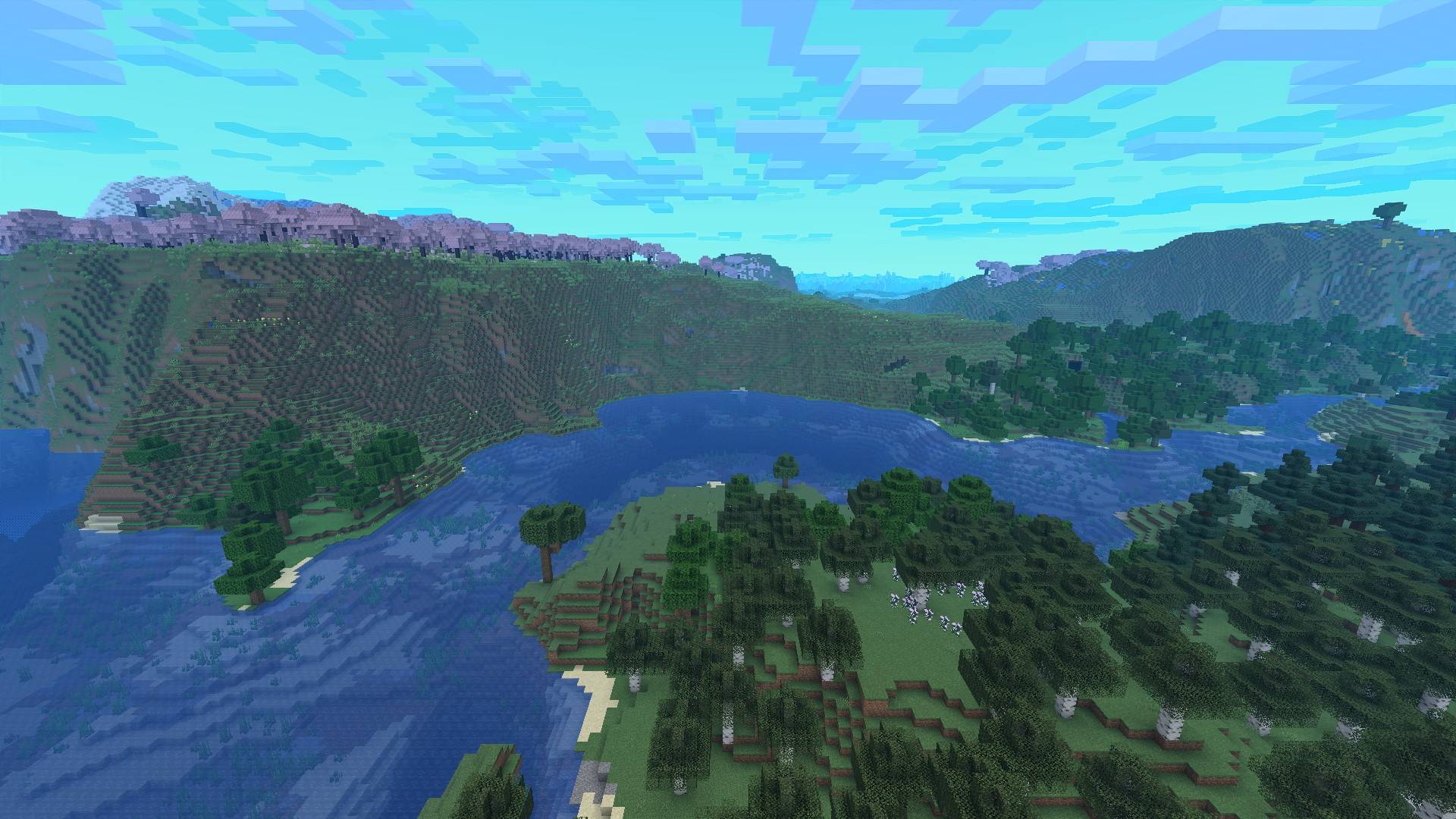
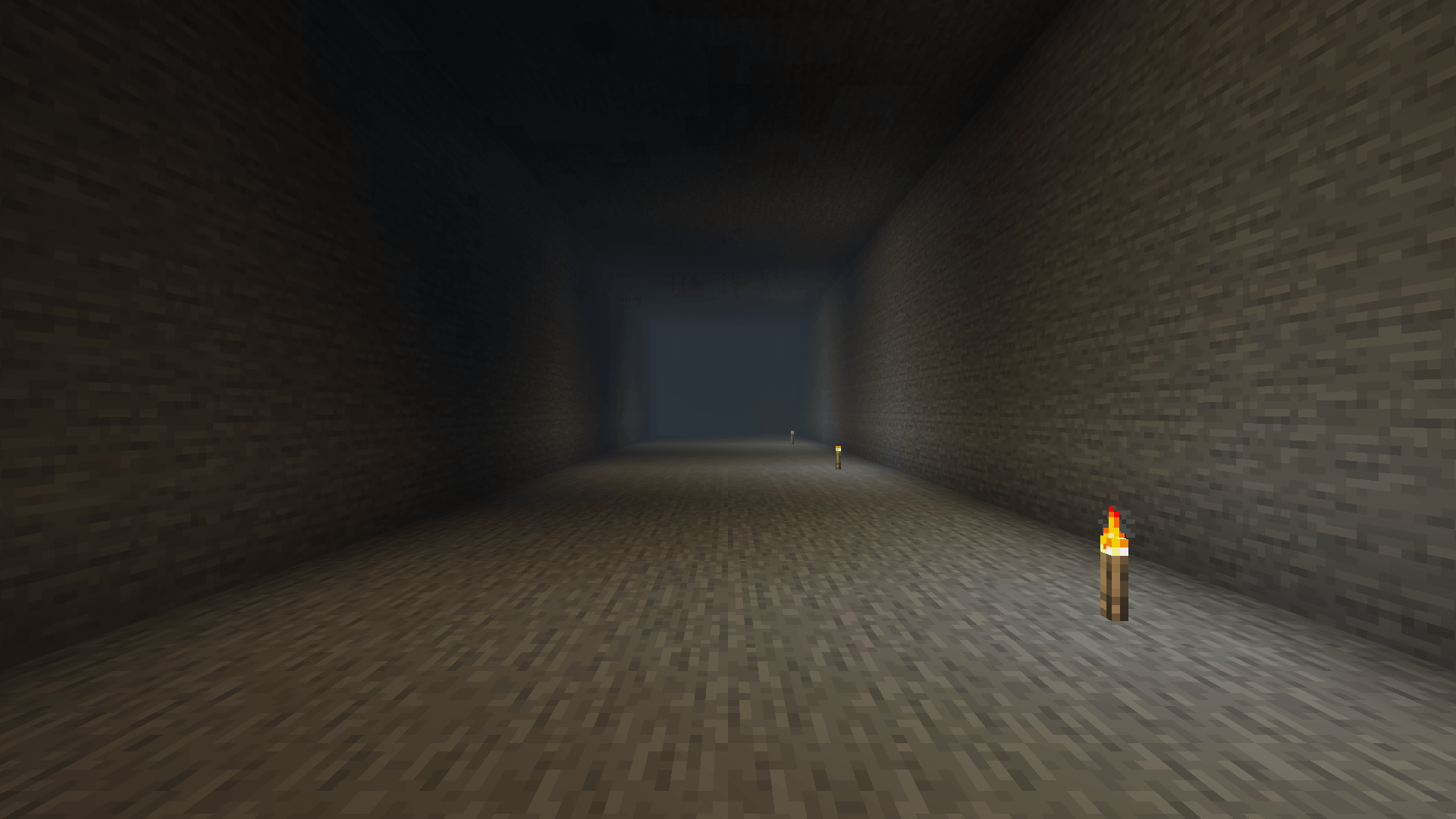
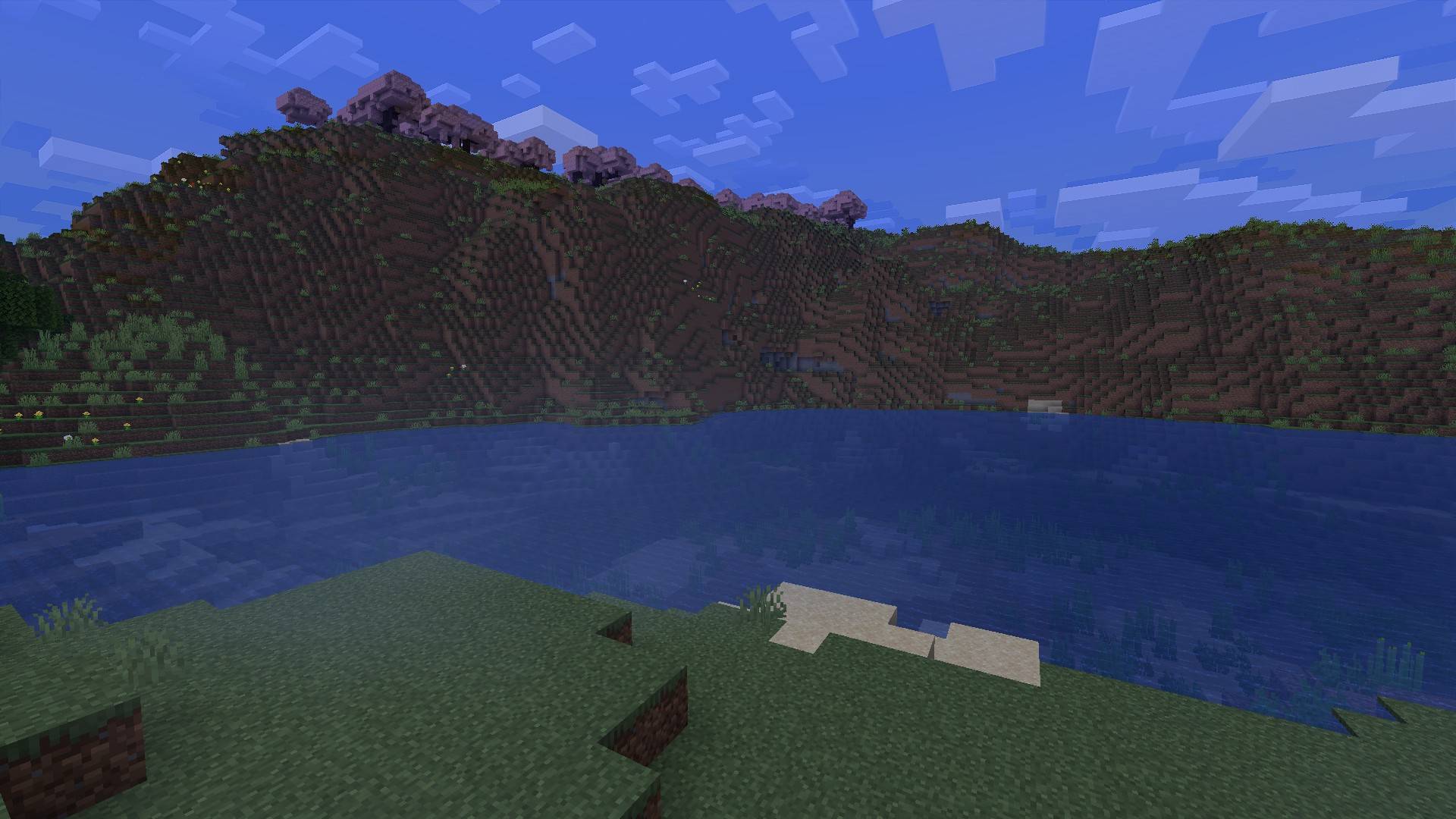
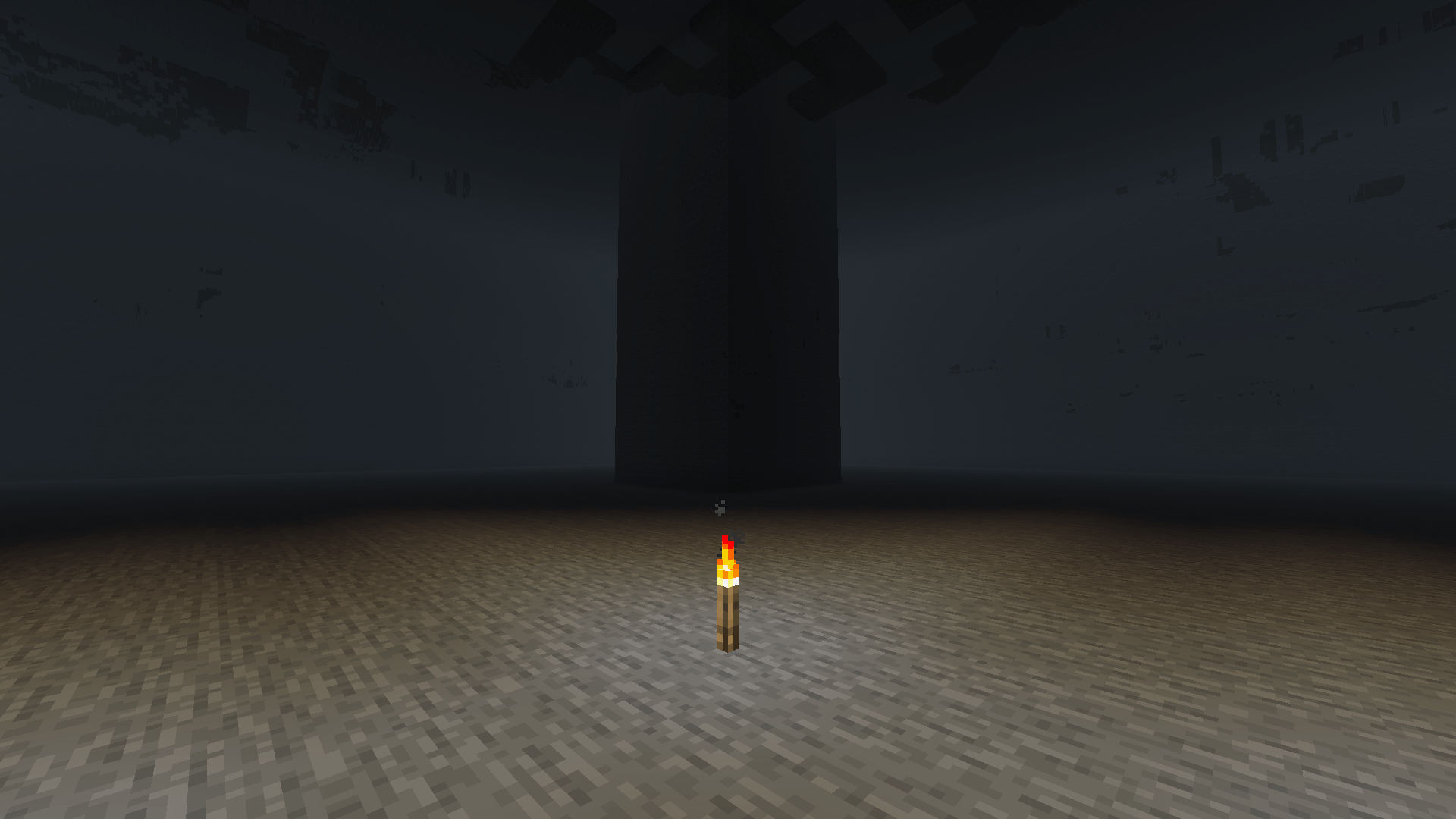
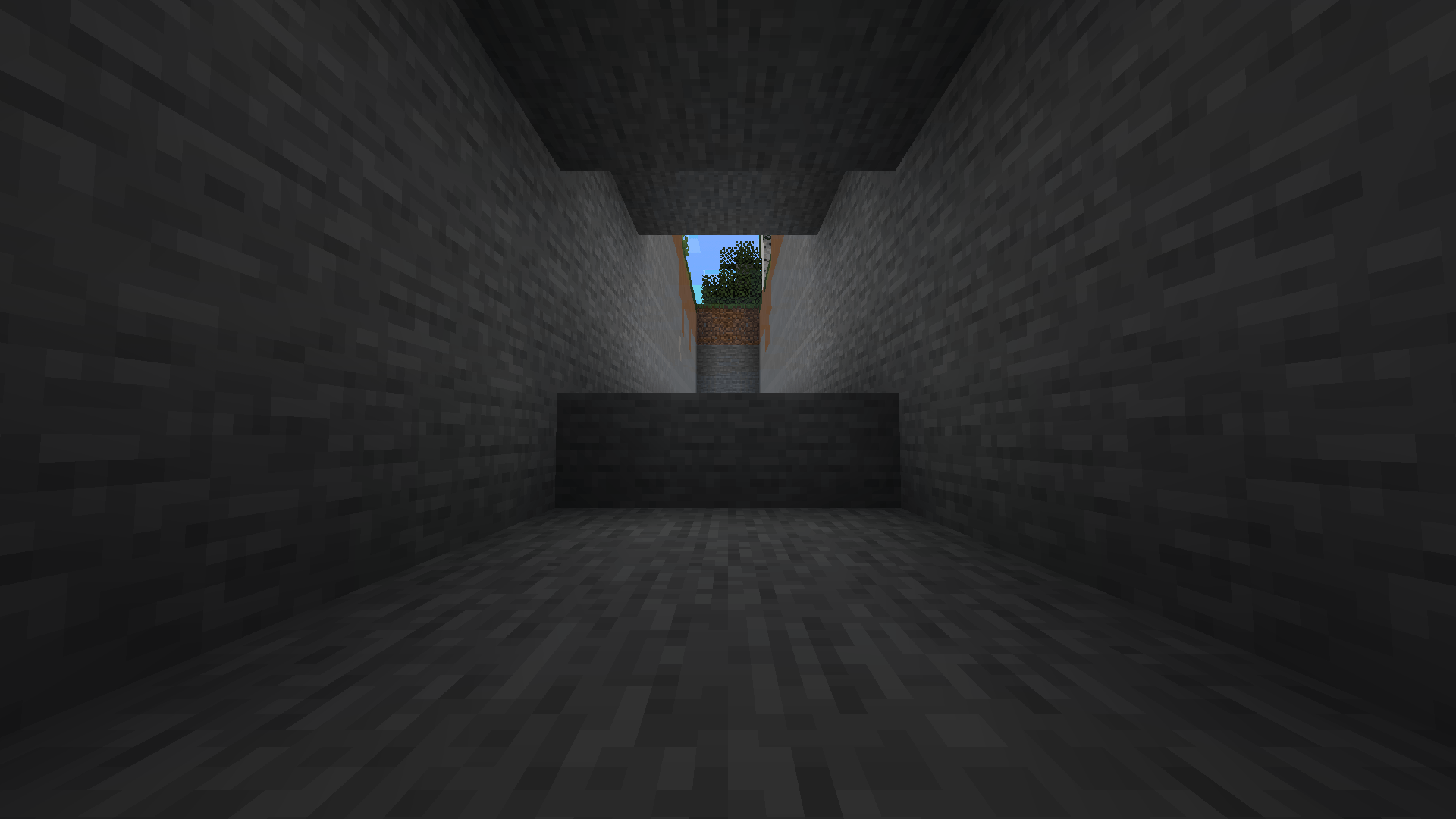
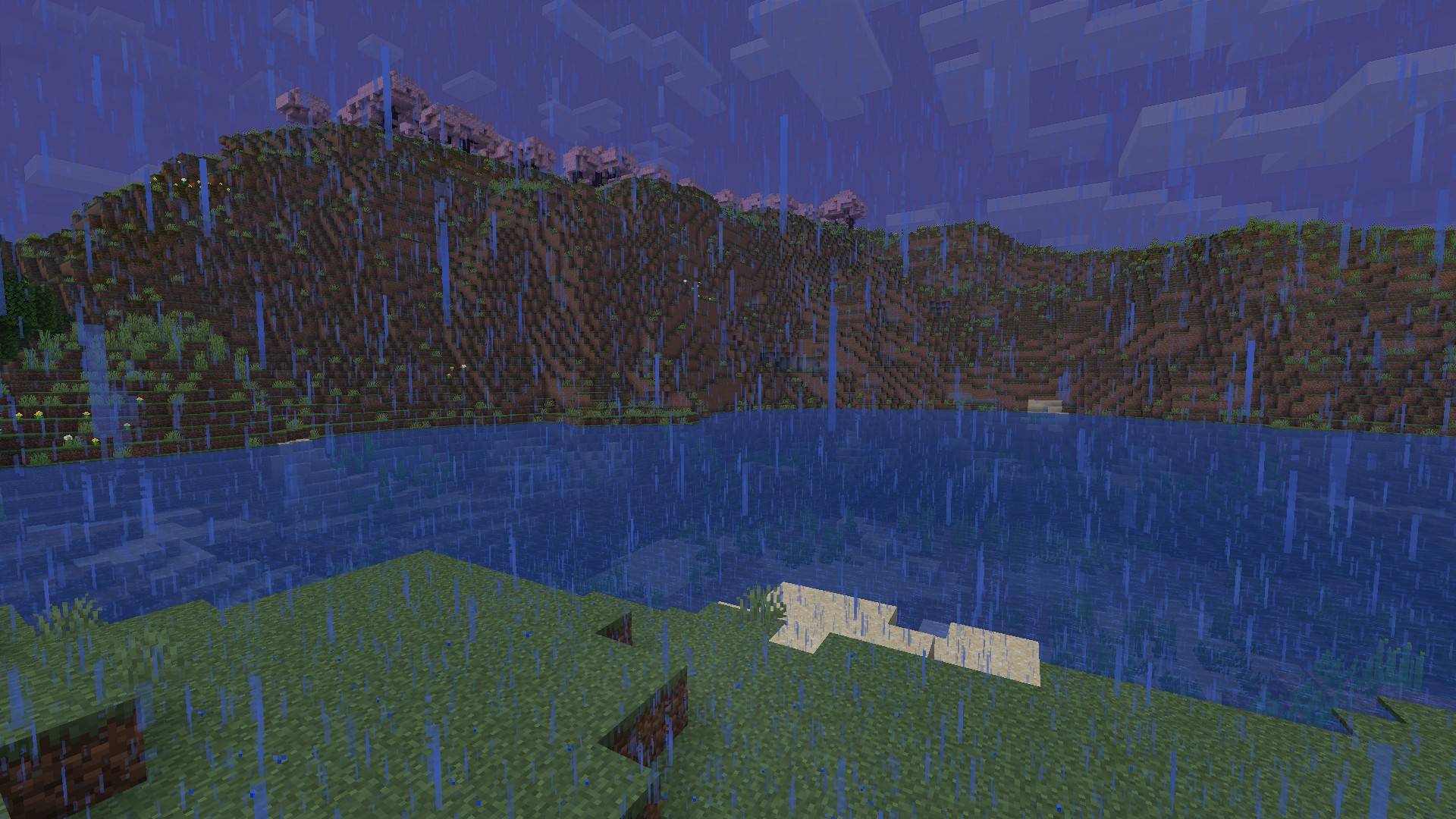
Atmospherics and Distant Horizons together: fog in caves sized by the cave, ground mist on the surface, LOD fog that matches.
截图
介绍
Atmospherics + DH
Beta. An early build of the mod: expect bugs, you can report them on the Discord.
An addon for Atmospherics. Distant Horizons switches Minecraft’s fog off so its LODs can be seen, and Atmospherics’ fog goes with it, caves included. This puts it back: fog in caves, mist on the surface. Works with Distant Horizons 3.3, with Better Distant Horizons, and without Distant Horizons.

Support me and get early access on my Patreon.
Caves
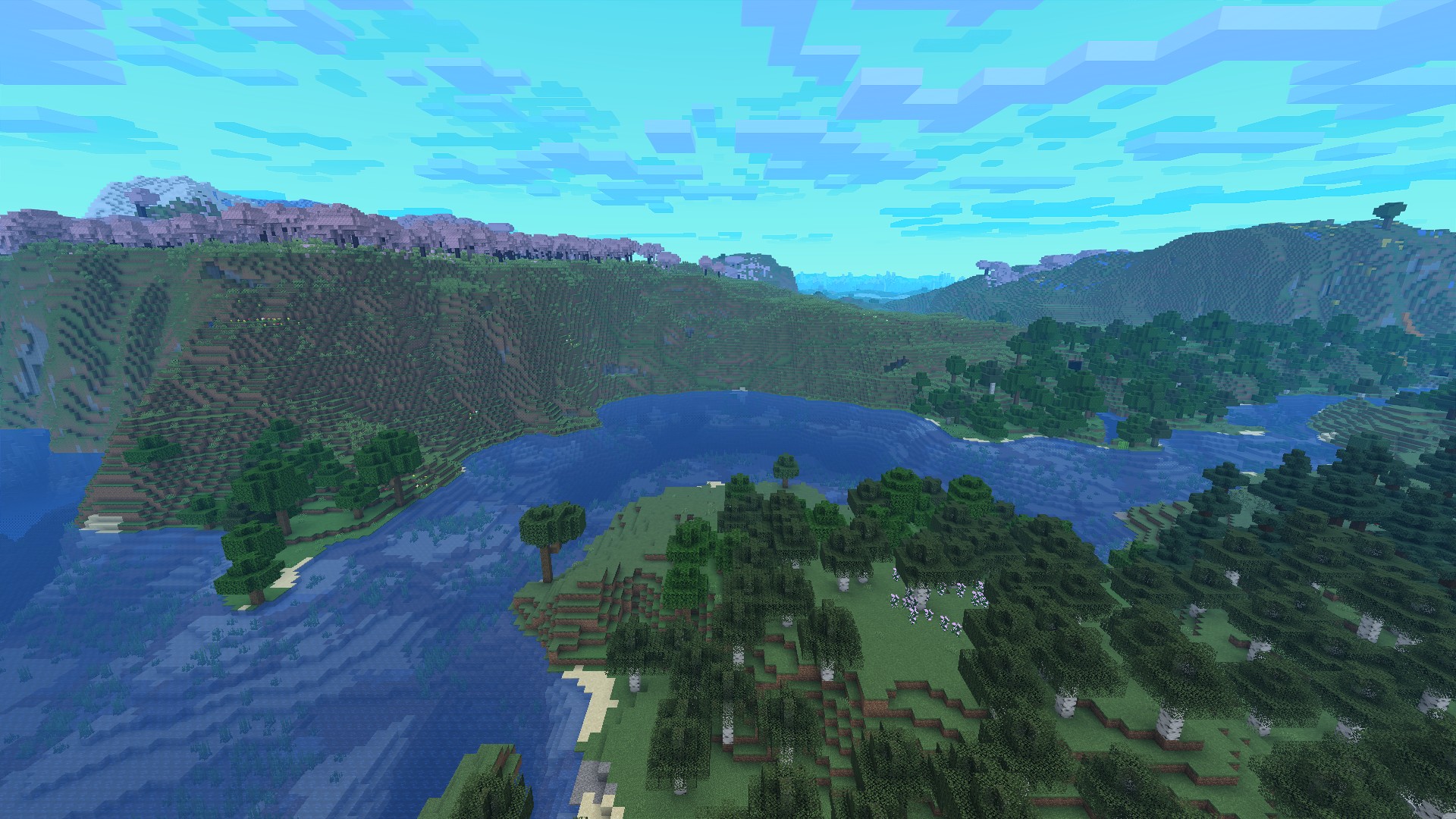
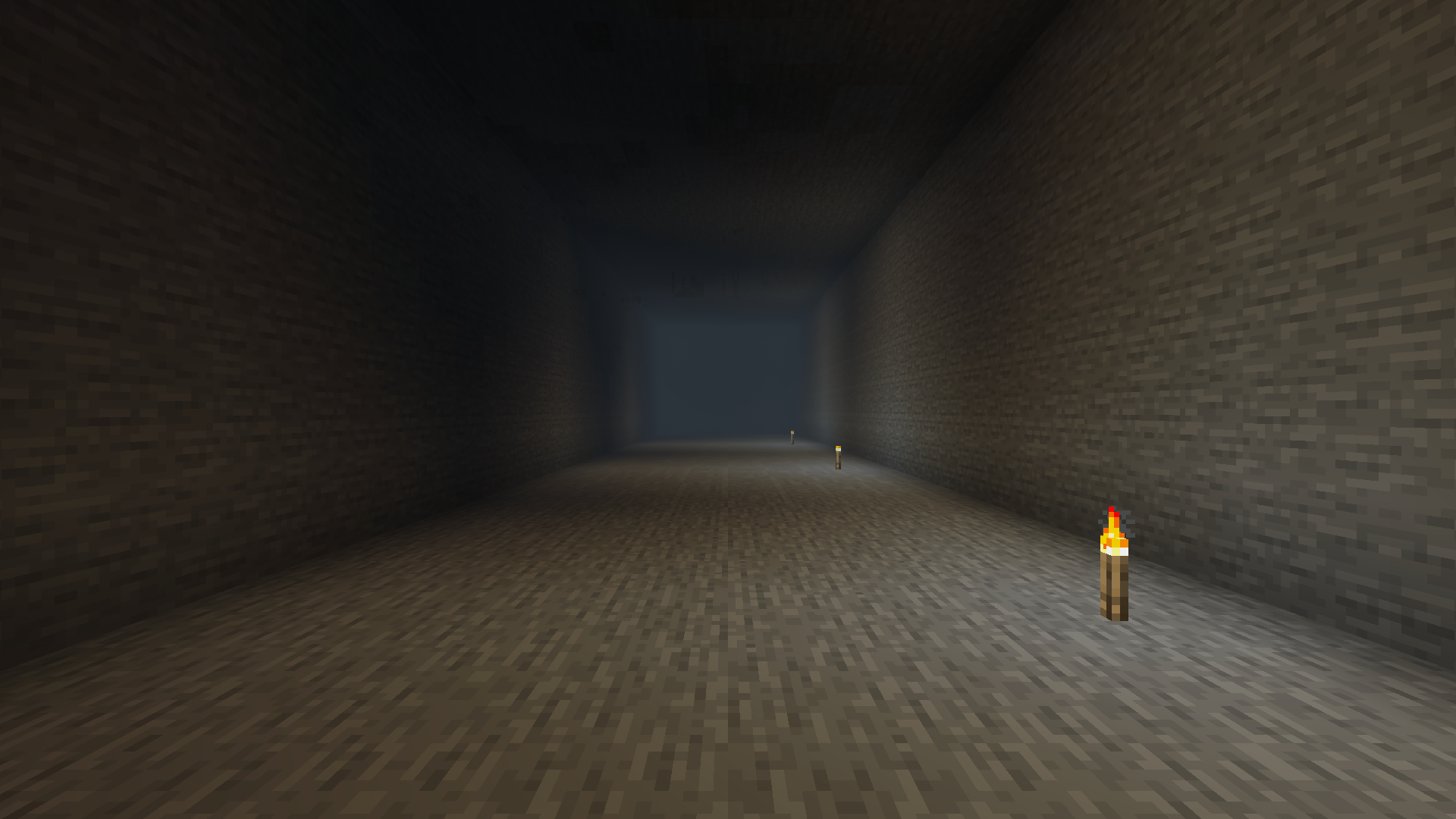
- Fog sized by the cave: a 2×2 tunnel fogs about a dozen blocks out, a 48-block cavern stays clear across most of its width.
- Deeper is denser, lit caves are clearer. Cave mouths, ravines and houses stay clear.
- The colour is Atmospherics’ biome colour, darkened; block light brightens it.
Ground mist
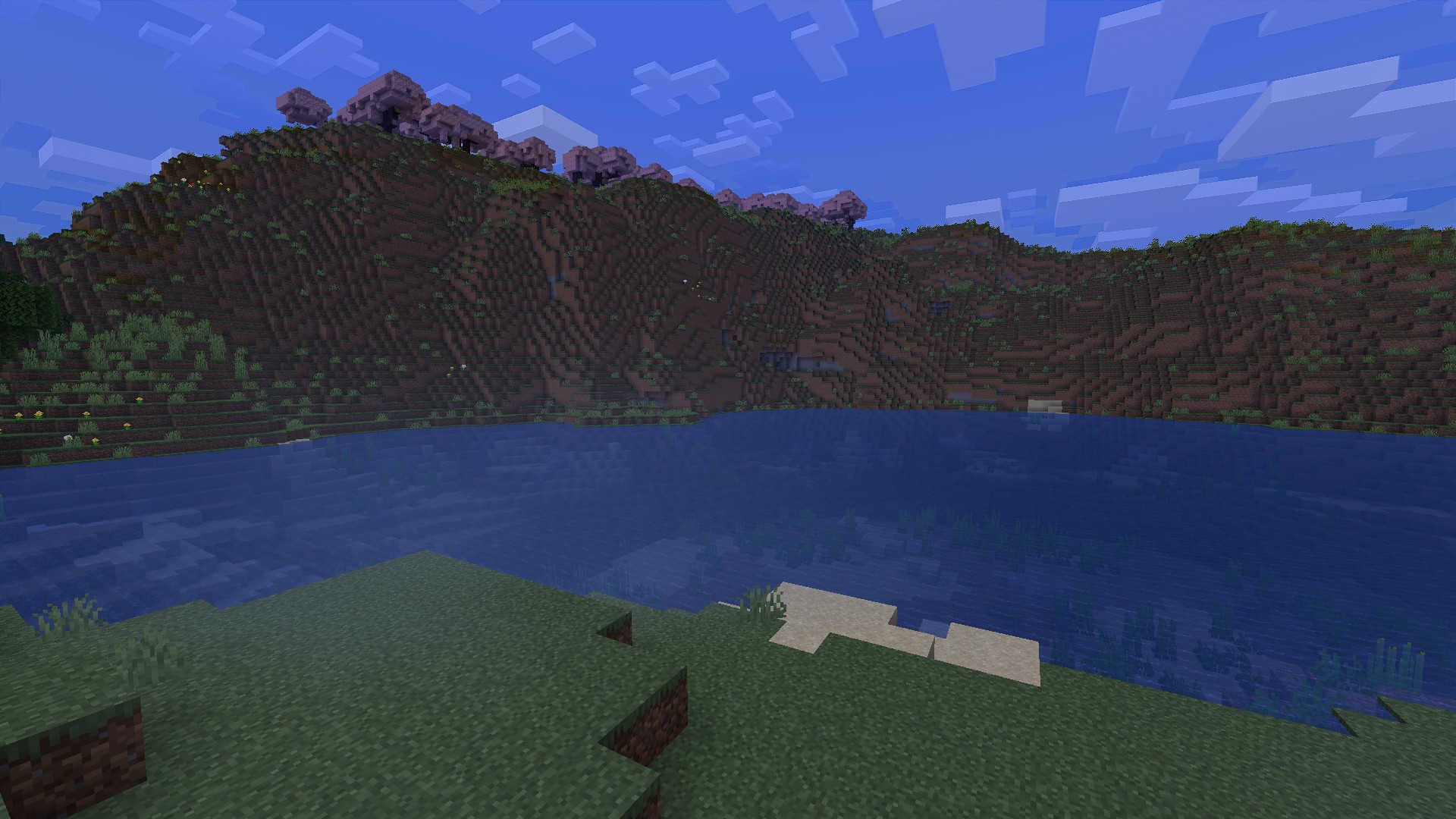
- Atmospherics’ surface fog comes back as wisps near the ground: in valleys, over water and under trees.
- Thicker at dawn, at night and in rain, and as dense as the fog Atmospherics is set to show.
- Wisps fade out before the ground and water instead of cutting through them. Atmospherics’ own AirHaze particles get the same soft edges.
LOD fog
- In a cave, Distant Horizons fogs its LODs to the same distance and colour, so terrain seen through an opening matches.
- On the surface Distant Horizons’ own haze stays as you set it.
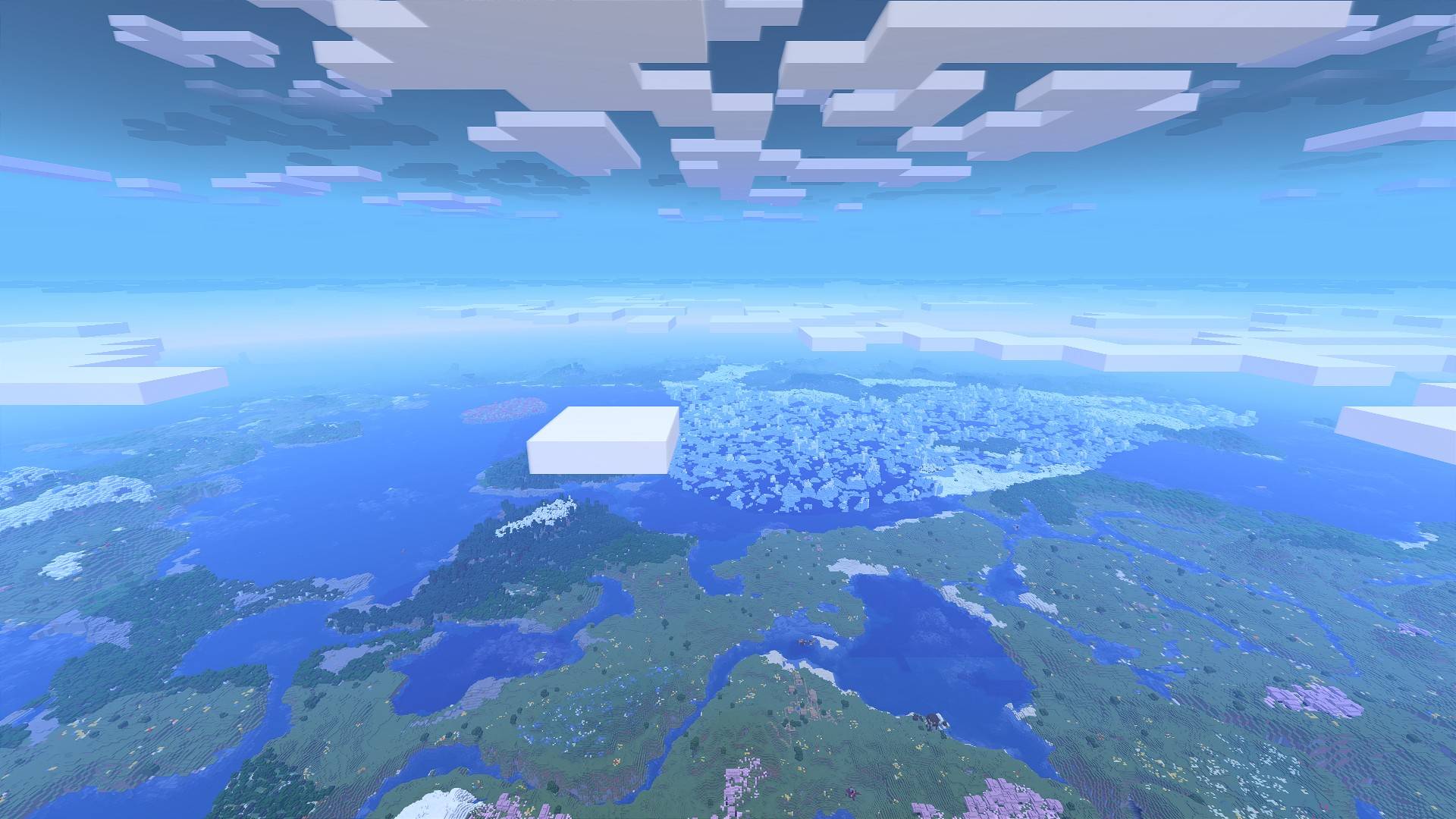
- On the globe of Better Distant Horizons, Atmospherics’ horizon haze band thins out with height instead of colouring the space around the planet.
Requirements
Minecraft 1.21.1, NeoForge 21.1.233 or newer, Java 21. Needs Atmospherics 2.6. Optional: Distant Horizons 3.3 or Better Distant Horizons. It goes on the client only.

Related mods
NeoForge 1.21.1. Free to use in modpacks.
常见问题
Distant Horizons – Make It Compatible 支持哪些 Minecraft 版本?
Distant Horizons – Make It Compatible 支持 Minecraft Java 版 1.21.1,可用的加载器:NeoForge。下载时注意选择和你游戏版本一致的文件。
Distant Horizons – Make It Compatible 怎么安装?
先用 PCL2 或 HMCL 启动器安装对应版本的 NeoForge,再把下载的 .jar 文件放进游戏目录的 mods 文件夹,重新启动游戏即可。开启了版本隔离的,mods 文件夹在 versions/版本名 下面。
falling_colud96 的其他作品
查看全部 →
Better Clouds Reforged
与原生风格完美融合的精美云朵。
Better Inventory And Backpacks
彻底重做Minecraft物品栏

Realistic Waves
为 Minecraft 带来逼真的波浪效果。

Fantasia RPG Slimes
新增 14 种拥有独特能力的史莱姆!
评论
登录后评论和评分