
DeckTweaks
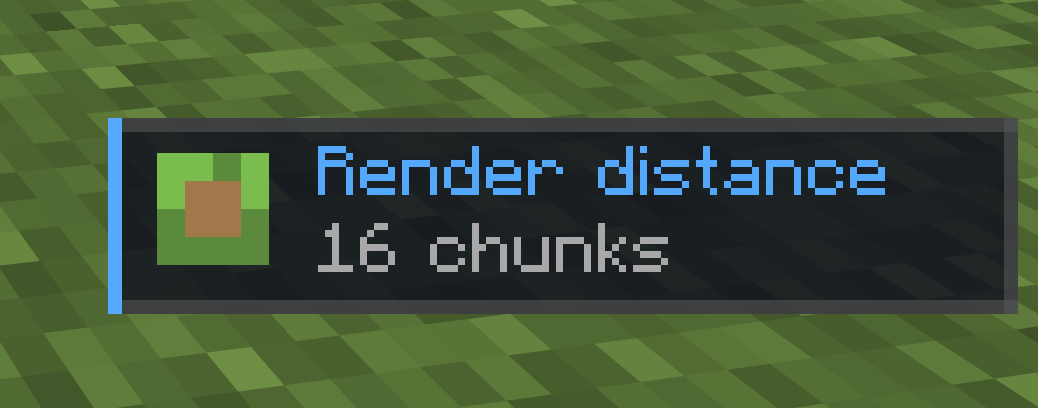
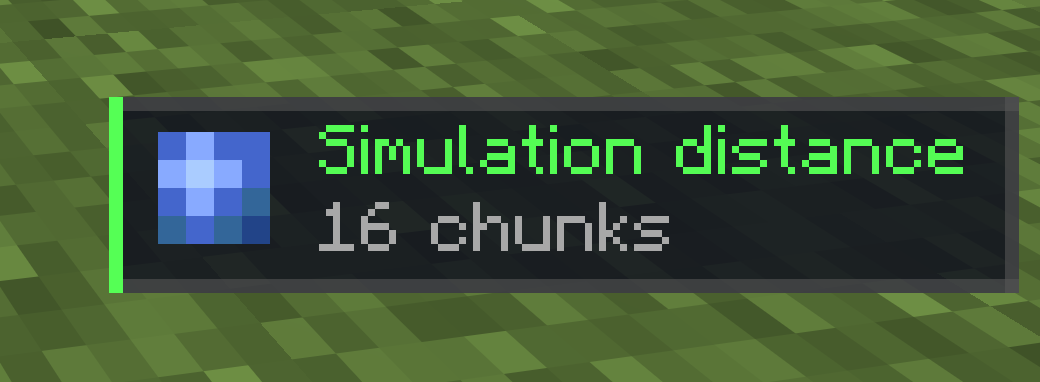
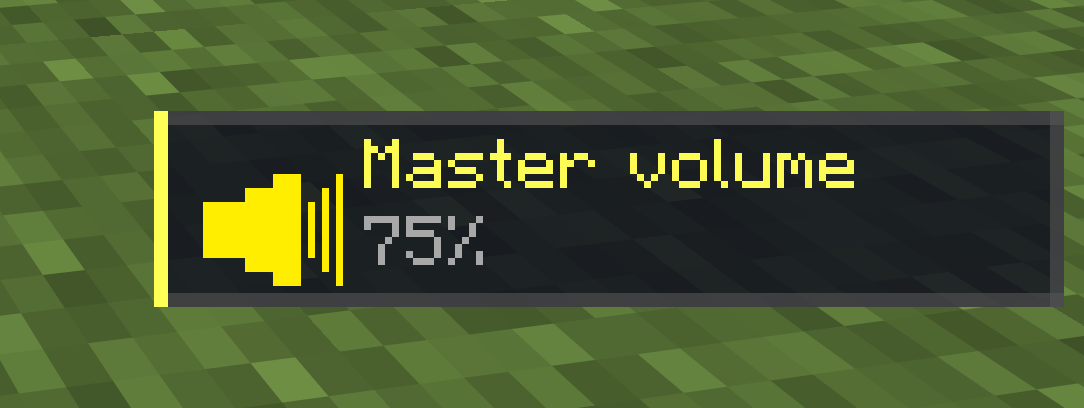
Control render distance, simulation distance, and master volume on the fly with simple keyboard shortcuts, no menus, no pause screen. Comes with a clean in-game toast notification for every change. Perfect for Stream Deck users.
截图
介绍
DeckTweaks
DeckTweaks lets you control render distance, simulation distance, and master volume on the fly, directly from your keyboard or Stream Deck, without ever opening a menu.
Every change shows as a clean, minimal toast notification in the bottom-right corner of your screen, so you always know what’s happening.
Features
- Render distance — increase or decrease on the fly, chunks reload instantly
- Simulation distance — tweak how far the game simulates without restarting
- Master volume — adjust in 5% steps while staying in-game
- Toast notifications — subtle, styled HUD notification for every change, no chat spam
- Stream Deck ready — all shortcuts are simple two-key combos that map perfectly to macro buttons
Keybinds
| Keybind | Action |
|—|—|
| Ctrl + . | Render distance +1 |
| Ctrl + , | Render distance -1 |
| Ctrl + ] | Simulation distance +1 |
| Ctrl + [ | Simulation distance -1 |
| Ctrl + = | Master volume +5% |
| Ctrl + - | Master volume -5% |
macOS users:
Ctrlmeans Control (⌃), not Command (⌘).
Installation
- Install Fabric Loader for Minecraft 1.21.11
- Download and install Fabric API
- Drop
decktweaks.jarinto yourmods/folder - Launch Minecraft and start tweaking
Compatibility
- Minecraft 1.21.11
- Fabric only
- Client-side — works on any server
常见问题
DeckTweaks 支持哪些 Minecraft 版本?
DeckTweaks 支持 Minecraft Java 版 1.21.11–26.3,共 2 个版本,可用的加载器:Fabric。下载时注意选择和你游戏版本一致的文件。
DeckTweaks 怎么安装?
先用 PCL2 或 HMCL 启动器安装对应版本的 Fabric,再把下载的 .jar 文件放进游戏目录的 mods 文件夹,重新启动游戏即可。开启了版本隔离的,mods 文件夹在 versions/版本名 下面。运行环境:仅客户端。
评论
登录后评论和评分