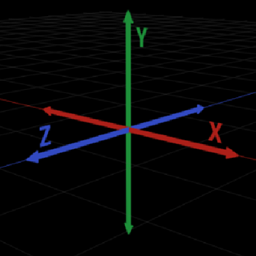
DebugCrosshair
Force the F3-screen crosshair to render even when the F3-screen is not active
截图
介绍
DebugCrosshair
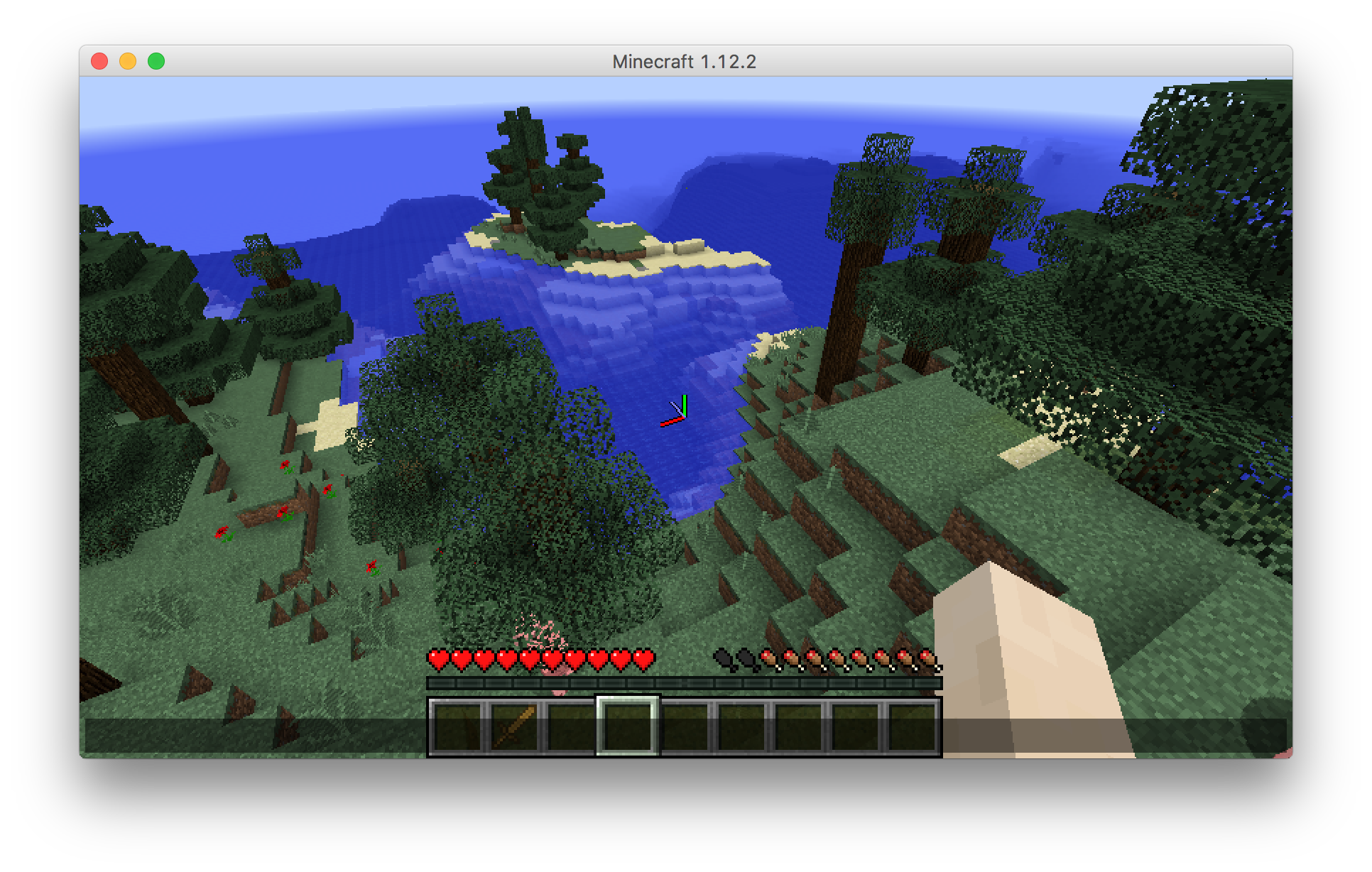
DebugCrosshair is a mid for Minecraft 1.12.2+. It forces the F3-screen crosshairs to render even when the F3-screen is not active.
In the config screen of the mod you can:
- quickly enable/disable the mod
- change the colors of the axes
- change the size of the axes
- change the thickness of the axes
This mod is entirely clientside, which means you can use it on a server that does not have the mod.
Requirements
- Minecraft with Forge version
14.23.4.2726or higher
Installation
- It is recommended to install via the Twitch Desktop App‘s Minecraft mod manager
- If for some reason you must install it manually, just drop the .jar file in the mods folder in your minecraft directory as usual
Contributing
You are welcome to contribute in any way, whether it be bug reporting or pull requests. Here are the instructions on settings up a development environment for the mod:
# Clone the repository:
git clone https://github.com/cooper-anderson-mc/DebugCrosshair && cd DebugCrosshair;
# Setup Forge and decompile Minecraft:
./gradlew setupDecompWorkspace;
# Run Client when desired:
./gradlew runClient;
Images

Modpacks
You are free to include this mod in any modpack you wish.
常见问题
DebugCrosshair 支持哪些 Minecraft 版本?
DebugCrosshair 支持 Minecraft Java 版 1.12.2,可用的加载器:Forge。下载时注意选择和你游戏版本一致的文件。
DebugCrosshair 怎么安装?
先用 PCL2 或 HMCL 启动器安装对应版本的 Forge,再把下载的 .jar 文件放进游戏目录的 mods 文件夹,重新启动游戏即可。开启了版本隔离的,mods 文件夹在 versions/版本名 下面。


评论
登录后评论和评分