
截图
介绍
Debug Screen Option Profiles
The “Debug Screen Option Profiles” mod simplifies working with the debug screen. It allows you to save settings and quickly switch between them using profiles. Now you don’t need to copy files manually.

Usage
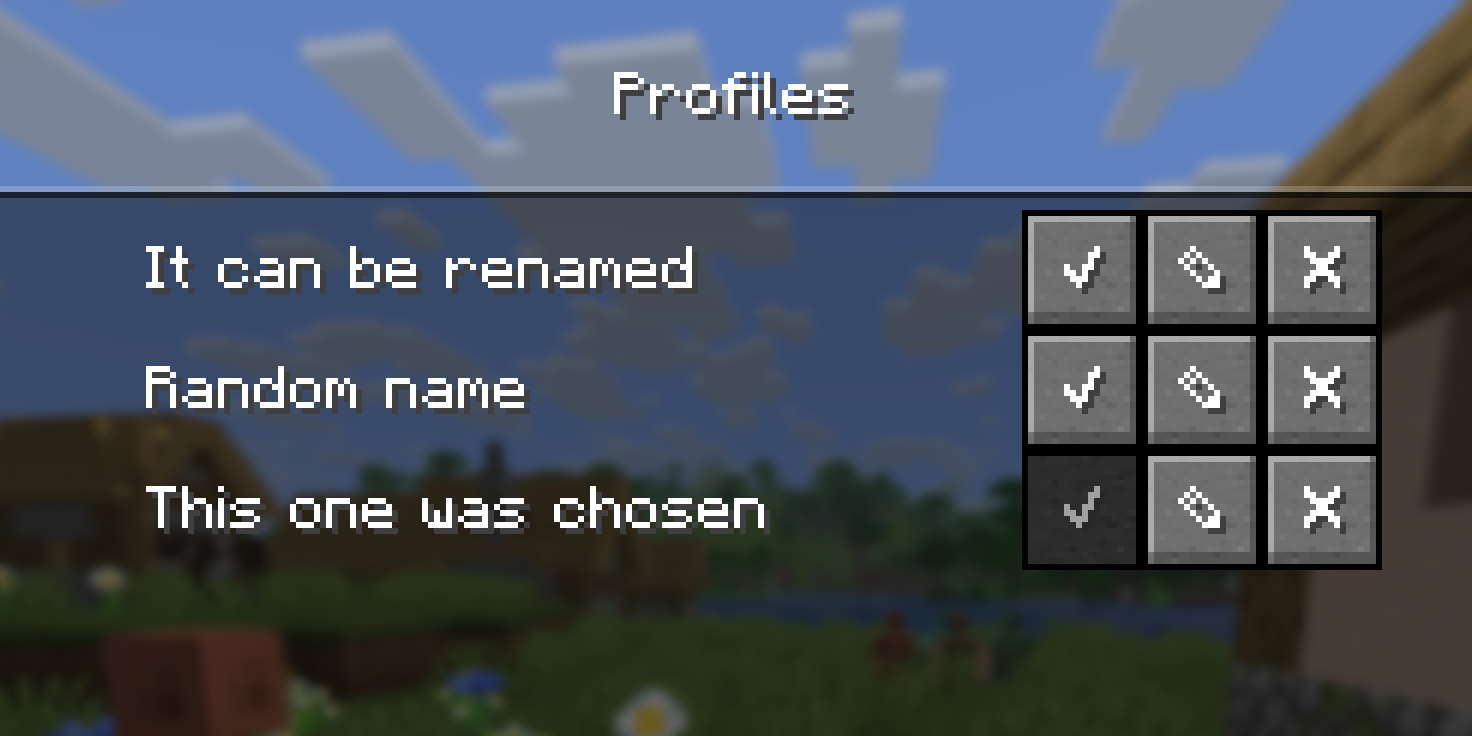
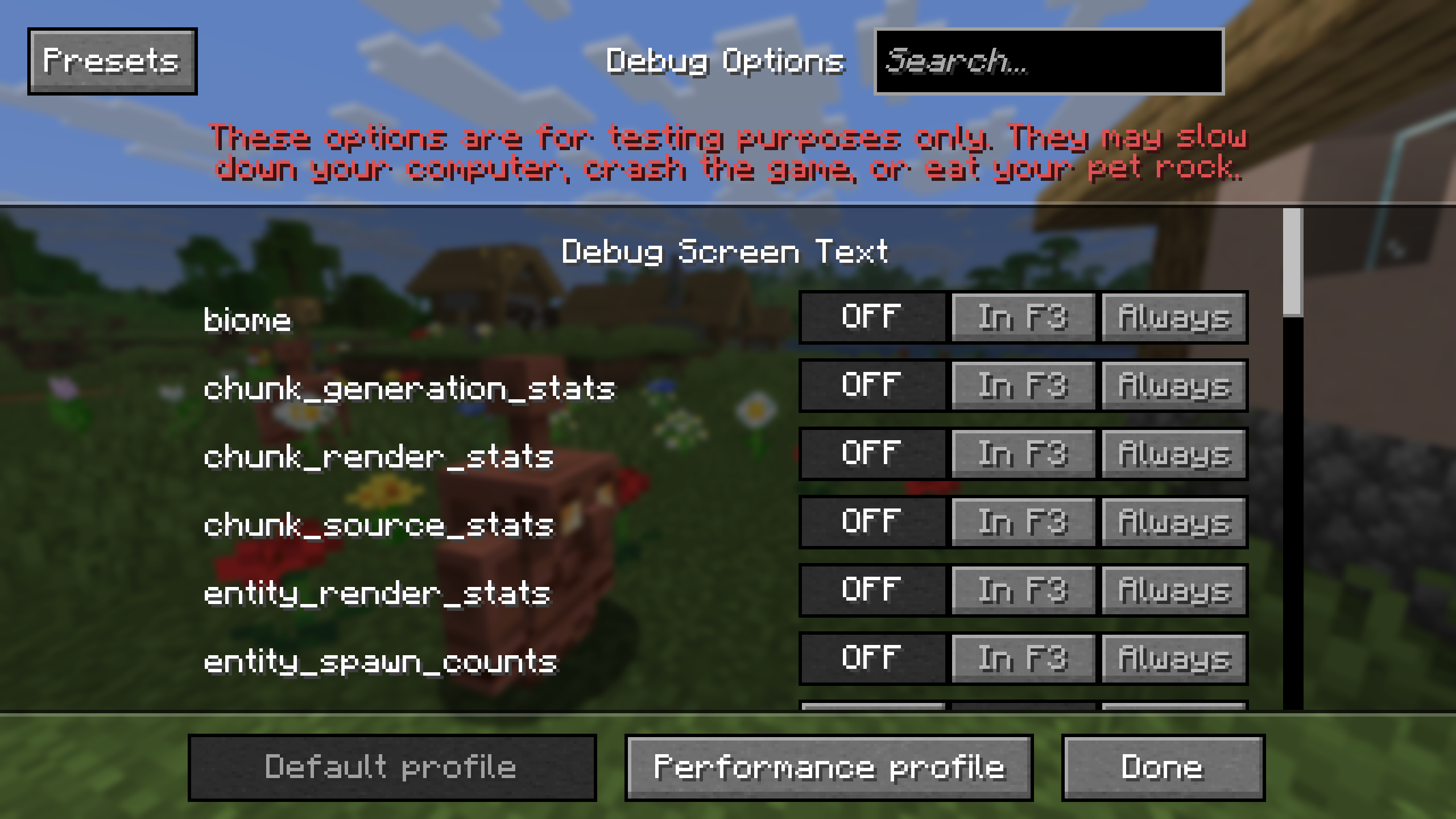
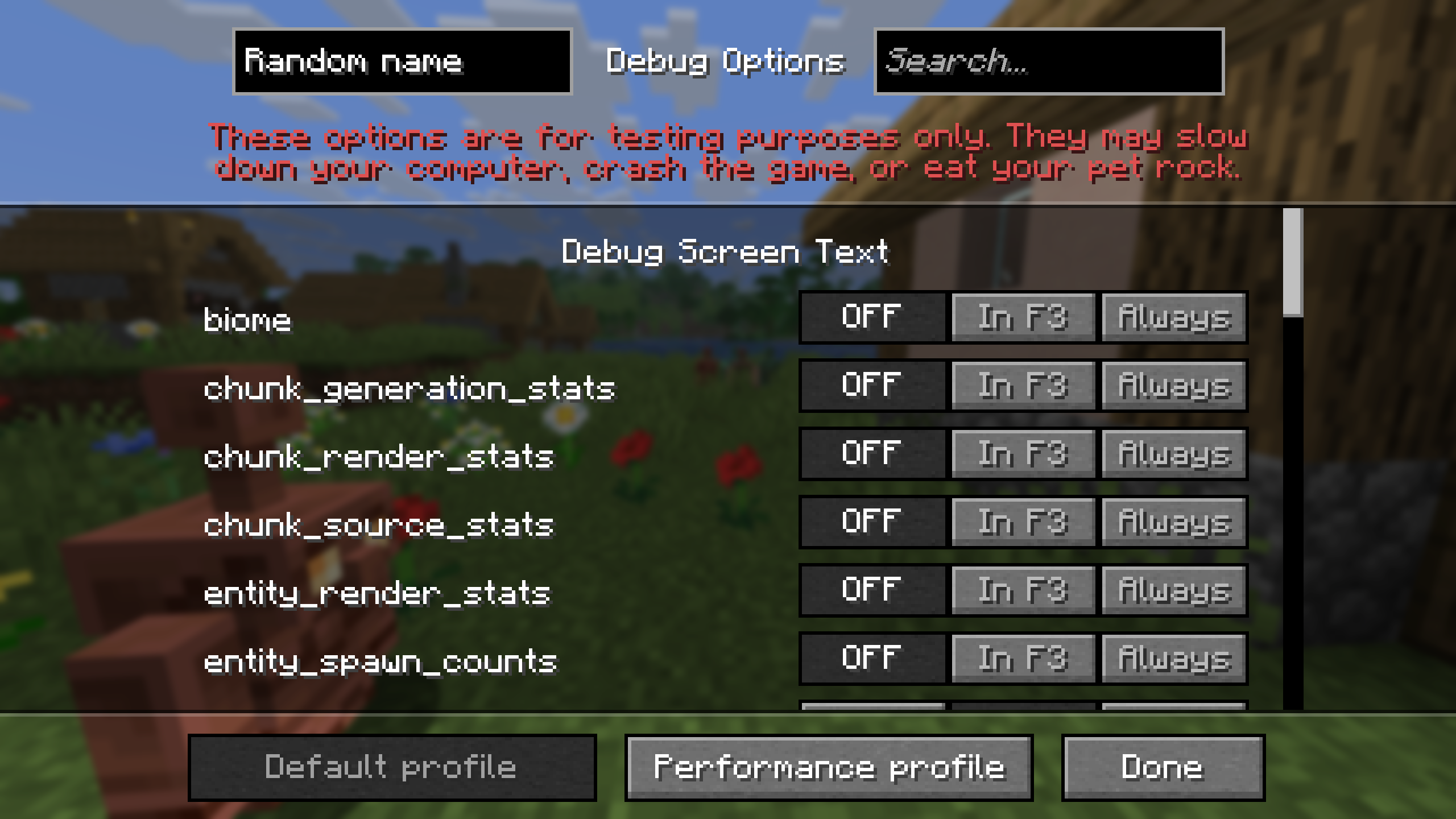
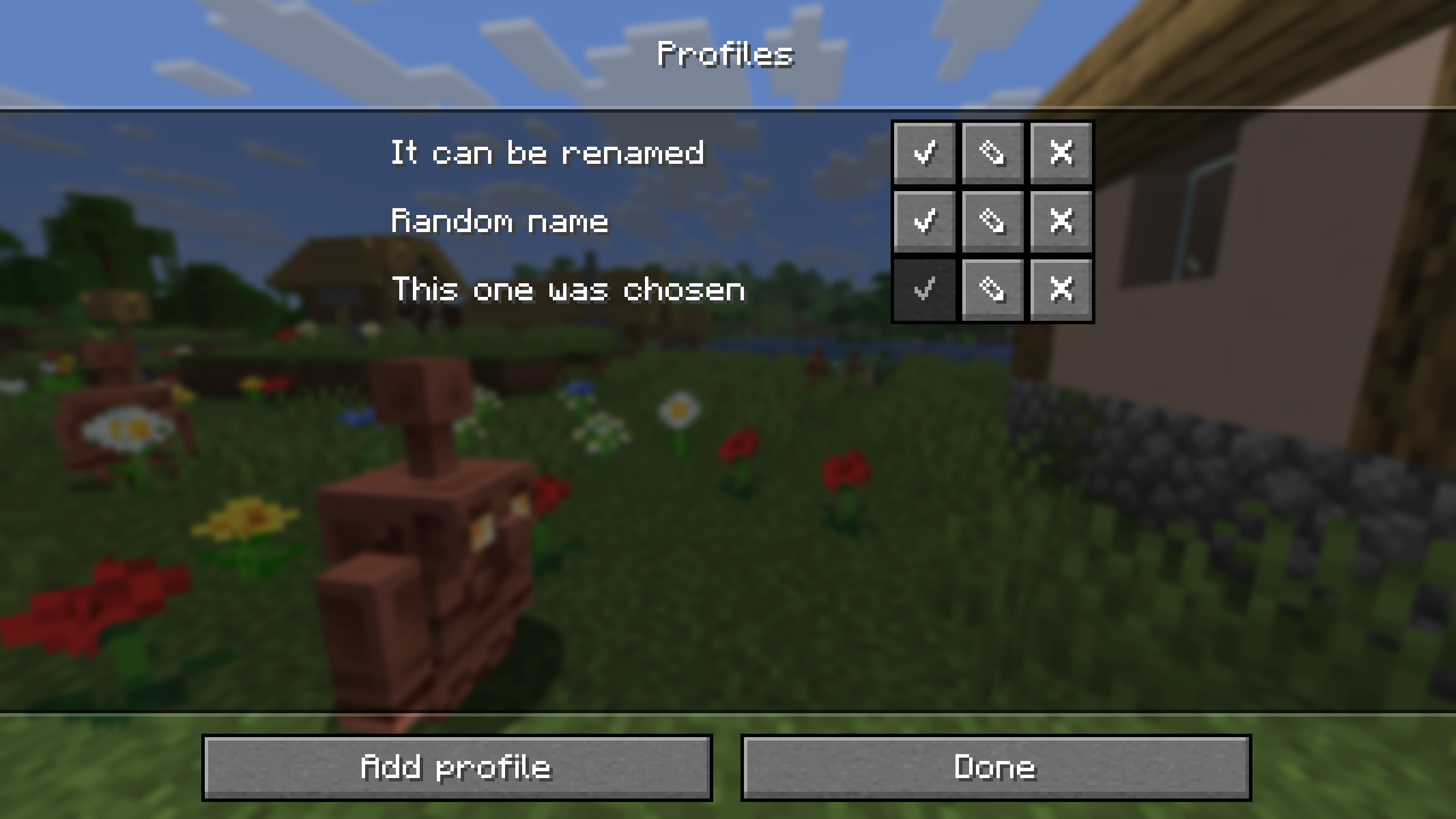
To open the profiles menu, press the debug screen hotkey (default: “F3 + F6`) and select `Presets“ Here you can create, edit, apply, and delete profiles. Once applied, a profile becomes active by default, and all changes in the main menu will be saved to it.
Additional
- Profiles are stored in the “
config/debug-option-profiles folder“. - When renaming a profile, there are restrictions on existing names and unsupported characters.
🤝 Support

常见问题
Debug Screen Option Profiles 支持哪些 Minecraft 版本?
Debug Screen Option Profiles 支持 Minecraft Java 版 1.21.9–26.3,共 8 个版本,可用的加载器:Fabric / Forge / NeoForge / Quilt。下载时注意选择和你游戏版本一致的文件。
Debug Screen Option Profiles 怎么安装?
先用 PCL2 或 HMCL 启动器安装对应版本的 Fabric / Forge / NeoForge / Quilt,再把下载的 .jar 文件放进游戏目录的 mods 文件夹,重新启动游戏即可。开启了版本隔离的,mods 文件夹在 versions/版本名 下面。运行环境:仅客户端。
BizCub 的其他作品
查看全部 →
Simple Datapacks
简化数据包的使用

X Ray (no cheats)
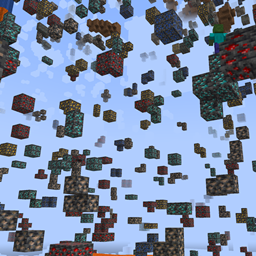
在矿洞中更快、更轻松地找到矿石。
X Ray
Find ores in mines faster and easier.

More Xp More Health
Each new level of experience increases the player's overall health. Now the player is invincible!
评论
登录后评论和评分