
截图
介绍
中文介绍正在准备中,下面暂时显示原文。
Quick thing to Remember – Join discord if you see any errors or issues
How to report a issue?
ANS: To report a issue just join the discord. Look for Issue Report. Details Are in there
📍 Death Coder
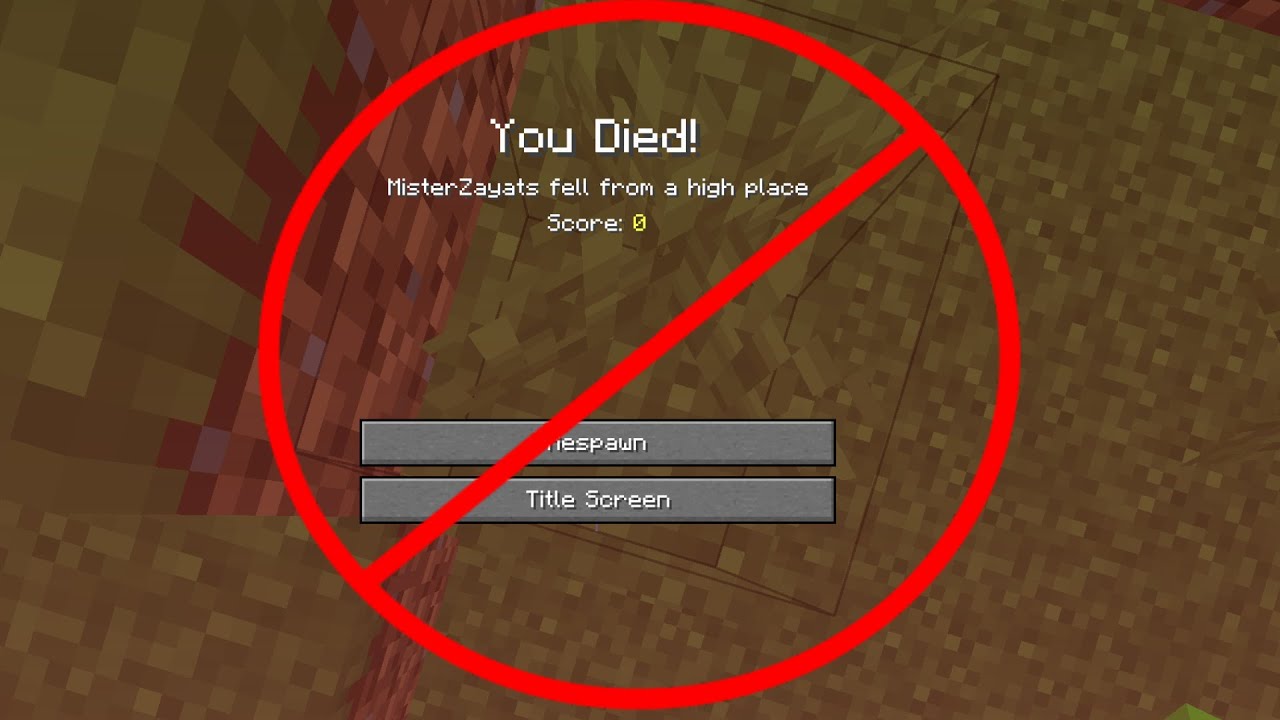
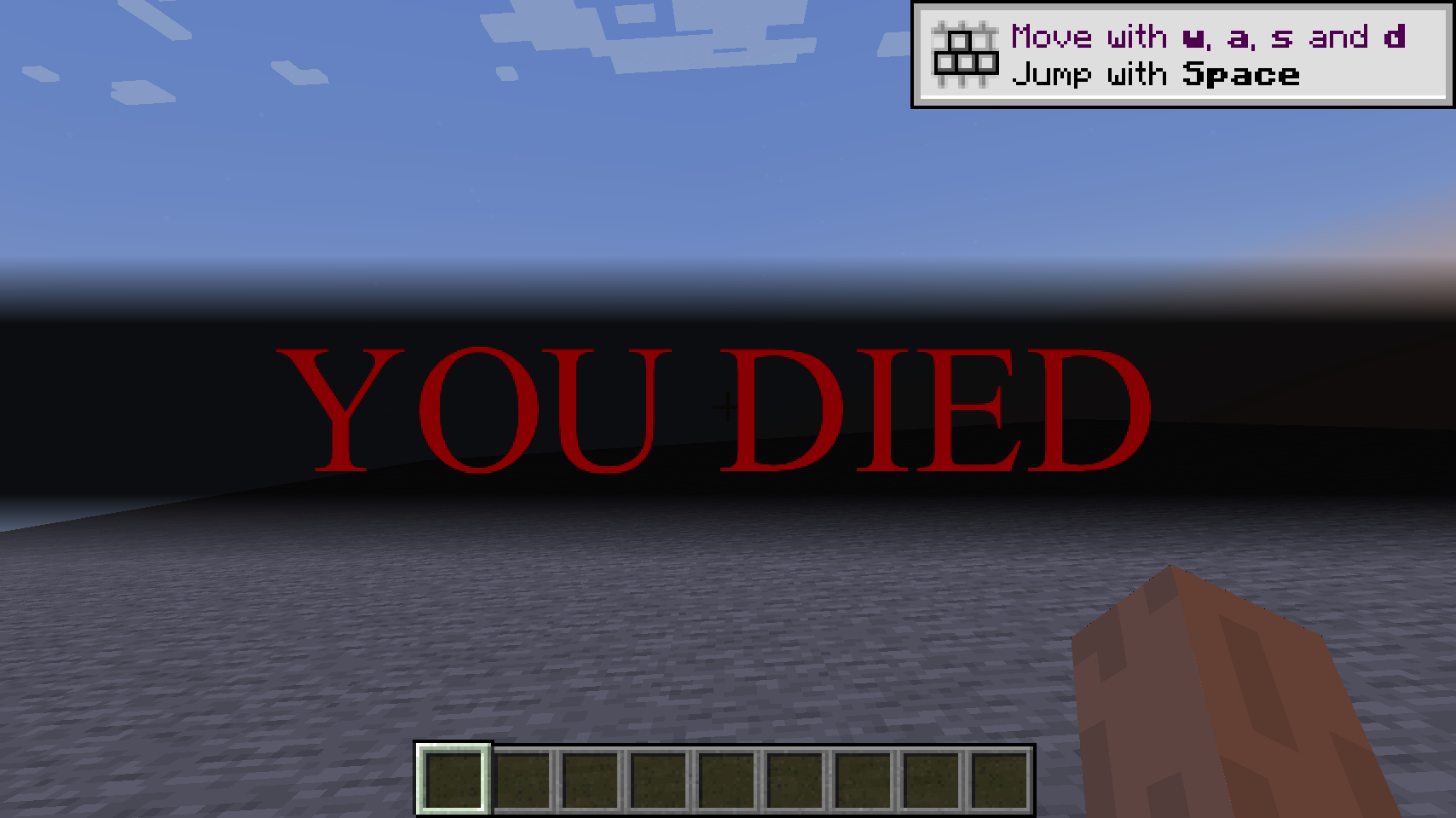
Never lose your items or spend minutes guessing where you died again! Death Coordinates Client is a lightweight, strictly client-side Fabric mod that automatically logs your precise death location the moment you die.
✨ Features
- Automatic Chat Logging: Instantly prints your $X, Y, Z$ coordinates as soon as you die.
- Dimension Detection: Clearly displays whether you died in the Overworld, Nether, End, or a custom modded dimension.
- 100% Client-Side: Runs completely on your own game client. Works seamlessly on vanilla multiplayer servers, LAN worlds, and realms without needing to be installed on the server!
- Clean Formatting: Features color-coded chat messages so your coordinates are easy to read at a glance.
- Anti-Spam Logic: Triggers exactly once per death sequence and resets cleanly when you respawn.
🎮 Compatibility
- Mod Loader: Fabric
- Minecraft Version: 1.20+ (MORE UPDATES COMING SOON)
常见问题
Death Coder 支持哪些 Minecraft 版本?
Death Coder 支持 Minecraft Java 版 1.21.1–1.21.11,共 11 个版本,可用的加载器:Fabric。下载时注意选择和你游戏版本一致的文件。
Death Coder 怎么安装?
先用 PCL2 或 HMCL 启动器安装对应版本的 Fabric,再把下载的 .jar 文件放进游戏目录的 mods 文件夹,重新启动游戏即可。开启了版本隔离的,mods 文件夹在 versions/版本名 下面。运行环境:仅客户端。

评论
登录后评论和评分