
Dalek Mod: All Dimensions Plus
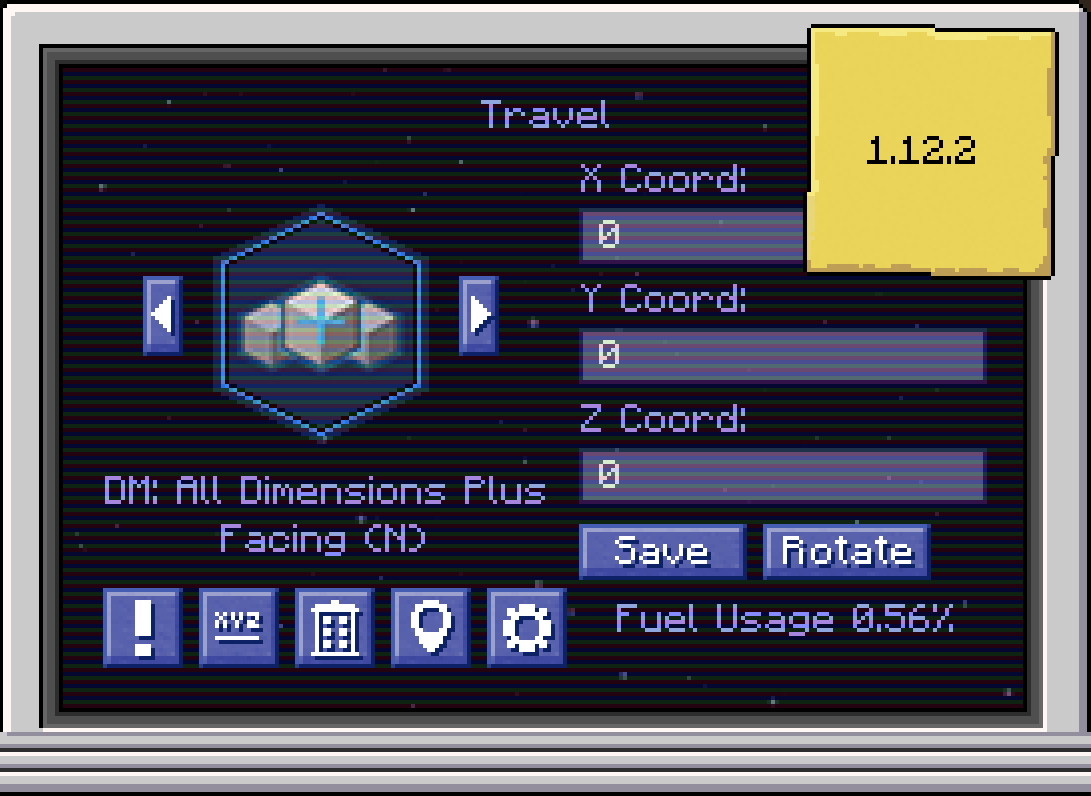
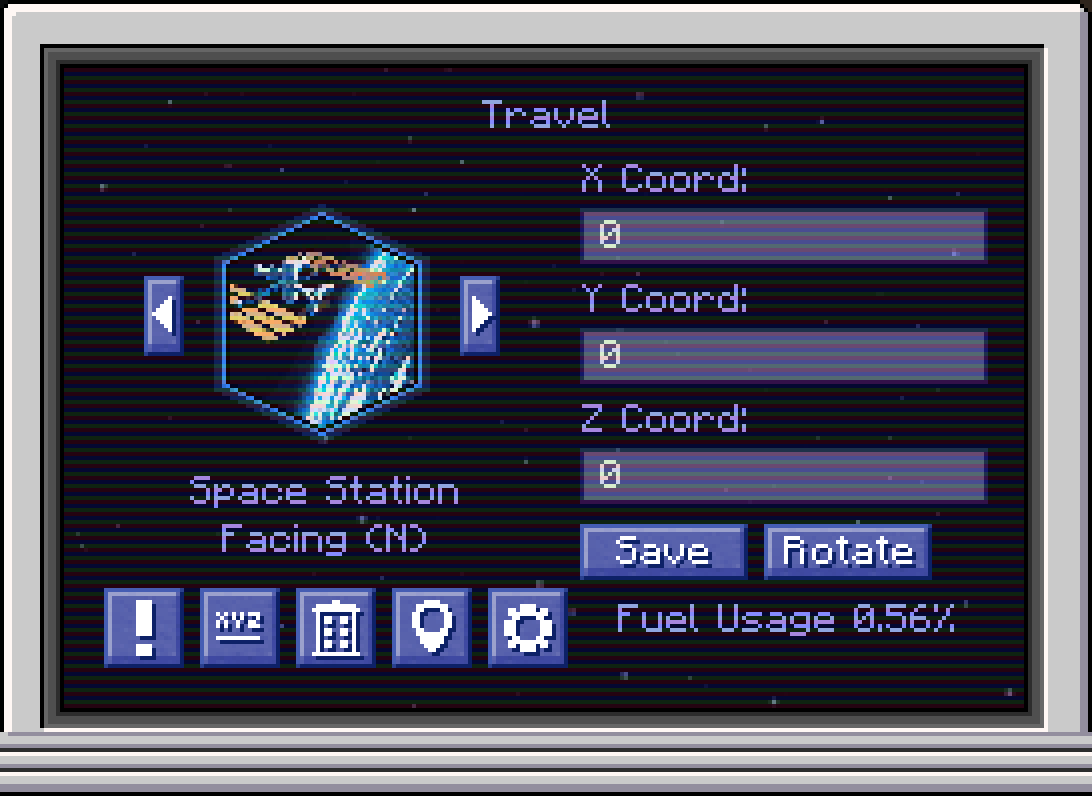
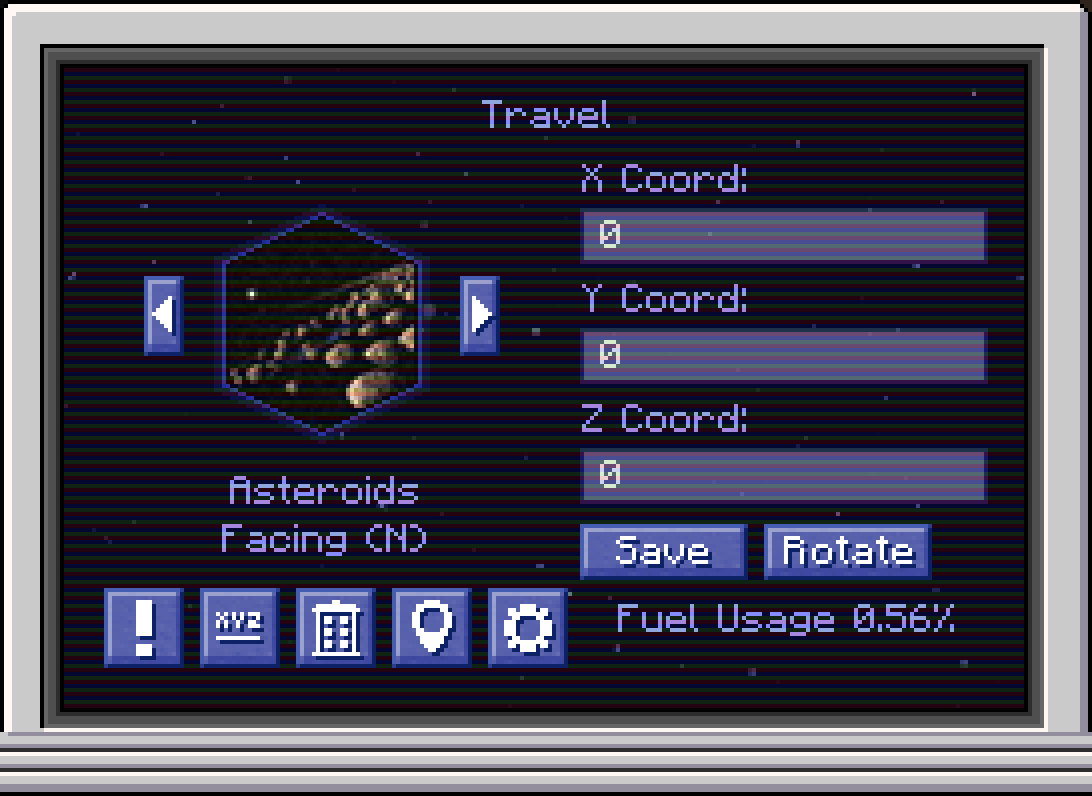
A Dalek Mod 1.12.2 addon that enhances and expands the dimensions selector.
截图
介绍
Dalek Mod: All Dimensions Plus (Addon)
A Dalek Mod (1.12.2) addon that enhances and expands the dimensions selector.
Features
- Automatic Dimension Integration – automatically adds all available dimensions, including those from other mods to the dimensions selector. Must be installed on both the client and server.
- Custom Planet Icons – add custom planet icons via a resource pack.
- Dimension Blacklist – hide specific dimensions from the dimensional selector. (This already exists in the Dalek Mod config but was never implemented)
- Dimension Renaming – change the displayed name of a dimension in the selector.
- Dimension Reordering – customize the order of the displayed dimensions in the selector.
Planned Features
- Singleplayer Support – this mod currently supports multiplayer only.
Custom Planet Icons Instructions
Custom planet icons can be added using a resource pack. Icons need to be placed at:
assets/thedalekmod/textures/gui/planet_icons/<dimensionname>.png.
<dimensionname> must match the original dimension name (renamed display names will not work). Use lowercase only and replace any special characters with _. You can also find the correct icon names in the Minecraft log (log/latest.log), after starting the game with the mod installed, by searching the log for planet icon:.
Example: For Galacticraft’s Moon and Mars dimensions (named: moon.moon and planet.mars), the required icon filenames would be moon_moon.png and planet_mars.png.
Based On
This project builds on the great work of the people below – check out their projects!
- Bug1312’s Dalek Mod: All Dimensions Addon, the original 1.16.5 addon.
- Azures04’s DM (legacy): All dimensions, a 1.12.2 port of the original 1.16.5 addon, the foundation of this addon.
- Averash’s DM: All Dims with Images, adds support for custom planet images to the 1.16.5 addon.
Bug Reports & Feature Requests
Found a bug or have an idea for something cool? Let me know via the issues tracker 🙂
License
常见问题
Dalek Mod: All Dimensions Plus 支持哪些 Minecraft 版本?
Dalek Mod: All Dimensions Plus 支持 Minecraft Java 版 1.12.2,可用的加载器:Forge。下载时注意选择和你游戏版本一致的文件。
Dalek Mod: All Dimensions Plus 怎么安装?
先用 PCL2 或 HMCL 启动器安装对应版本的 Forge,再把下载的 .jar 文件放进游戏目录的 mods 文件夹,重新启动游戏即可。开启了版本隔离的,mods 文件夹在 versions/版本名 下面。运行环境:客户端和服务端都要装。
评论
登录后评论和评分