
Cybernetics: Vanity
Control installed Cybernetics visuals with synchronized vanity settings and CPM/Pehkui compatibility.
截图
介绍
Cybernetics: Vanity
Choose how your chrome looks without uninstalling it or losing its effects.
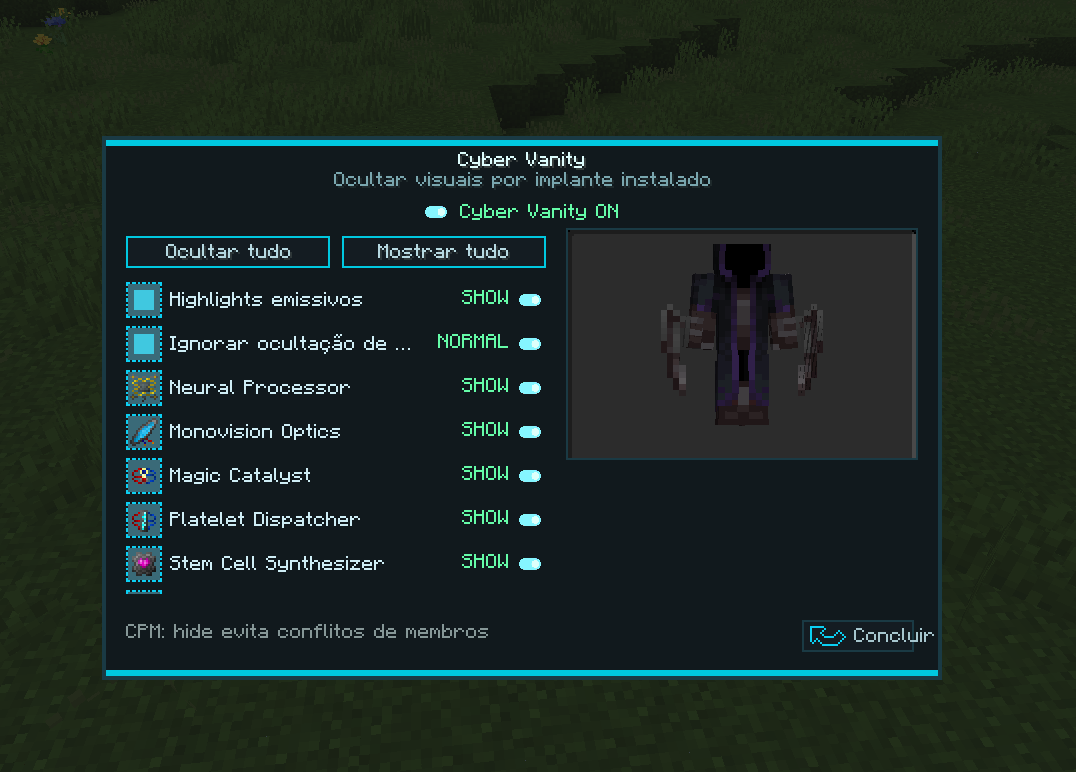
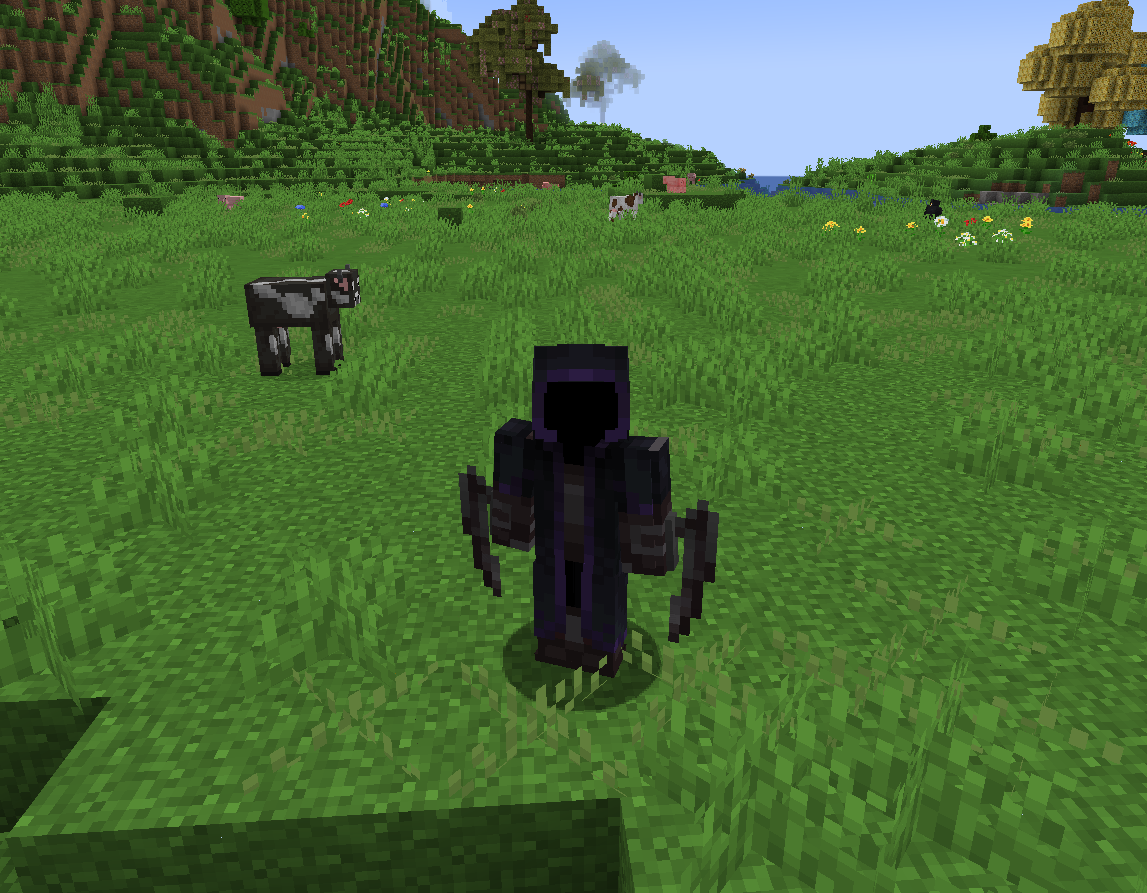
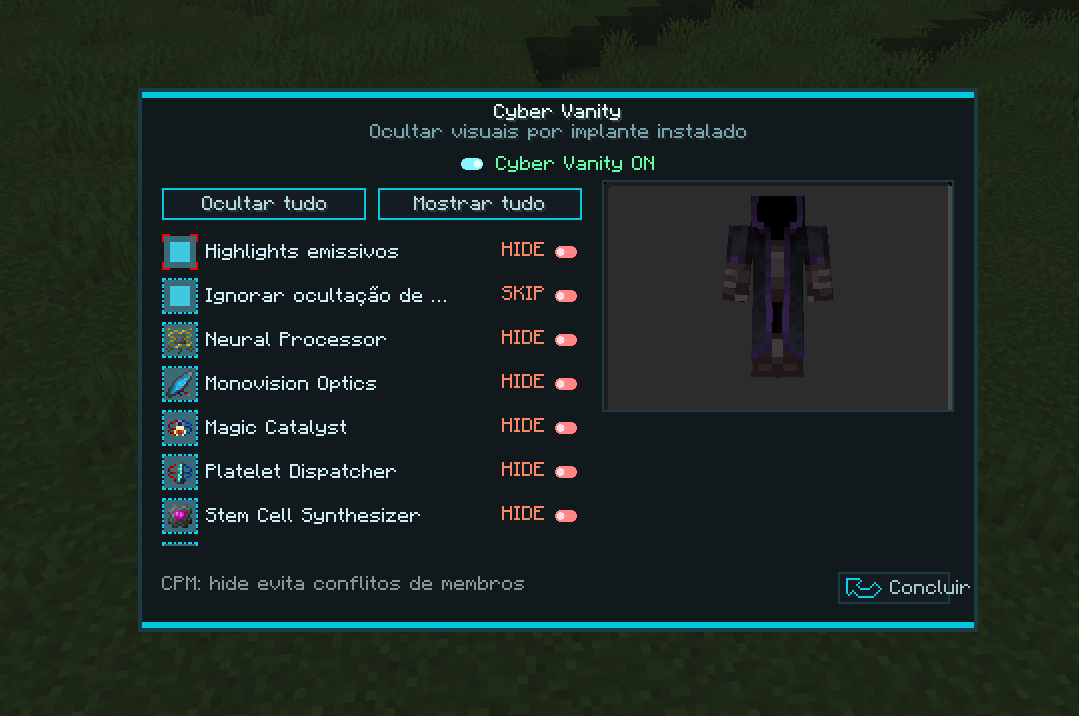
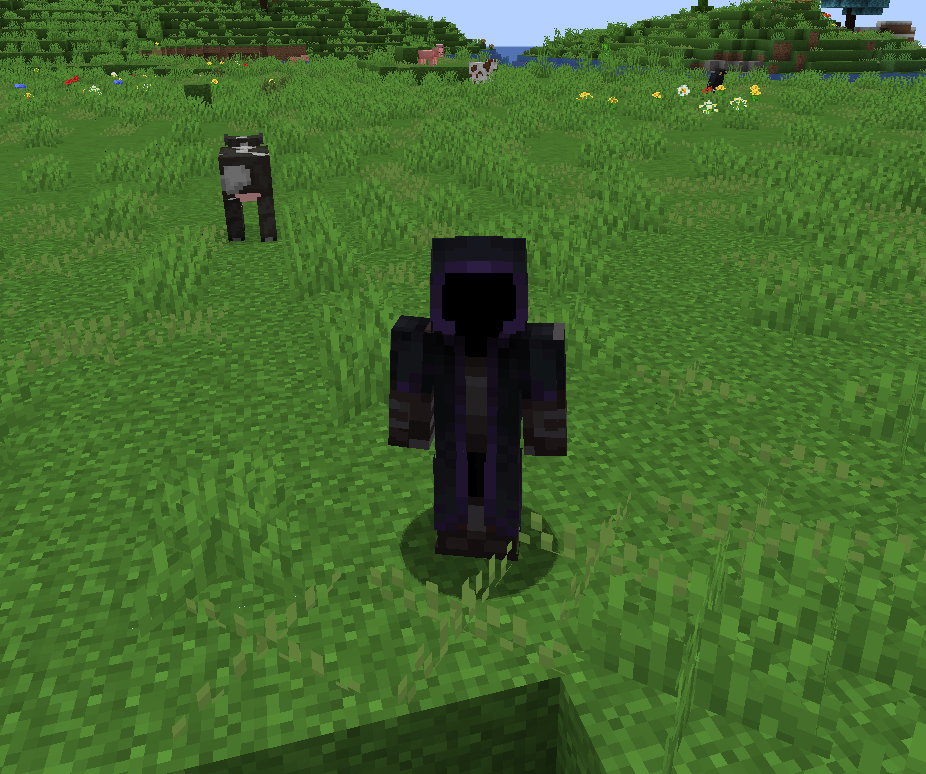
Cybernetics: Vanity is a cosmetic and compatibility addon for Cybernetics on NeoForge 1.21.1. Install the Vanity Implant and open a synchronized Robosurgeon-inspired menu to hide or show each installed cyberware visual independently.
Official downloads
These are the only official download platforms. GitHub contains source code and documentation, but no compiled downloads.
Main features
- Per-implant visual toggles
- Master switch, Hide all, and Show all
- Live rotating player preview
- First- and third-person support
- Persistent multiplayer synchronization
- Synthskin-based Vanity Implant with tattoo support
- Configurable acquisition, permissions, and implant requirement
- Optional missing-limb and Corpse appearance rules
Compatibility
- Customizable Player Models (CPM): prevents duplicate model passes and flickering; supports CPM Sandevistan mirages
- Pehkui: preserves scale in Sandevistan and Holoprojector projections
- Cyber Spells: compatible rune overlay visibility
- Corpse: optional preserved corpse appearance
- Create, Cyberchems, CPM, Pehkui, Cyber Spells, and Corpse are optional
CPM Sandevistan rendering adapts the number of full model copies for better performance and can be disabled completely in the client settings. Pehkui scale remains active when it is disabled.
Requirements
- Minecraft 1.21.1
- NeoForge
- Cybernetics
The addon must be installed on the server and connecting clients.
Getting started
- Obtain a Vanity Implant from a villager drop, or let the server disable the implant requirement.
- Install it through Cybernetics surgery as a skin replacement.
- Assign Open Cyber Vanity Menu in Controls.
- Choose the visuals you want to keep.
Full setup, configuration, compatibility, and troubleshooting information is available on the GitHub wiki. Problems can be reported through GitHub Issues.
Credits
- Cybernetics by Perigrine33
- Cybernetics: Vanity by Yo_Fred
- Original addon idea by OkarinY
常见问题
Cybernetics: Vanity 支持哪些 Minecraft 版本?
Cybernetics: Vanity 支持 Minecraft Java 版 1.21.1,可用的加载器:NeoForge。下载时注意选择和你游戏版本一致的文件。
Cybernetics: Vanity 怎么安装?
先用 PCL2 或 HMCL 启动器安装对应版本的 NeoForge,再把下载的 .jar 文件放进游戏目录的 mods 文件夹,重新启动游戏即可。开启了版本隔离的,mods 文件夹在 versions/版本名 下面。运行环境:客户端和服务端都要装。
Yo_Fred 的其他作品
查看全部 →
The Oblivion RP
As velhas leis caíram e os segredos da Ordem imploram por sangue. O eco da Ruptura consome as fundações deste mundo... Escolherás o fardo da herança sagrada ou abraçarás a liberdade sombria dos Submundanos?

The Oblivion RP
Custom mod to THE OBLIVION RP

Yo_Fred Custom Name
Port to a old mod

Just Vanish
A lightweight, server-side NeoForge vanish mod that keeps staff hidden from players, mobs, chat, player lists, commands, sounds, and game events.
评论
登录后评论和评分