Cutting Delight
A Farmer's Delight addon that makes cutting boards easier to use
截图
介绍
Description
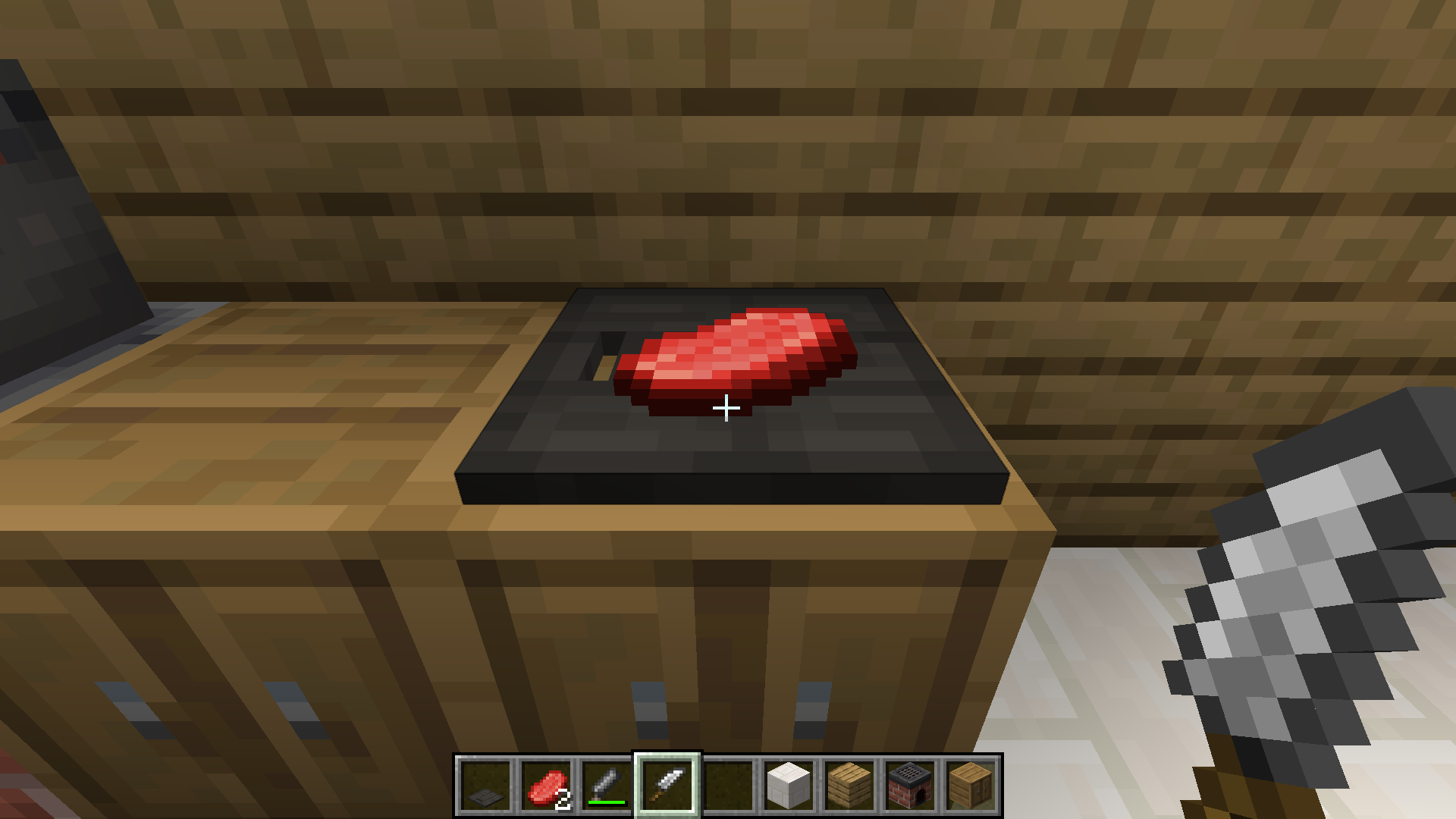
Cutting Delight is a Farmer’s Delight addon that adds a new cutting board.
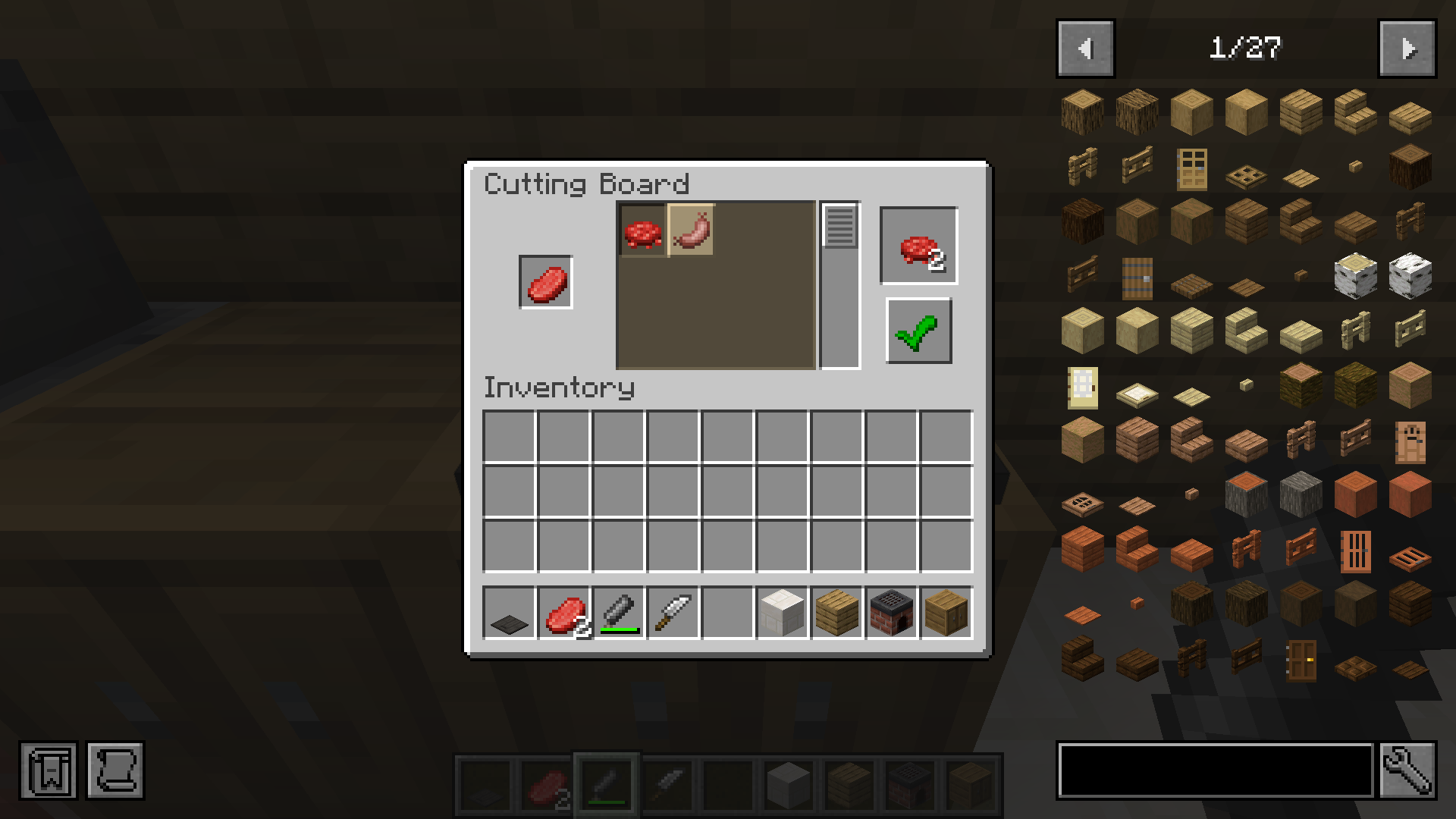
This cutting board makes it possible to select the output when cutting food. This is useful when using other Farmer’s Delight addons with conflicting recipes.
To do this, it opens a stone cutter-like menu where you can select what output you want.
Getting Started
To start using this mod, create a Farmer’s Delight cutting board and put this in a item in your crafting menu. This will give you the custom cutting board.
You can put the item or tool on the cutting board like normal. The output menu opens when you right click with a tool on the cutting board and there is an item on the cutting board.
Mod Loaders
Cutting Delight is available for Forge, Neoforge, and Fabric. There are no plans to port this mod to any other mod loaders.
Backports
I’m currently not planning on backporting this mod to earlier Minecraft/Farmer’s Delight versions than 1.20.1, but if you want you can try it yourself and open a pull-request on my github repository.
Credits
- Farmer’s Delight created by vectorwing
- The Farmer’s Delight Discord community for logo assets
- DevIn’s Badges for the badges used in this description
常见问题
Cutting Delight 支持哪些 Minecraft 版本?
Cutting Delight 支持 Minecraft Java 版 1.20.1–1.21.1,共 2 个版本,可用的加载器:Fabric / Forge / NeoForge。下载时注意选择和你游戏版本一致的文件。
Cutting Delight 怎么安装?
先用 PCL2 或 HMCL 启动器安装对应版本的 Fabric / Forge / NeoForge,再把下载的 .jar 文件放进游戏目录的 mods 文件夹,重新启动游戏即可。开启了版本隔离的,mods 文件夹在 versions/版本名 下面。运行环境:客户端和服务端都要装。


评论
登录后评论和评分