
CustomLag
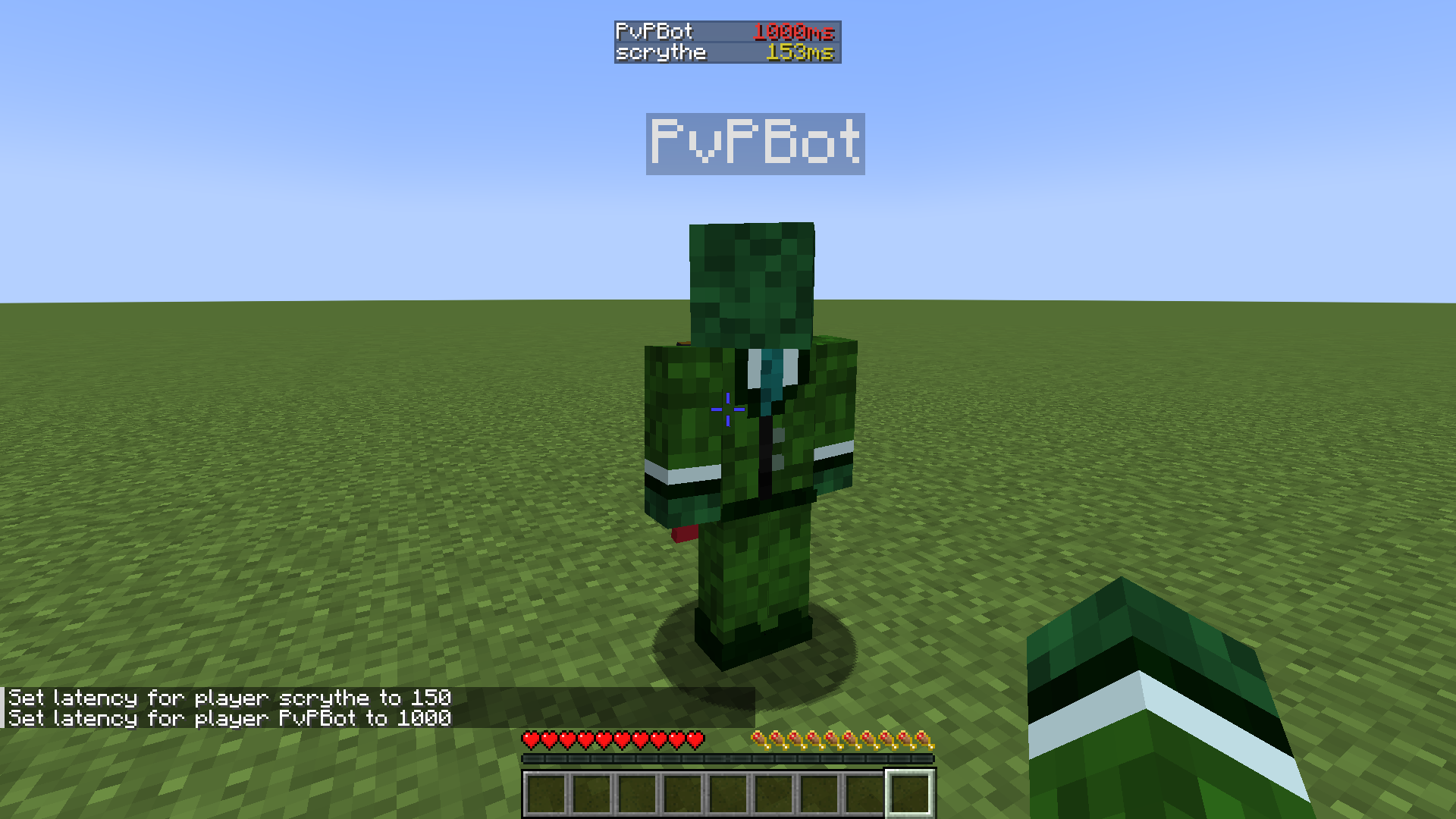
Fabric mod to simulate lag for servers and single player worlds by delaying packets from sending and receiving
截图
介绍
Your browser doesn’t support HTML video.
About the Mod
This Mod simulates lag by delaying the processes of receiving and sending packets. This is done by injecting a ContextHandler inside the ChannelPipeline of a minecraft connection. This mod works only for servers and single player worlds.
Usage
To set or change the latency/ping for a player, just use the lag command:
/lag set <playername> <latency>Setting lag will be saved to a toml file, so even after restart, the settings
will remain. You can also set the lag of offline players (who have not currently
joined yet.)
In order to remove the lag of a player, you can use:
/lag remove <playername>(this removes the ContextHandler that delays packets from sending)
Some additional commands are:
There are also some addional quality of live -ish commands, like increase the
keep alive / ping packets interval, to find more, just enter
/customlag常见问题
CustomLag 支持哪些 Minecraft 版本?
CustomLag 支持 Minecraft Java 版 1.21–1.21.11,共 12 个版本,可用的加载器:Fabric。下载时注意选择和你游戏版本一致的文件。
CustomLag 怎么安装?
先用 PCL2 或 HMCL 启动器安装对应版本的 Fabric,再把下载的 .jar 文件放进游戏目录的 mods 文件夹,重新启动游戏即可。开启了版本隔离的,mods 文件夹在 versions/版本名 下面。运行环境:仅服务端。
评论
登录后评论和评分