
CustomHUD Ui
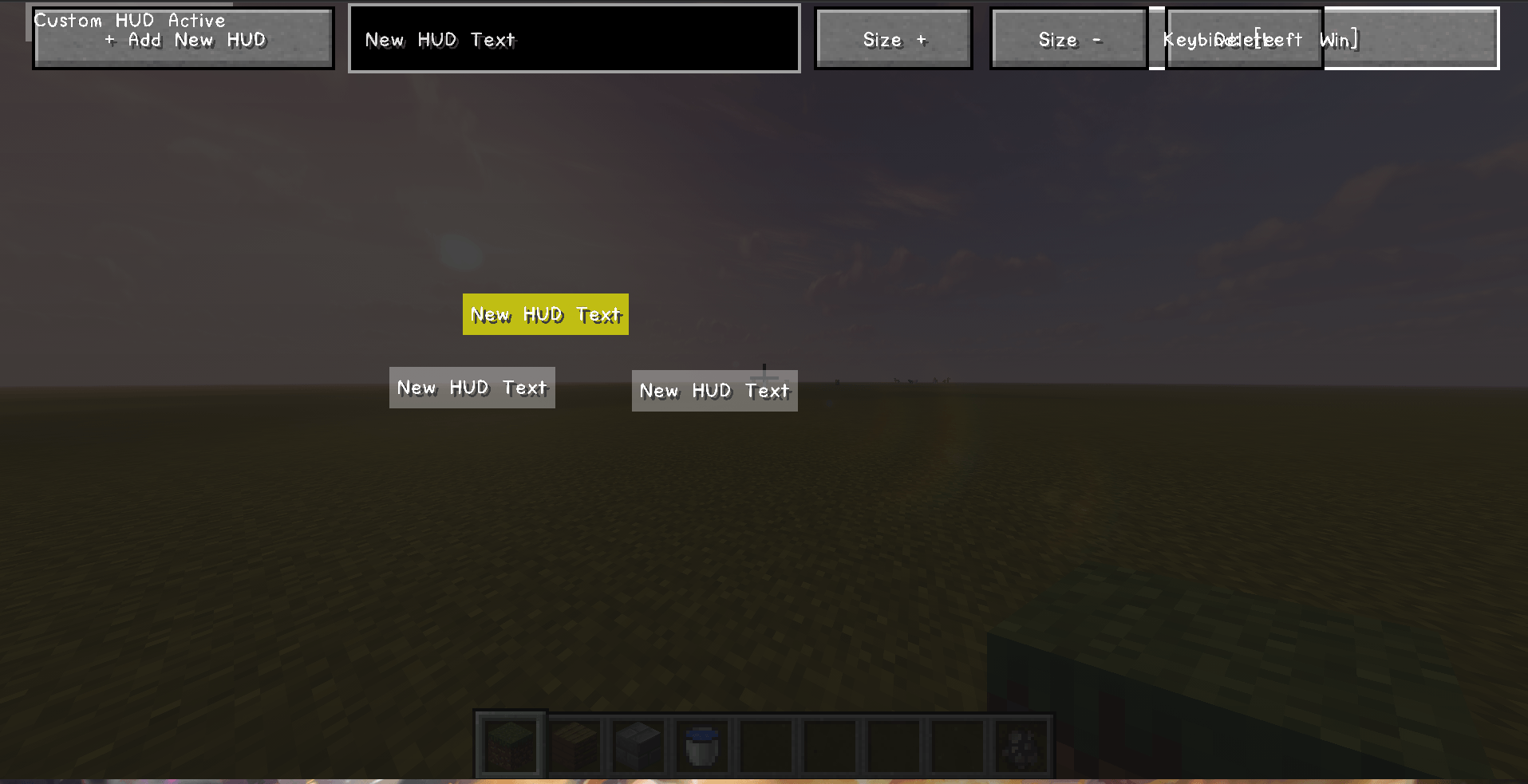
Customizable On-Screen HUD: Effortlessly add text boxes, resize, reposition, or delete elements with a single click ("+ Add New HUD"). This gives players full freedom to design their ideal interface.
截图
介绍
中文介绍正在准备中,下面暂时显示原文。
CustomHUD Ui
New Version !
How to Use:
Edit configuration in Config.
1. Click “+ Add New HUD” in the top-left corner to create a text box.
2. Edit your text, resize, reposition, or delete elements as you like.
Note:
Editing features are restricted to Server OPs only.
General players can only customize the Keybind (On/Off toggle key for HUD)
常见问题
CustomHUD Ui 支持哪些 Minecraft 版本?
CustomHUD Ui 支持 Minecraft Java 版 1.20.1,可用的加载器:Forge。下载时注意选择和你游戏版本一致的文件。
CustomHUD Ui 怎么安装?
先用 PCL2 或 HMCL 启动器安装对应版本的 Forge,再把下载的 .jar 文件放进游戏目录的 mods 文件夹,重新启动游戏即可。开启了版本隔离的,mods 文件夹在 versions/版本名 下面。
评论
登录后评论和评分