
Custom Durability Bar
Simple mod that allows you to customise the appearance of the durability bar
截图
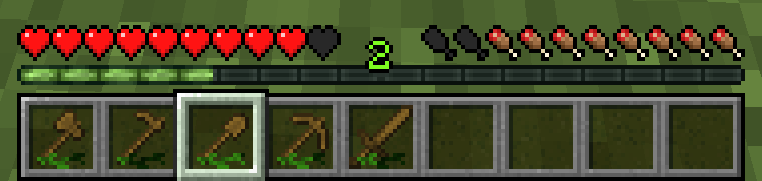
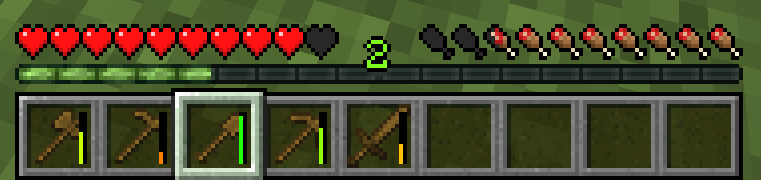
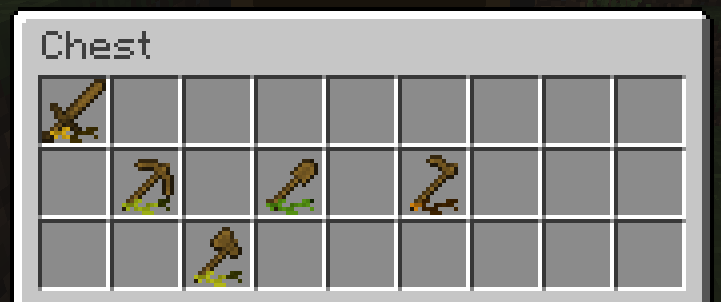
介绍
About
Simple mod that allows you to customise the appearance of the durability bar
Features
- Change the texture
- Change the orientation
- Change the position
- Hide the durability bar
- Change the durability bar texture with the resource pack
Configuration
It’s best to use the Mod Menu to access the configs, but you can manually modify the customizability.json5 file in the config folder of your Minecraft directory
customizability.json5 possible values of options
| Option | Values |
| —————————- | ————————————————- |
| durabilityBarType | GREEN_LEAVES, COLOURFUL_LEAVES, DEFAULT, HIDE |
| durabilityBarOrientation | HORIZONTAL, VERTICAL |
| xPosition | Any number |
| yPosition | Any number |
Dependencies
Changing the mod durability bar texture
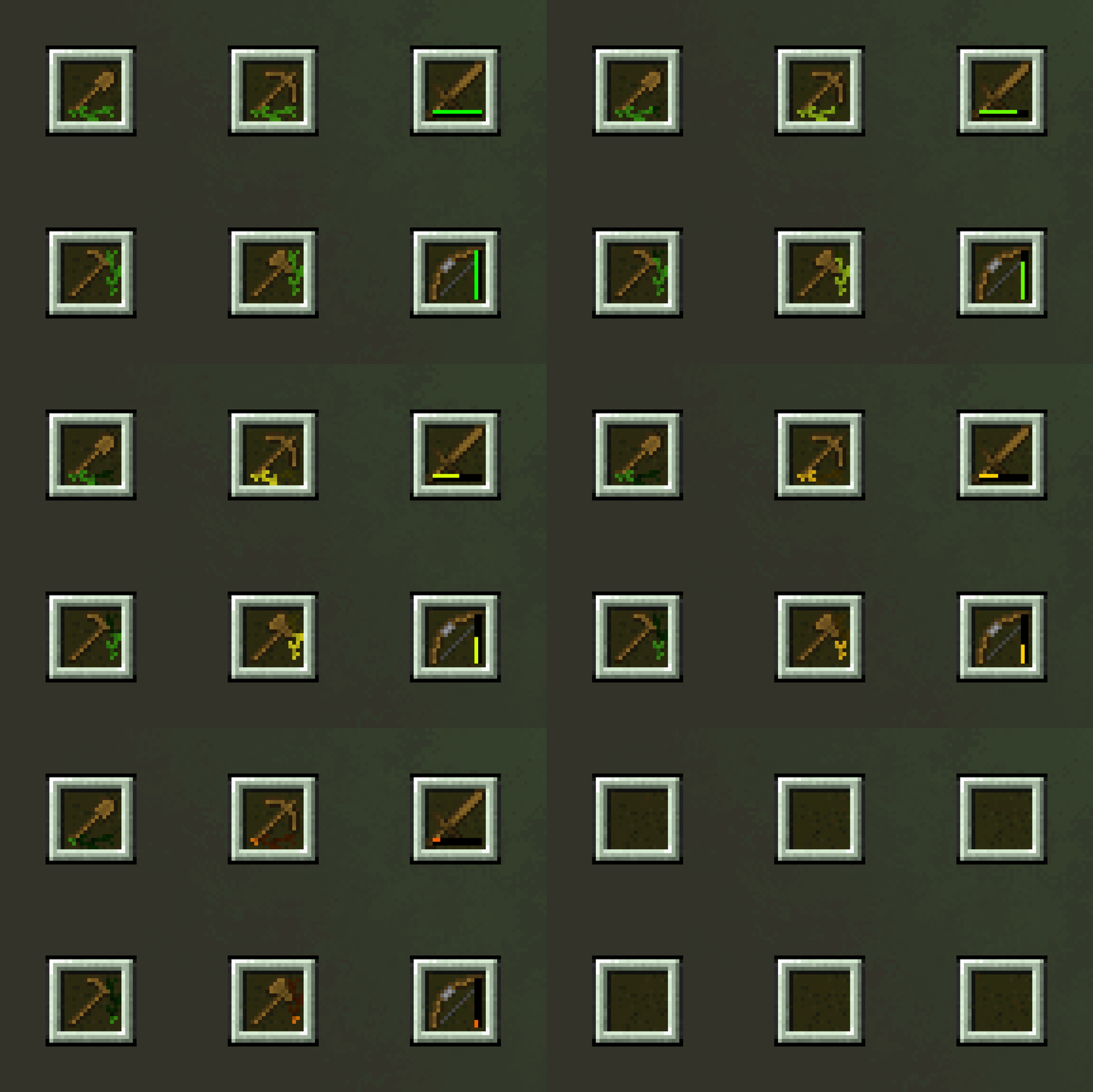
You can change the default durability bar texture provided by the mod. To do this, you need to create a resource pack, and place the modified bar texture in it at the following path yourresourcepack.zip/assets/customdurabilitybar/textures/gui/leaves_background_16x16.png and choose the setting GREEN_LEAVES in config.
The texture file must meet the following requirements:
- Width: 224 pixels (14 regions 16×16 pixels)
- Height: 32 pixels
Example:

For now the mod only supports 16×16 pixel textures, but this may change in the future
常见问题
Custom Durability Bar 支持哪些 Minecraft 版本?
Custom Durability Bar 支持 Minecraft Java 版 1.20.1–1.21.3,共 10 个版本,可用的加载器:Fabric。下载时注意选择和你游戏版本一致的文件。
Custom Durability Bar 怎么安装?
先用 PCL2 或 HMCL 启动器安装对应版本的 Fabric,再把下载的 .jar 文件放进游戏目录的 mods 文件夹,重新启动游戏即可。开启了版本隔离的,mods 文件夹在 versions/版本名 下面。运行环境:仅客户端。

评论
登录后评论和评分