
截图
介绍
This datapack has a required resource pack, which can be downloaded from the page for the specific version you are installing!
Custom Playing Cards
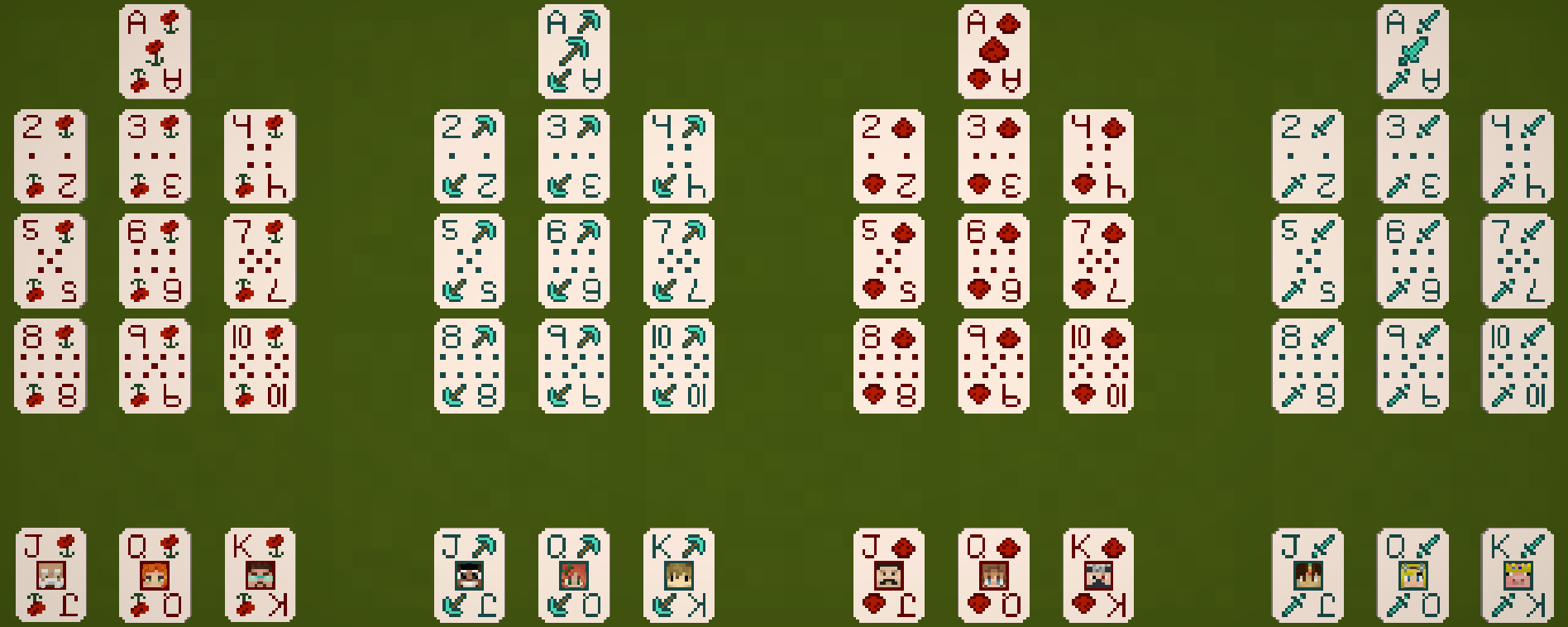
This datapack adds a set of custom playing cards featuring Minecraft themed suits and the faces of the Hermits and other Minecrafters as the faces on various face cards and jokers.
The base Deck of Cards is crafted with 6 paper and a red_dye, a cyan_dye, and any colored third dye. This gives a single item that contains 1 of each default card.

The base Deck does not contain any Jokers. To get Jokers, create a Joker Grab Bag with 2 paper, a red_dye, a cyan_dye, and any colored third dye. This will give 4 grab bags, which can be opened by holding right click.
Each grab bag contains a Cyan Joker, featuring a random Hermit that’s not already included on the face cards, and a Red Joker, featuring a random player that responded to the feedback survey while creating this datapack.

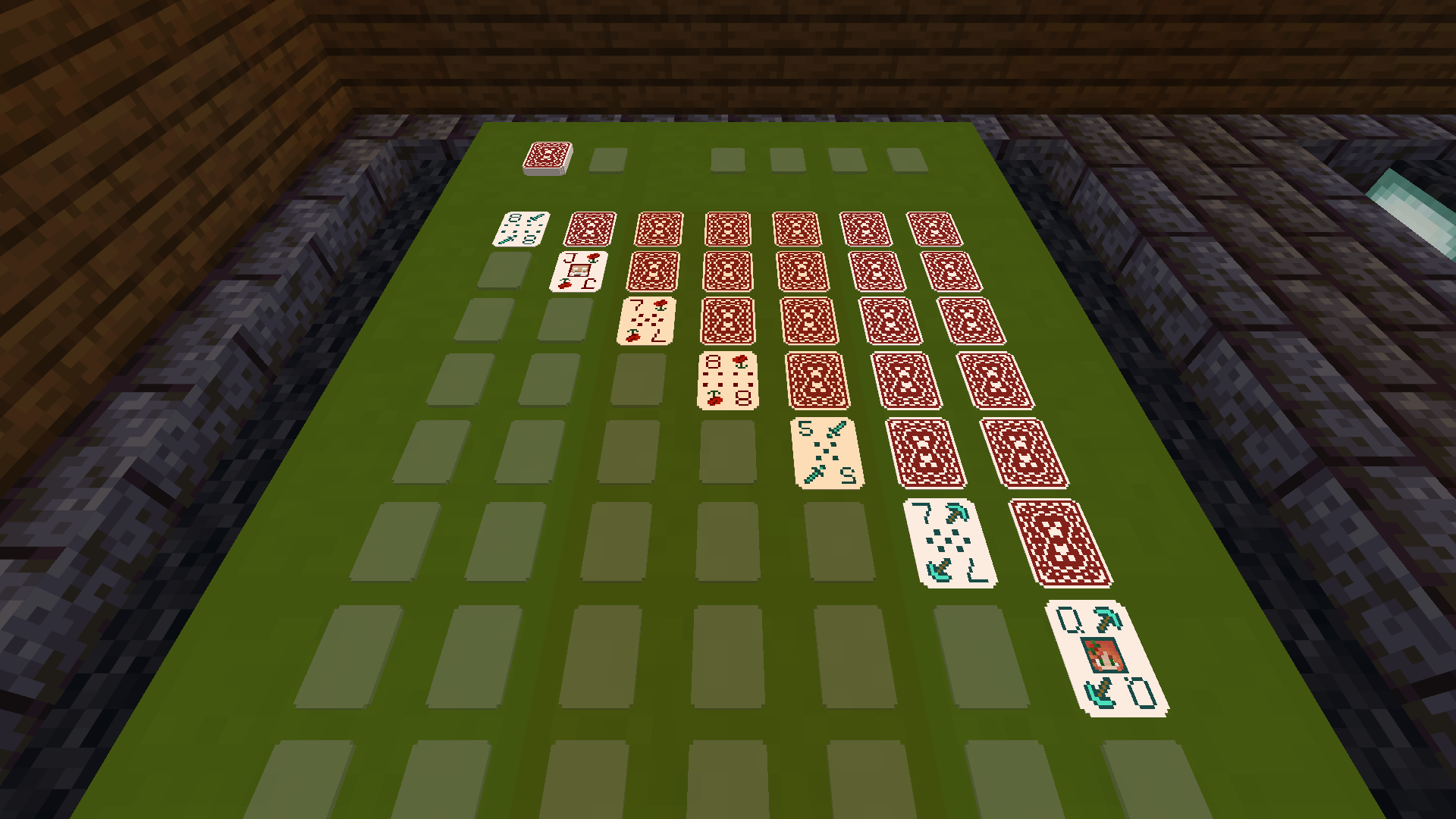
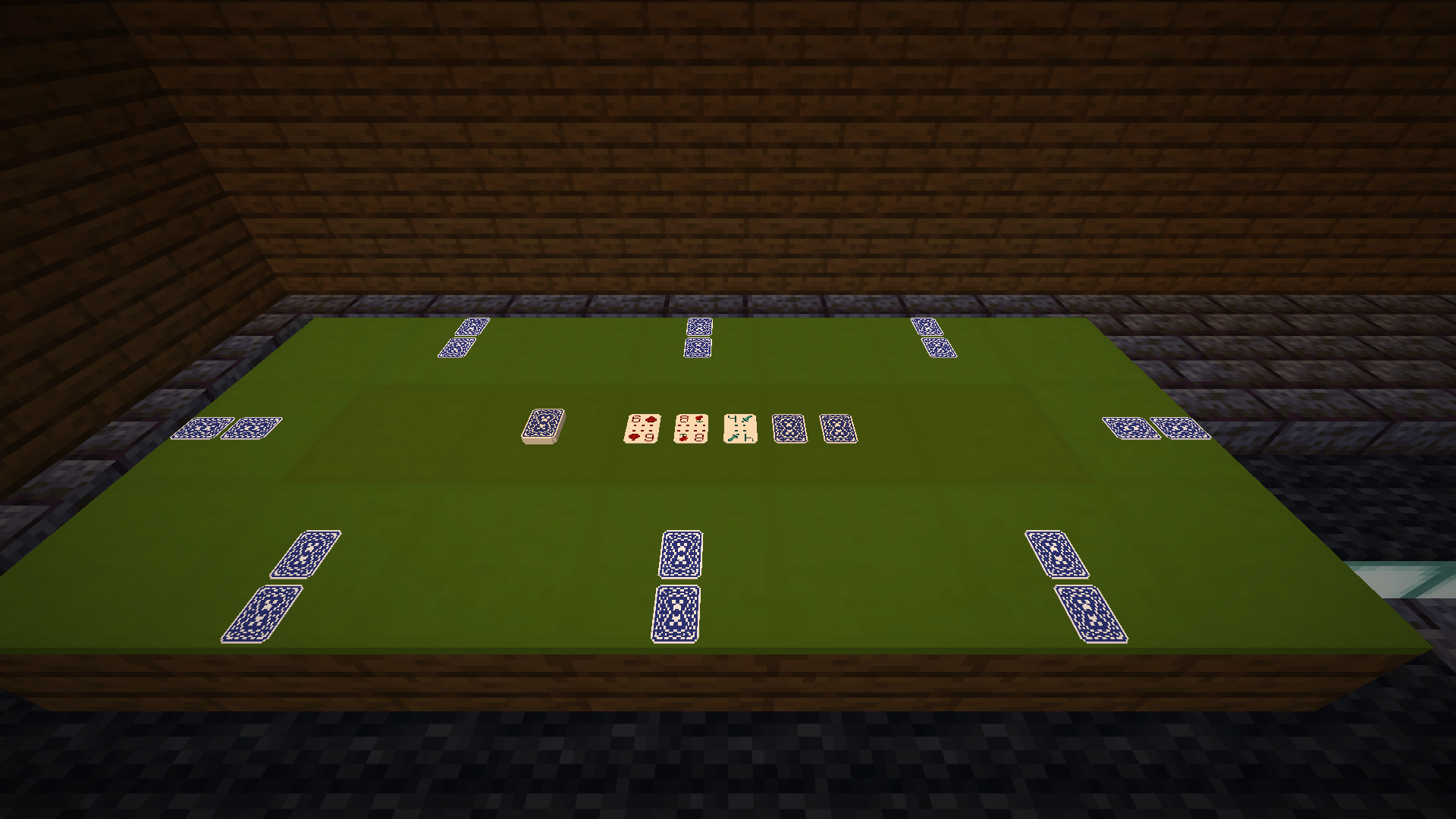
To use these playing cards, you’ll need to craft a Card Table – a special table that has 9 slots for placing playing cards. This is crafted with any planks, any colored carpet, and an item_frame in a stack.

Controls
There are a handful of different ways to interact with Cards and the Card Table:
Modifying Decks
- To shuffle a deck, hold sneak and sprint, then right-click the air with a deck of cards.
- To flip a deck, sneak and right-click the air with a deck of cards.
Modifying the Card Table
- To disable a slot on the card table, sneak and right-click an empty slot with an empty hand.
- To enable a slot on the card table, stand and right-click an empty slot with an empty hand.
- To change the rotation of the card table, right-click the side of the table with an empty hand.
- To break a table, double left-click the side of the table with an empty hand.
Placing Cards
- To place a single card faceup, stand and right-click a slot with a card or a deck.
- To place a single card facedown, sneak and right-click a slot with a card or a deck.
- To place an entire deck faceup, stand and left-click a slot with a deck.
- To place an entire deck facedown, sneak and left-click a slot with a deck.
Grabbing Cards
- To grab a single card to the mainhand, stand and right-click a filled slot with an empty hand.
- To grab an entire deck to the mainhand, stand and left-click a filled slot with an empty hand.
- To add a single card to the offhand, sneak and right-click a filled slot with an empty hand while the offhand is empty or contains a deck or a card. This will convert the offhand to a deck and add cards to the top.
- To add an entire deck to the offhand, sneak and left-click a filled slot with an empty hand while the offhand is empty or contains a deck or a card. This will convert the offhand to a deck and add cards to the top.
Customizing Cards
- To change the face on a card, sneak and right-click a slot that contains a face card or joker with a player head.
常见问题
Playing Cards and Tables 支持哪些 Minecraft 版本?
Playing Cards and Tables 支持 Minecraft Java 版 1.21.11–26.3,共 2 个版本,可用的加载器:Fabric / Forge / NeoForge / Quilt。下载时注意选择和你游戏版本一致的文件。
Playing Cards and Tables 怎么安装?
先用 PCL2 或 HMCL 启动器安装对应版本的 Fabric / Forge / NeoForge / Quilt,再把下载的 .jar 文件放进游戏目录的 mods 文件夹,重新启动游戏即可。开启了版本隔离的,mods 文件夹在 versions/版本名 下面。运行环境:客户端 / 服务端。
dqwertyc.dev 的其他作品
查看全部 →
Glamour Table
An in-game texture editor for tools and canvases.

Enchanted Elytra
Unique Elytra enchantments to provide more mobility options!

Vanilla Entity Shader Effects
This resource pack allows for the creation of animated entity textures, with effect such as glowing, flowing fluids, end-portal stars, and others! Also includes a demo pack that applies the end portal shader to endermen and dragon wings!

Ore Scanner
A consumable ore scanner that highlights nearby ores through walls.
评论
登录后评论和评分