
Curvegen
作者:Nxxx
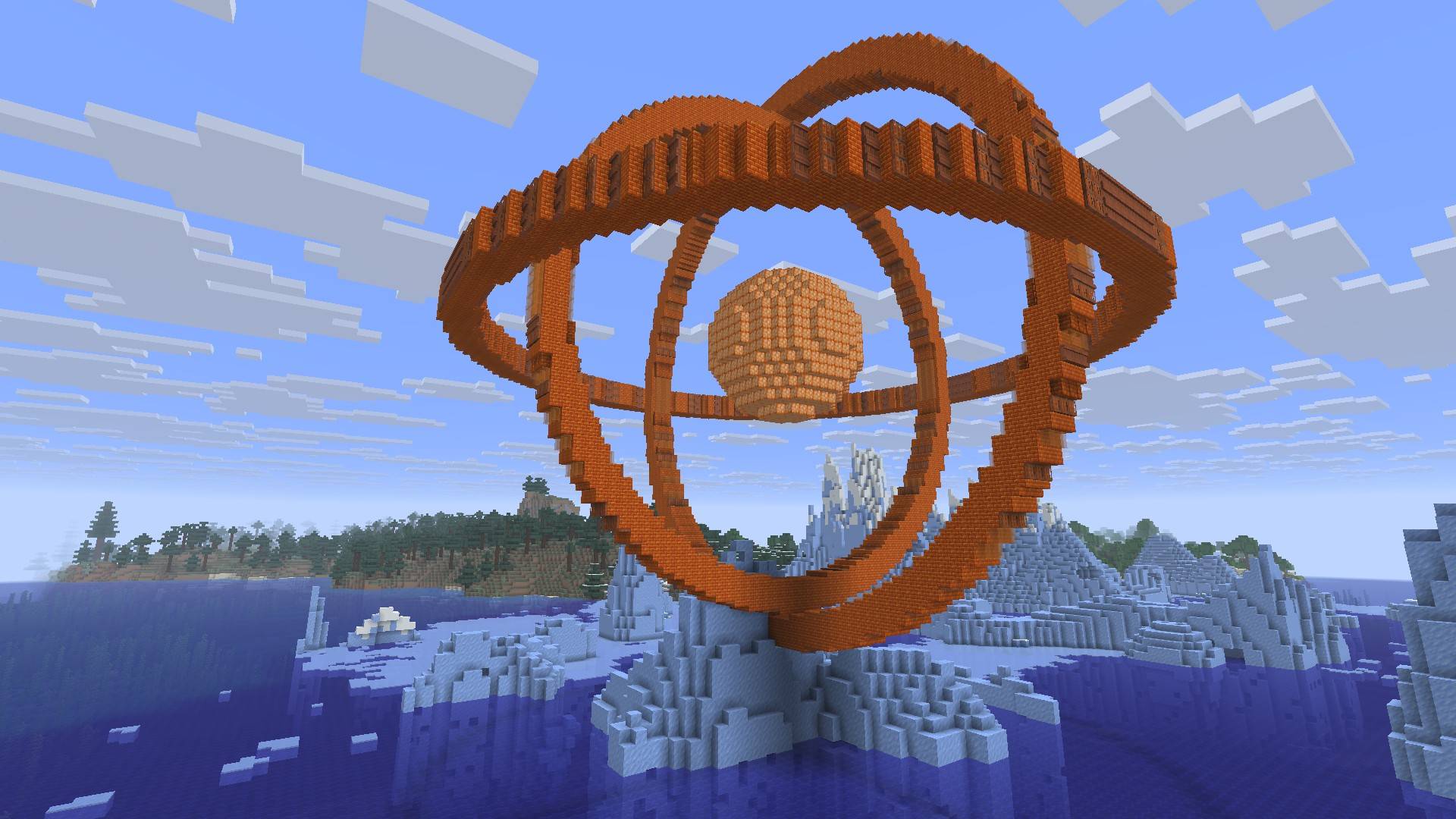
Turn ellipses, equations and Bézier curves into blocks, slabs, stairs, walls and more. Preview the build in game, then place it or export it to Litematica.
截图
介绍
中文介绍正在准备中,下面暂时显示原文。
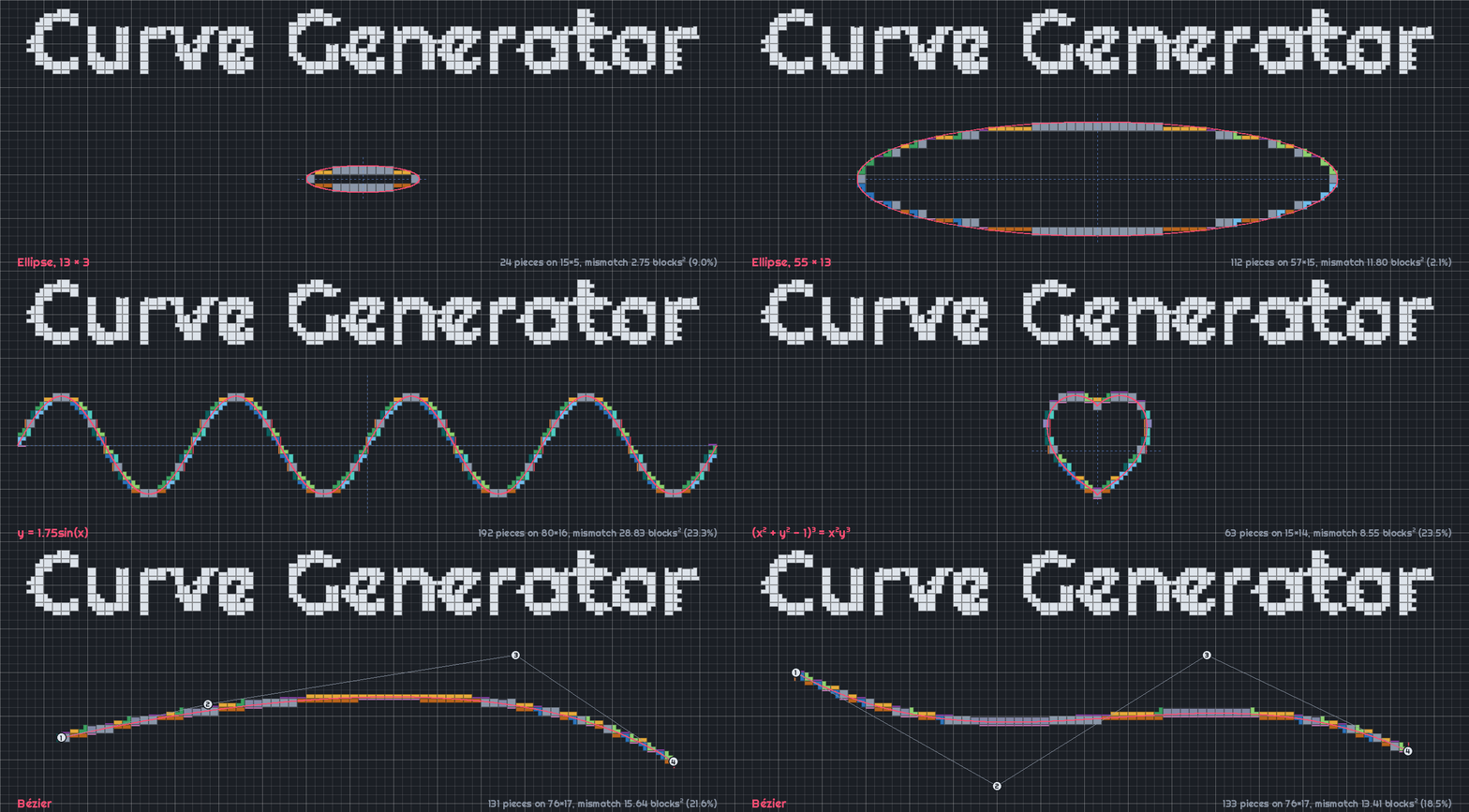




Curve Generator turns 2D and 3D shapes into Minecraft builds. It picks slabs, stairs, walls, fences, panes and other pieces for you, so shapes are smoother and more accurate than those generated with full blocks alone, such as with other tools or mods.
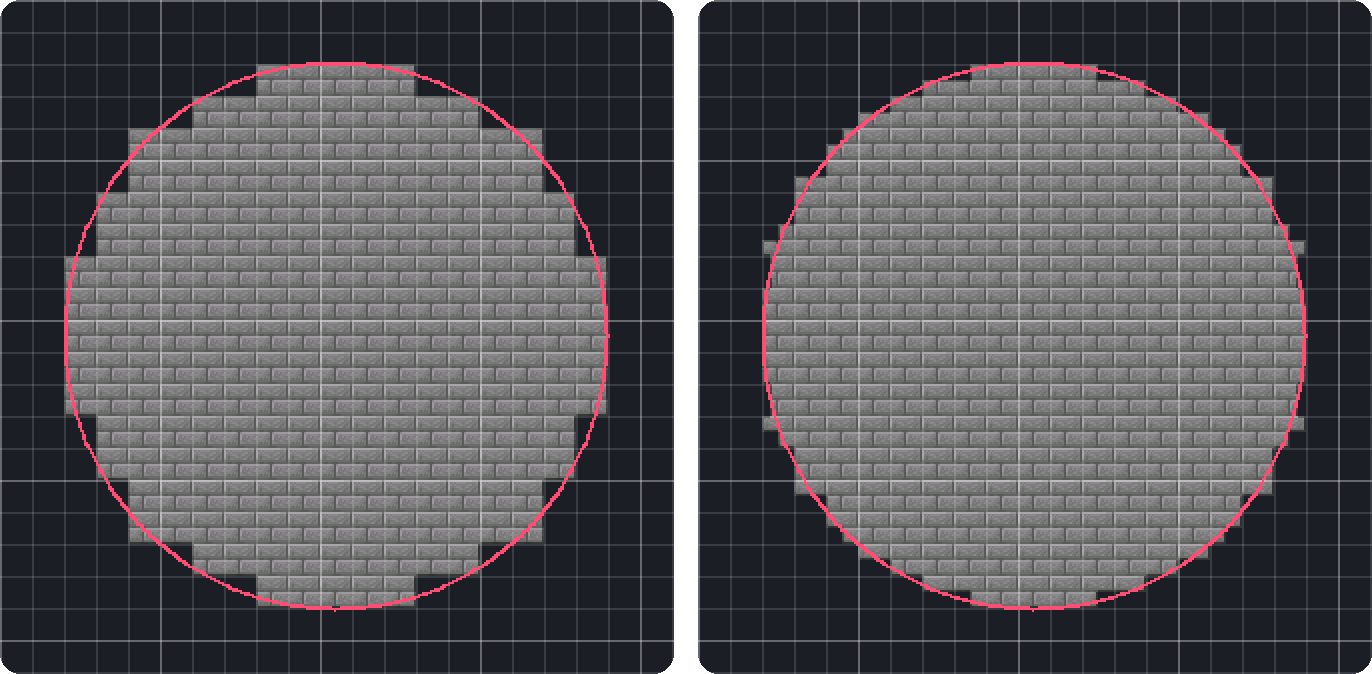
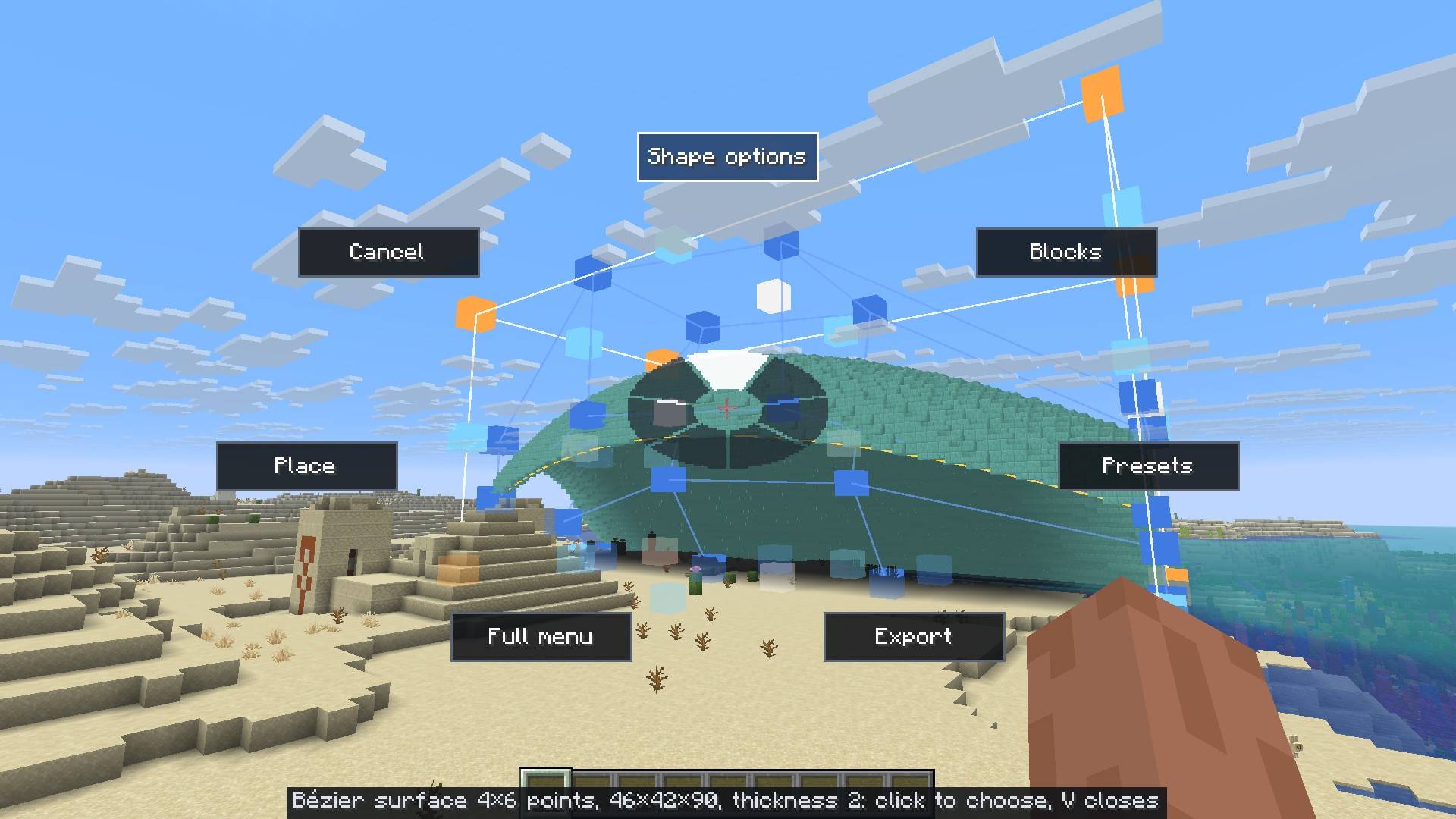
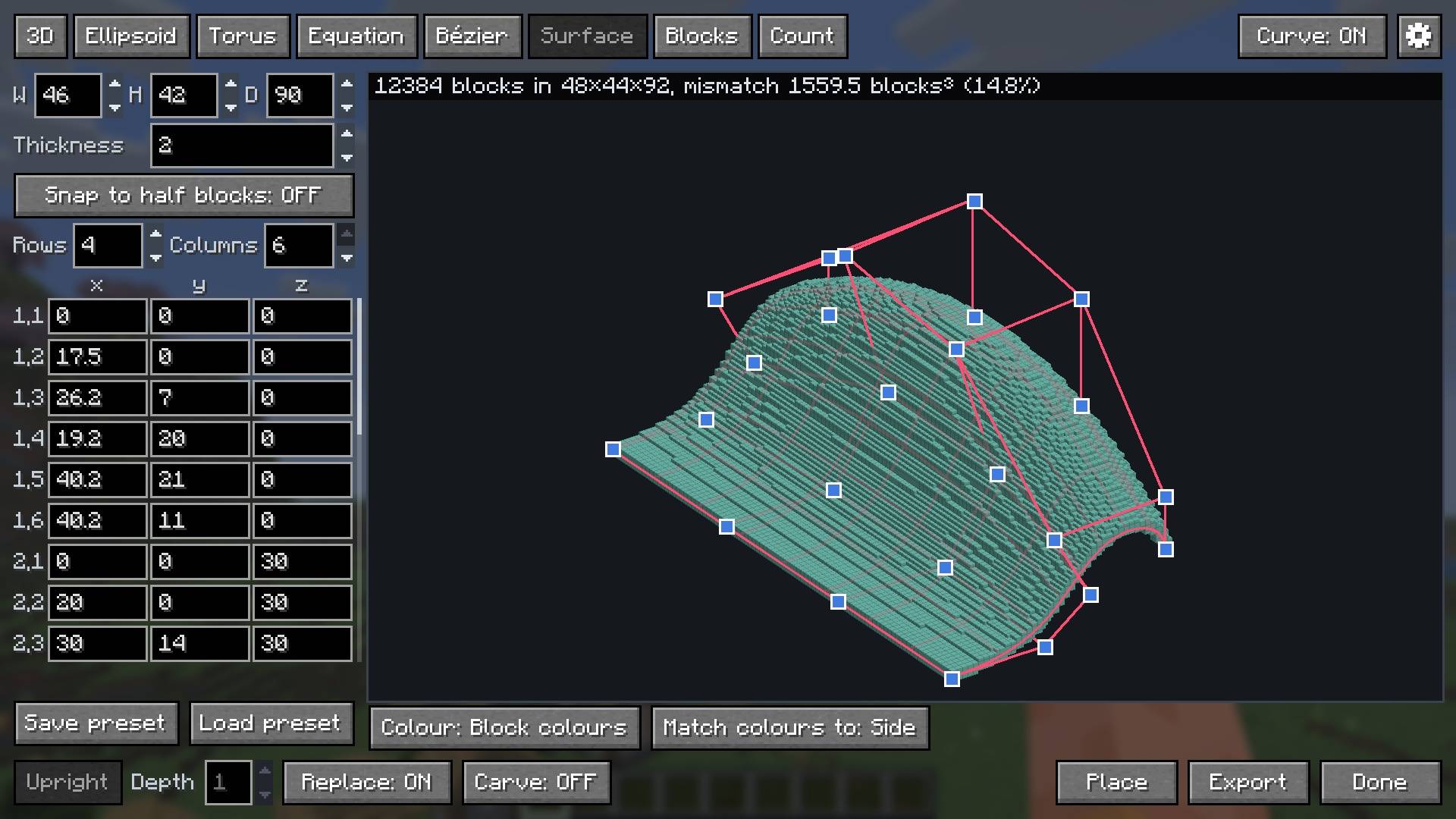
Hold V to open the radial menu, or press G to open the full menu.
Features
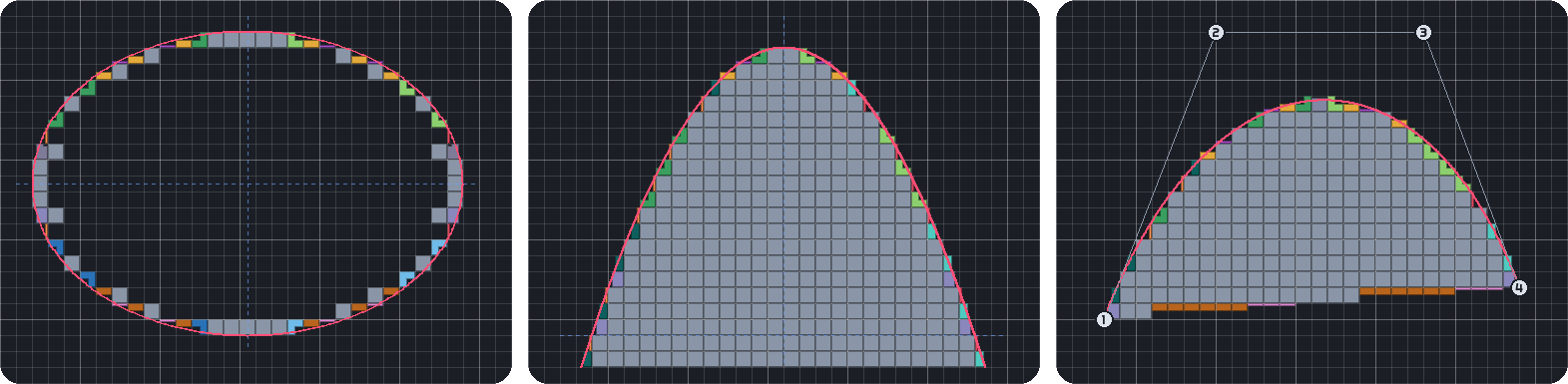
- 2D shapes
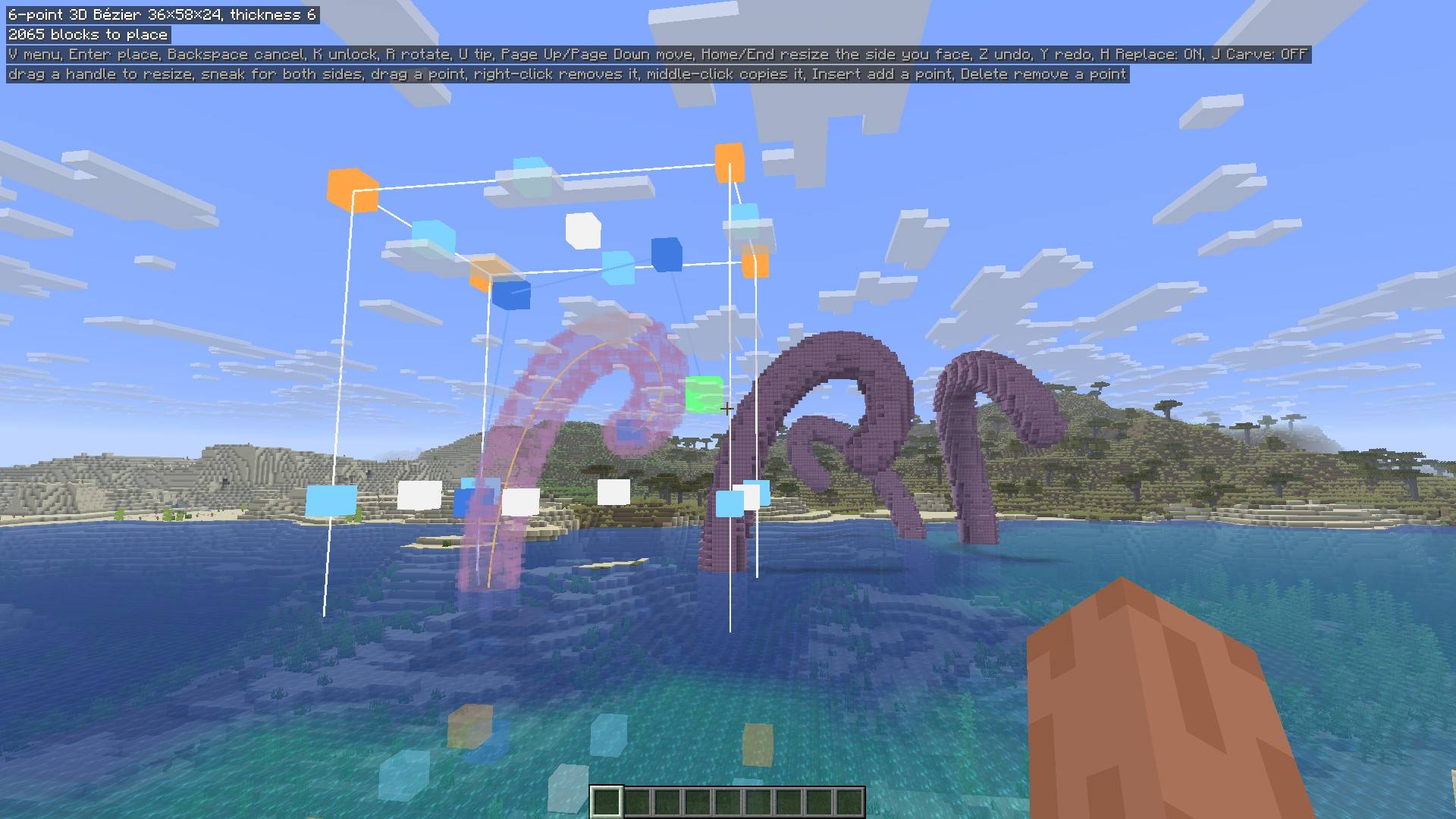
- Build ellipses, equations and Bézier curves.
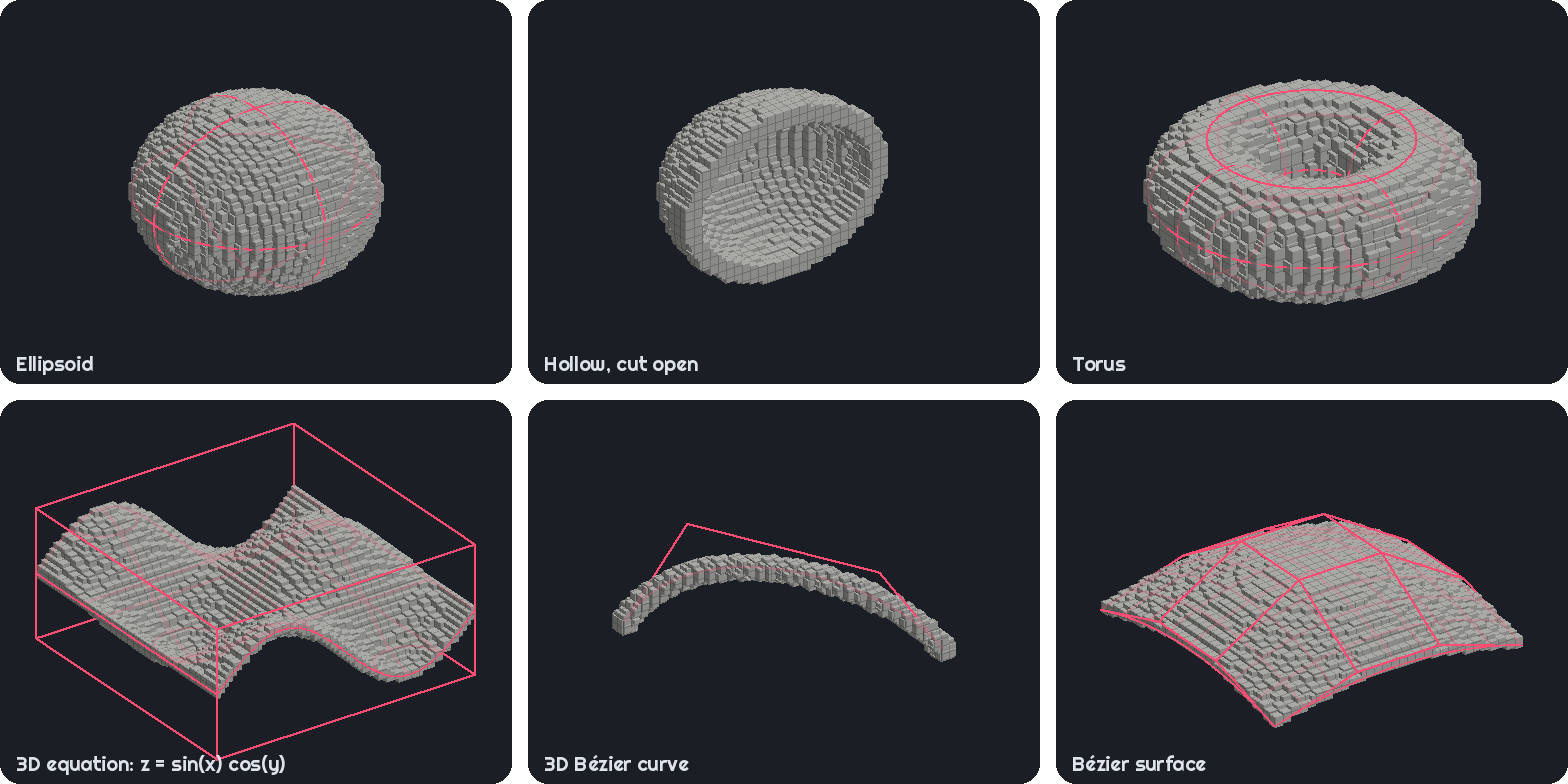
- 3D shapes
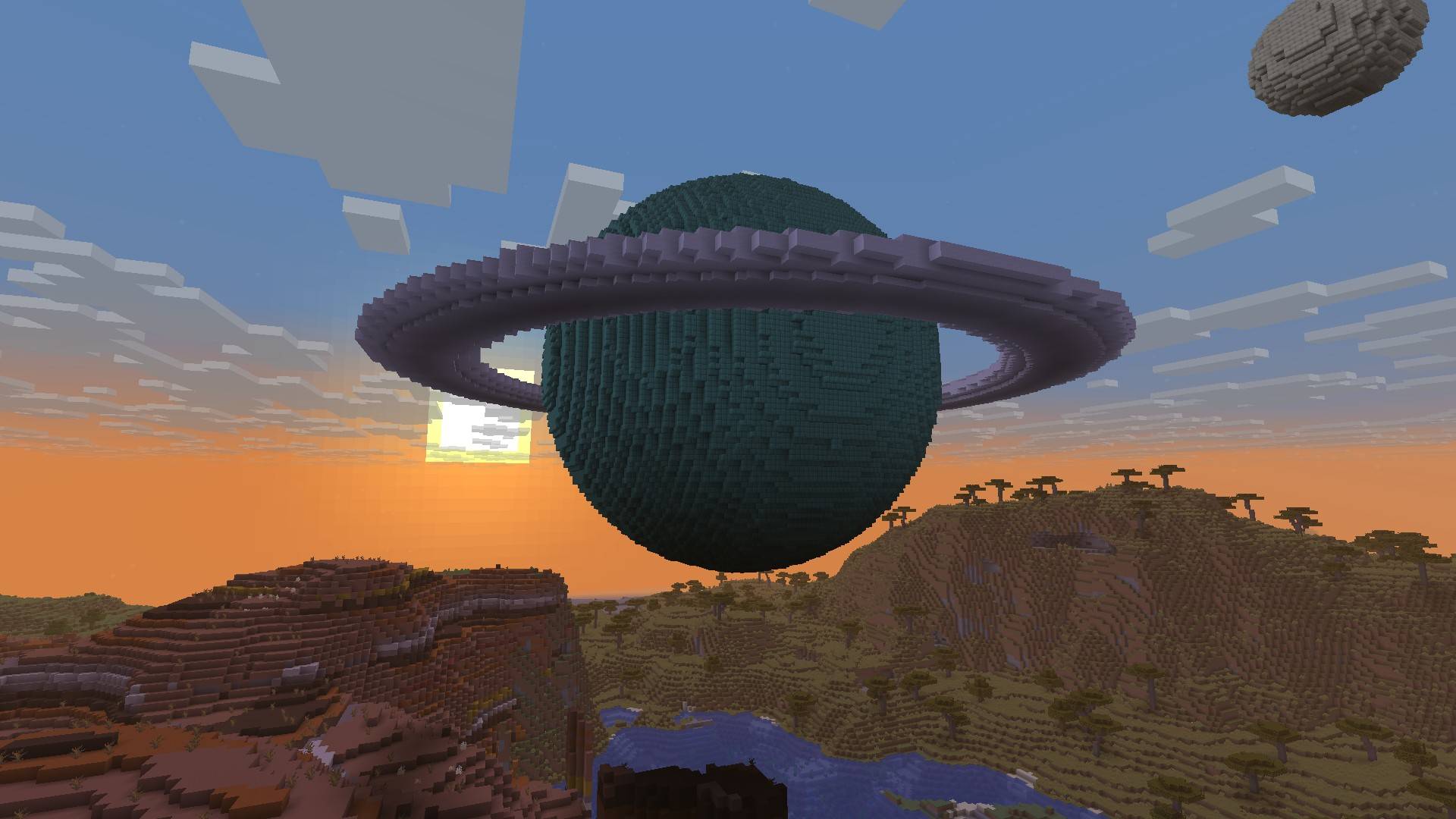
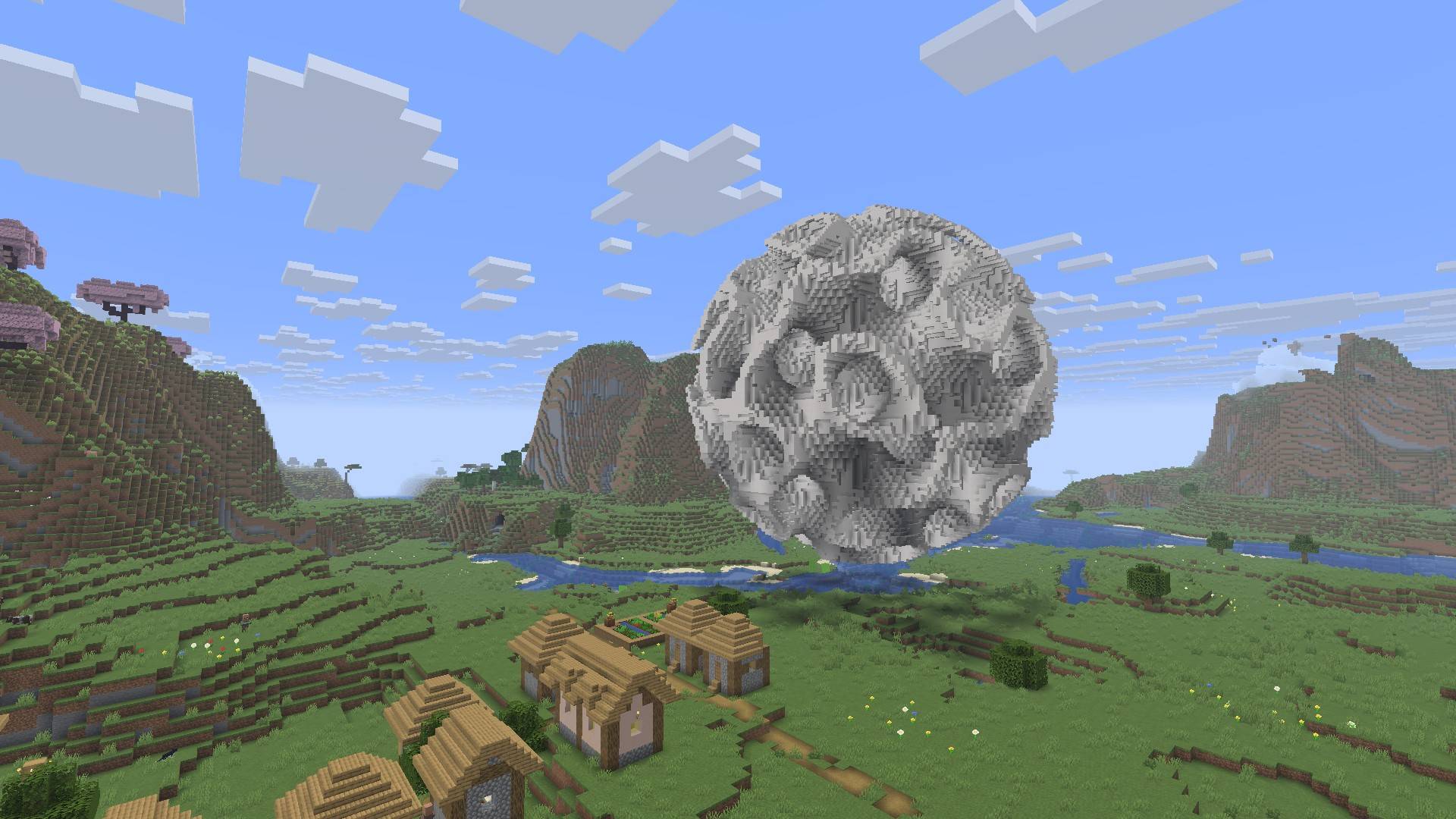
- Build ellipsoids, toruses, 3D equations, Bézier curves and surfaces.
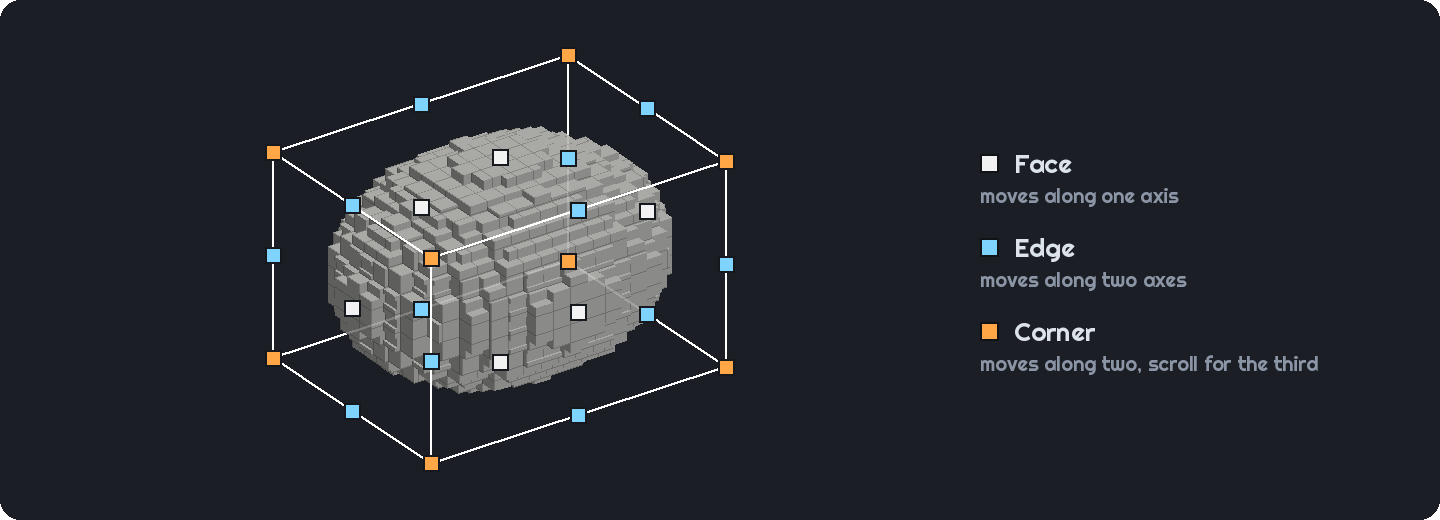
- Editable hologram
- Resize, move and bend your shape in the world before placing it.
- Block types
- Toggle which block types can be used to generate the shape. More block types available can increase accuracy.

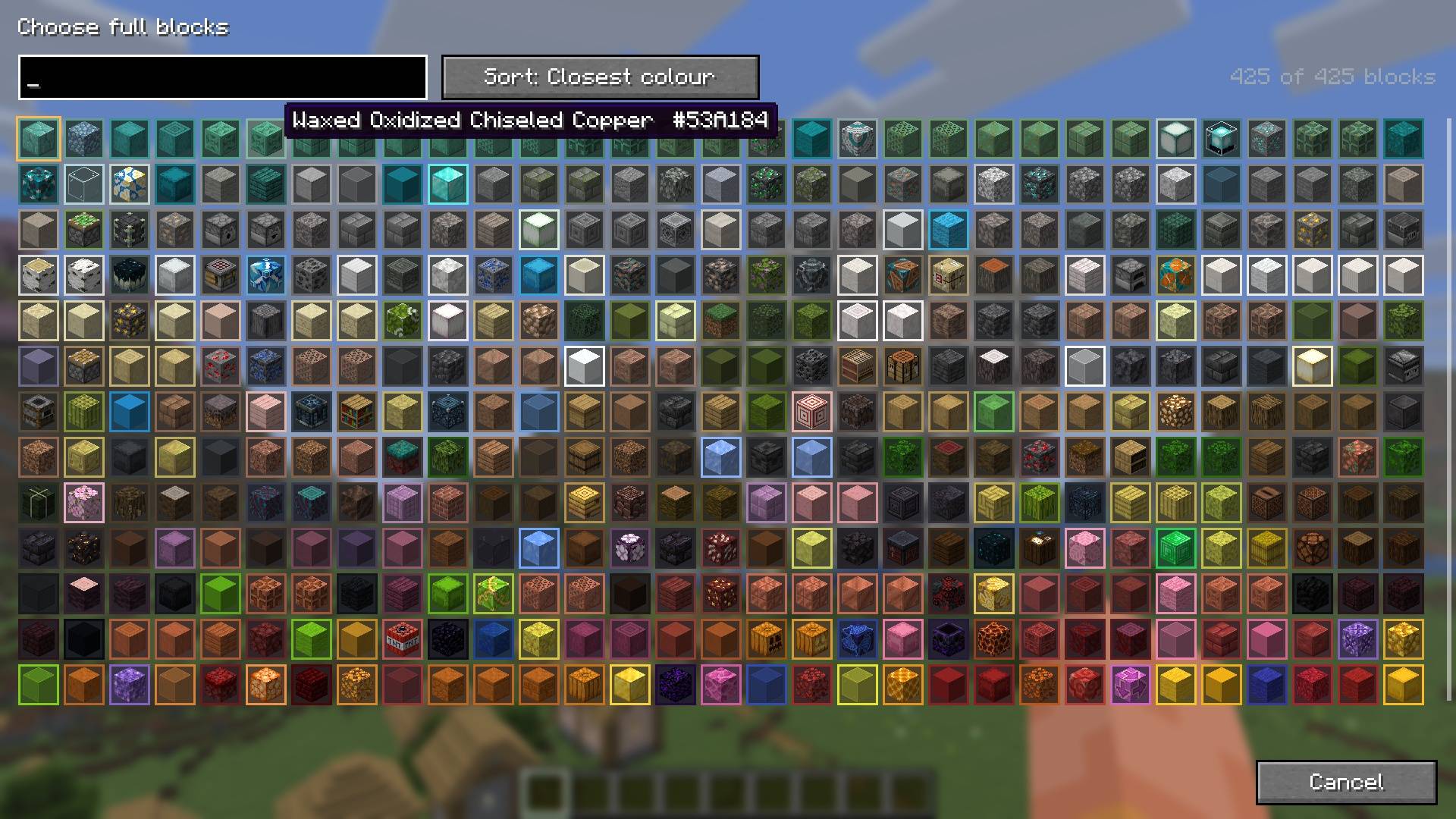
- Colour matching
- Pick a colour and let the mod choose blocks with the closest textures.
- Block counts
- See how many of each block you’ll need.
- Presets
- Save shapes with their block choices.
- Litematica export
- Save your shape as a
.litematicschematic.
- Save your shape as a
- Server support
- Place builds and undo your last placement even on servers without the mod. You’ll need operator rights.
Links
- The wiki contains full documentation on how to use the mod.
- Report a bug or suggest a feature in the issue tracker.

常见问题
Curvegen 支持哪些 Minecraft 版本?
Curvegen 支持 Minecraft Java 版 1.21–26.3,共 17 个版本,可用的加载器:Fabric / NeoForge。下载时注意选择和你游戏版本一致的文件。
Curvegen 怎么安装?
先用 PCL2 或 HMCL 启动器安装对应版本的 Fabric / NeoForge,再把下载的 .jar 文件放进游戏目录的 mods 文件夹,重新启动游戏即可。开启了版本隔离的,mods 文件夹在 versions/版本名 下面。
评论
登录后评论和评分